

Update Reign safely
Also called: update the theme, upgrade Reign, new version, theme update, update 8.1, roll back, downgrade, update failed.
What this does
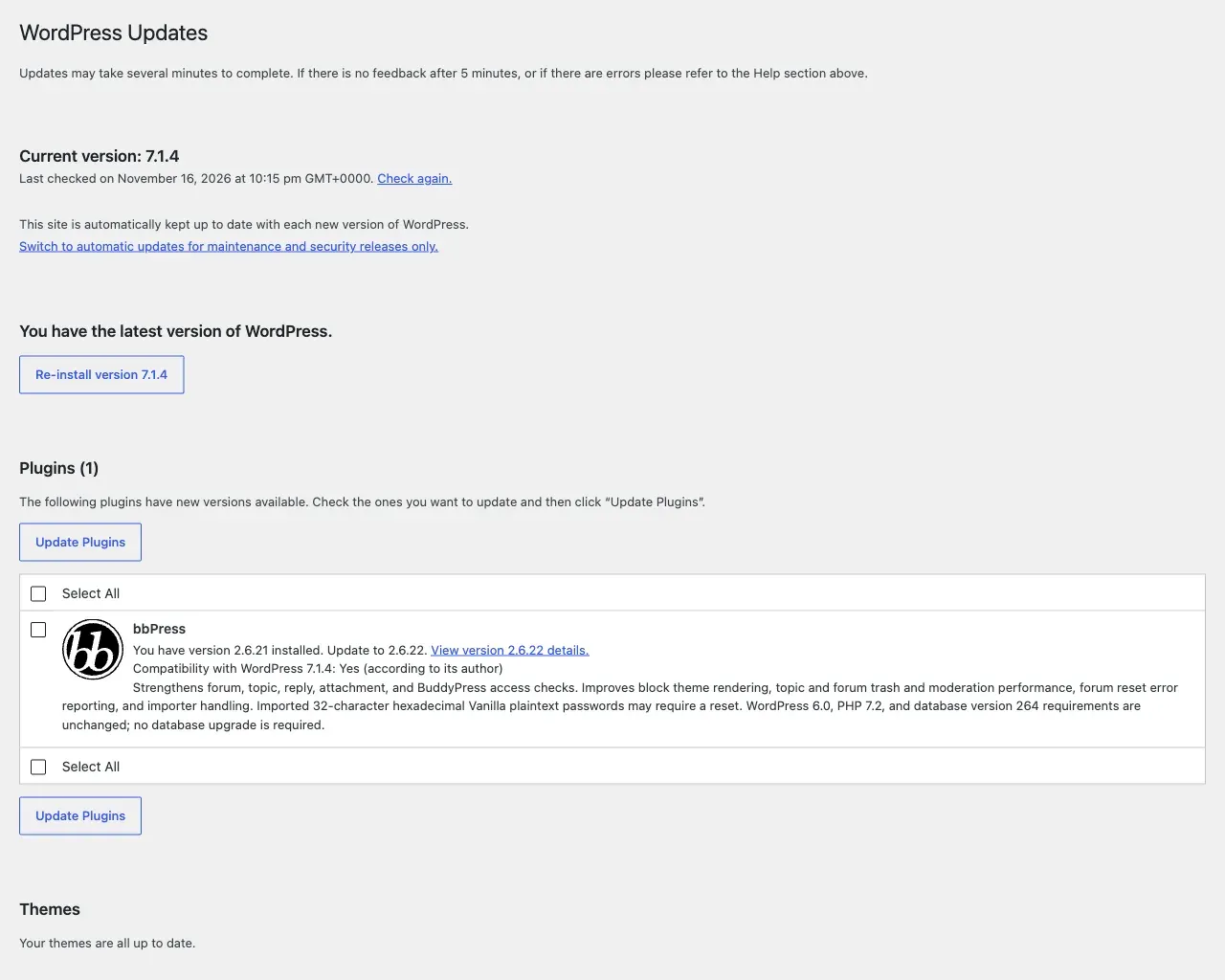
Section titled “What this does”Reign updates through the normal WordPress Updates screen once your licence is active. Without a licence, no update notice appears, and you upload a new zip by hand. This page tells you what to do before, during and after an update.
Before you start
Section titled “Before you start”- Take a backup of your database and files. It is the step people skip most.
- Check that you use a child theme. Or check that you have not edited theme files. Any edit made inside the
reign-themefolder is overwritten by the update. There is no warning and no way back except your backup. - Open Reign Settings > Tools. The System status says whether a child theme is active. If it says No and you changed files, move that work into a child theme first. The same screen has a Download child theme button.
- If you have a staging site, update there first. This matters most on a site with add-ons or a community plugin.
Your settings are safe. Everything you set in the Customizer or Reign Settings is stored in the database, not in theme files.
- Go to Dashboard > Updates, or Appearance > Themes.
- Update Reign.
- Open the front of your site. Check the header, a member screen and a page with your main content type.
- Update your Reign add-ons in the same visit. An add-on built for an older major version can misbehave on a new one.
Going from 8.0.x to 8.1? Follow Updating from 8.0.x to 8.1 instead.
You’ll know it worked when
Section titled “You’ll know it worked when”Appearance > Themes shows the new version number. The site looks as it did before. No notice about paused add-ons remains.
Updating from 8.0.x to 8.1
Section titled “Updating from 8.0.x to 8.1”Reign 8.1.0 changes some page layouts and stops styling a few plugins. It also gives your add-ons a new minimum version. Read what changed in Reign 8.1.0 first. It lists every change and what to use instead. Your content and saved settings carry over, and nothing needs to be set again.
Upgraded sites keep the colours they had on 8.0.8. Reign 8.1.0 has new colours with stronger text contrast. You choose when to switch to them.
Update in this order
Section titled “Update in this order”- Take a backup of the database and files, or work on a staging copy.
- Update Reign under Dashboard > Updates or Appearance > Themes.
- Update your Reign add-ons in the same visit. The table below lists the version each one needs.
- Open the Dashboard and read the notice Reign 8.1.0: changes that affect your site. It lists only what changed on your site.
- Reload the Dashboard and the Plugins screen. Check that no Reign add-on “paused” notice remains at the top.
- Walk your main pages: home, a post, your shop or courses, and member and group pages.
An add-on built for 8.1.0 pauses itself on an older Reign. It loads nothing and shows “Add-on name is paused. Your settings are kept.” It starts again by itself once Reign is updated.
An add-on built for 8.0.8 keeps working on 8.1.0. Reign shows a notice such as “Update Reign Dokan Addon to 3.9.0.” with a Go to updates link. The notice appears on the Dashboard, Plugins, Appearance > Themes and Updates screens, and on Reign Settings. It clears once you update the add-on.
| Add-on | Version for Reign 8.1.0 |
|---|---|
| Reign LearnDash Addon | 5.2.0 |
| Reign Tutor LMS Addon | 2.3.0 |
| Reign LifterLMS Addon | 2.7.0 |
| Reign Sensei Addon | 2.0.0 |
| Reign WCFM Addon | 2.0.0 |
| Reign Dokan Addon | 3.9.0 |
| Reign WC Vendors Addon | 2.8.0 |
| Reign WP Job Manager Addon | 3.2.0 |
| Reign GeoDirectory Addon | 2.5.0 |
Add-ons update through the WordPress Updates screen while their key is active under Reign Settings > License. See Reign add-ons.
Keep your old colours or switch to the 8.1.0 colours
Section titled “Keep your old colours or switch to the 8.1.0 colours”The dashboard notice has two colour links. It shows one at a time.
- Switch to the 8.1.0 colours shows while your site keeps its 8.0.8 colours. Select it to use the new colours. Colours you saved yourself are never changed, and a colour you changed since the update stays.
- Restore my old colours shows after you switched. Select it to go back to the colours you had before.
These links live only in the notice. Dismiss hides the notice for the whole site. Decide about the colours before you dismiss it.
Updating from 8.1.0 to 8.1.1
Section titled “Updating from 8.1.0 to 8.1.1”8.1.1 is a fix release. It changes no saved settings and removes no setting you can use, so you can update straight away.
- Reign Settings > Home shows a Set up your site card on sites that have not built a demo yet. See Set up your site. Select Hide if you do not need it.
- The block editor now shows your site’s fonts, colours and dark mode, so pages look the same while you edit them.
- Keyboard and screen reader users can reach and close the sign-in popup, the phone account menu and the header menus.
- Sites set up on 8.1.1 or later show like counts on activity by default. Sites updated from 8.1.0 keep their own setting.
- The first time you open the WordPress admin after the update, Reign clears Elementor’s cached CSS once. Elementor rebuilds it as pages are viewed, so widgets that follow the theme pick up their new styles. Nothing for you to do.
- Wide tables in posts and comments scroll sideways in their own box on phones instead of being cut off.
- With no menu assigned to the header, Reign shows Home and your first six pages in page order, instead of every page.
- Building a demo needs the Demo Installer 1.2.0 or later and 256 MB of PHP memory. See Set up your site.
Good to know
Section titled “Good to know”The site looks different after the update. What now?
Section titled “The site looks different after the update. What now?”If the notice is gone and a page still looks different, open what changed in Reign 8.1.0. Most differences come from a plugin Reign no longer styles, a removed widget, or the new course page. If a page still looks wrong, open a ticket. Add a screenshot, the System status from Reign Settings > Tools, and your Reign, add-on and plugin versions.
I am upgrading from Reign 7. Do I need to do anything?
Section titled “I am upgrading from Reign 7. Do I need to do anything?”The Re-run 8.0.0 setup card on Reign Settings > Tools shows only on sites that still have Reign 7.x colour settings. It applies the 8.0.0 colour defaults again and keeps your saved settings. The card says if the migration already ran. Use it only when you upgrade from 7.x and the colours look wrong. It is not part of an update from 8.0.x to 8.1.
How do I update without a licence key?
Section titled “How do I update without a licence key?”- Download the current zip from your account.
- Go to Appearance > Themes > Add New > Upload Theme.
- Upload the zip. WordPress asks what to do about the existing copy. Choose to replace it.
You can also upload the unzipped folder over SFTP and replace wp-content/themes/reign-theme. Delete the old folder instead of merging into it. Then files removed in the new version do not stay behind.
How do I go back to the old version?
Section titled “How do I go back to the old version?”Install the previous version the same way as a manual update, using the older zip from your account. Then open a ticket with your System status from Reign Settings > Tools and a note of what broke. That way the cause gets fixed.
Why do I get no update notice?
Section titled “Why do I get no update notice?”Updates arrive only while your licence is active. See activate your licence.