

Course pages for LifterLMS (Reign LifterLMS Addon)
Also called: LifterLMS theme, LMS add-on, course layout, course catalog, student dashboard.
What this does
Section titled “What this does”This add-on gives LifterLMS a new course page layout, catalog cards and a few learner extras. This page covers Reign LifterLMS Addon version 2.7.0. For a quick start, read Set up LifterLMS for Reign in the add-on guide.
The theme already draws the course page, curriculum and enrol card. The add-on adds only what neither the theme nor LifterLMS gives you.
- A Spotlight course layout, with the course image behind the title.
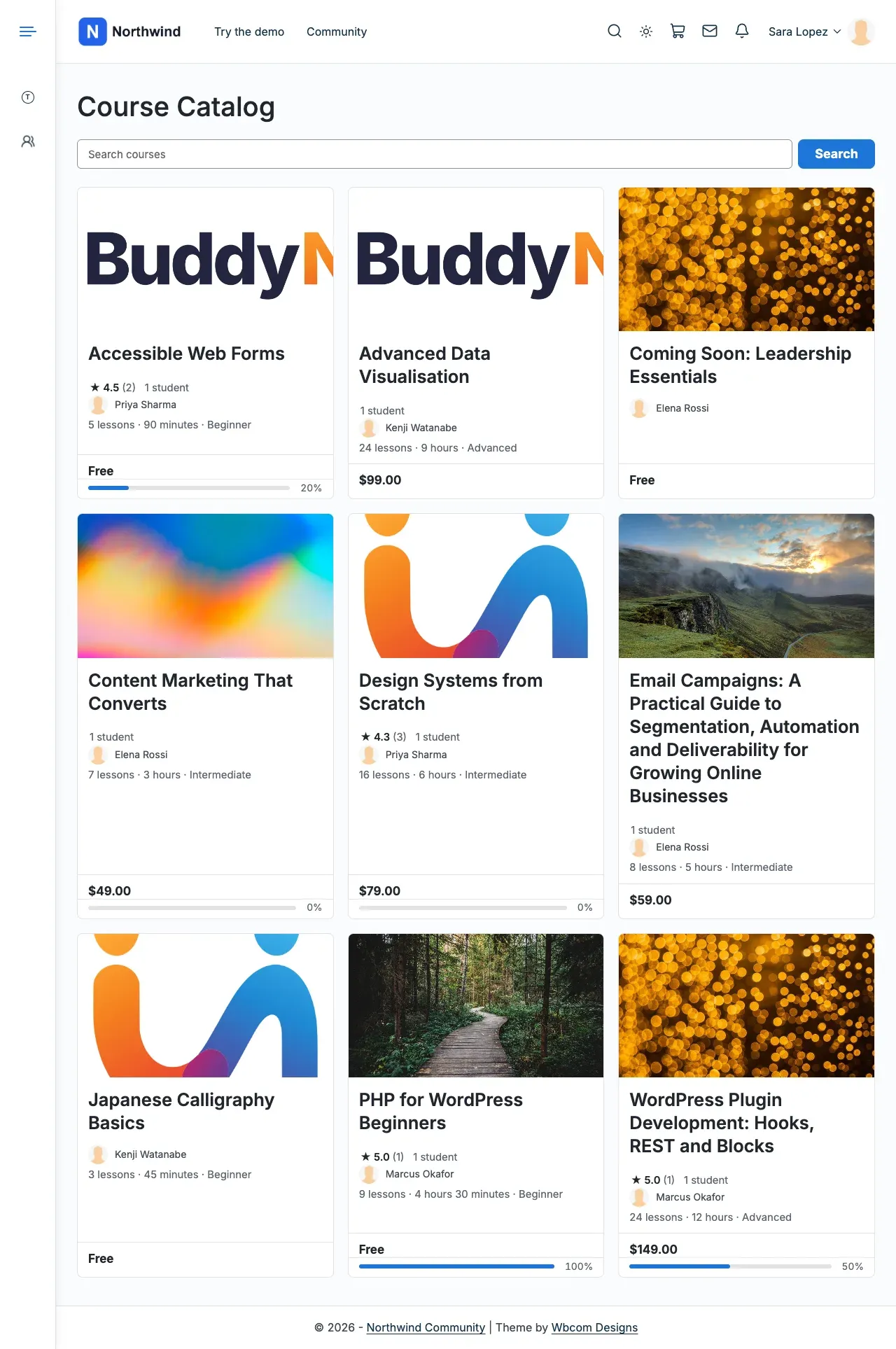
- A Detail card style for the course catalog, with price, rating and students.
- A related courses section below the course.
- Star ratings on course reviews.
- Icons and counts in the student dashboard menu.
- A reading mode for lessons and quizzes. Students can switch it on or off.
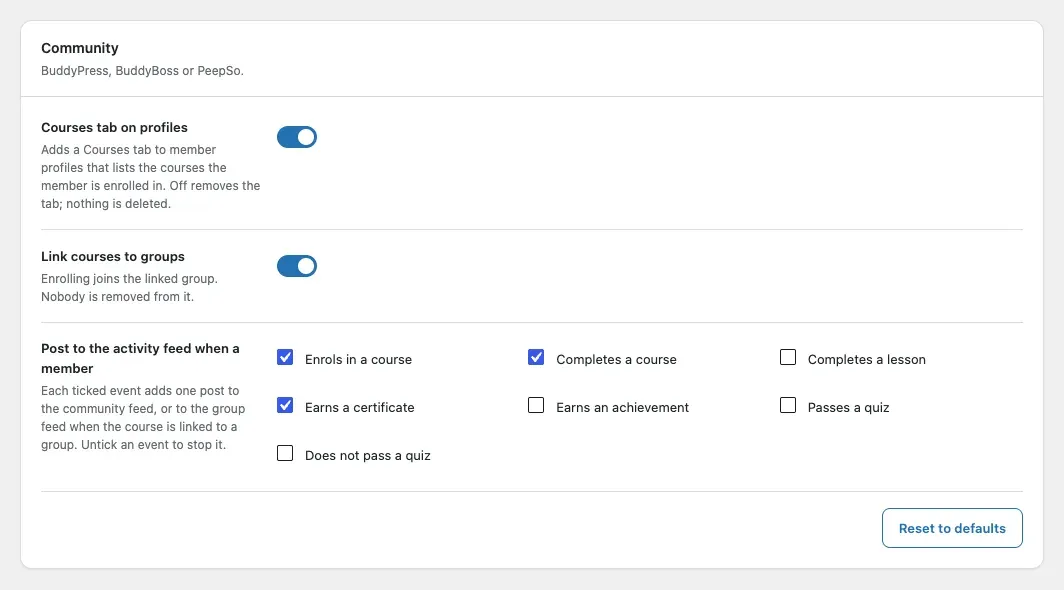
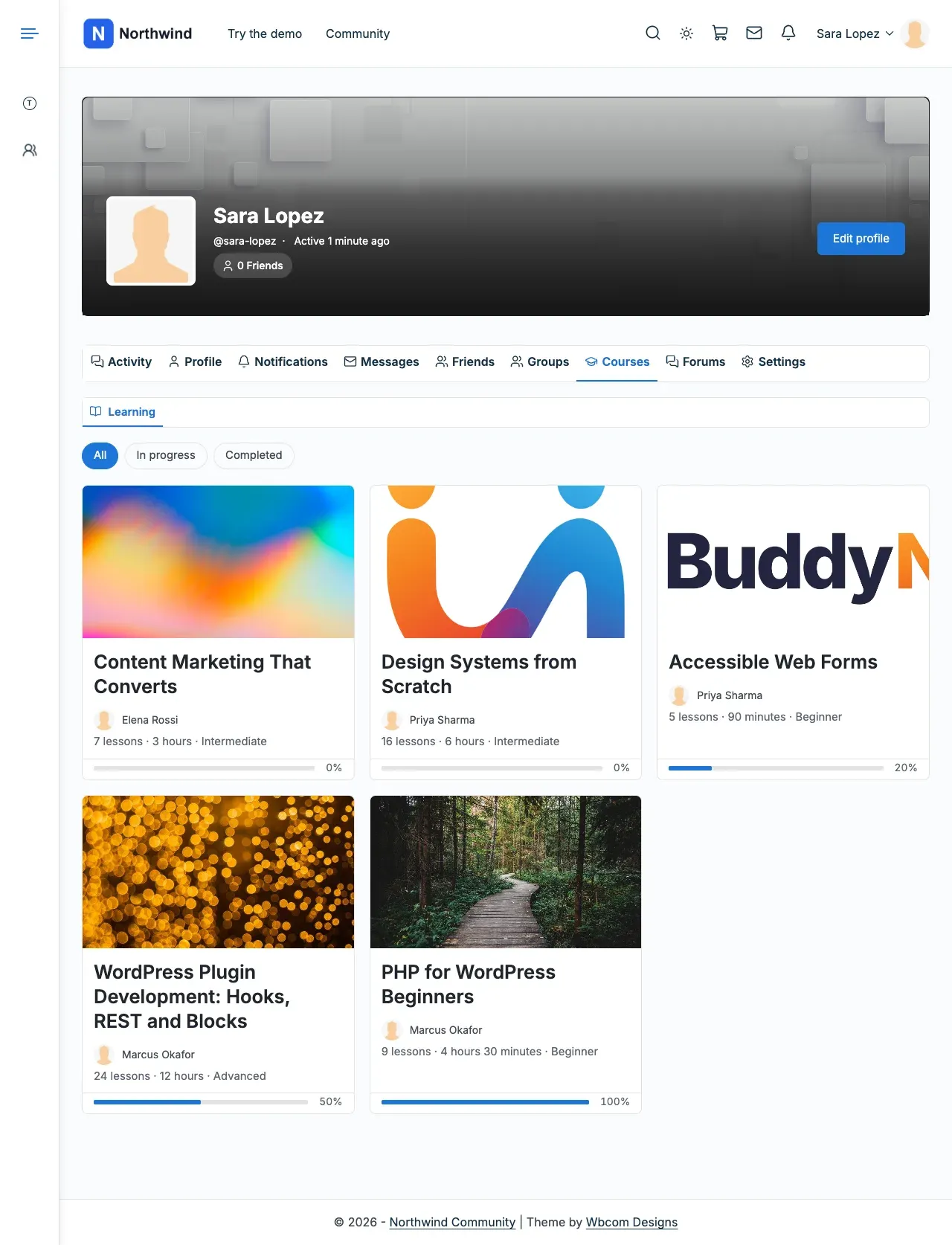
- A Courses tab on profiles, course-to-group links and activity posts, with BuddyPress, BuddyBoss or PeepSo.
Before you start
Section titled “Before you start”| You need | Minimum |
|---|---|
| WordPress | 6.5 |
| PHP | 8.1 |
| LifterLMS | 7.5.2 |
| Reign theme | 8.1.0 |
If something is missing or too old, the add-on pauses. It shows “Reign LifterLMS Add-on is paused. Your settings are kept.” with one step per missing item. BuddyPress, BuddyBoss and PeepSo are optional. They switch on the community features.
-
Go to Reign Settings > Integrations.
-
In the Addon settings card, select Configure on the LifterLMS tile. Every option has a working default.
-
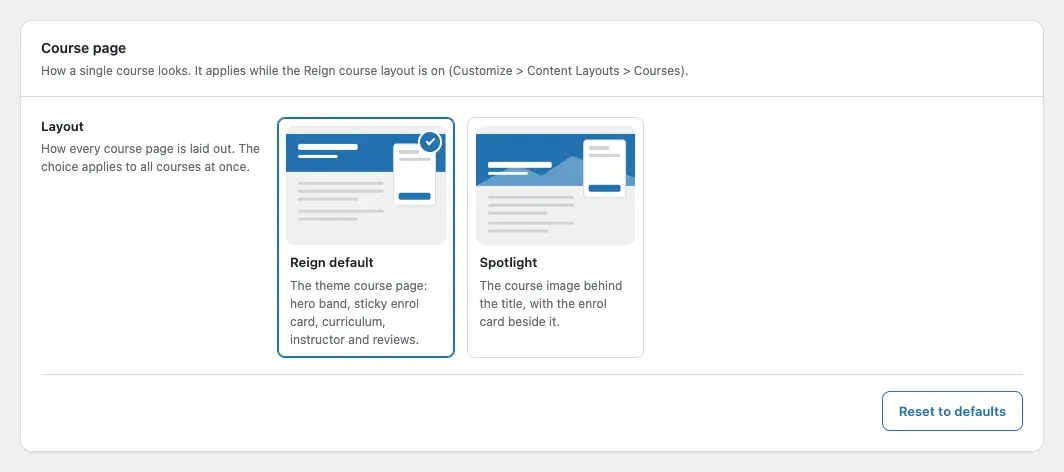
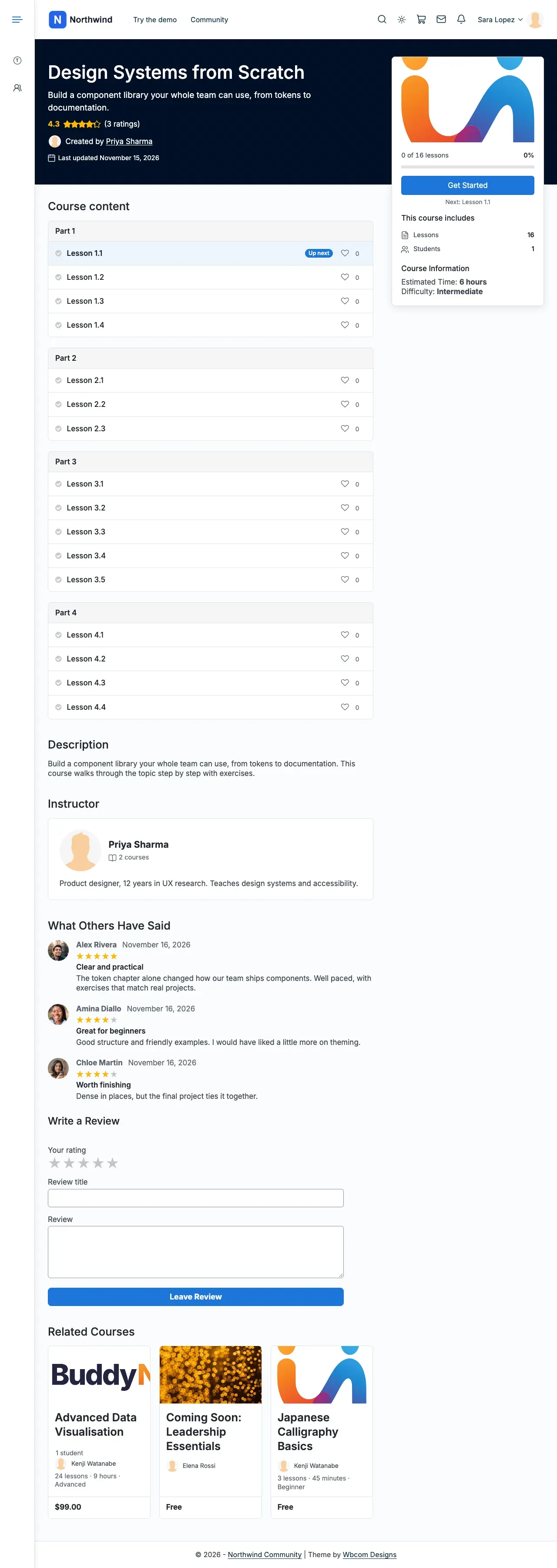
In the Course page card, pick a layout. Reign default is the theme’s own page, with the curriculum, reviews and related courses below it.
-
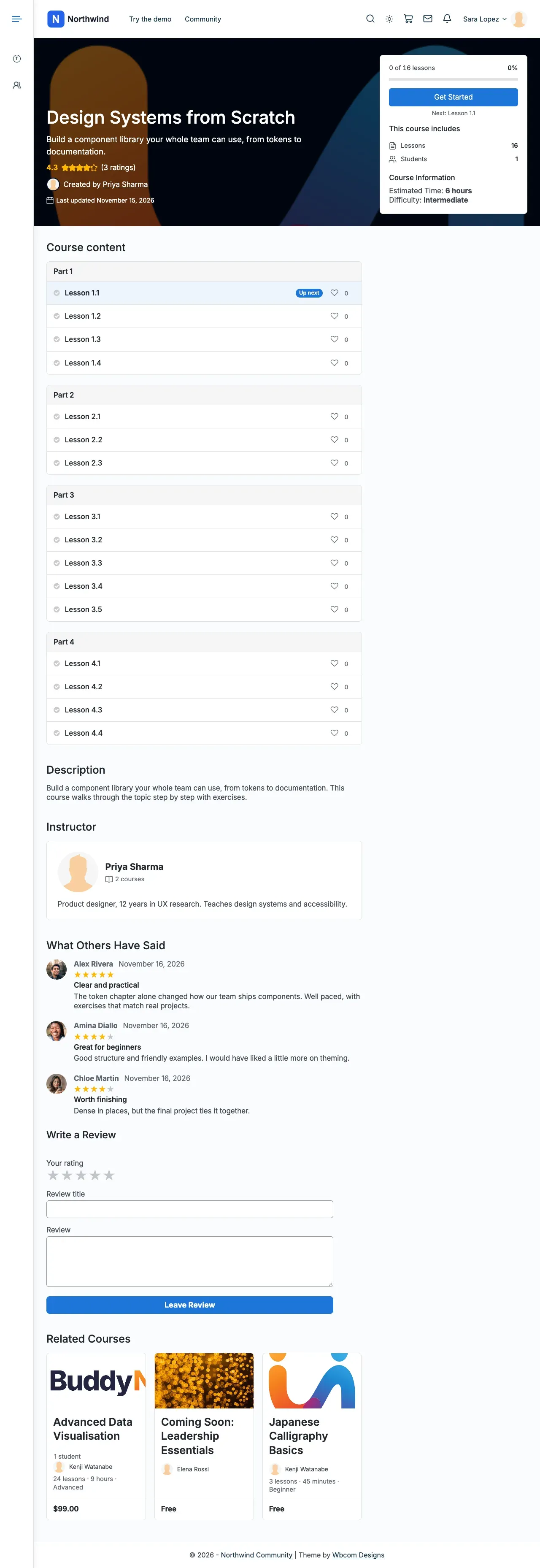
Spotlight puts the course image behind the title and the enrol card beside it.
-
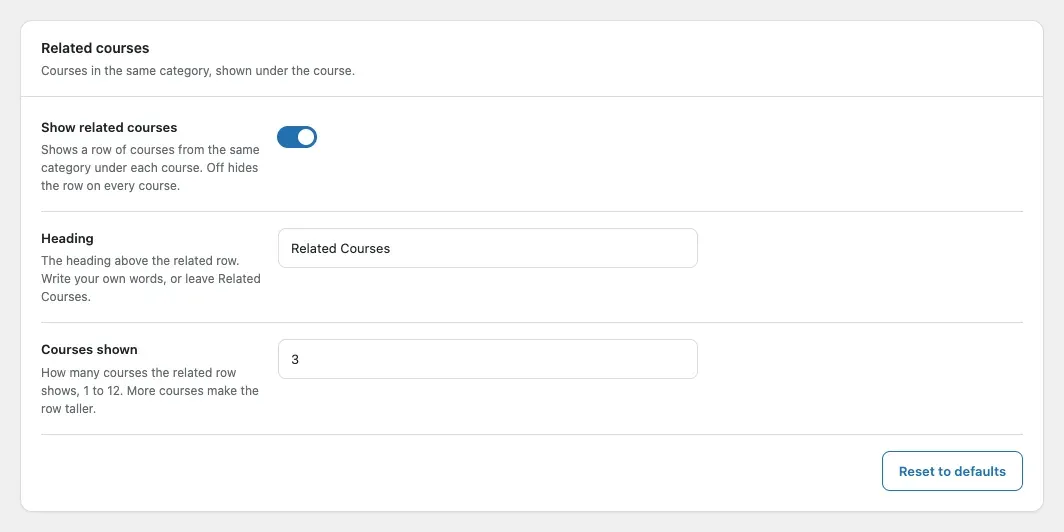
Open the Related courses card. Set the section below the course and how many courses it shows.
-
Open the Course catalog card. Pick the card style and the number of columns. The catalog uses the Reign card by default.
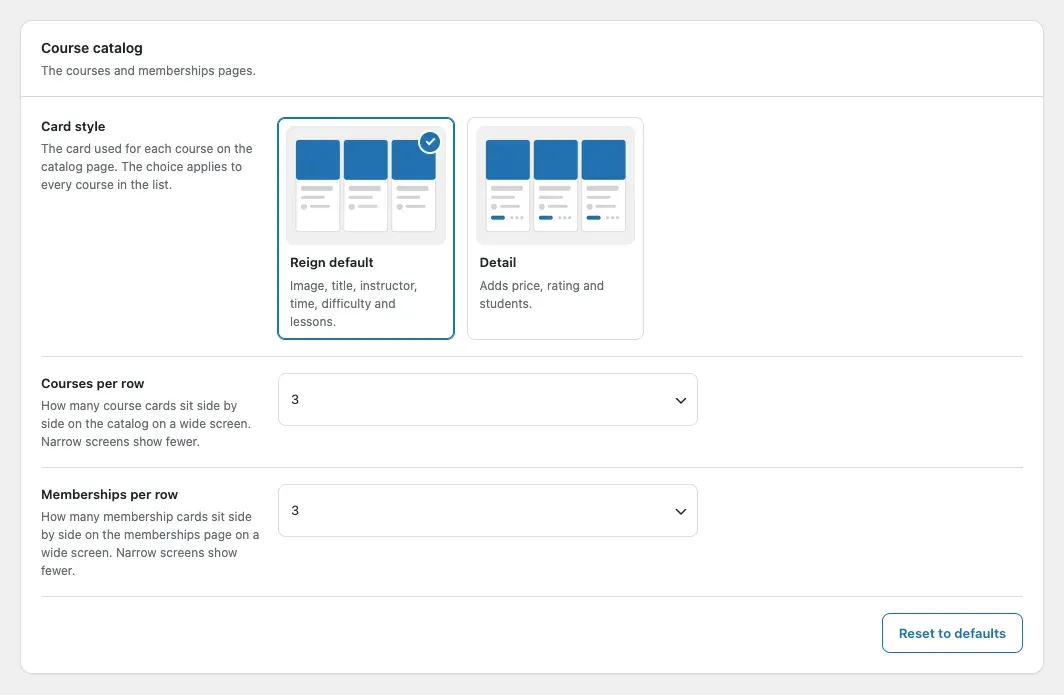
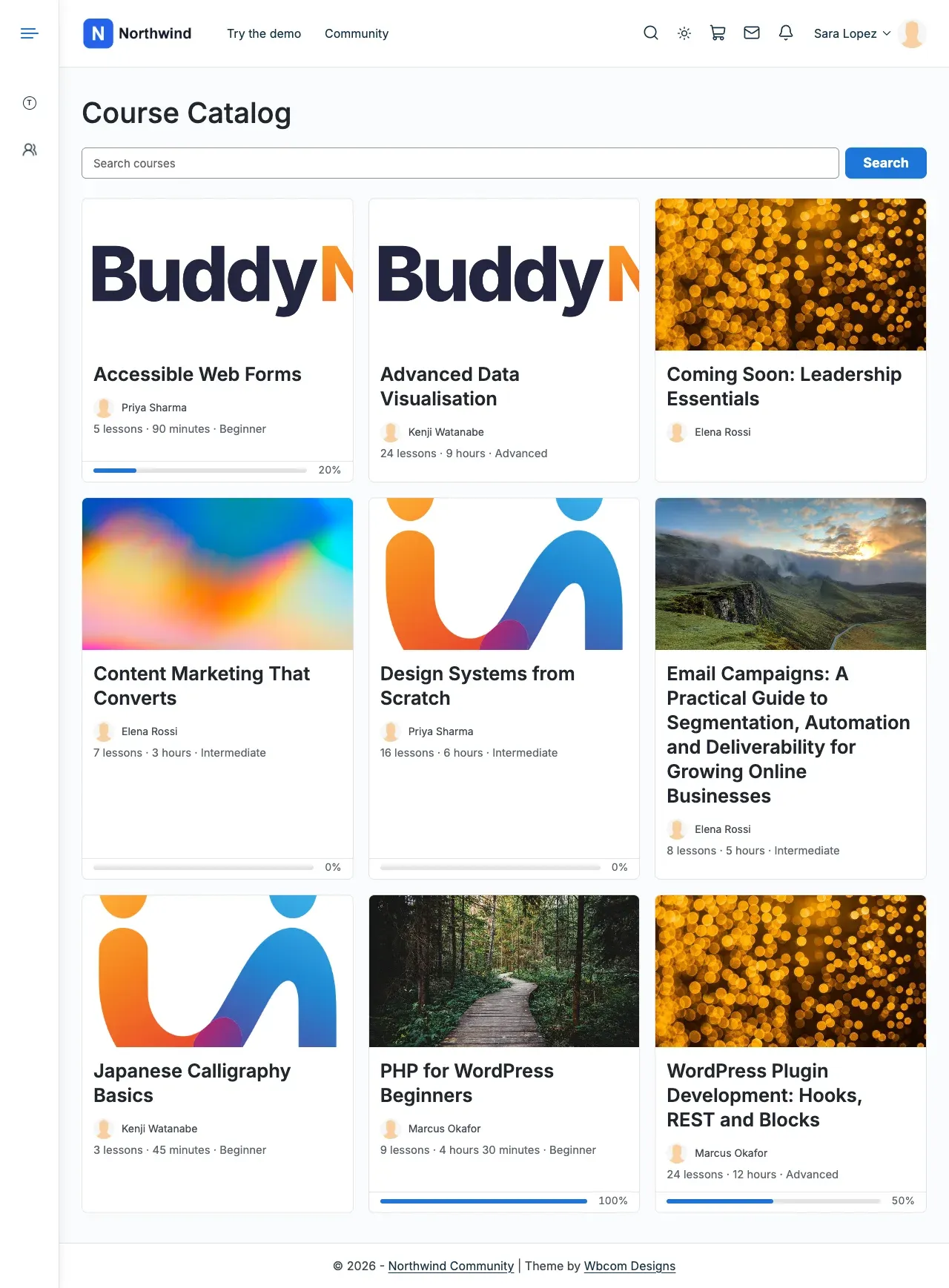
-
The Detail card style adds price, rating and students.
-
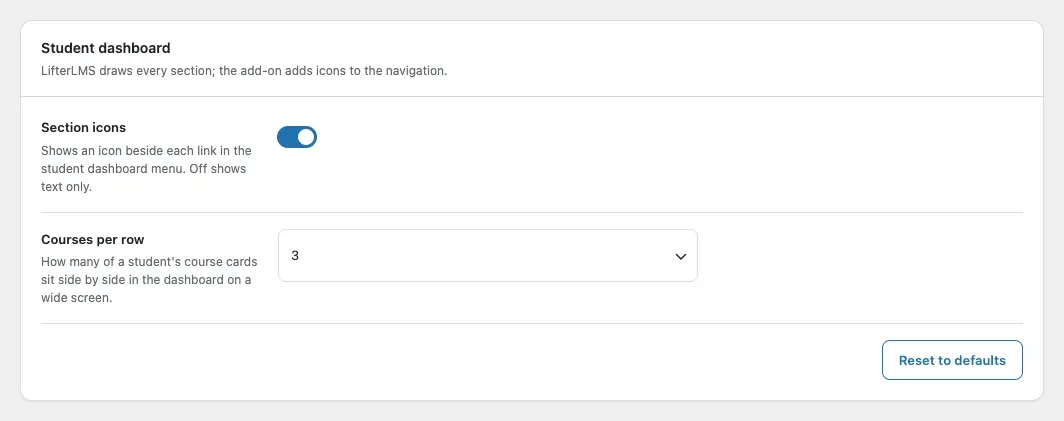
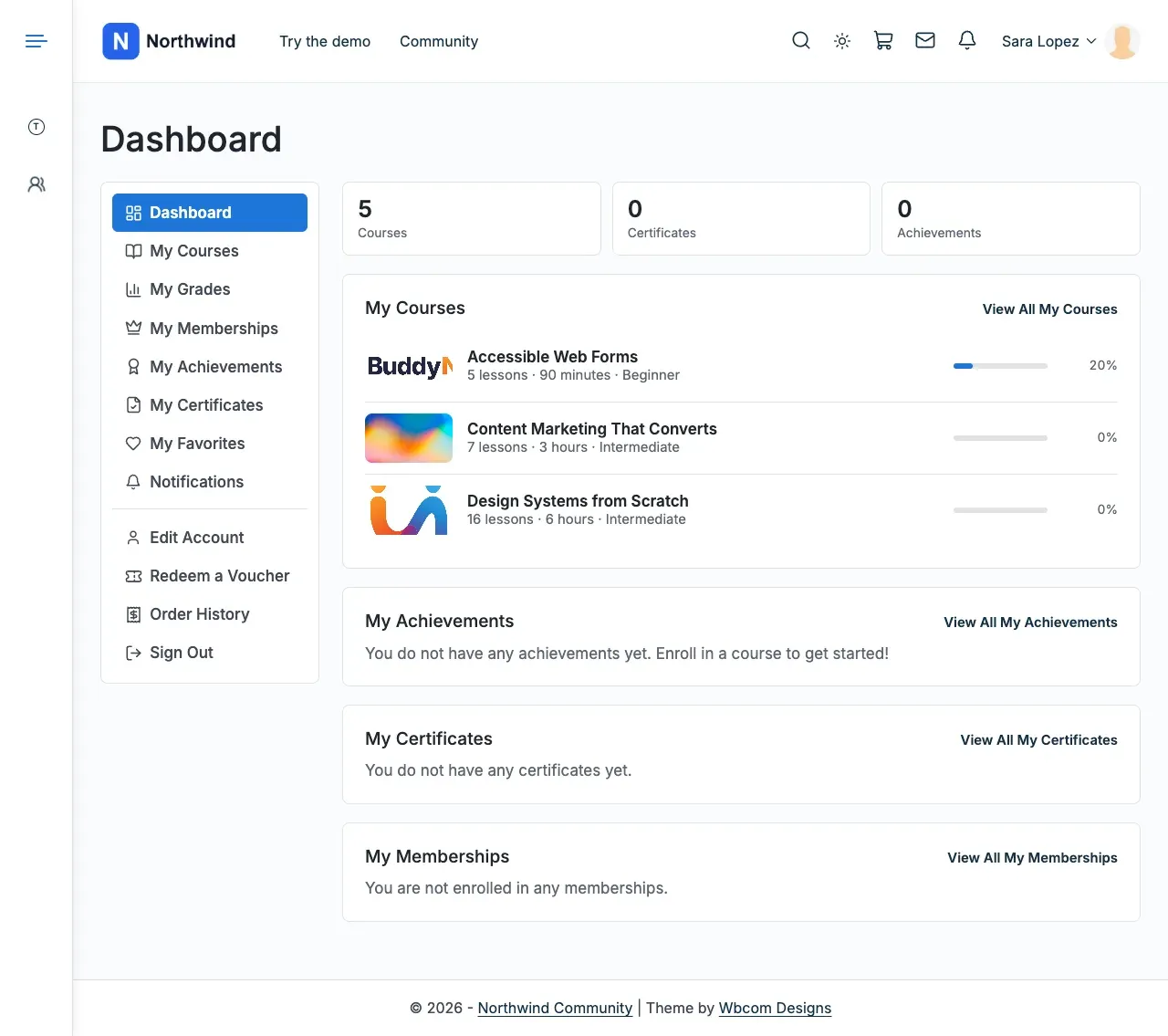
Open the Student dashboard card. Turn on the menu icons and set the columns.
-
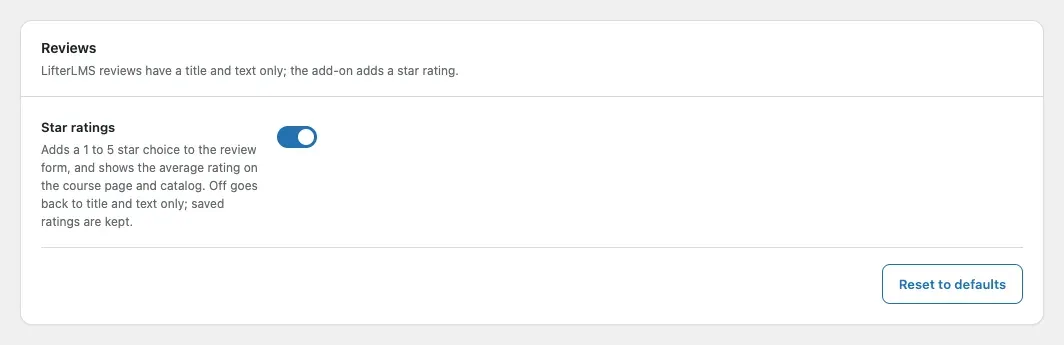
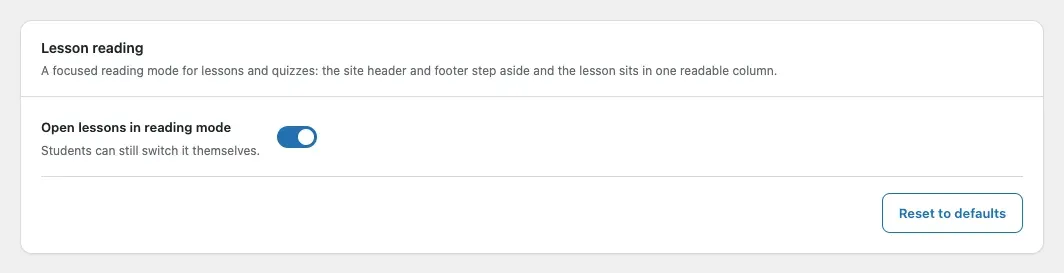
Open the Reviews card to add star ratings. Open the Lesson reading card to set the reading mode.
-
Open the Community card. It controls the profile tab, course groups and activity posts.
-
Select Save changes. Enter the add-on licence key in Reign Settings > License.
You’ll know it worked when
Section titled “You’ll know it worked when”Your course page, catalog and student dashboard use the options you picked. With BuddyPress, BuddyBoss or PeepSo, each member gets a Courses tab.
Good to know
Section titled “Good to know”I am updating from 2.6.0. What changes?
Section titled “I am updating from 2.6.0. What changes?”Update the theme and the add-on together. A licence key saved in the old add-on moves to Reign Settings > License on your next dashboard visit.