

Favourite products for WC Vendors (Reign WC Vendors Addon)
Also called: WC Vendors theme, multivendor add-on, wishlist, favourites page, vendor store tab.
What this does
Section titled “What this does”This add-on adds favourite hearts and community tabs to a WC Vendors marketplace. This page covers Reign WC Vendors Addon version 2.8.0. It works with WC Vendors Free and WC Vendors Pro. For a quick start, read Set up WC Vendors for Reign in the add-on guide.
WC Vendors keeps its own store pages, vendor dashboard and store header. The add-on adds these.
- Favourite products: a heart on products, a Favourites page in My Account and a Favourites tab on the member’s own profile.
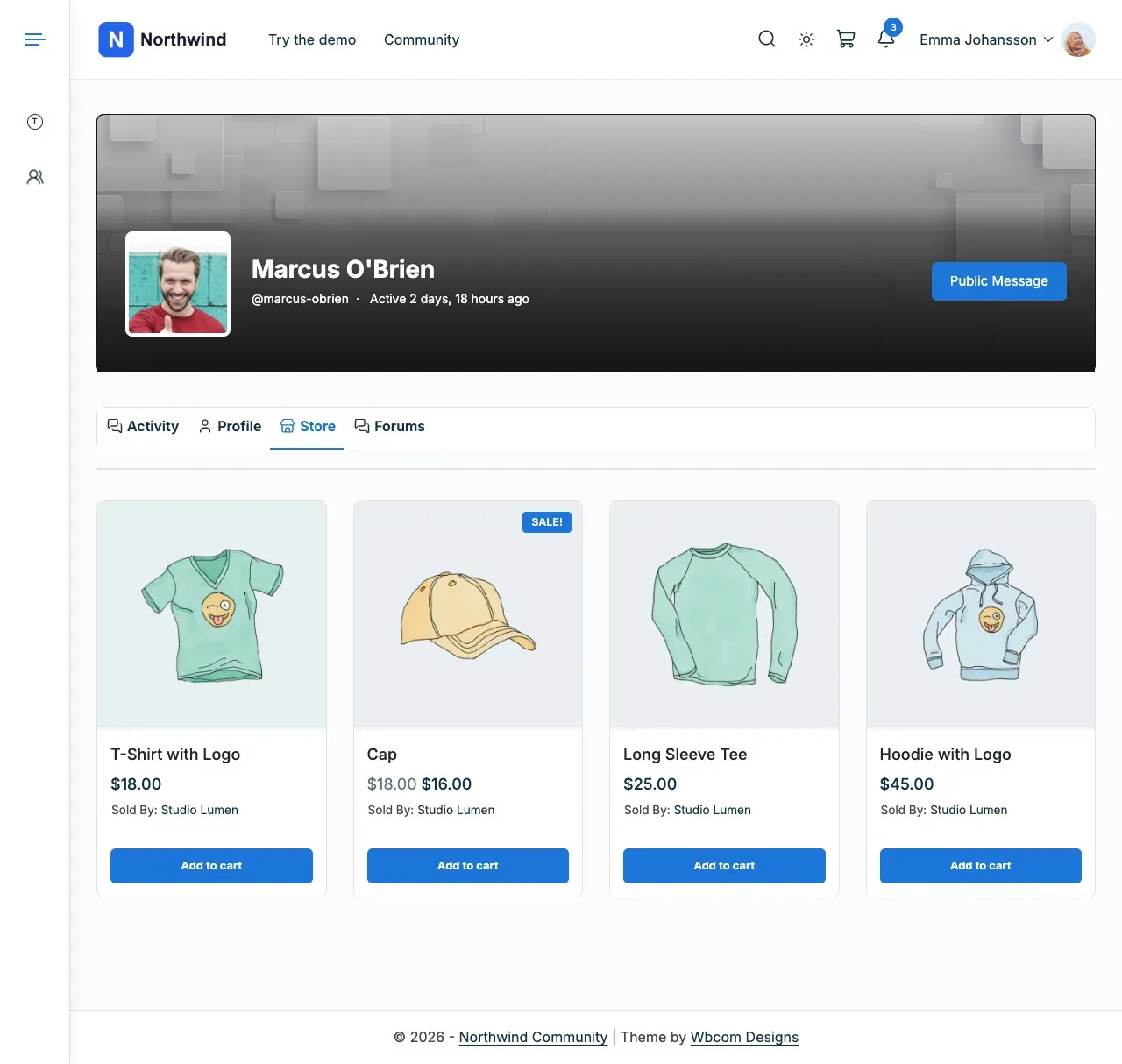
- A Store tab on a vendor’s member profile, with BuddyPress or BuddyBoss.
- Activity posts for new products, new reviews and, if you turn it on, purchases.
It has no store header style, widgets, shortcodes or blocks of its own. To change the store header, use WC Vendors Pro’s own display settings. With WC Vendors Pro on BuddyBoss, the add-on steps aside for the Store tab and the product and review posts. That way nothing posts twice.
Before you start
Section titled “Before you start”| You need | Minimum |
|---|---|
| WordPress | 6.5 |
| PHP | 8.1 |
| Reign theme | 8.1.0 |
| WC Vendors | 2.7 |
| WooCommerce | Active |
Reign works with one vendor plugin at a time. If something is missing or too old, or Dokan or WCFM Marketplace is active too, the add-on pauses. It shows “Reign WC Vendors Addon is paused. Your settings are kept.” with one step per item. BuddyPress or BuddyBoss Platform is optional.
-
Go to Reign Settings > Integrations.
-
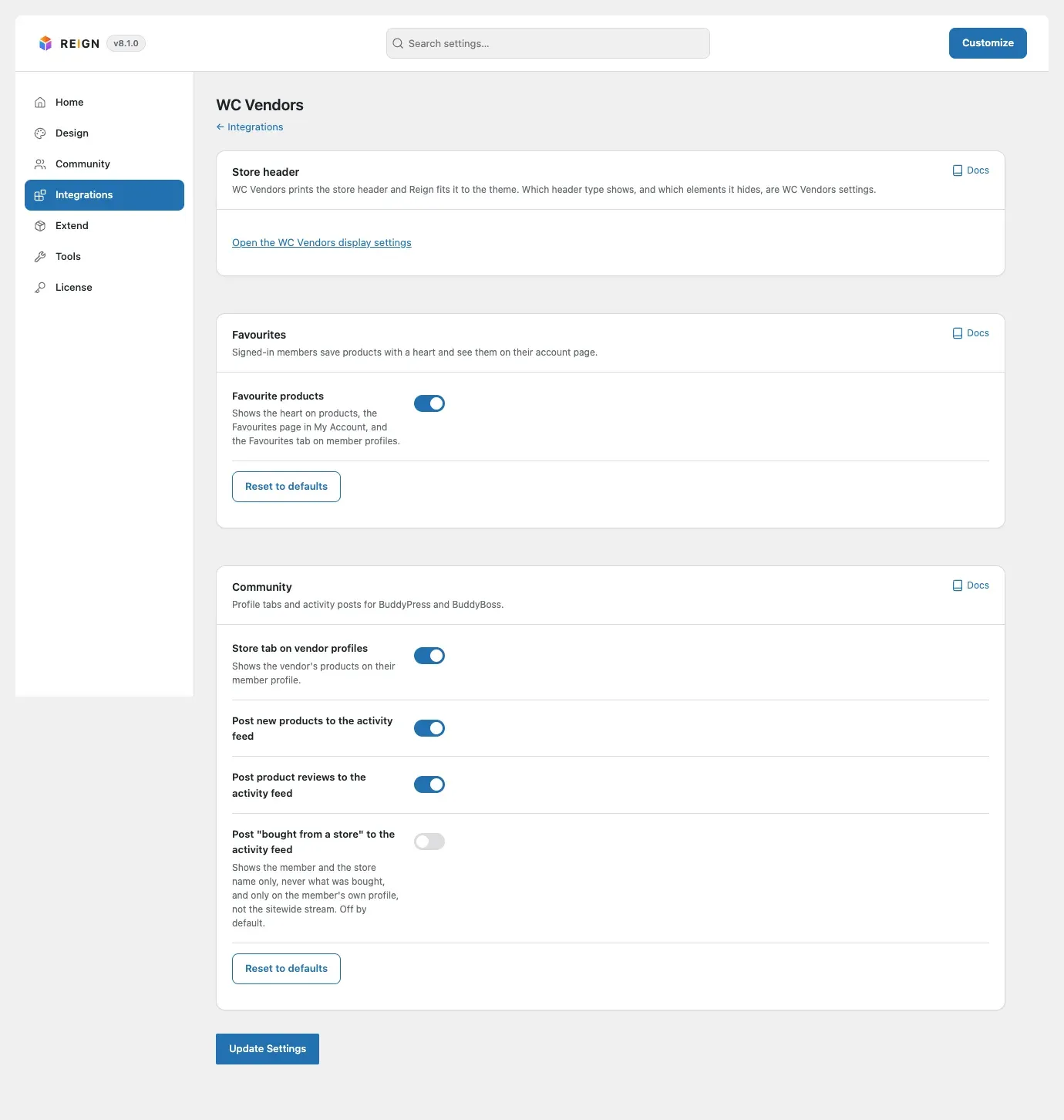
In the Addon settings card, select Configure on the WC Vendors tile. The screen has Store header, Favourites and Community cards.
-
In the Favourites card, turn the hearts on.
-
In the Community card, choose the profile tabs and activity posts.
-
Select Save changes. Enter the add-on licence key in Reign Settings > License.
You’ll know it worked when
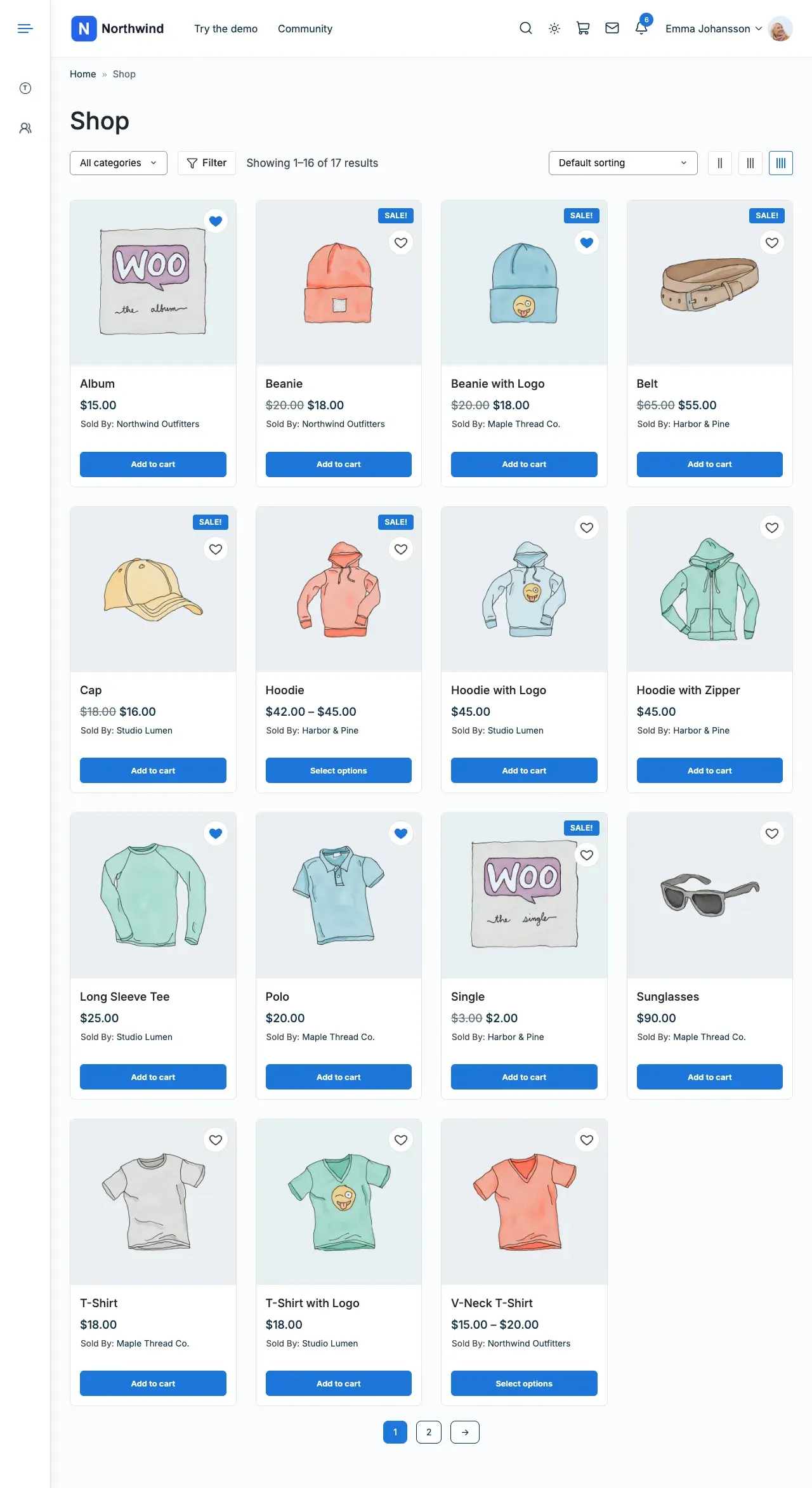
Section titled “You’ll know it worked when”Logged-in members see a heart on every product card in the shop.
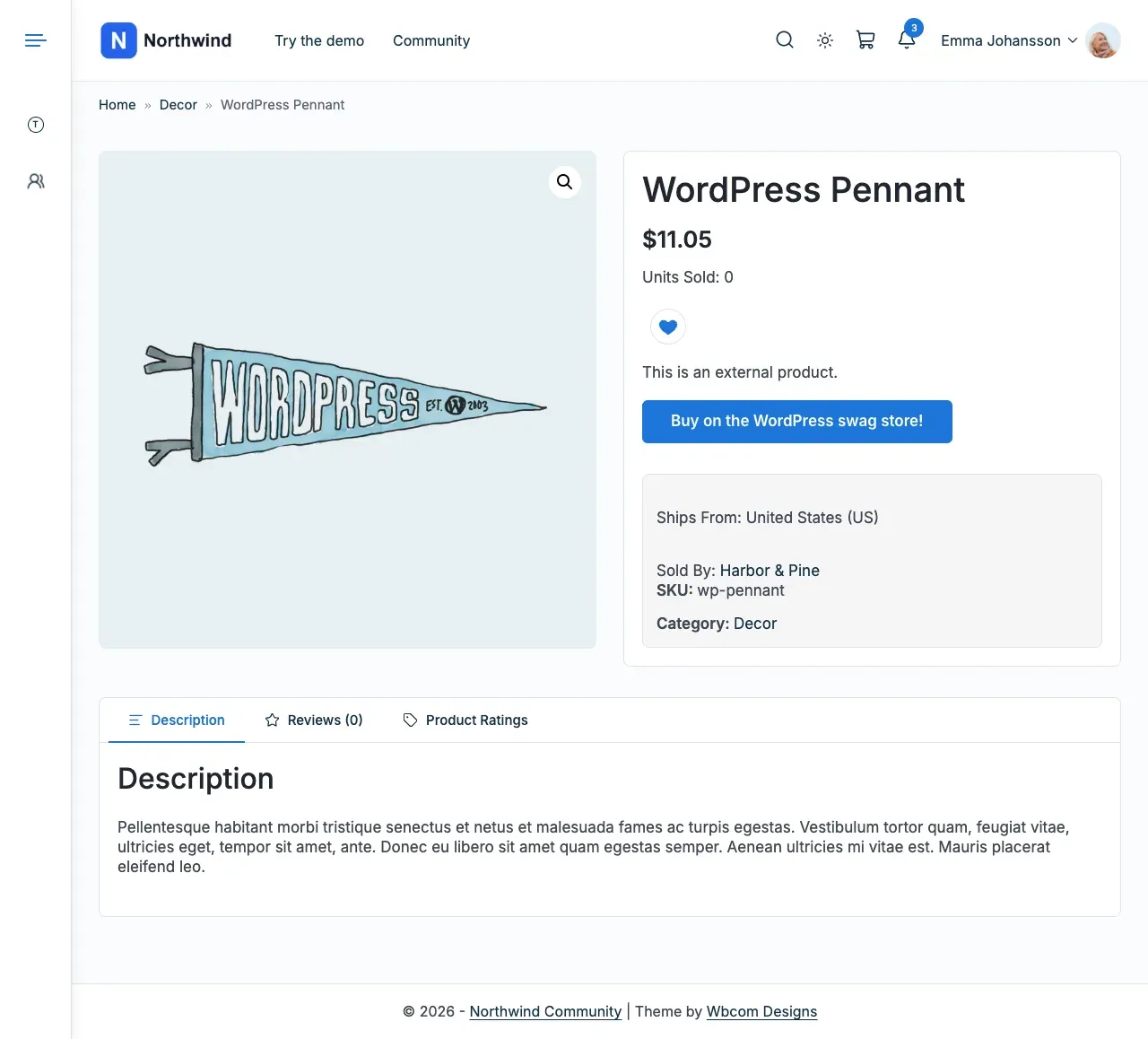
The product page shows the heart under the price. WC Vendors draws the Sold By line.
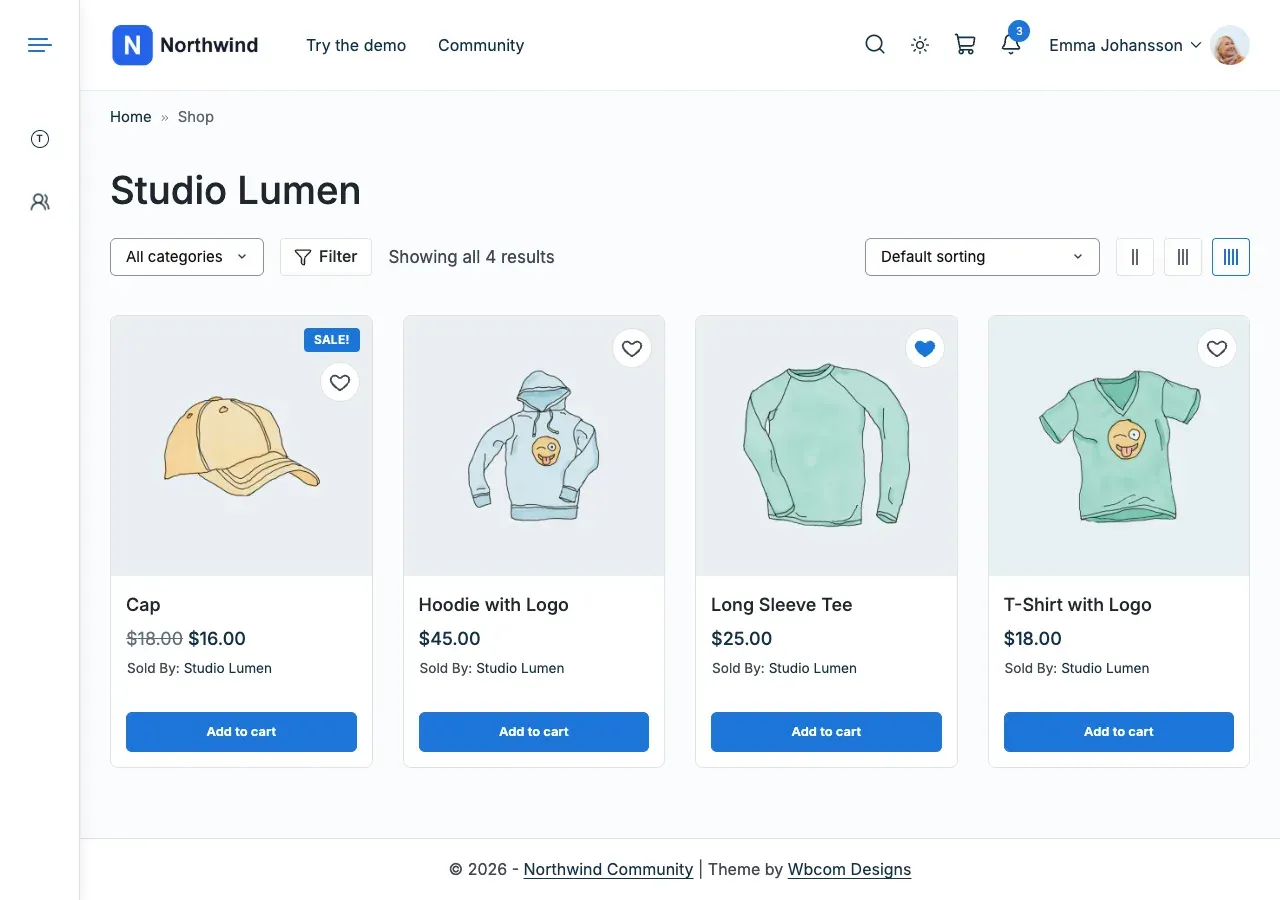
The vendor’s store page is WC Vendors’ own product list, with the heart on each card.
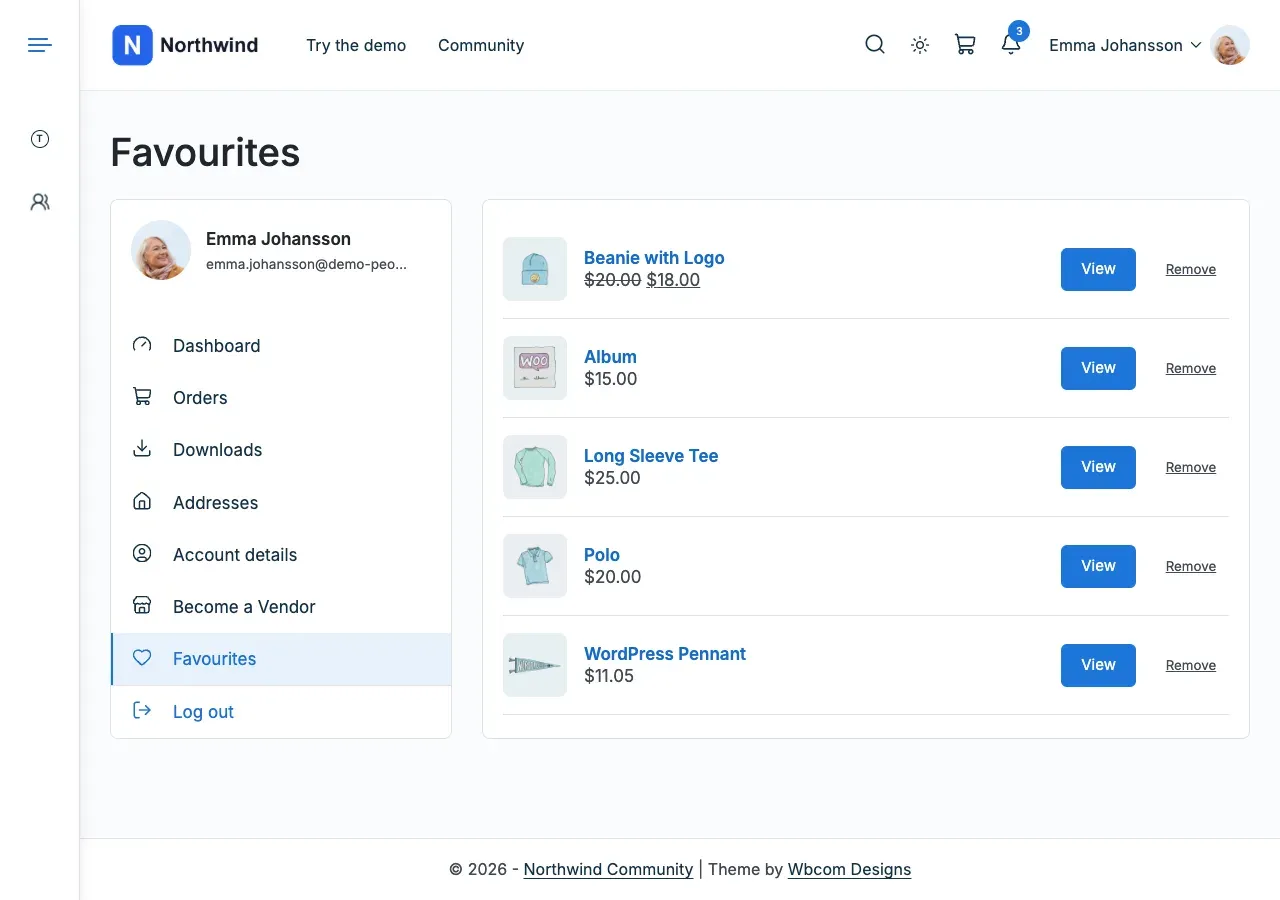
The Favourites page in My Account lists the products a member marked.
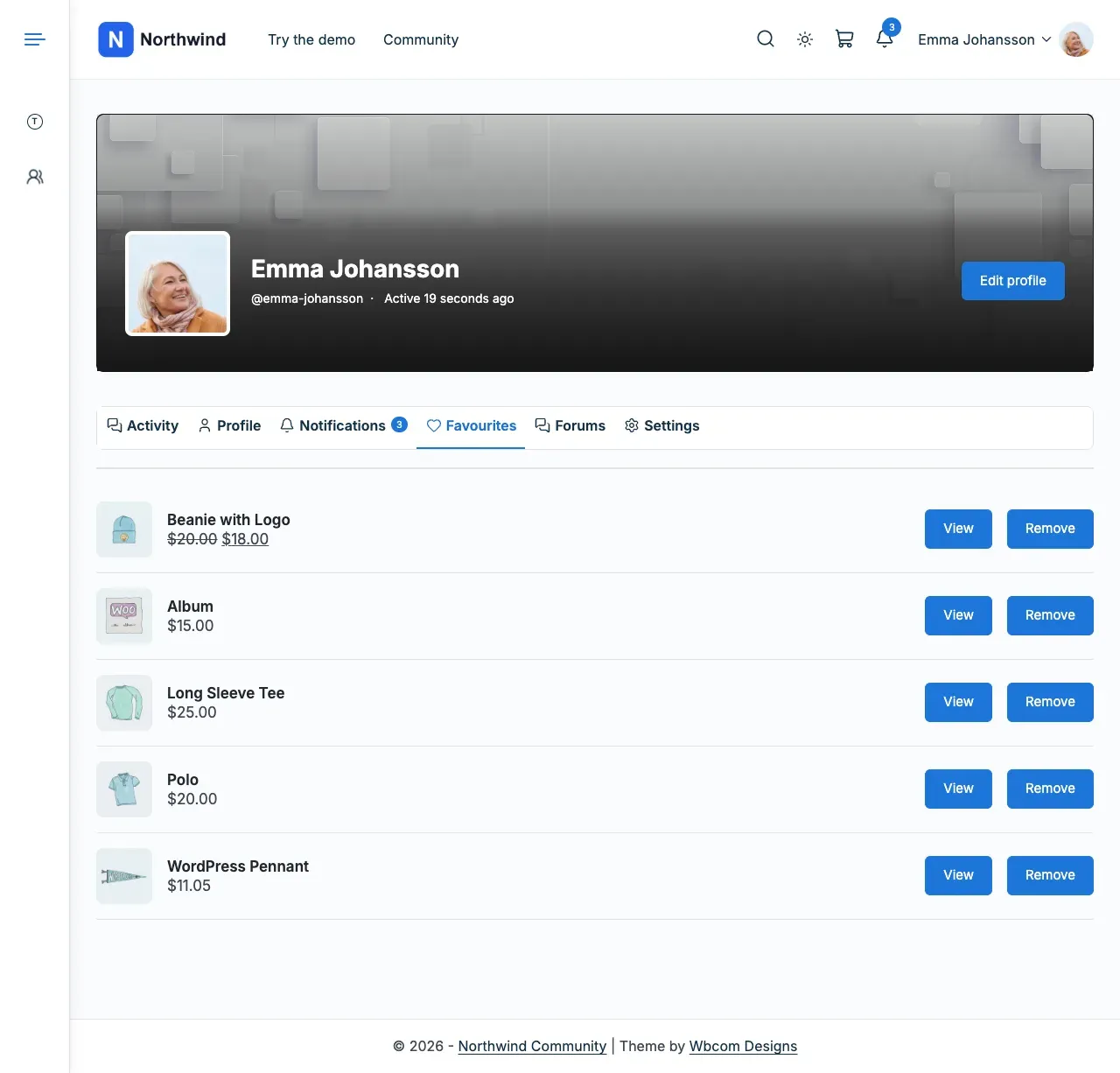
With BuddyPress or BuddyBoss, each member gets a Favourites tab, and each vendor gets a Store tab.
Good to know
Section titled “Good to know”I am updating from 2.7.0. What changes?
Section titled “I am updating from 2.7.0. What changes?”Update the theme and the add-on together. See the add-on’s upgrade notes for what moves.