

Set up BuddyPress
Also called: BuddyPress setup, social network, members area, profiles, activity feed, groups, community settings, activity stream missing.
What this does
Section titled “What this does”BuddyPress adds members, profiles, groups and an activity feed to your site. Reign styles it once it is active. Reign does not install or configure BuddyPress for you. The Reign settings below appear only while BuddyPress runs.
Running BuddyNext instead? The two cannot both be active. See Set up BuddyNext.
- Go to Plugins > Add New and search for “BuddyPress”. Select Install Now, then Activate.
- Go to Settings > BuddyPress > Components. Turn on what your site needs. Groups and Activity matter most. If a component is off, its page does not exist and Reign has nothing to style.
- Go to Settings > BuddyPress > Pages. Assign each active component to a real WordPress page. Do not leave a dropdown empty.
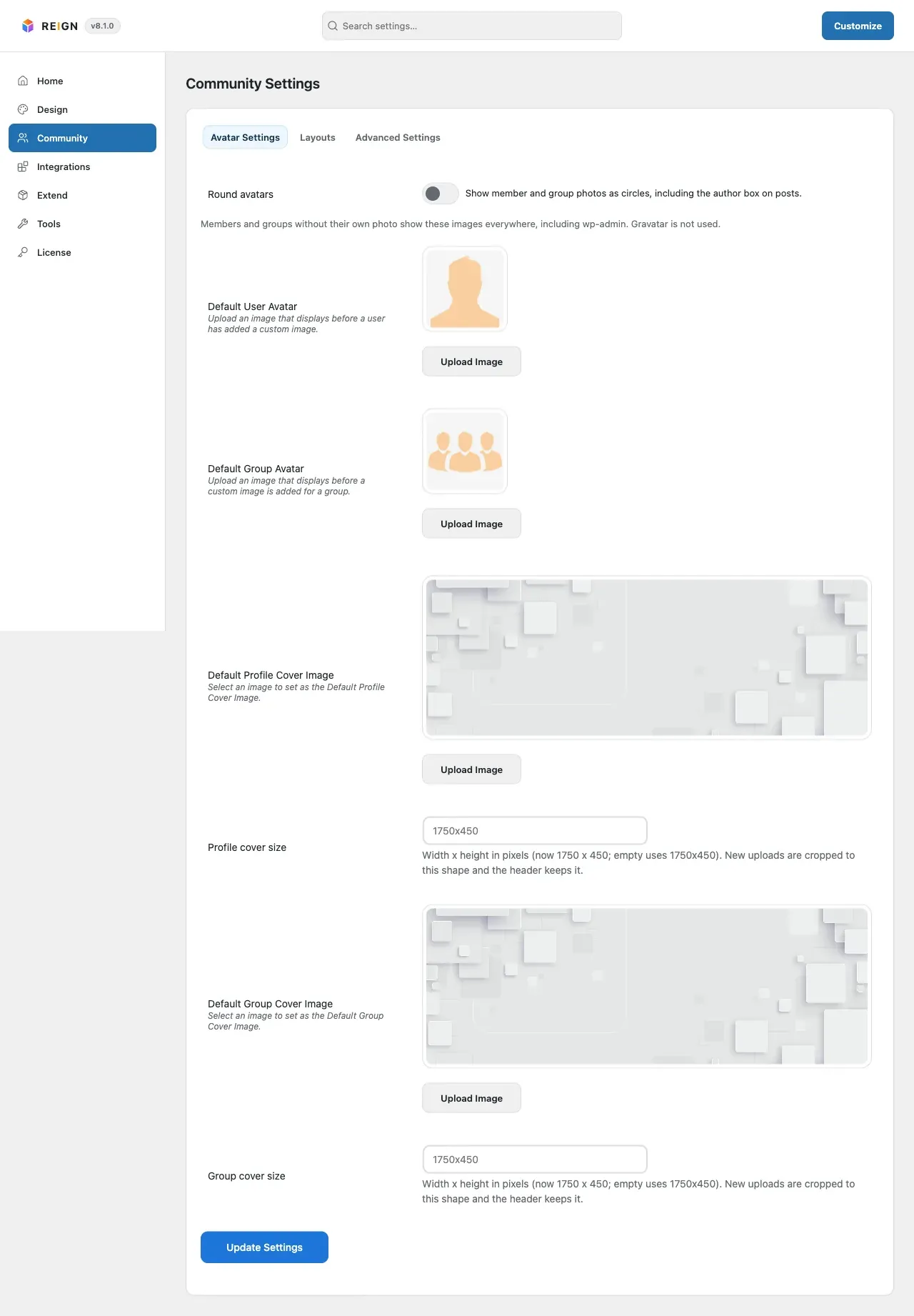
- Go to Reign Settings > Community. Open Community Settings to choose layouts.
No community plugin yet? Reign Settings > Community says “Community features are off”. Its Browse plugins button opens a BuddyPress search in Plugins > Add New.
You’ll know it worked when
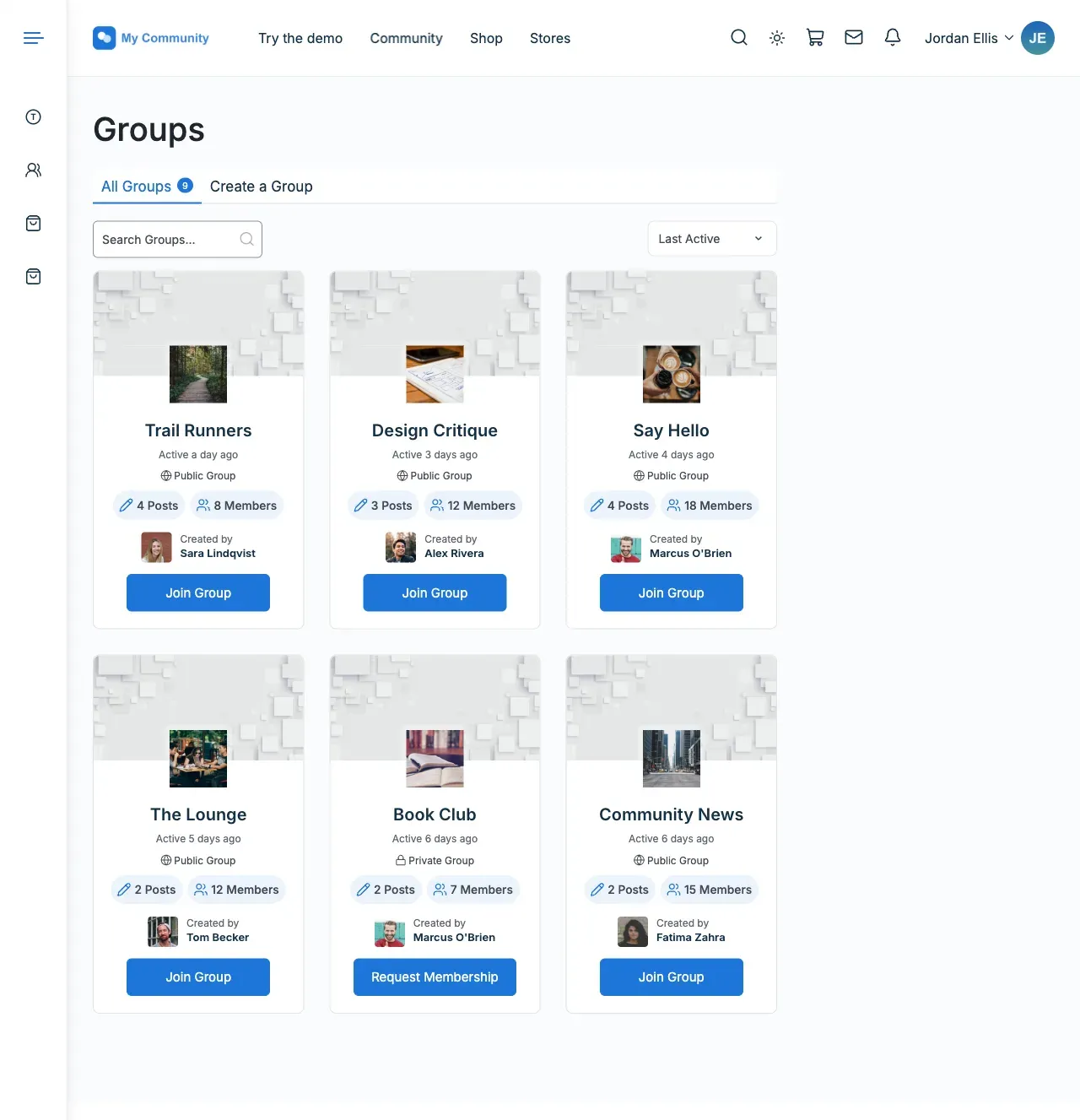
Section titled “You’ll know it worked when”Load /members/, /groups/ and one member profile. The sidebar and list layout match what you set. On a phone, the profile tabs read clearly.
Good to know
Section titled “Good to know”What does Reign add once BuddyPress is active?
Section titled “What does Reign add once BuddyPress is active?”It adds a Community Settings tile under Reign Settings > Community. The tile has three tabs.
- Avatar Settings: a Round avatars switch, the default avatar for members and groups, the default covers, and the cover size. The size is 1750x450 if you leave it empty.
- Layouts: sidebars for the activity, members and groups pages. Also the tab style, cover header layouts and list layouts. Tabs that do not fit on one line move into a “…” menu.
- Advanced Settings: how many members and groups show per page, social link fields for profiles, and Show Like Count (the “2 likes” line under activity posts). Show Like Count is on for sites set up on Reign 8.1.1 or later; a site that updated from an earlier Reign keeps it off until you tick it. Activity posts for cover and group photo changes are off by default.
For the choices that matter, see Member and group lists (Directories).
Why do /members/ or /groups/ show a 404?
Section titled “Why do /members/ or /groups/ show a 404?”Most often a component page is not assigned in step 3. Work through member or group pages return 404 before you blame the theme.
For developers
Section titled “For developers”Activity posts for cover and group photo changes are turned on with a filter. See the hooks reference.