

Forum page layout and sidebar (Forums layout, bbPress)
Also called: forum sidebar, forum page layout, discussion board layout, forum cards, forum grid, remove sidebar from forum.
What this does
Section titled “What this does”This changes the sidebar on every forum page. It also changes how your forum list looks. The list can be a plain table, cards with pictures, or cover tiles. This section appears only while the bbPress plugin is active.
Before you start
Section titled “Before you start”Install and activate bbPress. Without it the section is not there.
-
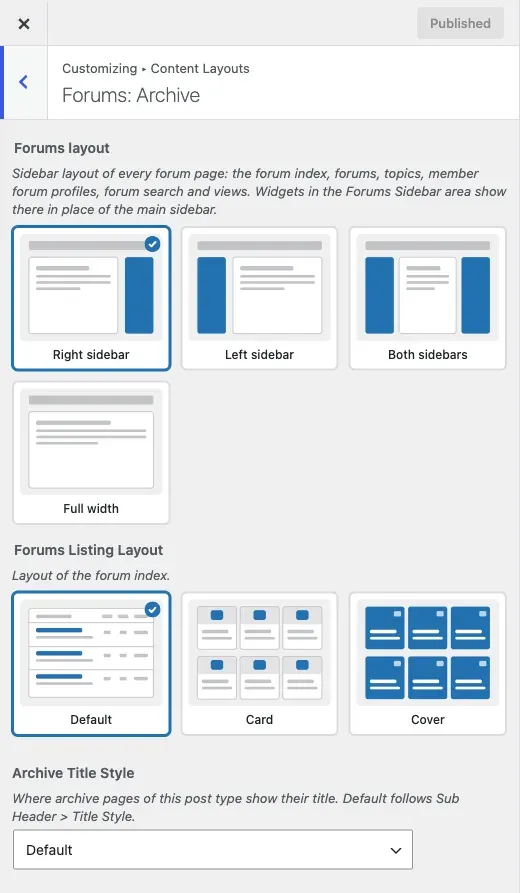
Go to Appearance > Customize > Content Layouts > Forums: Archive.
-
Set Forums layout to Right sidebar (the default), Left sidebar, Both sidebars or Full width. It applies to the forum list, single forums, topics, member forum profiles, forum search and views.
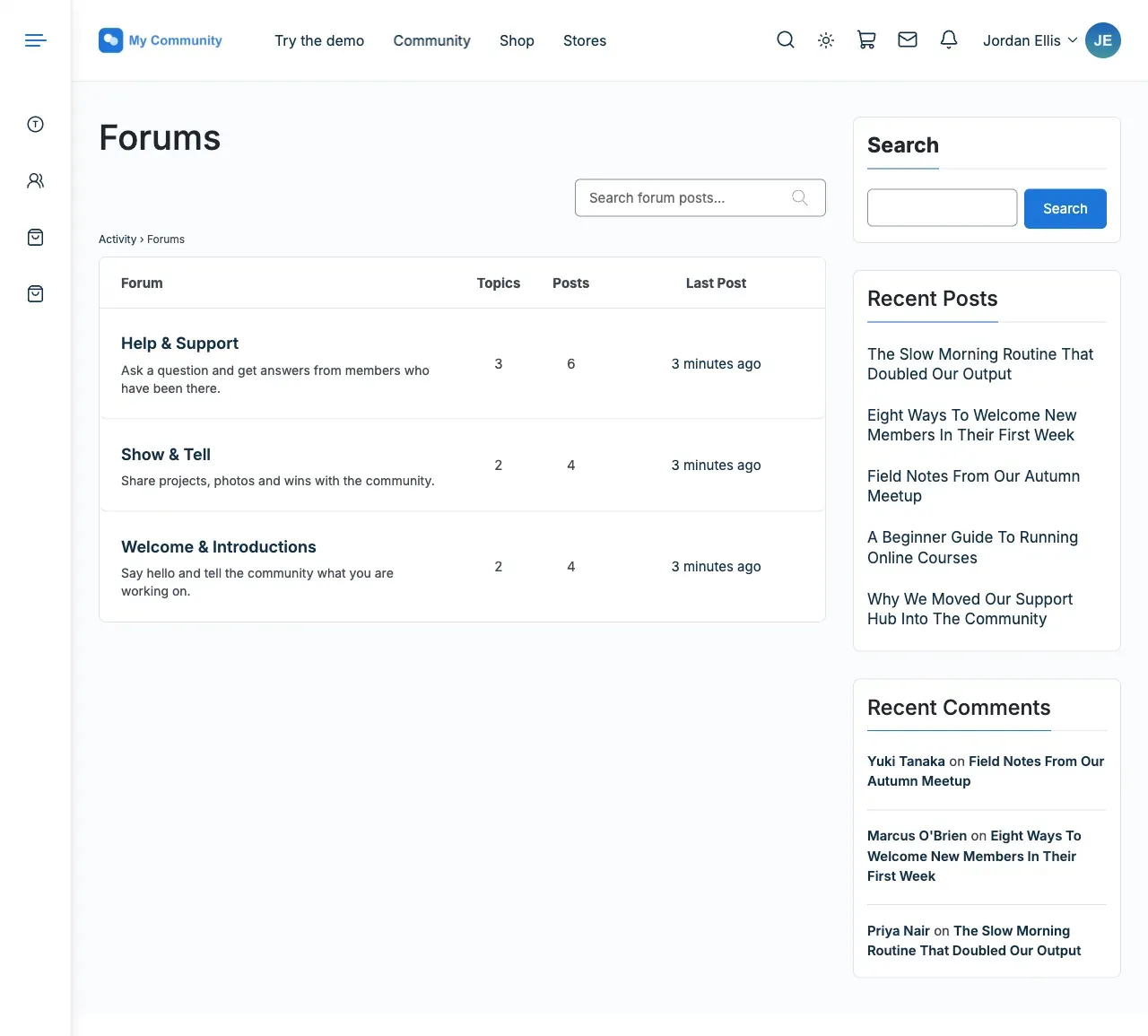
-
Set Forums Listing Layout to change only the forum list page.
| Layout | What the list shows |
|---|---|
| Default | The classic bbPress table with name, description, topic and post counts, and latest activity |
| Card | A grid of tiles. Each has a picture above the title, then its description and sub-forums |
| Cover | A grid of square tiles. The picture fills the tile and the title sits on it, over a dark fade |
- For Card or Cover, set Forums Per Row to Two, Three (the default) or Four.
- Select Publish.
You’ll know it worked when
Section titled “You’ll know it worked when”Your forum list shows in the layout you picked, and forum pages use the sidebar you chose.
Good to know
Section titled “Good to know”How do I remove the sidebar from forum pages?
Section titled “How do I remove the sidebar from forum pages?”Set Forums layout to Full width.
Why do my forum pages show the main sidebar?
Section titled “Why do my forum pages show the main sidebar?”Forum pages use the Forums Sidebar widget area. While it is empty, they use the main sidebar. Add a widget to it under Appearance > Widgets. See Sidebar, header and footer widgets.
Where do the Card and Cover pictures come from?
Section titled “Where do the Card and Cover pictures come from?”From each forum’s featured image. A forum with no featured image shows its group cover or avatar, if it belongs to a group. Otherwise it shows an empty frame with a small mark. Set a featured image on each top-level forum before you switch to Cover.
Good to know about tiles
Section titled “Good to know about tiles”- Sub-forums show as small name tags with no counts.
- Search results always use the plain list.
- Cover tiles are at least square. A forum with many sub-forums makes its row taller.
- Below desktop width the grid drops to two columns. On small phones it drops to one.
Why does a private forum not show “Private:” in its title?
Section titled “Why does a private forum not show “Private:” in its title?”From 8.1.1, forum, topic and reply titles on the site show the name alone. A private forum shows a small lock after its title in forum lists, and screen readers announce it as “Private”. Visitors who open it are taken to the login page. The WordPress admin screens still show the “Private:” prefix.
How do I change what topic rows show?
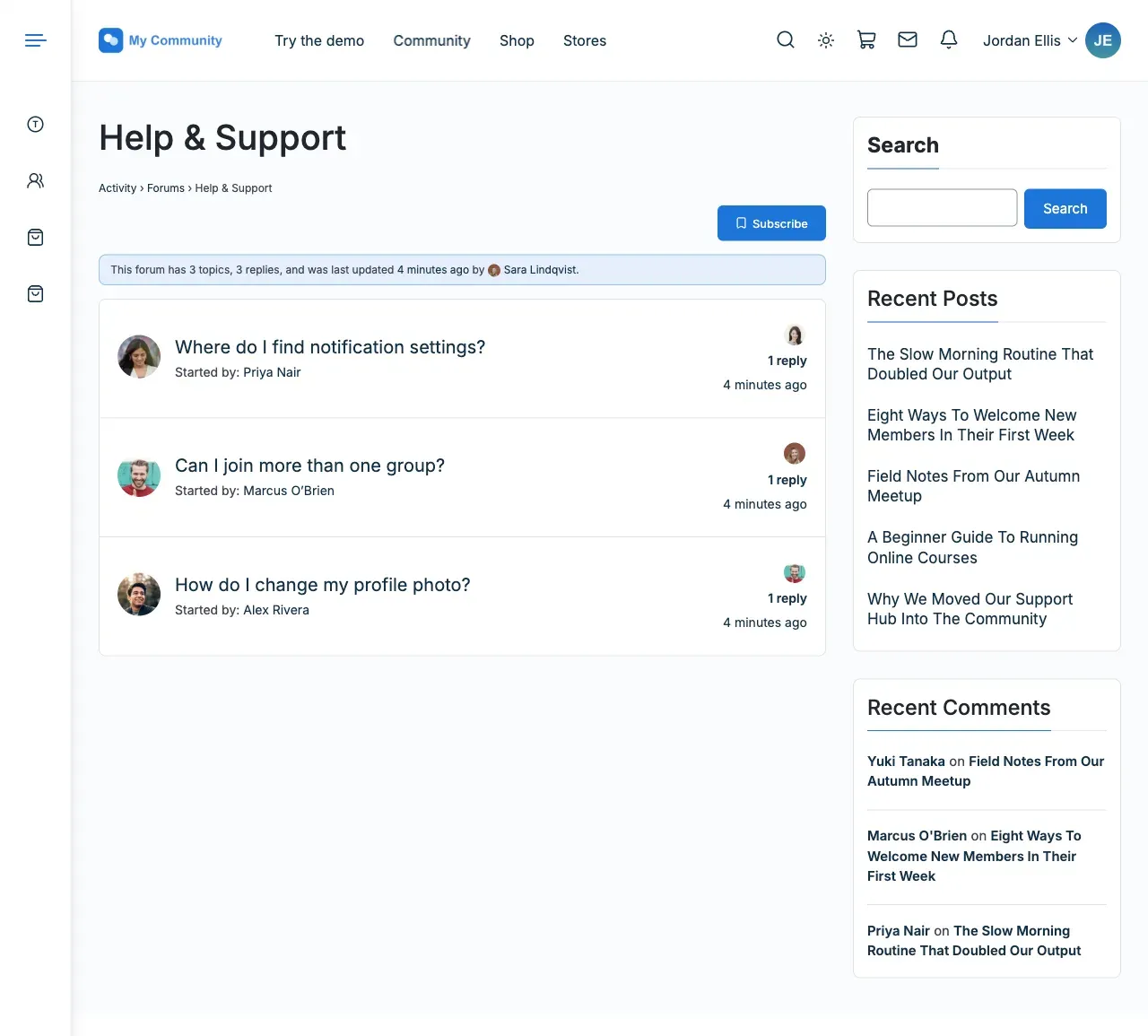
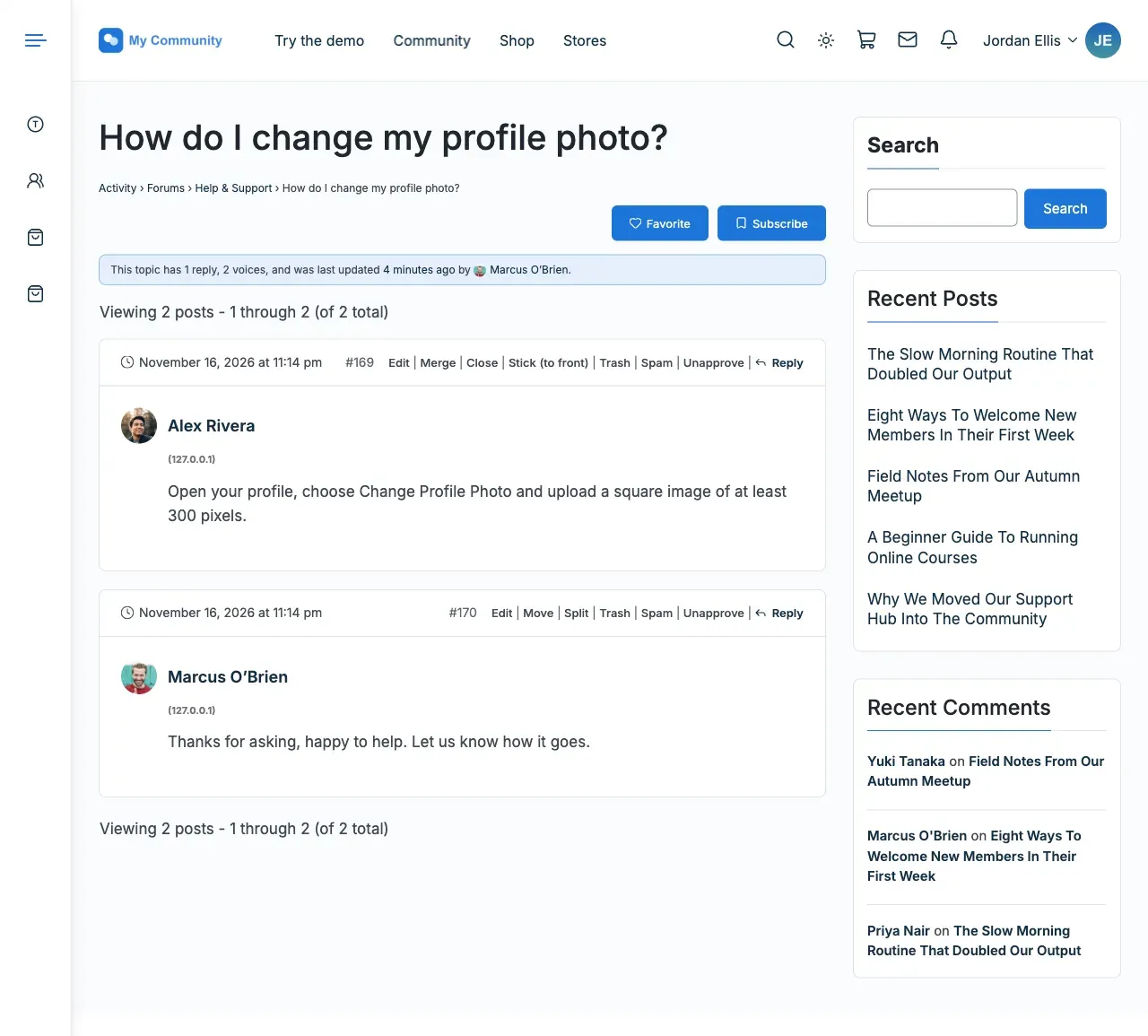
Section titled “How do I change what topic rows show?”Use bbPress’s own settings. Reign adds the author’s photo to each row, and the faces of the latest repliers beside the reply count.