

Login page designs (Login screen themes)
Also called: login template, login layout, split login screen, login style, login page theme.
What this does
Section titled “What this does”A theme is a ready-made layout for your login screen. It is a shortcut. You pick a design and skip building one from the background, form and button controls in Put your logo on the login page.
Before you start
Section titled “Before you start”Turn on Login screen > Custom Login Screen. Themes have no effect until you do. Turning a theme on also changes the background controls. The panel then shows the Background section and hides Toggle Custom Background.
Go to Customize > Branded Login & Register > Themes.
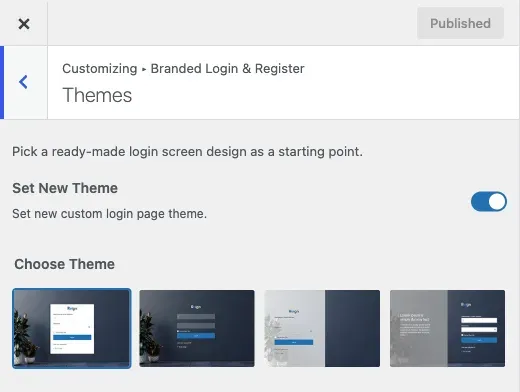
- Set Set New Theme to on. It is off by default.
- Under Choose Theme, pick one of four swatches: Simple, Minimal, Creative or Modern. Simple is the default.
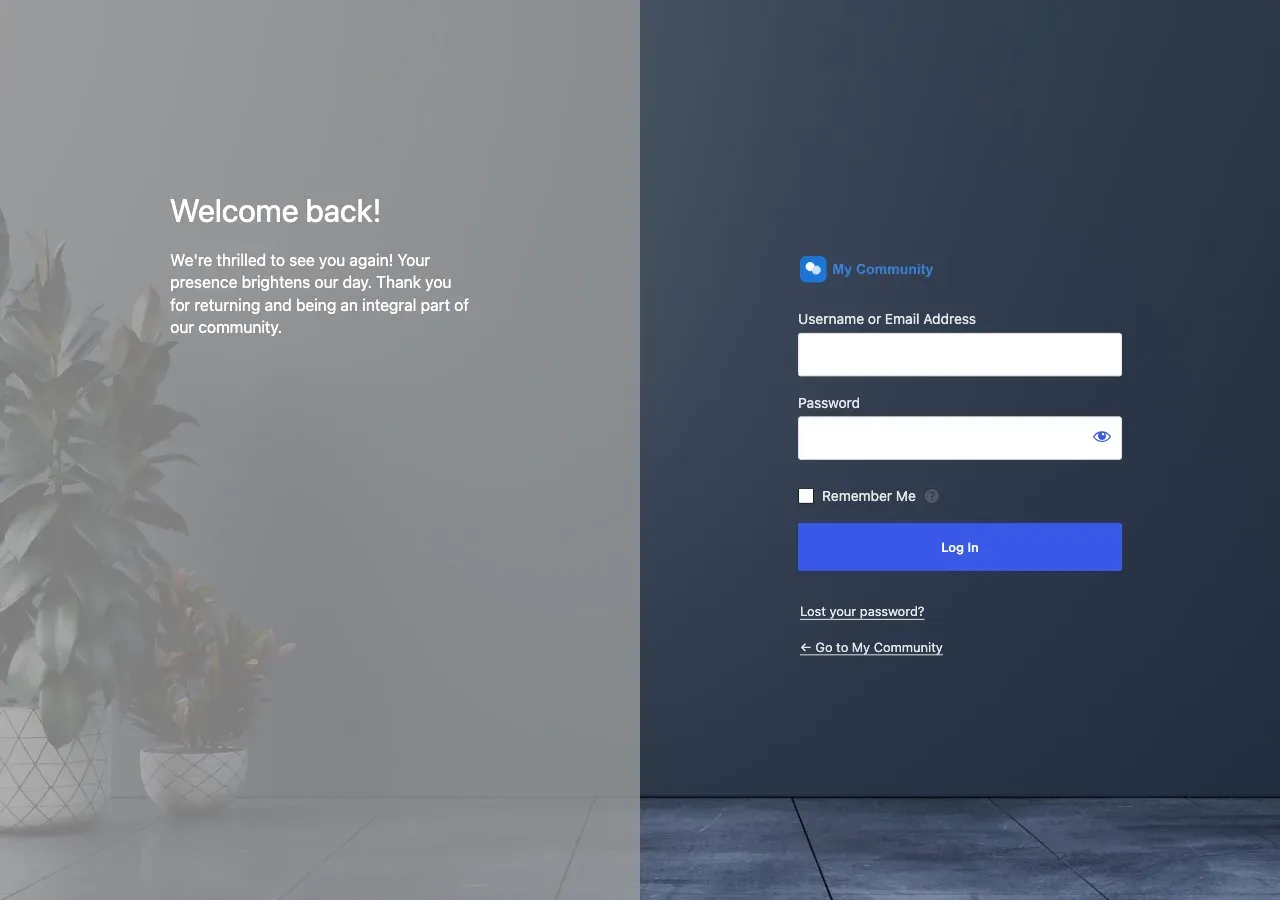
- If you pick Modern, fill in the Left Side Content controls: Custom Heading (default “Welcome back!”) and Custom Text, the smaller line under it.
- Select Publish.
What each design looks like
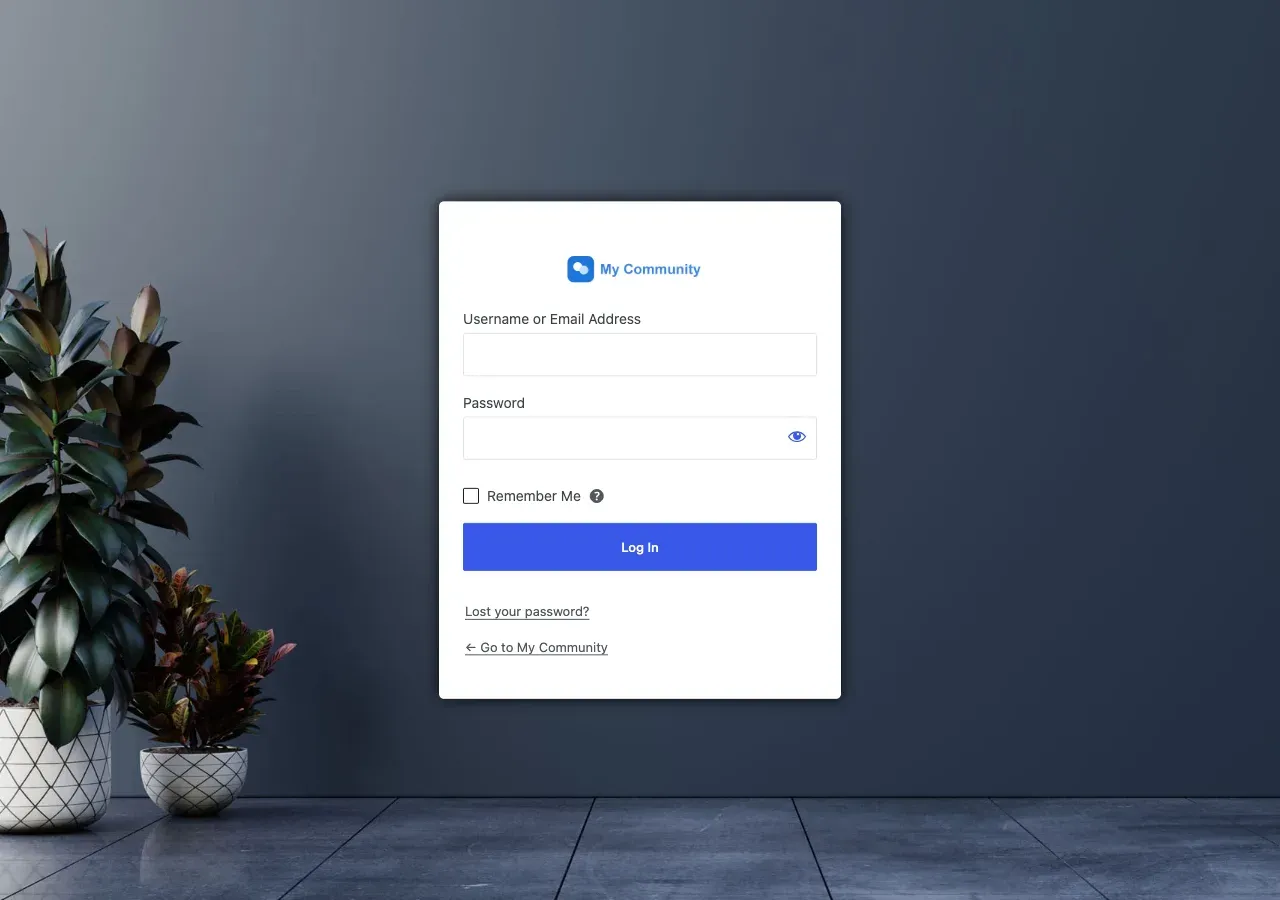
Section titled “What each design looks like”Simple centres the login box with a drop shadow. Nothing sits behind it. The colour from the Background section fills the whole page.
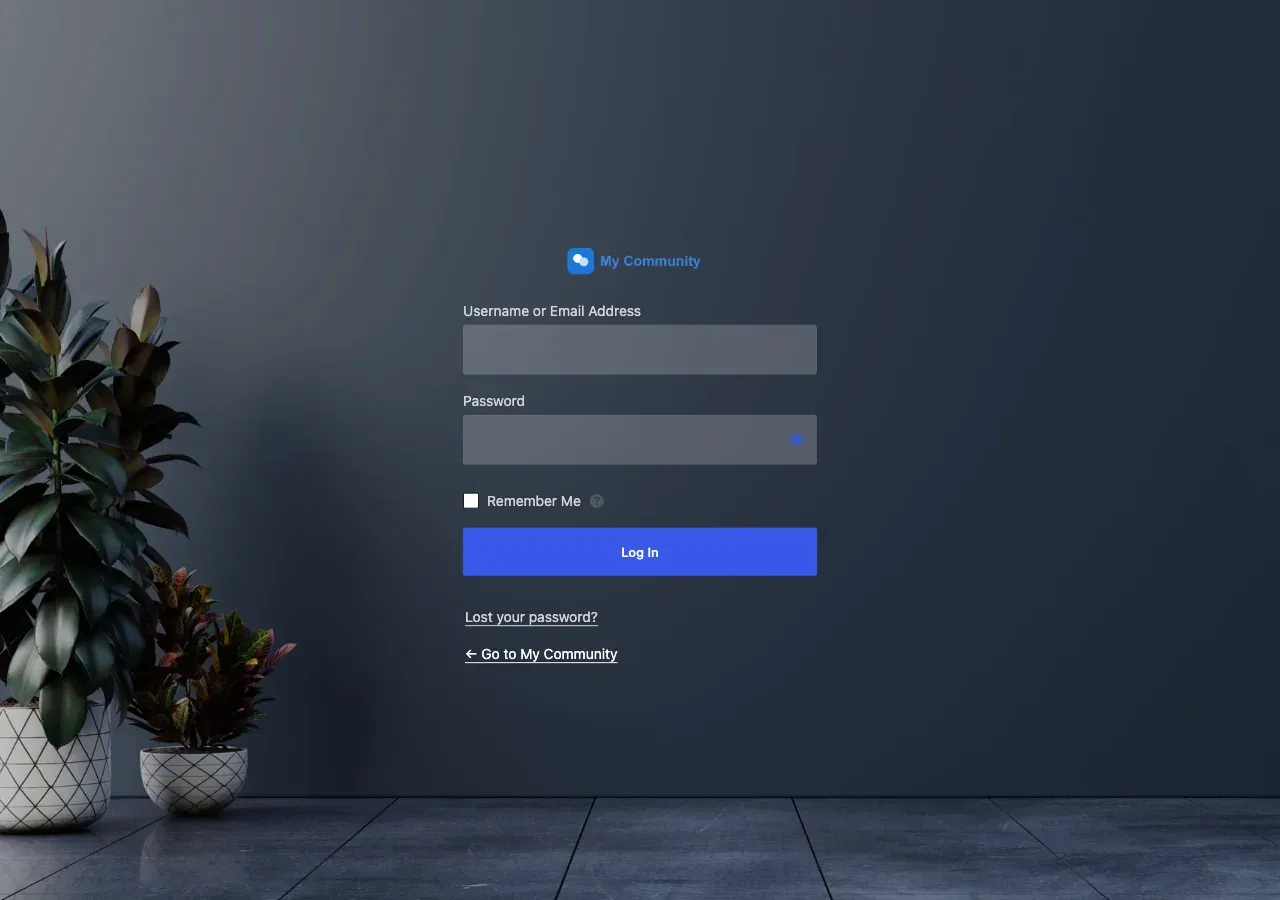
Minimal also centres the box. The fields turn transparent with light text, over a dark tint on the page. It looks like glass over a photo, so pair it with a background image.
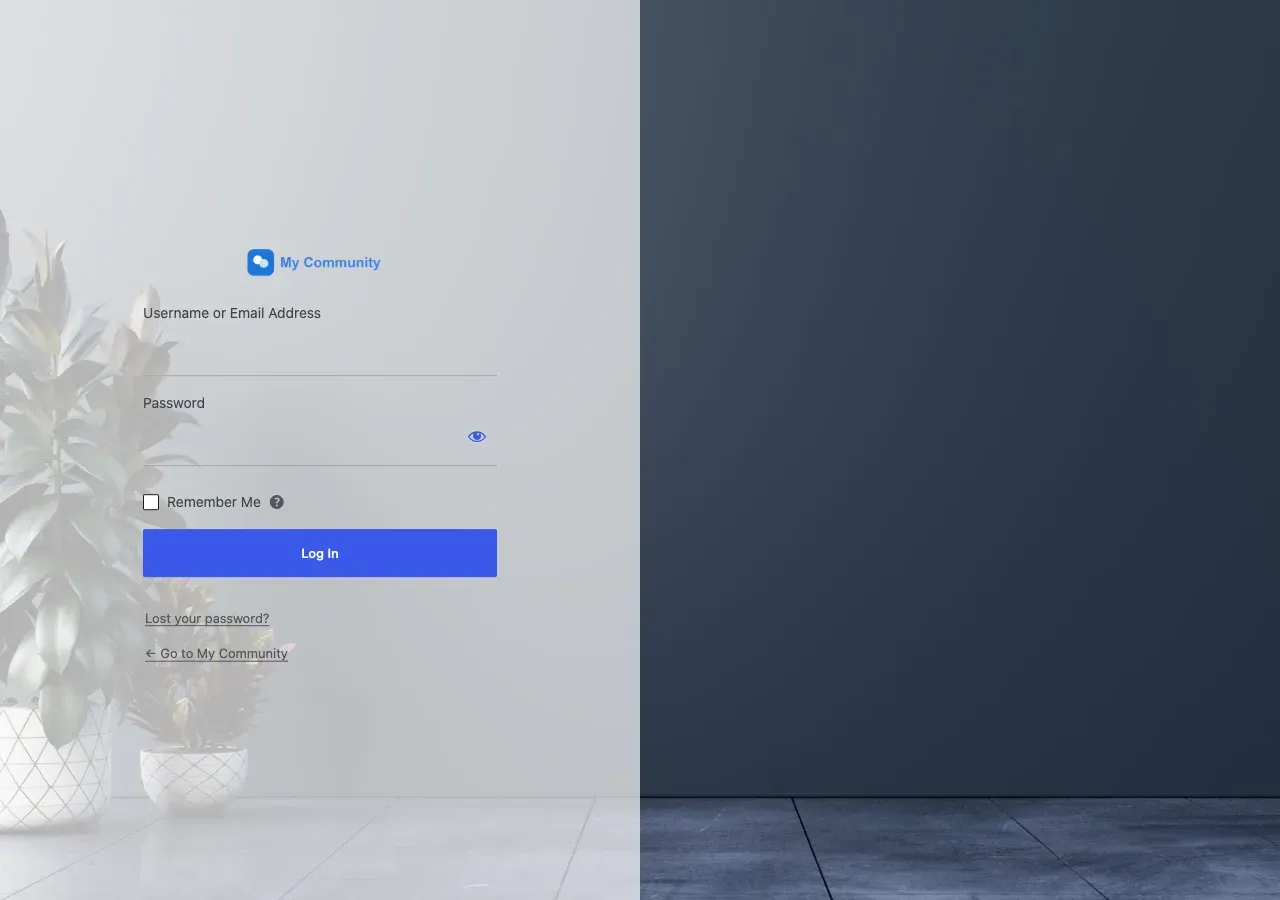
Creative moves the box to the left. A pale panel covers the left half, and your background image shows on the right. On narrow screens it becomes one centred column.
Modern splits the screen in half. One half holds the form. The other holds a panel with a heading, a line of text and a colour overlay.
You’ll know it worked when
Section titled “You’ll know it worked when”Open yoursite.com/wp-login.php in a private window. The layout matches the swatch you picked.
Good to know
Section titled “Good to know”Can I change Simple, Minimal or Creative further?
Section titled “Can I change Simple, Minimal or Creative further?”Only Modern has its own extra controls. The other three are fixed in the theme’s stylesheet. Style them with the Background, Customize Login Form and Customize Button sections in Put your logo on the login page.
Why did my background image controls disappear?
Section titled “Why did my background image controls disappear?”They only show while Set New Theme is off. With a theme on, use Custom Background Color in the Background section.