

Places tab on member profiles for GeoDirectory (Reign GeoDirectory Addon)
Also called: directory add-on, listings on profile, places tab, GeoDirectory theme.
What this does
Section titled “What this does”This add-on shows each member’s directory listings on their profile. This page covers Reign GeoDirectory Addon version 2.5.0. The plugin folder is reign-geodirectory. For a quick start, read Set up GeoDirectory for Reign in the add-on guide.
It does not touch GeoDirectory’s own listing pages, search or maps. It adds these.
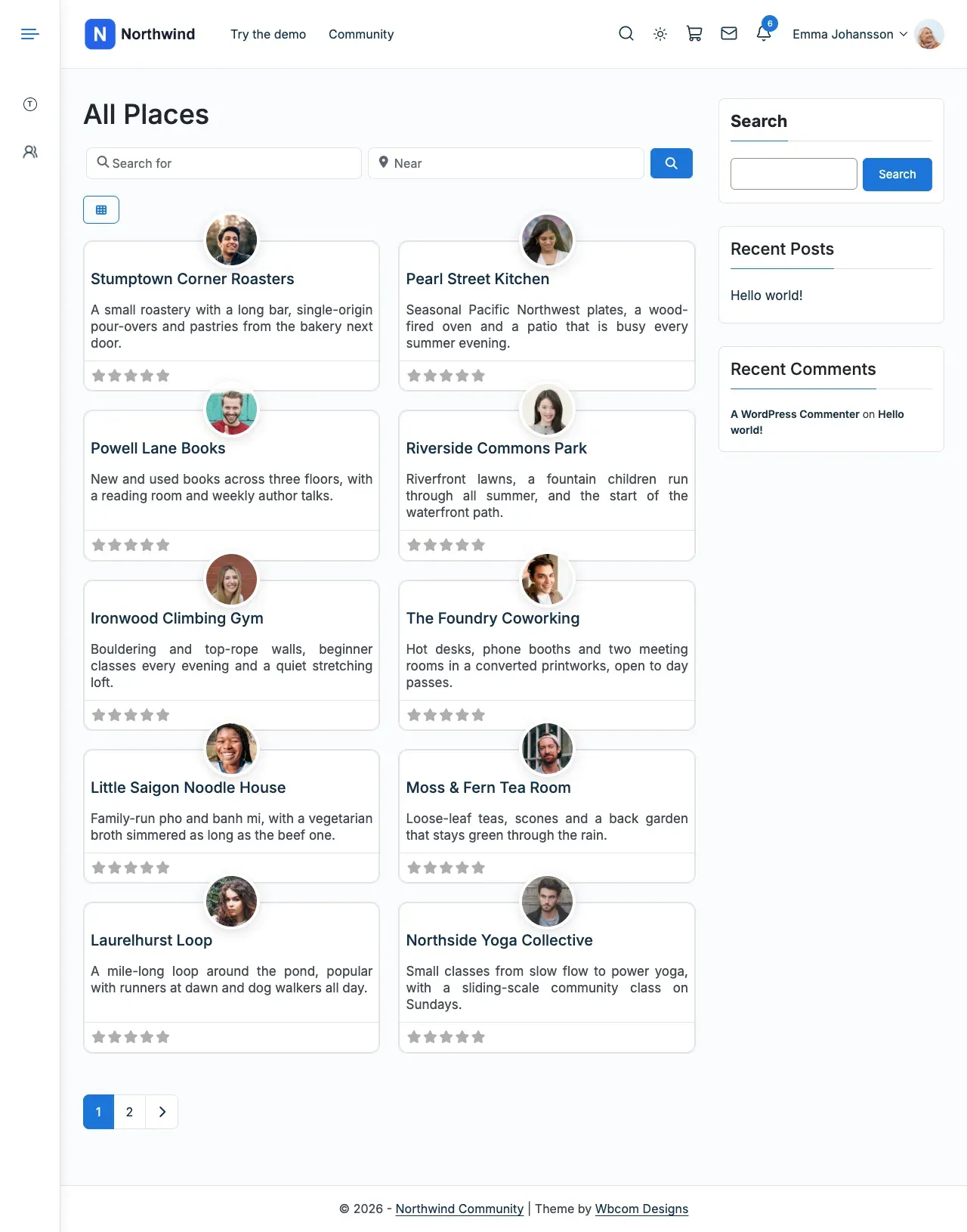
- A Places tab on every member profile, listing that member’s published listings. A site with more than one listing type gets one sub-tab per type.
- Feed posts when a listing is added, favourited or reviewed.
- Notices to the listing owner for a favourite, and to the owner and administrators for a review.
- A notice to members for a new listing, which is off by default.
On PeepSo each member can turn the three feed posts off for themselves under Preferences.
Before you start
Section titled “Before you start”| You need | Minimum |
|---|---|
| WordPress | 6.5 |
| PHP | 8.1 |
| Reign theme | 8.1.0 |
| GeoDirectory | Active |
| Community plugin | One of BuddyPress, BuddyBoss Platform or PeepSo |
If Reign is not the active theme or is older than 8.1.0, the add-on pauses. It shows “Reign GeoDirectory Addon is paused until you update Reign to 8.1.0. Your settings are kept.” Without GeoDirectory or a community plugin, the settings screen has nothing to set up.
-
Go to Reign Settings > Integrations.
-
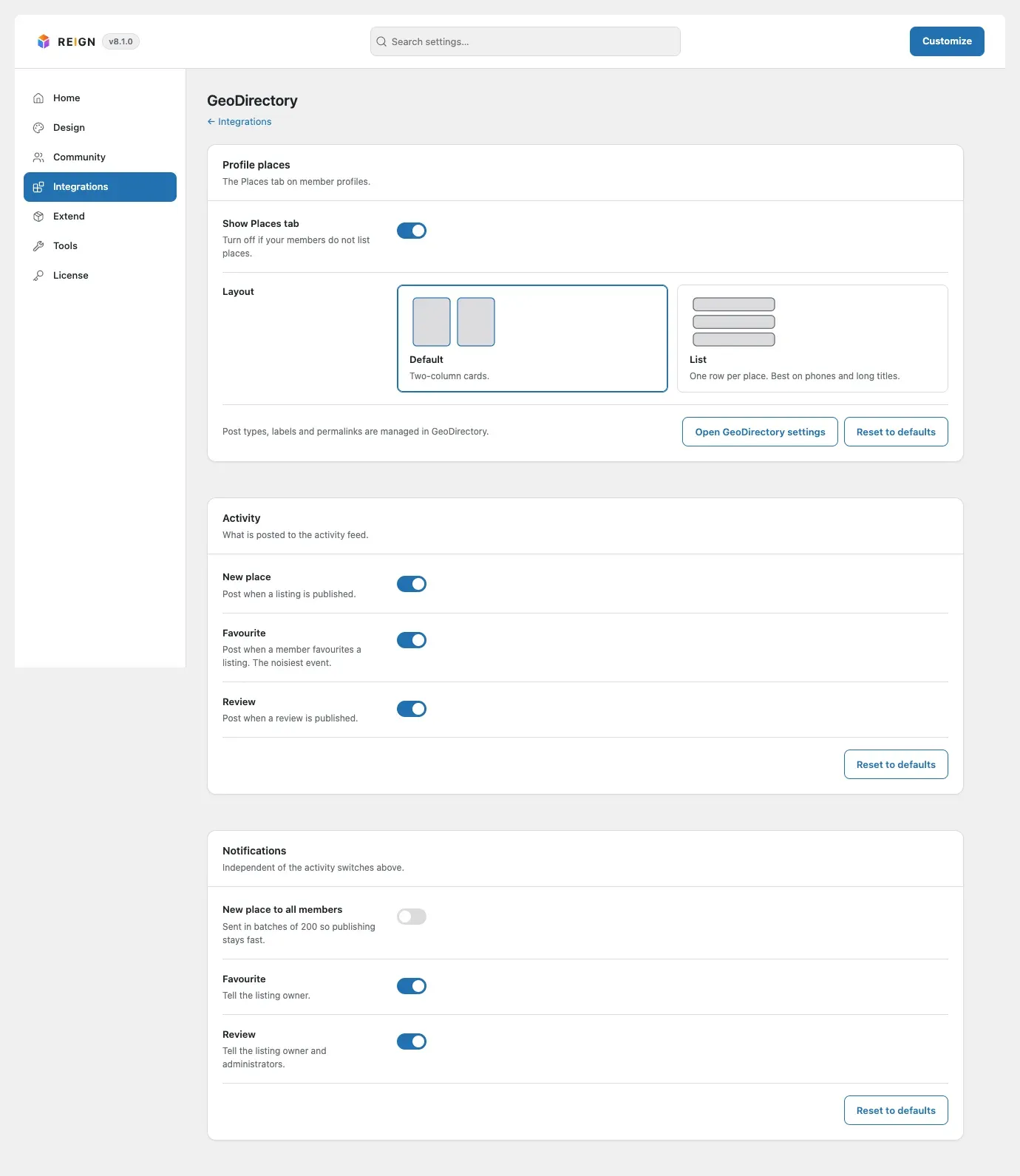
In the Addon settings card, select Configure on the GeoDirectory tile. The first card is Profile places.
-
In the Profile places card, turn the Places tab on. The List layout shows each place on its own row instead of a card.
-
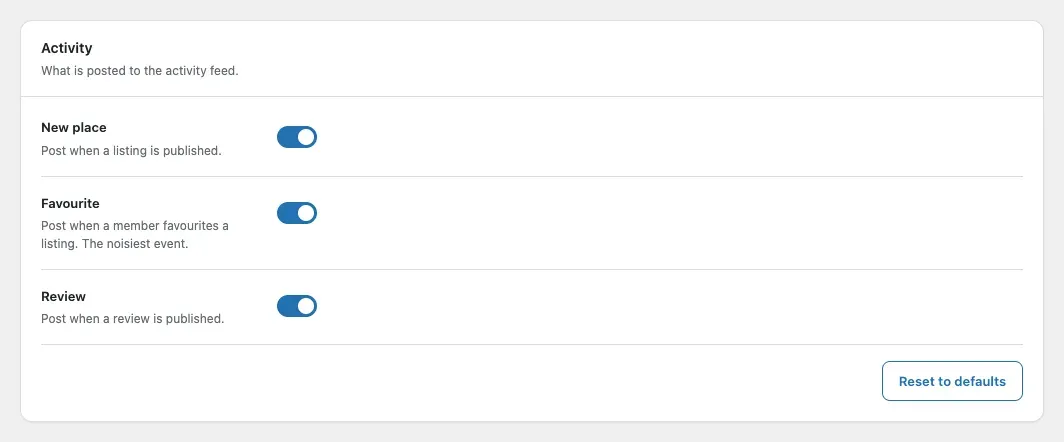
Open the Activity card. Choose which place events post to the activity feed.
-
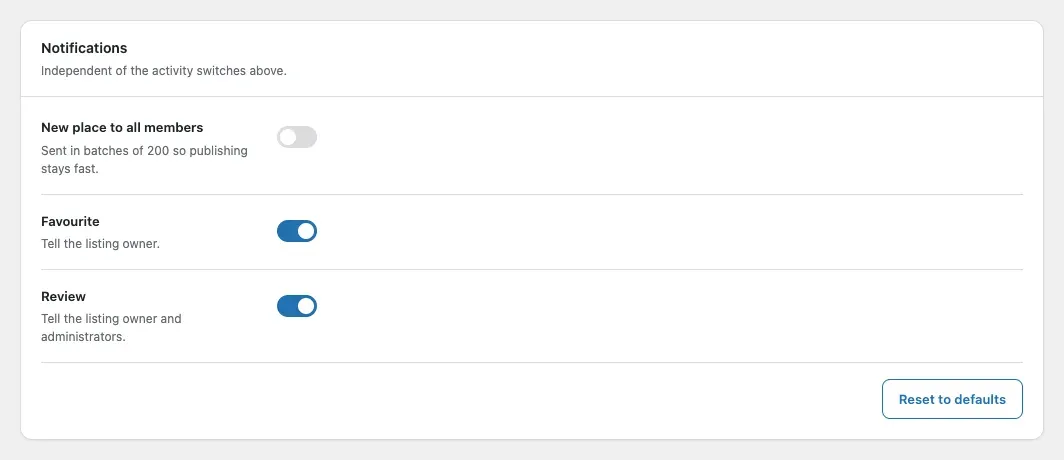
Open the Notifications card. Choose which events notify the owner and administrators.
-
Select Save changes. Enter the add-on licence key in Reign Settings > License.
You’ll know it worked when
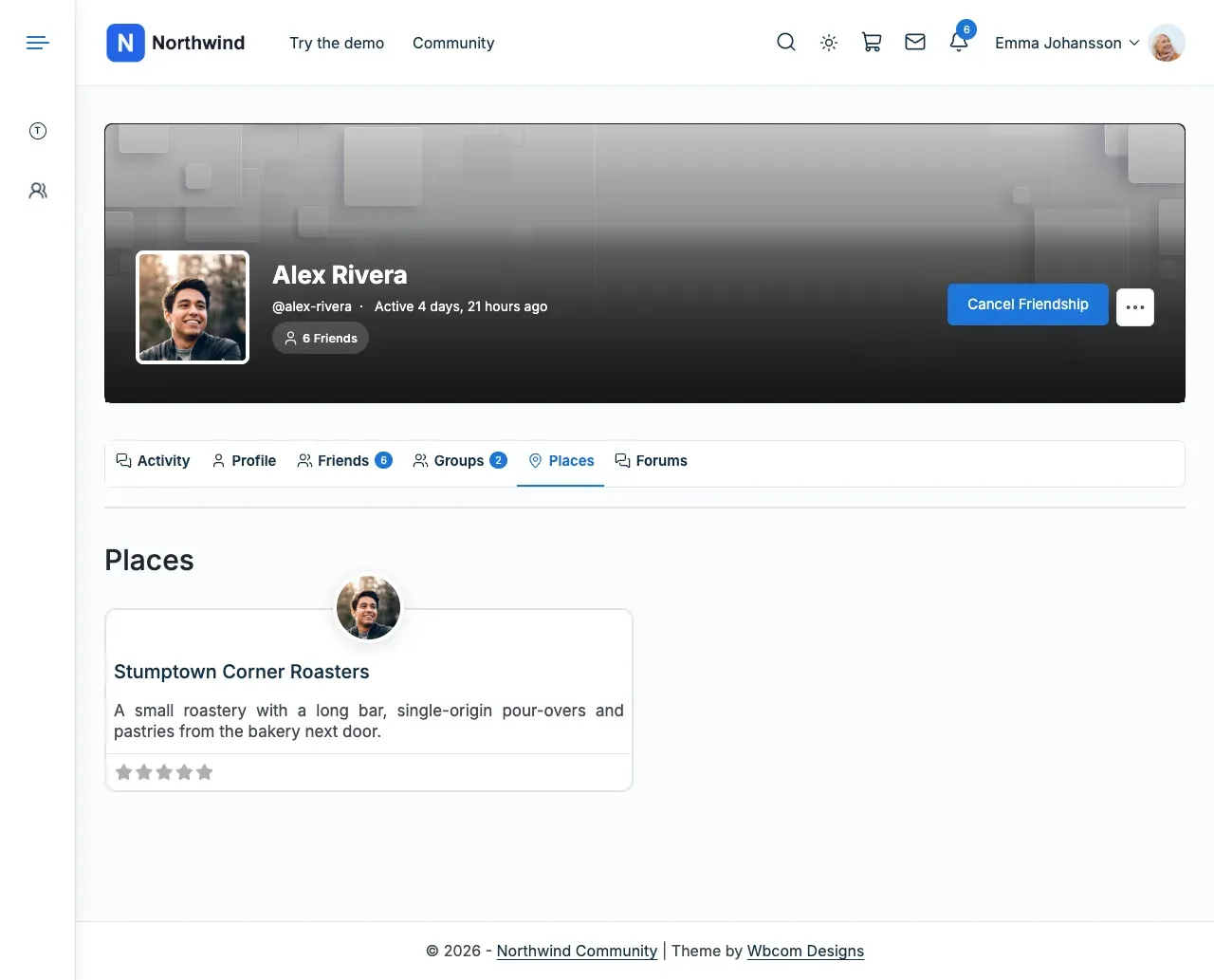
Section titled “You’ll know it worked when”Each member profile has a Places tab with that member’s published places as cards.
Good to know
Section titled “Good to know”Why do my GeoDirectory place pages look the same as before?
Section titled “Why do my GeoDirectory place pages look the same as before?”GeoDirectory draws its own place pages and lists, inside Reign’s header, footer and colours. The add-on does not change them.
I am updating from 2.4.0. What changes?
Section titled “I am updating from 2.4.0. What changes?”Update the theme and the add-on together. See the add-on’s upgrade notes for what moves.