

Course pages for Sensei LMS (Reign Sensei Addon)
Also called: Sensei theme, LMS add-on, course cover layout, course cards, course reviews.
What this does
Section titled “What this does”This add-on gives Sensei LMS a cover-style course page, new course cards and star reviews. This page covers Reign Sensei Addon version 2.0.0. For a quick start, read Set up Sensei LMS for Reign in the add-on guide.
It adds these.
- A Cover course page layout, with a picture behind the header. Set it for the whole site or for one course.
- A Grid Classic layout for course cards, with options for instructor, price and rating.
- Learner reviews with 1 to 5 star ratings. They are off until you turn them on.
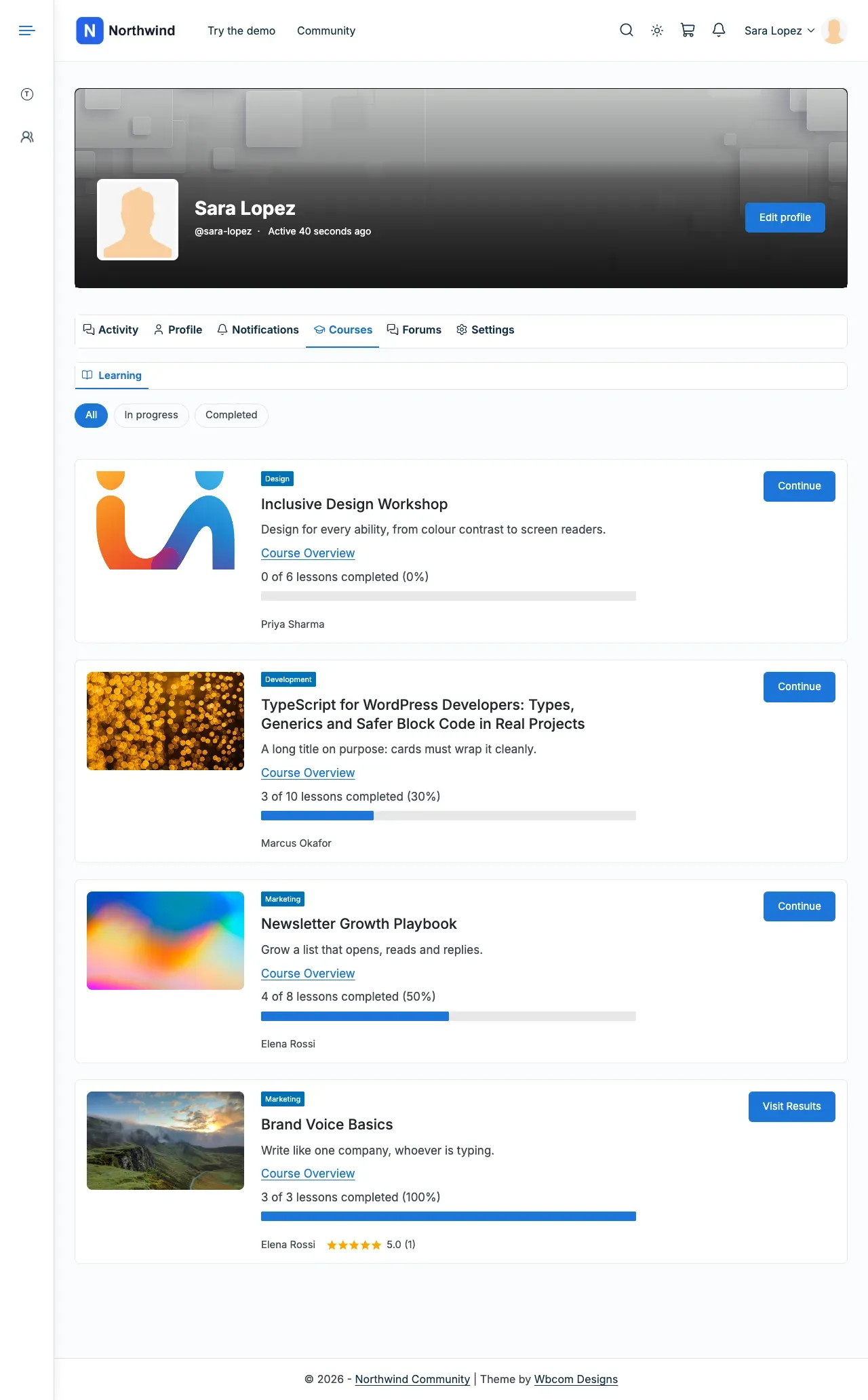
- With BuddyPress or BuddyBoss: a Courses tab on member profiles and activity posts for course milestones.
It has no shortcodes or widgets of its own.
Before you start
Section titled “Before you start”| You need | Minimum |
|---|---|
| WordPress | 6.5 |
| PHP | 8.1 |
| Sensei LMS | Active (4.x free is the tested version) |
| Reign theme | 8.1.0 |
Sensei Pro is not tested with this add-on. If Reign is older than 8.1.0, is not the active theme, or Sensei LMS is not active, the add-on pauses. It shows a notice that starts “Reign Sensei Add-on is paused” and names the missing item. Your settings are kept.

-
Go to Reign Settings > Integrations.
-
In the Addon settings card, select Configure on the Sensei LMS tile. The tile appears only while Sensei LMS is active. Nothing changes until you choose an option.
-
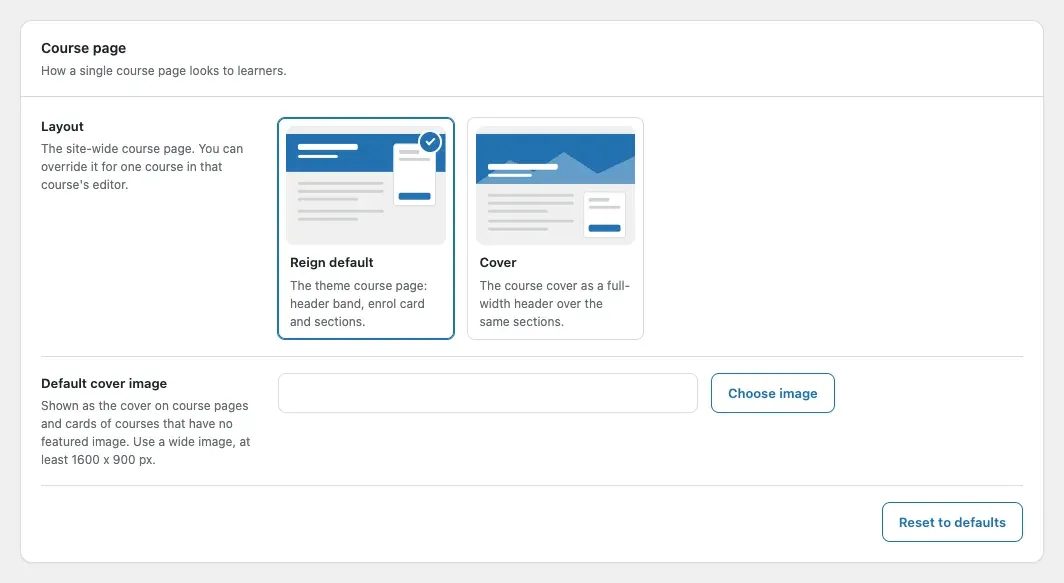
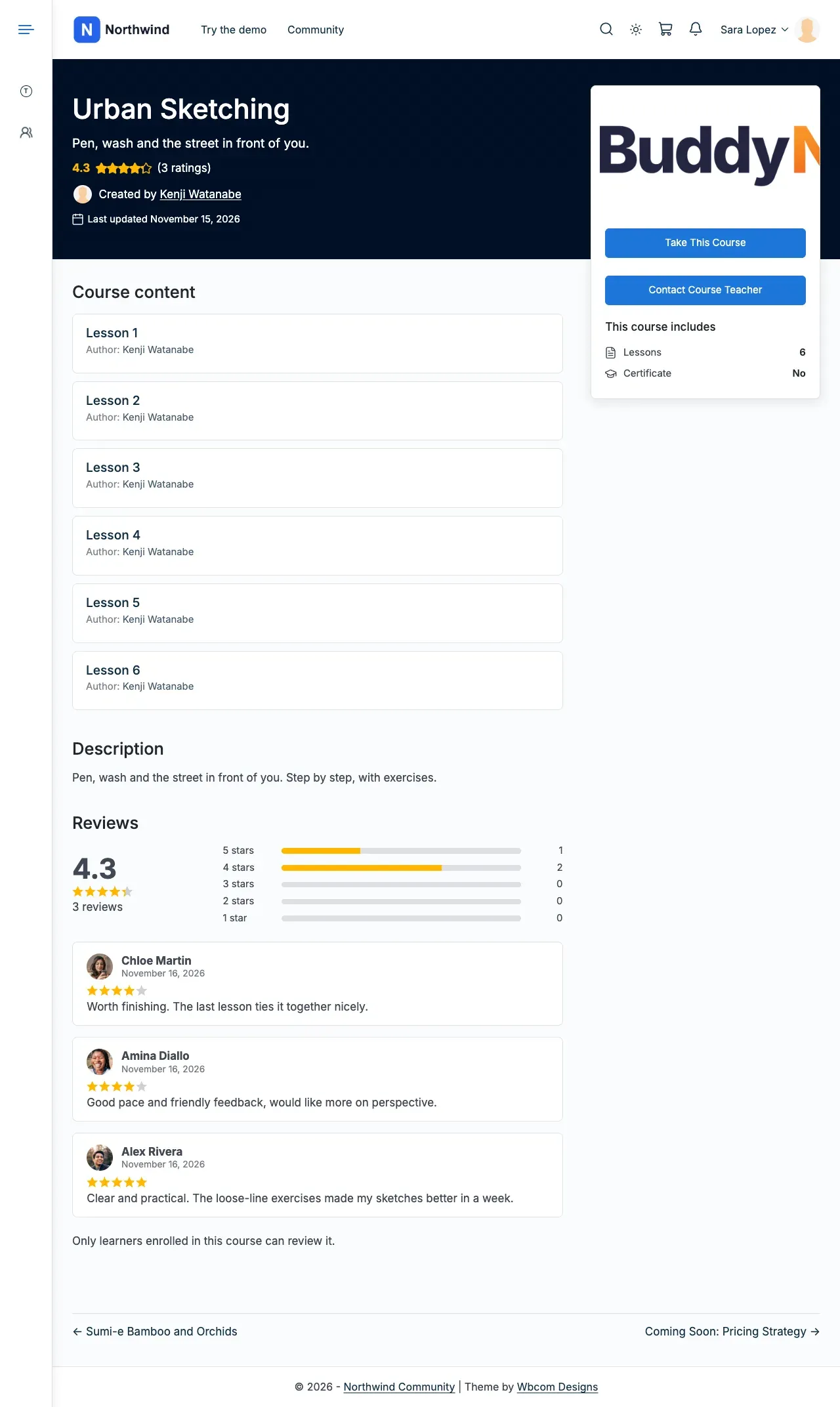
In the Course page card, pick a layout. Reign default is the theme’s own page, with the curriculum and reviews under the header.
-
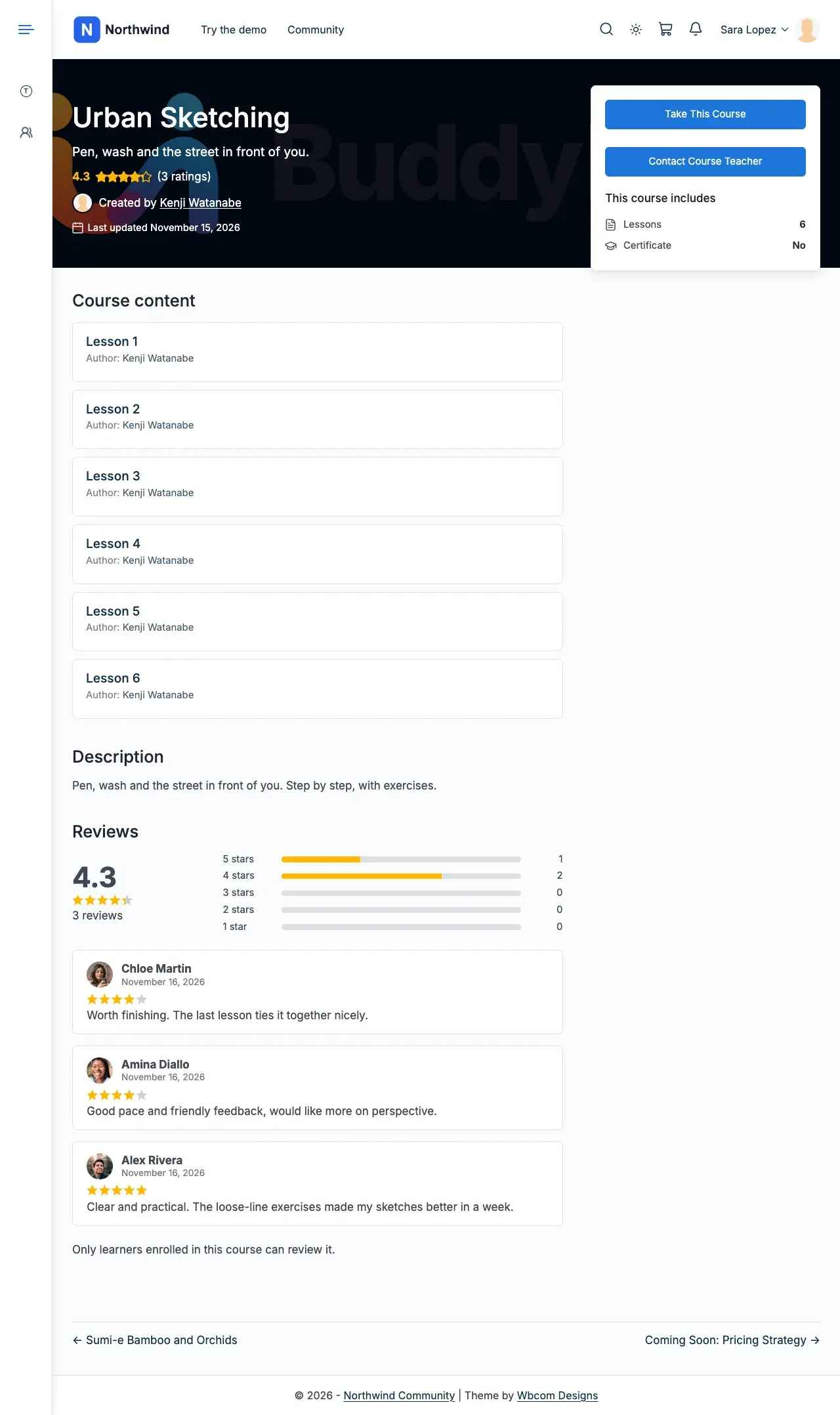
Cover puts a picture behind the header and the enrol box over it. Reviews, with the star summary, sit below the description.
-
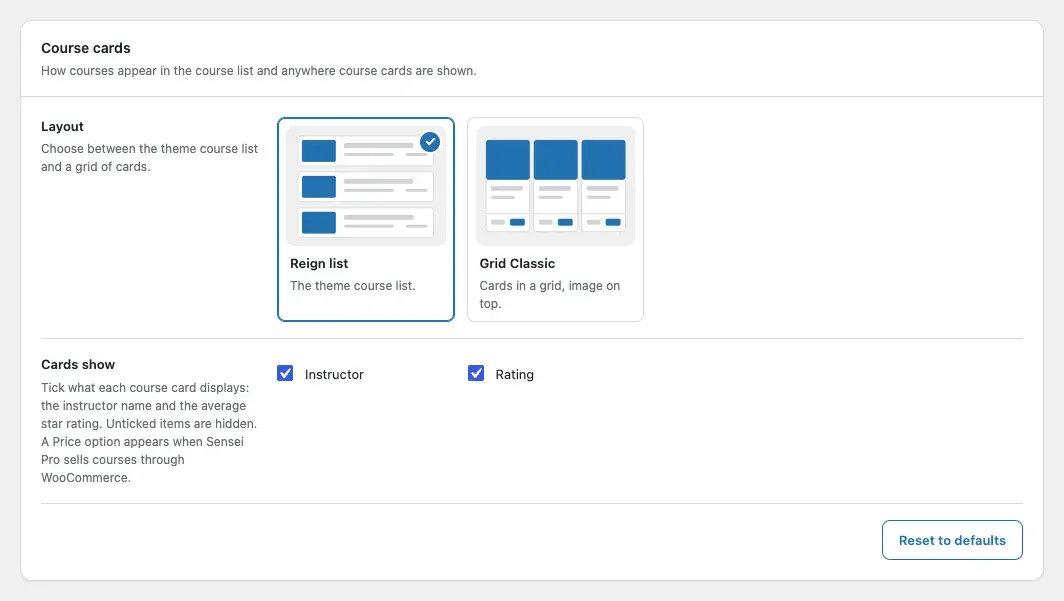
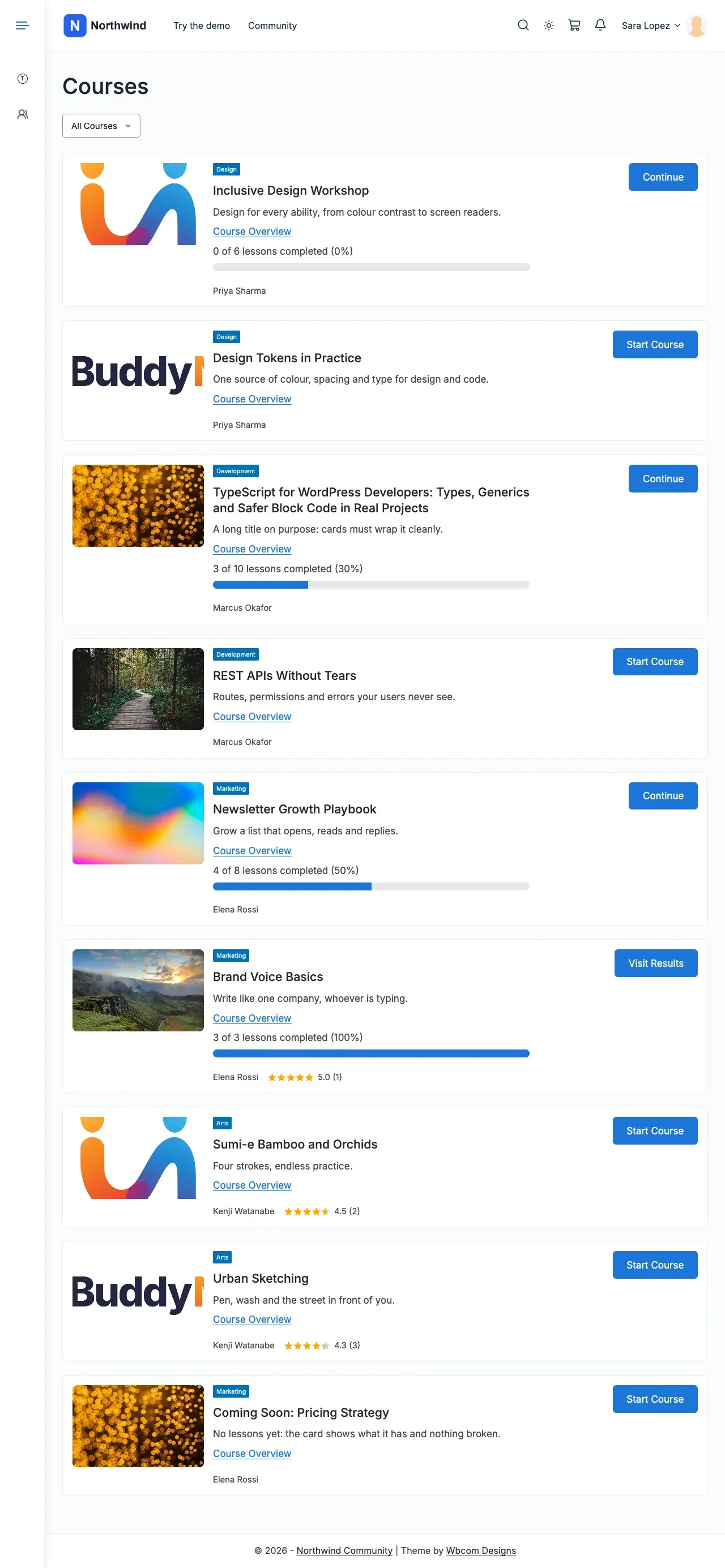
Open the Course cards card. Pick the layout and the parts each card shows. The course list uses the Reign card by default.
-
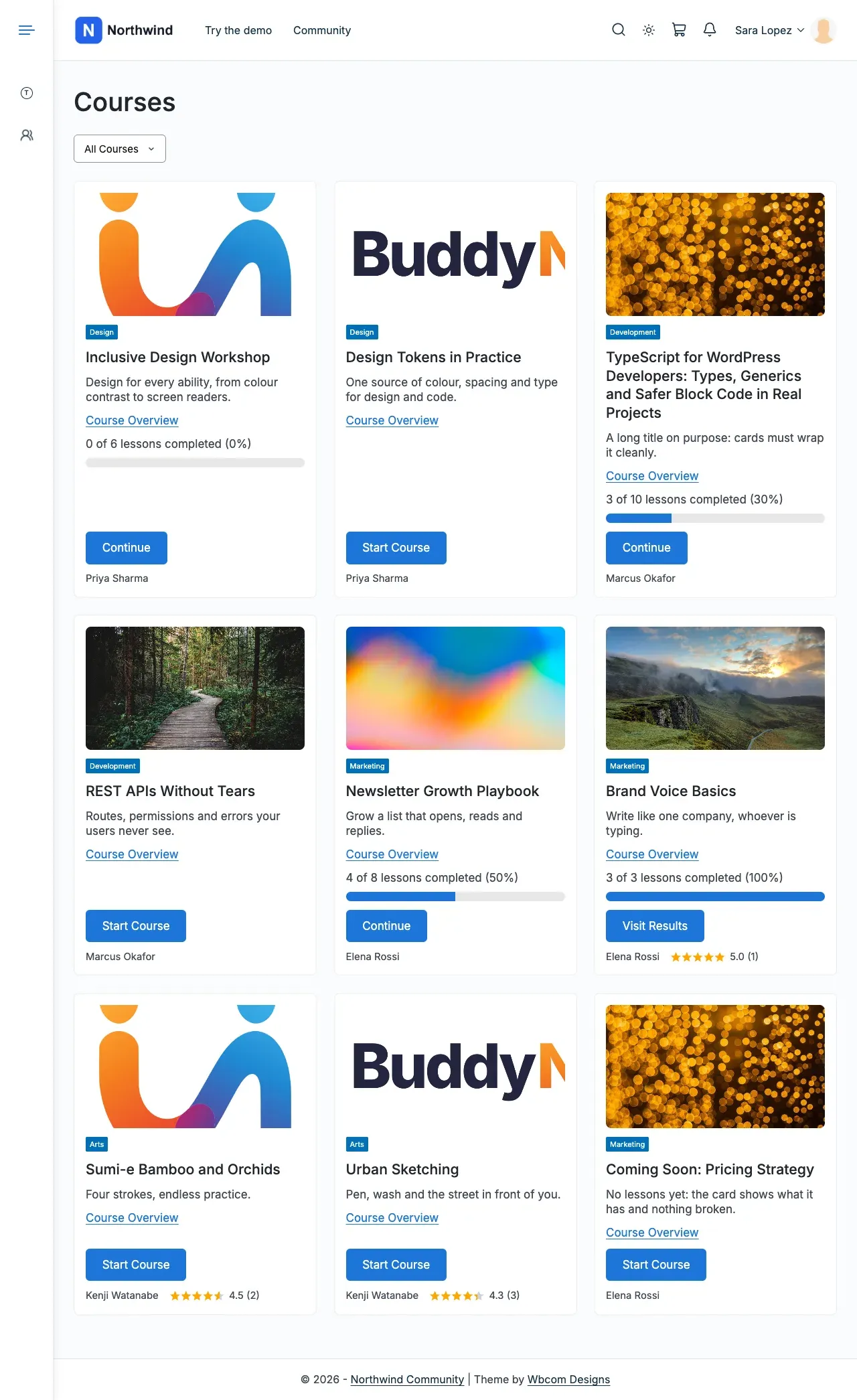
Grid Classic adds the instructor, price and rating to each card.
-
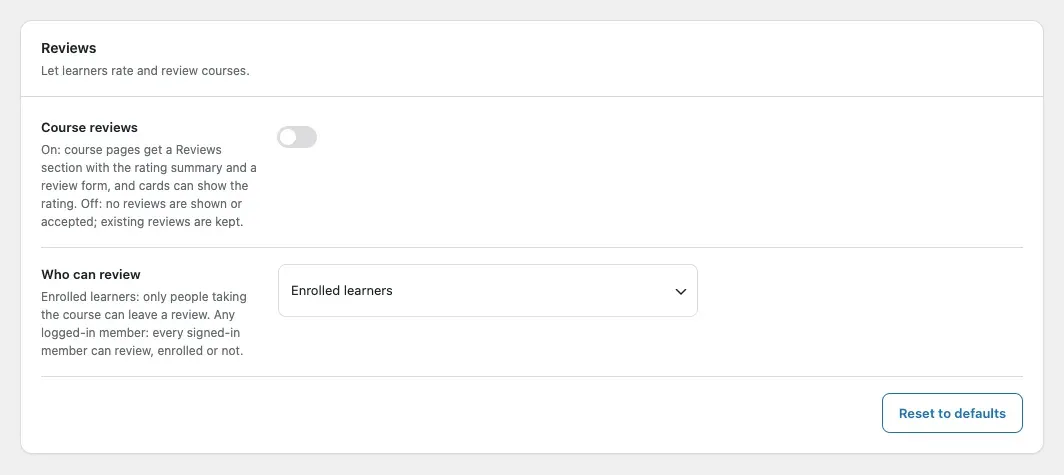
Open the Reviews card. Turn on 1 to 5 star ratings and set who can review.
-
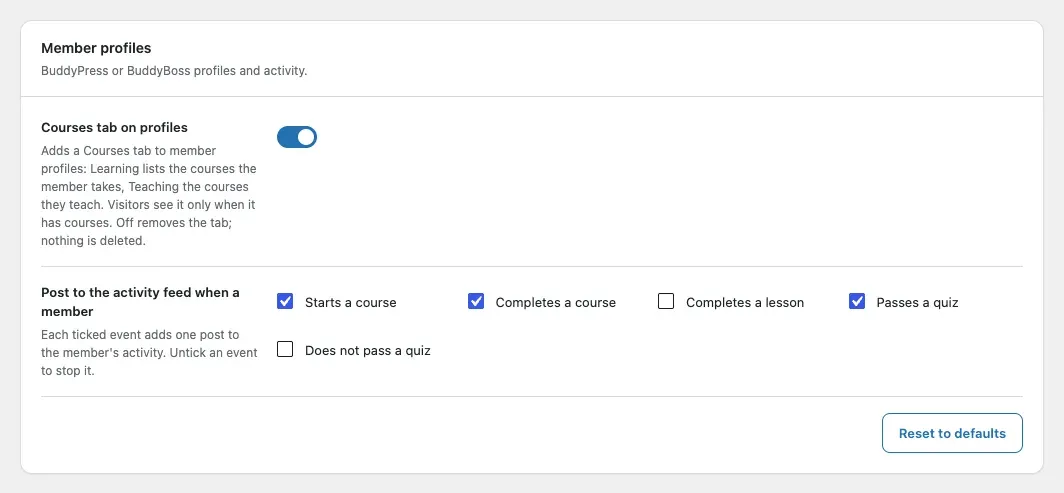
Open the Member profiles card. Set the Courses tab and which milestones post to the activity feed.
-
Select Save changes. Enter the add-on licence key in Reign Settings > License.
You’ll know it worked when
Section titled “You’ll know it worked when”Your course page and course list use the layout you picked. With BuddyPress or BuddyBoss, each member gets a Courses tab.
Good to know
Section titled “Good to know”I am updating from 1.9.0. What changes?
Section titled “I am updating from 1.9.0. What changes?”Update the theme and the add-on together. Group linking is gone. A site updated from 1.9.0 starts with no activity events ticked until you choose them.
Why did my Sensei tile disappear?
Section titled “Why did my Sensei tile disappear?”The tile shows only while Sensei LMS is active. Switch Sensei LMS back on and it returns.