Reign theme come with the inbuilt BuddyPress Reaction plugin. This plugin allows you to react to the WordPress Posts and comments, BuddyPress Activities, and Comments.
This plugin has the following features:
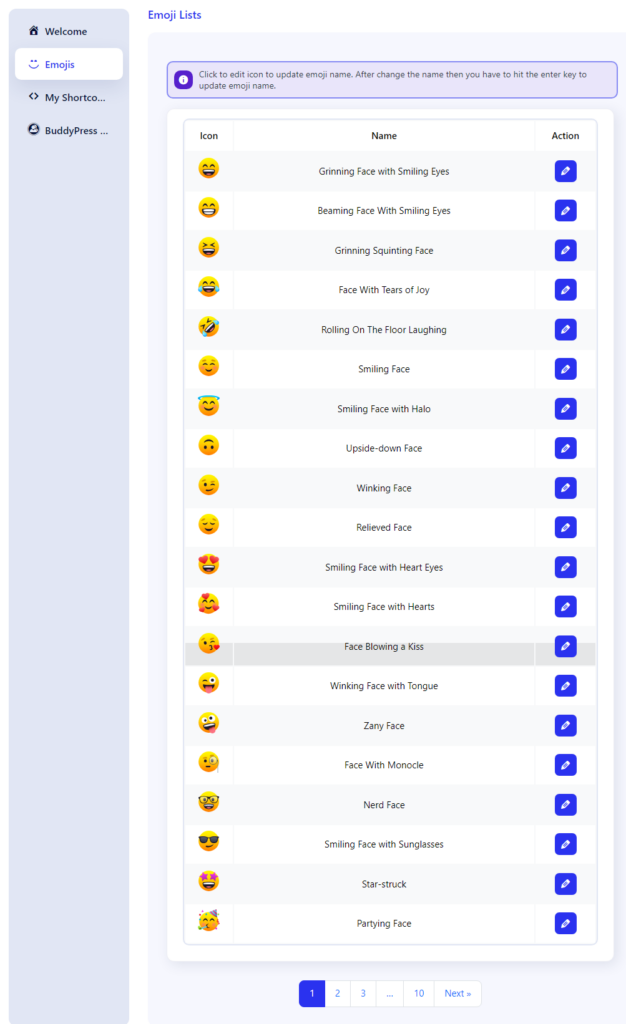
Emoji List
This screen shows the list of the available emojis. You can edit the name of the emojis according to your choice by clicking the edit icon button.
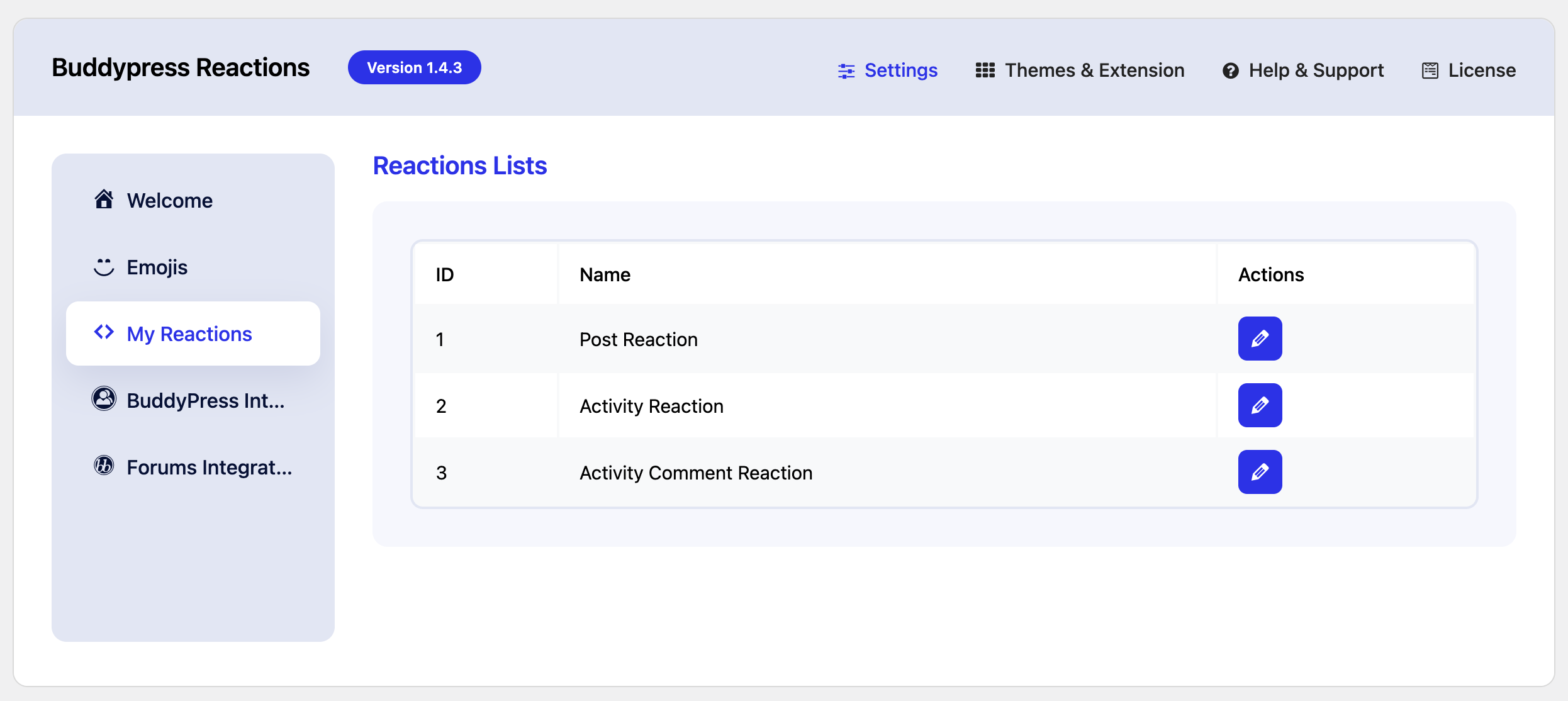
My Reactions
The plugin provides a list of three reactions that can be used for post and comment reactions. These Reaction posts can be edited to change the set of emojis.
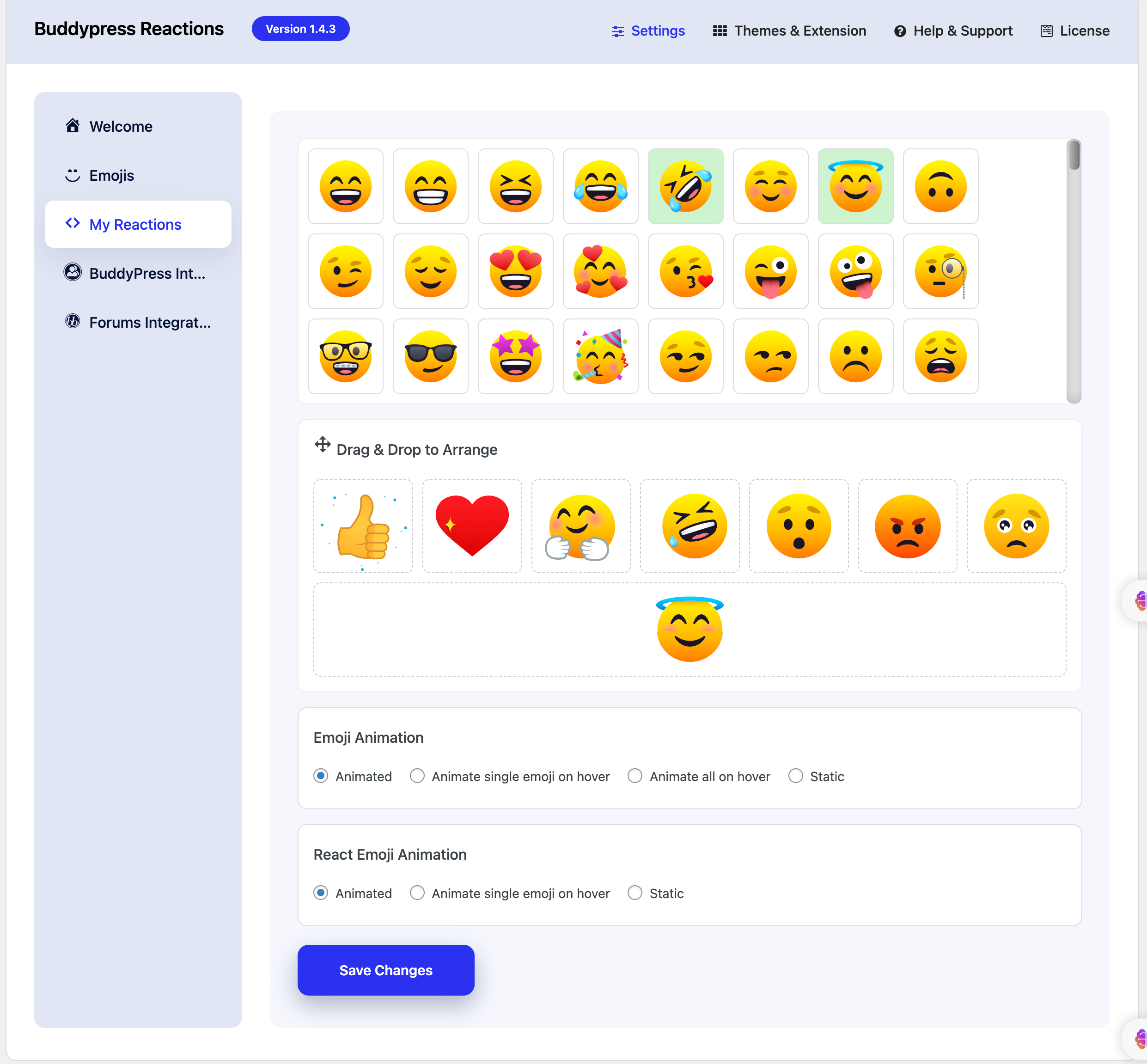
On editing the shortcodes, you’ll find the below options:
Hold and drag the emogis from the list and then drop it to arrange.
BuddyPress Integrations
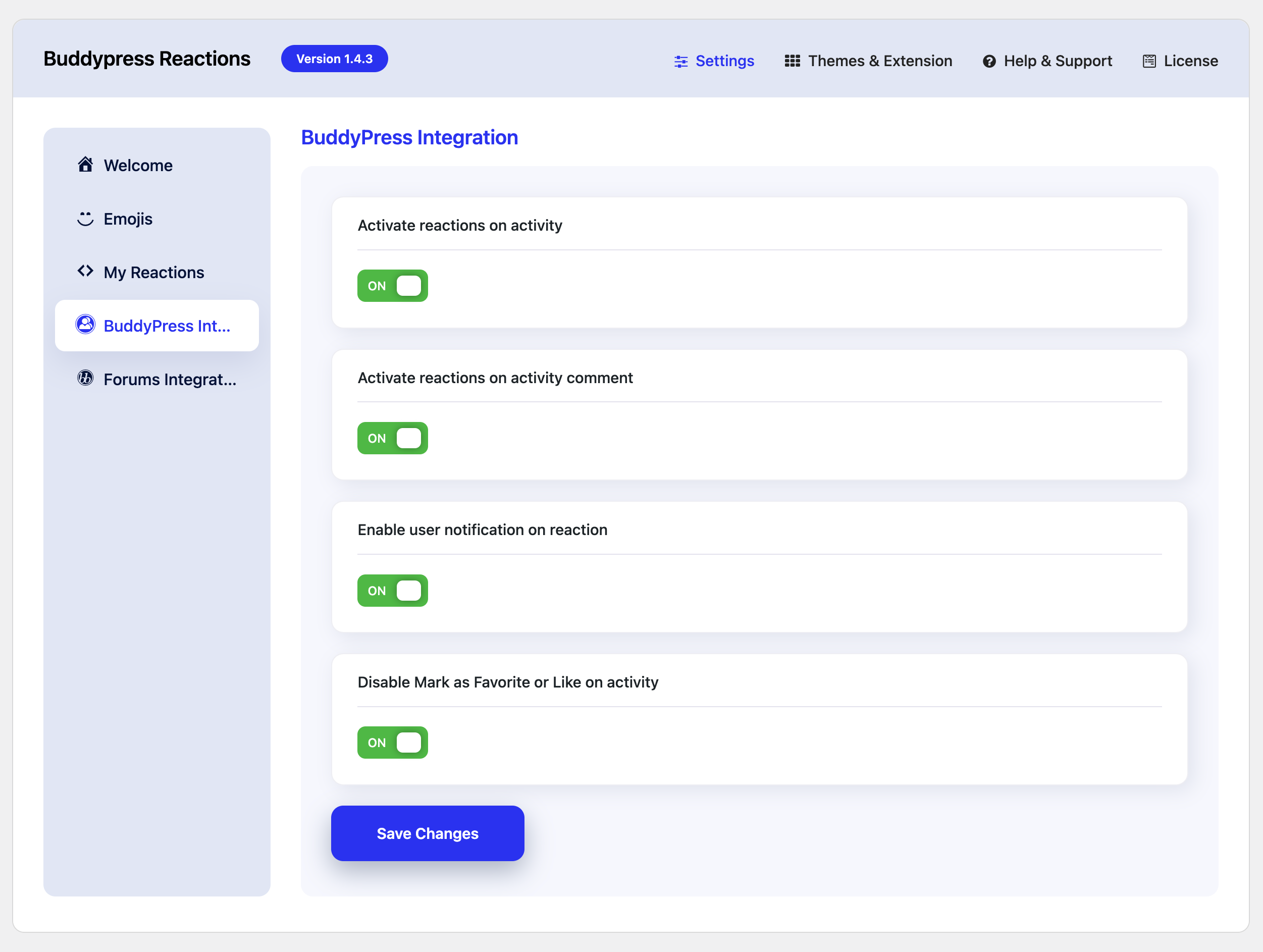
The plugin also integrates with BuddyPress and allows you to react to the BuddyPress activities and comments.
- Activate Reactions on activity: Activate this option if you wish to permit your community members to express their reactions to BuddyPress Activities.
- Activate Reactions on Activity Comment: Activate this option if you wish to permit your community members to express their reactions to BuddyPress Activity comment.
- Enable User Notification on reaction: Turn on this setting to receive notifications whenever someone reacts to your activity or comment.
- Disable mark as favorite or Like activity: This setting allows to disable the default BuddyPress favorite feature.
Forum Integrations
The plugin also integrates with BuddyPress and allows you to react to the BuddyPress activities and comments.
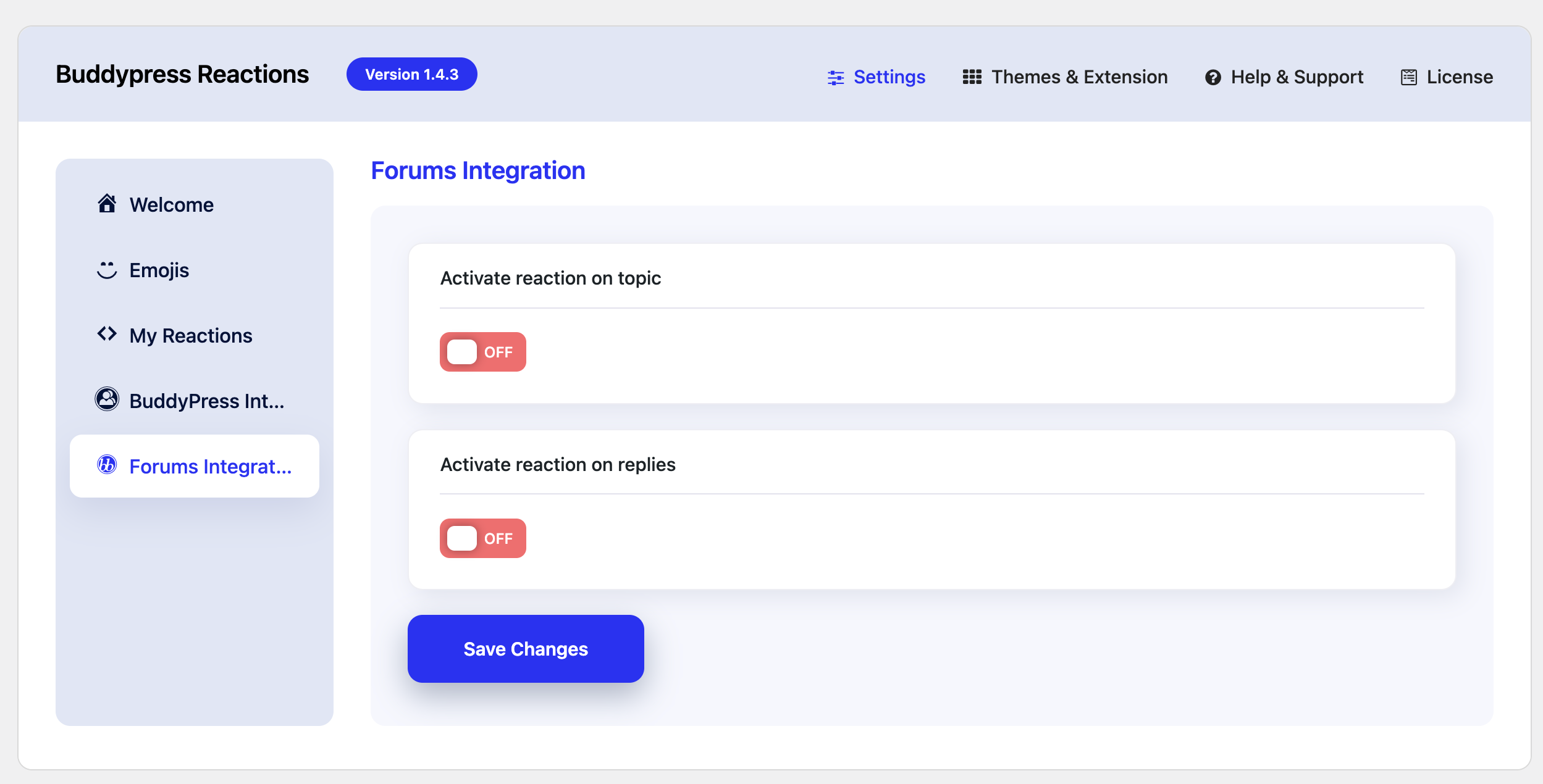
- Activate Reactions on Topic: Activate this option if you wish to permit your community members to express their reactions to Forum Topics.
- Activate Reactions on Replies: Activate this option if you wish to permit your community members to express their reactions to Forum Replies.