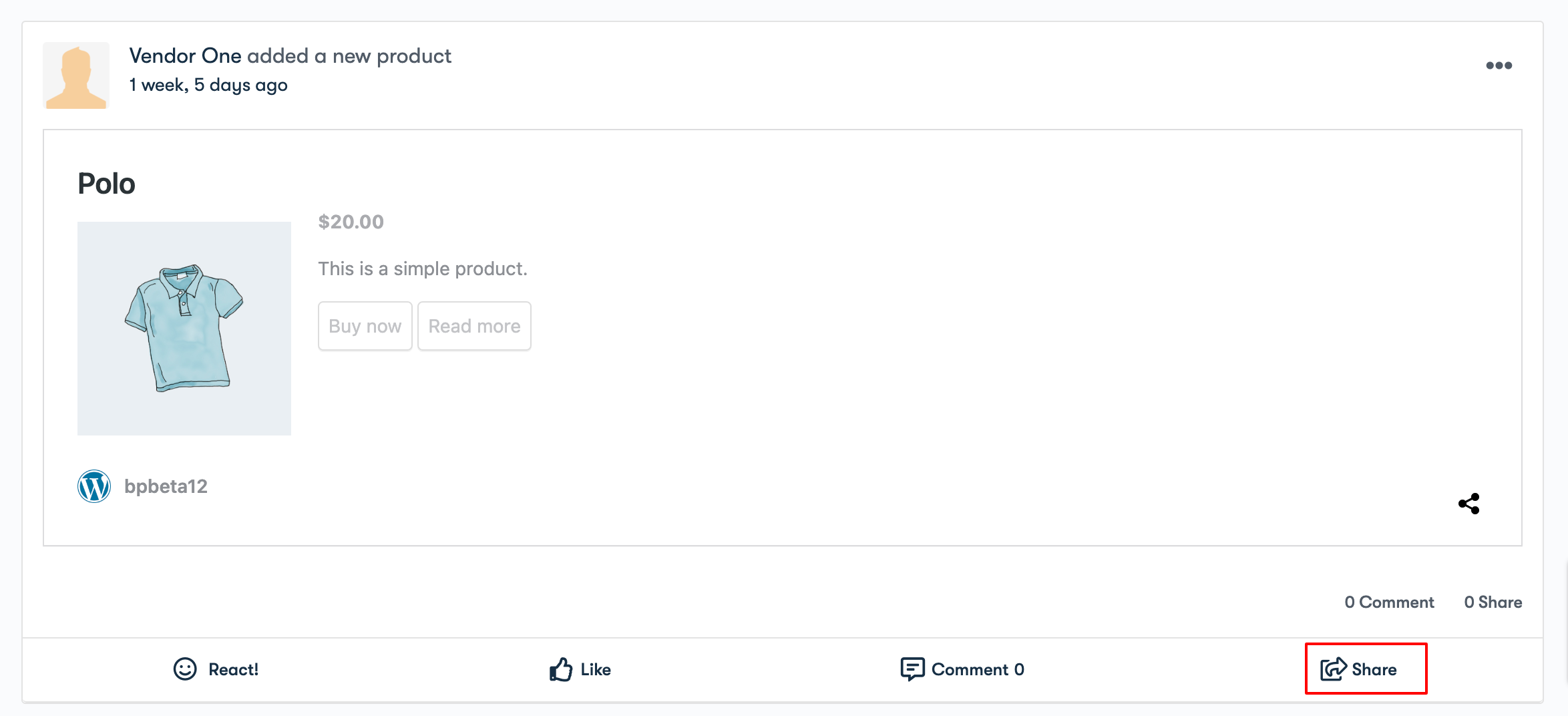
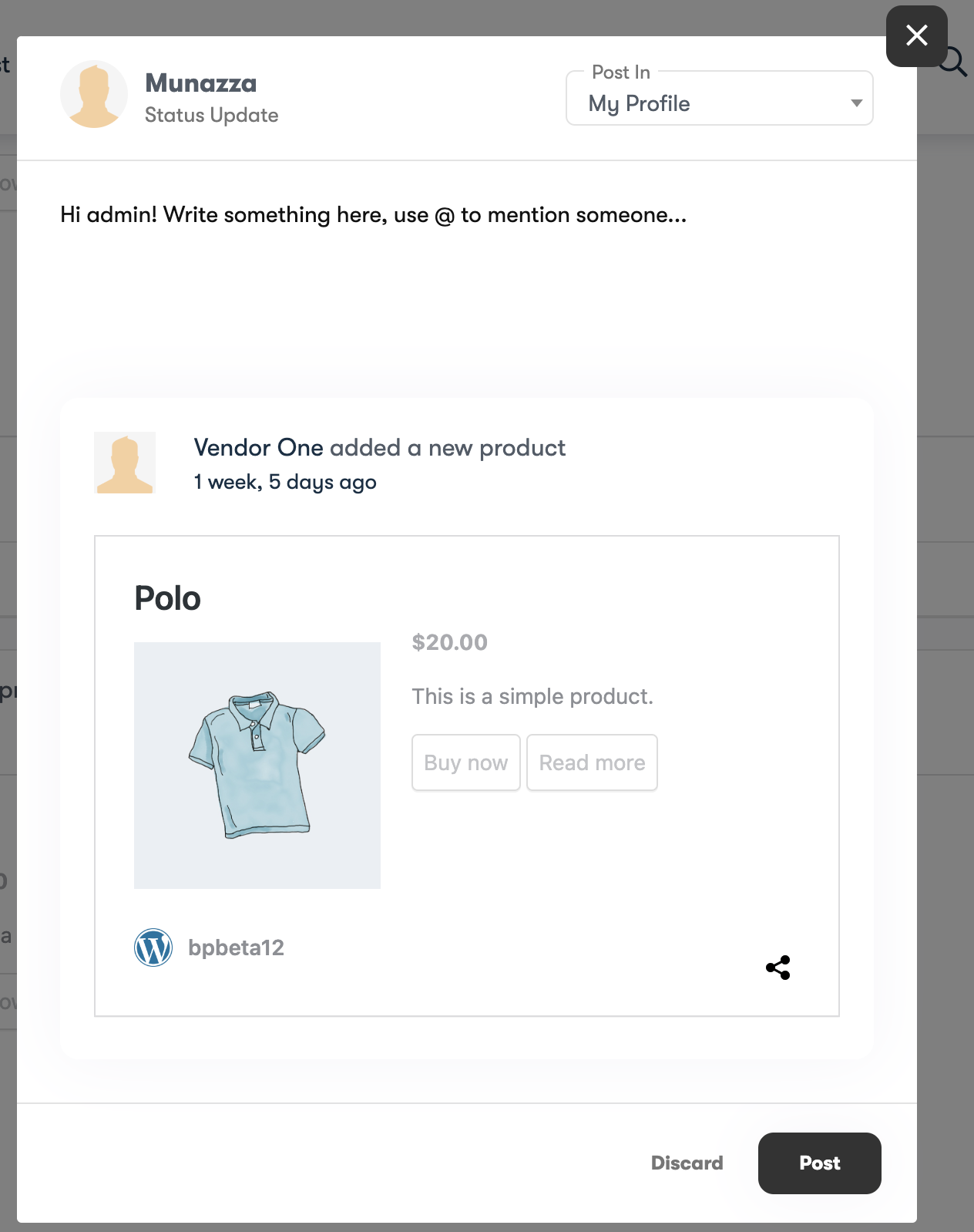
The BuddyPress Share plugin is bundled with the Reign theme to empower you with the ability to share BuddyPress content on a range of social media platforms and within your website.
To access the plugin’s settings, simply go to WB Plugins > BuddyPress Share. Here, you’ll discover the following configuration options:
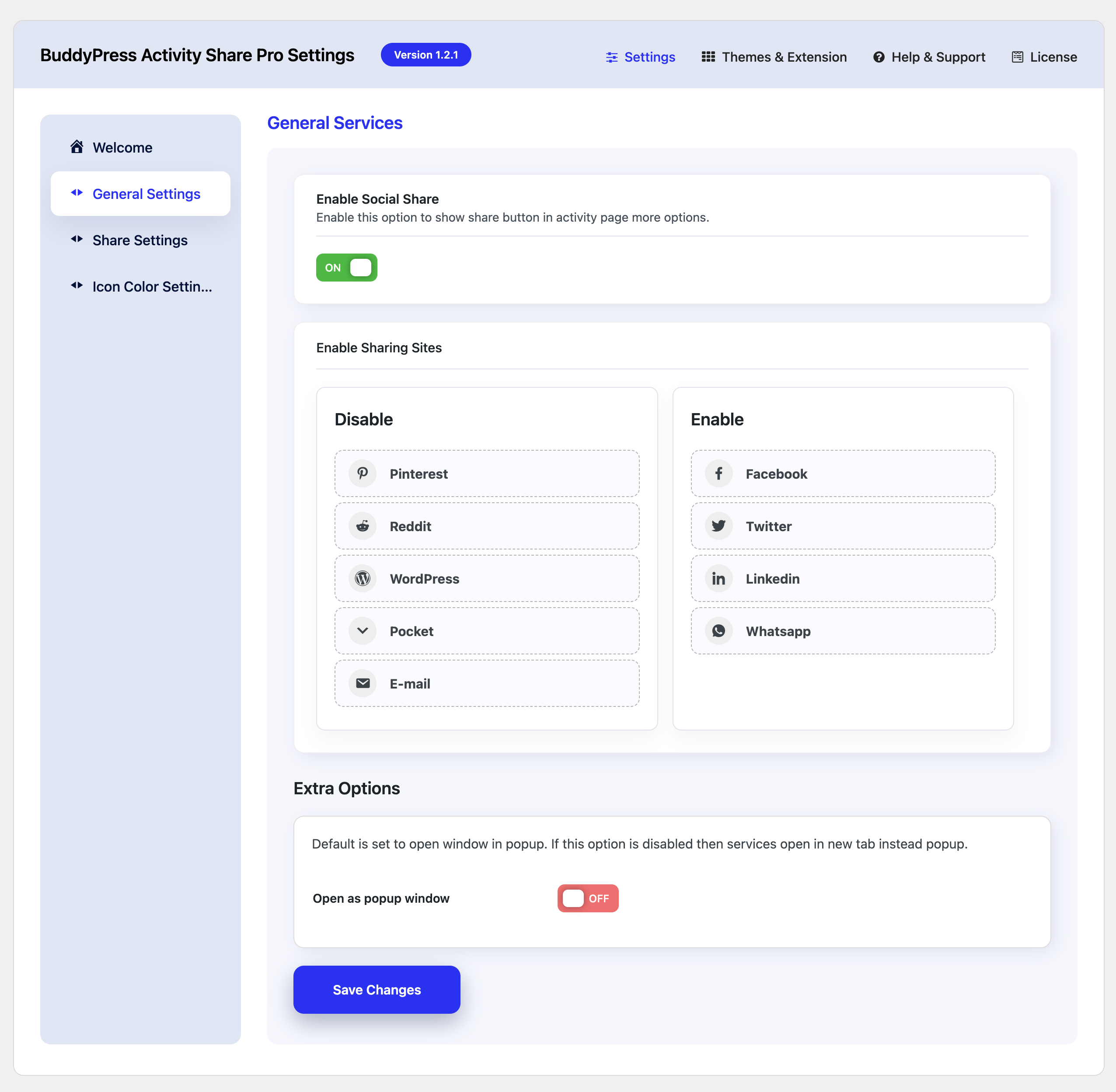
General Setting
-
Enable Social Share:
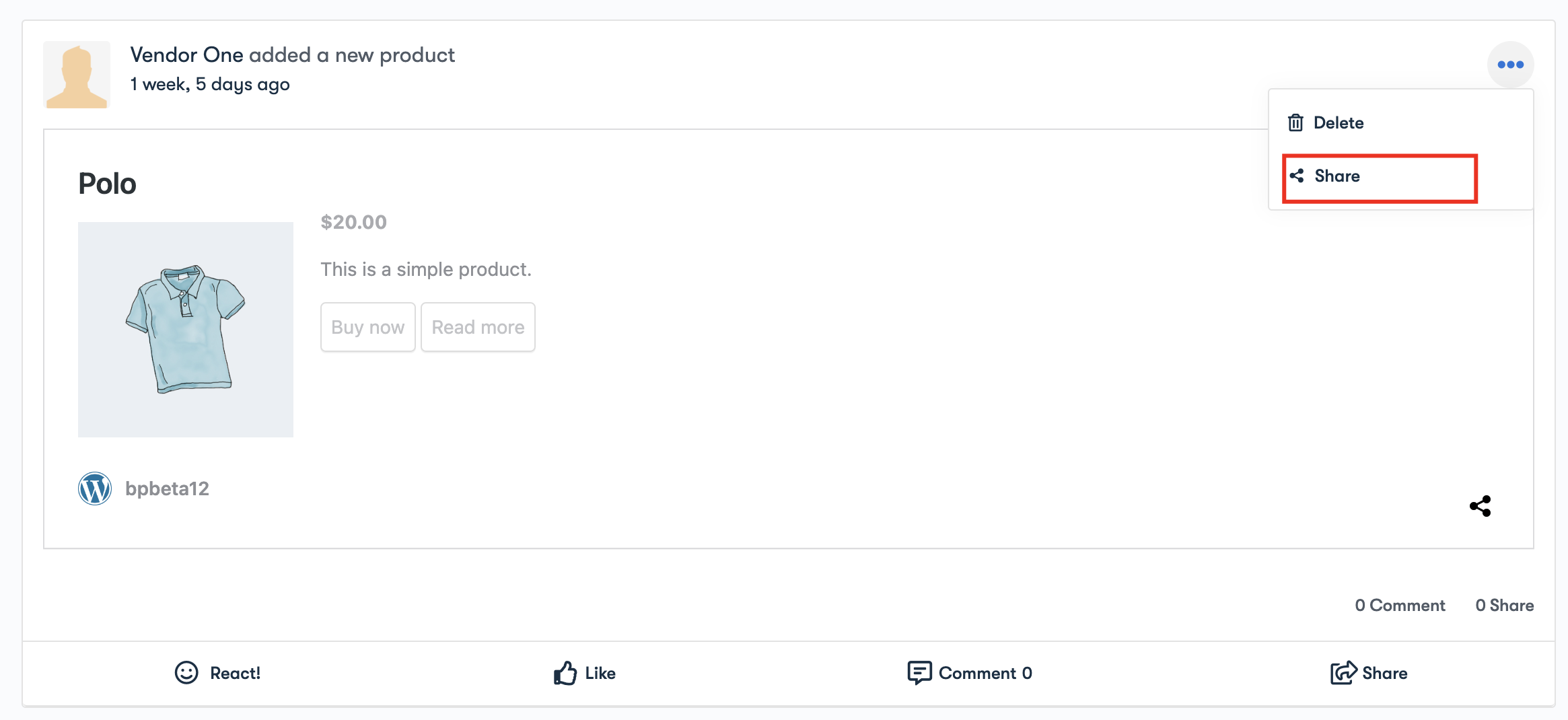
Activate this setting to display the share button within the expanded options on the activity page Under the three dots.
-
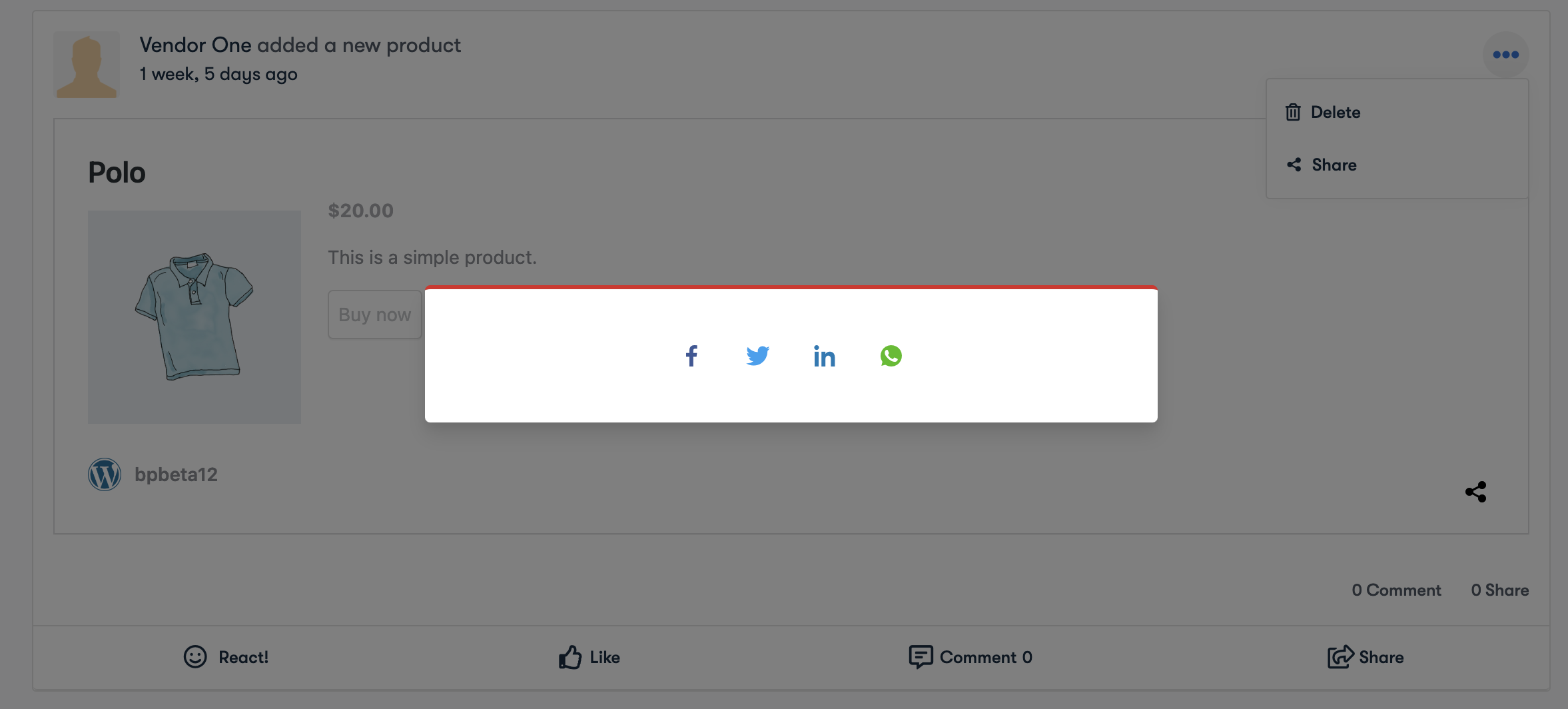
Enable sharing Sites
Select the social media sites for whom you want to enable the sharing.
-
Open as a popup window.
The default setting opens a new window in a popup. If you disable this option, services will open in a new tab instead of a popup.
Share Settings
These settings will allow you to manage the activity resharing within the site.
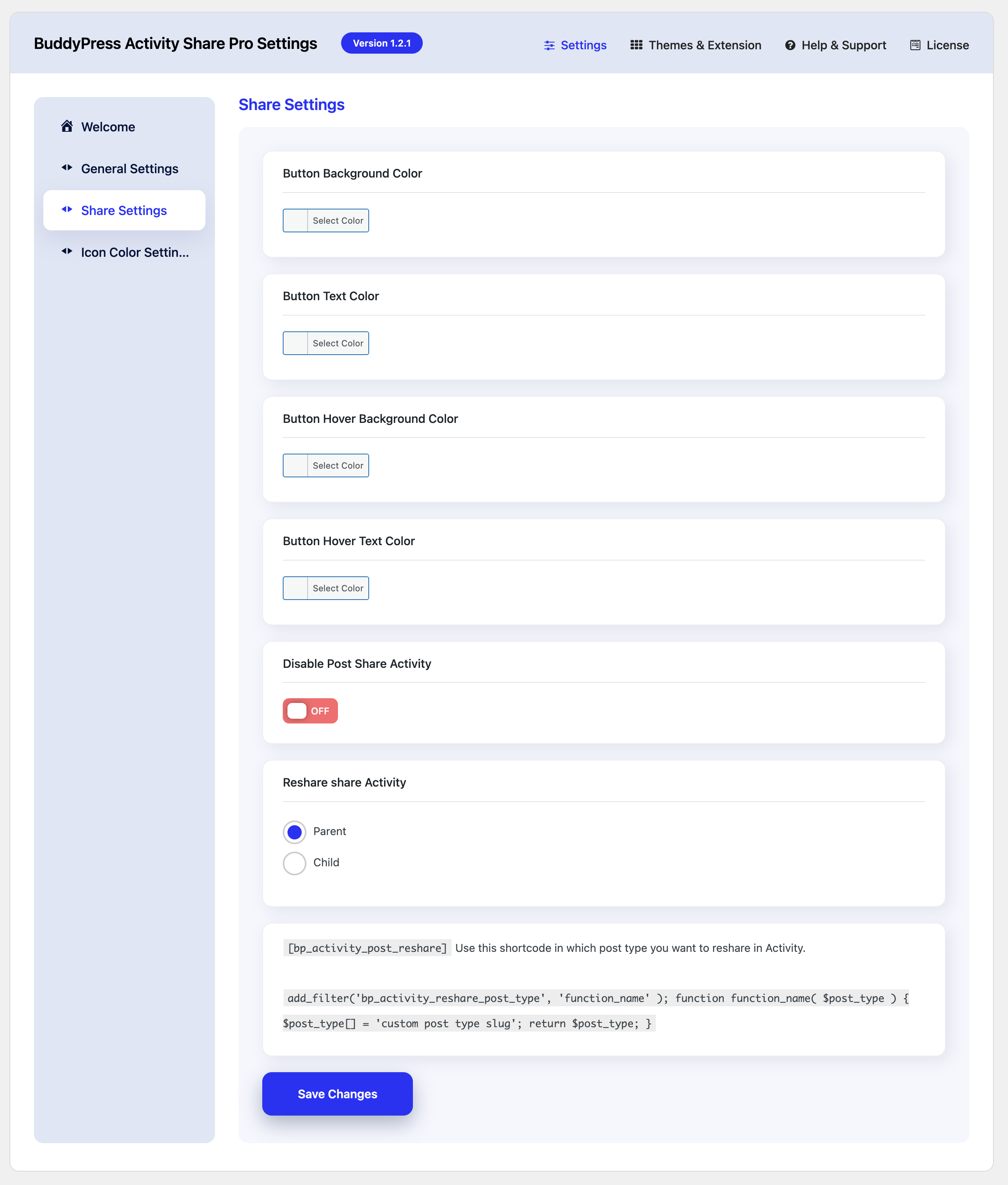
Disable Post Share Activity
This setting controls whether users can share blog posts in their activity feed. When enabled, users can share interesting posts with their activity feed. When disabled, this blog post sharing feature is turned off.
Disable My Profile Sharing
This option manages whether users’ activities can be shared on their profile. If enabled, users can choose to share their activities on their profiles for others to see. Disabling this will prevent users from sharing the activities on their profiles.
Disable Message Sharing
This feature determines whether users can share their activities through private messages. Enabling it allows users to share their activities or updates directly with others via messaging. Disabling it means that users cannot share the activities through messages.
Disable Group Sharing
This setting decides whether users can share their activities within groups. If enabled, users can post and share their activities to specific groups they belong to, making it visible to group members. Disabling this option will stop users from sharing their activities in any groups.
Disable Friends Sharing
This option controls whether users can share activities with their friends by mentioning them. When enabled, users can tag their friends in activities or updates, making those activities visible to those friends. Disabling it will prevent users from sharing activities in this way.
Reshare Share Activity
This option allows users to share activities that have already been shared previously.
- Parent: In this case, “parent” refers to the original activity or post that was shared. When you select this option, you enable the ability to reshare the original activity itself.
- Child: It refers to activities that are replicas of the original shared activity.


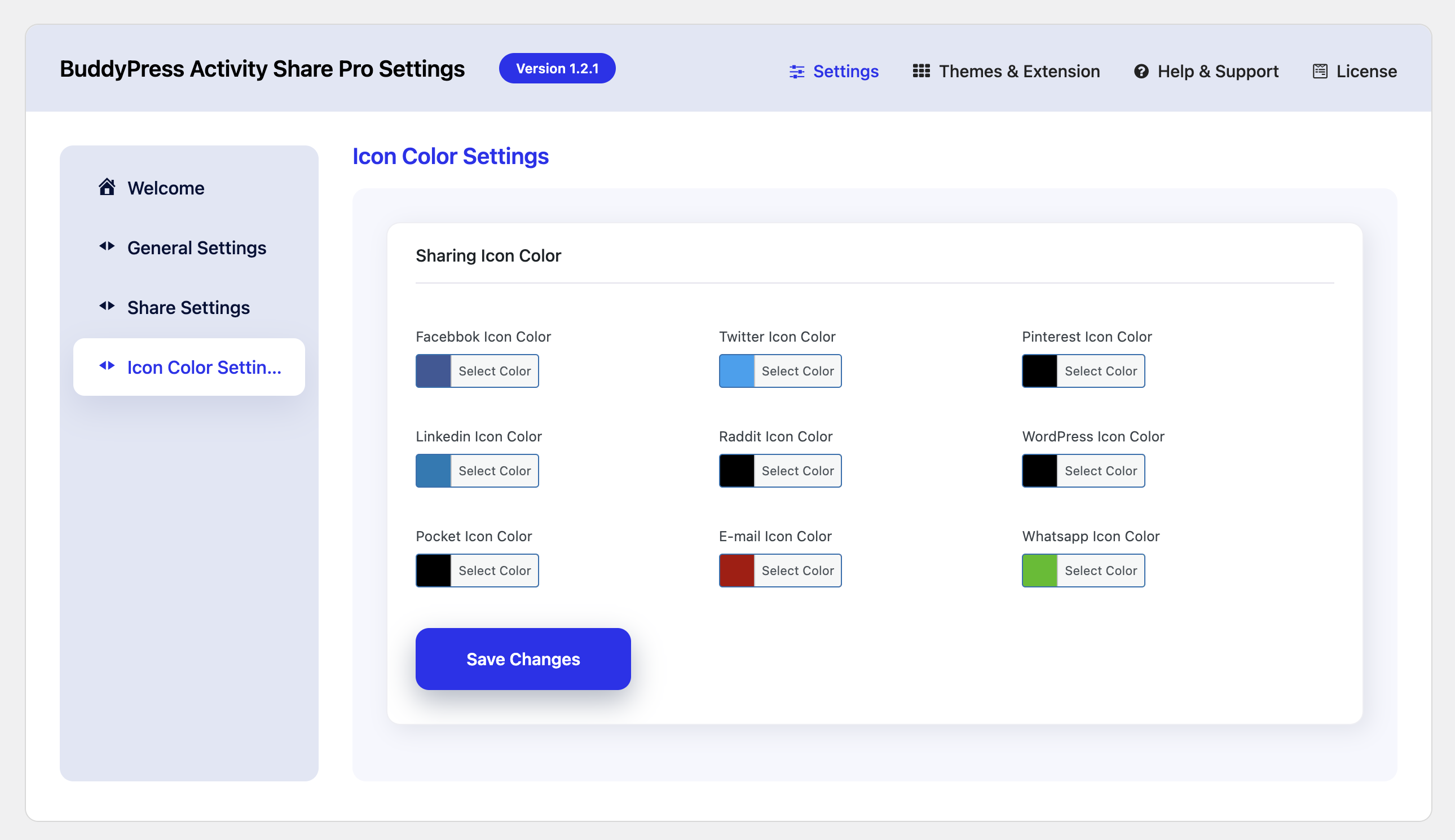
Icon Settings
This option lets you choose the icons according to your choice.
![]()
Style1
Style2

Style3

Style4

Mobile View