

Statuses and Categories
Statuses and categories are both WordPress taxonomies attached to roadmap items, managed like standard category screens (name, slug, description).
- Statuses describe where an item is in your workflow (Planned, In Progress, and so on).
- Categories describe what type of item it is (a feature area, a product section, whatever grouping makes sense for you).
Both let you view roadmap items filtered by a specific term.
Managing statuses
Section titled “Managing statuses”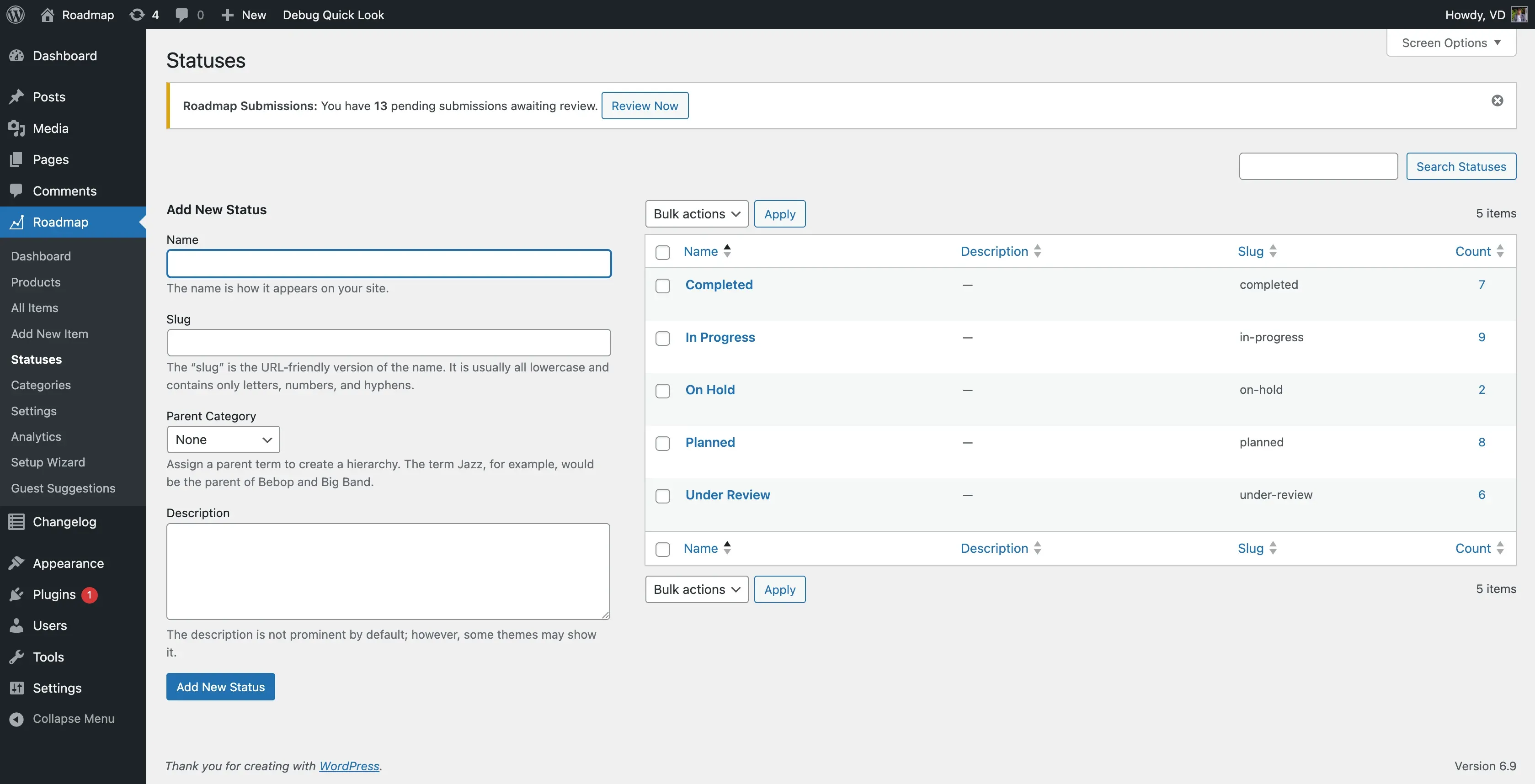
Go to Roadmap > Statuses.
Default statuses created on activation:
| Status | Slug |
|---|---|
| Planned | planned |
| In Progress | in-progress |
| Completed | completed |
| On Hold | on-hold |
| Under Review | under-review |
Add a status: enter a Name (for example, “Testing”), an optional Slug, and an optional Description, then click Add New Status.
Edit or delete a status: click the status name to edit it, or use the row’s Delete link. Deleting a status leaves items that used it without that term - reassign items to a different status first if you want to keep them organized.
Giving a custom status a color
Section titled “Giving a custom status a color”The board and item cards color-code statuses through CSS, not through an admin color picker. A status whose slug isn’t one of the built-in five renders as a neutral grey chip until you give it a color in your theme’s CSS:
.roadmap-status-testing { --rm-status: #6b46c1; --rm-status-tint: #ede9fe;}See the developer guide’s theming section for the full token list.
Managing categories
Section titled “Managing categories”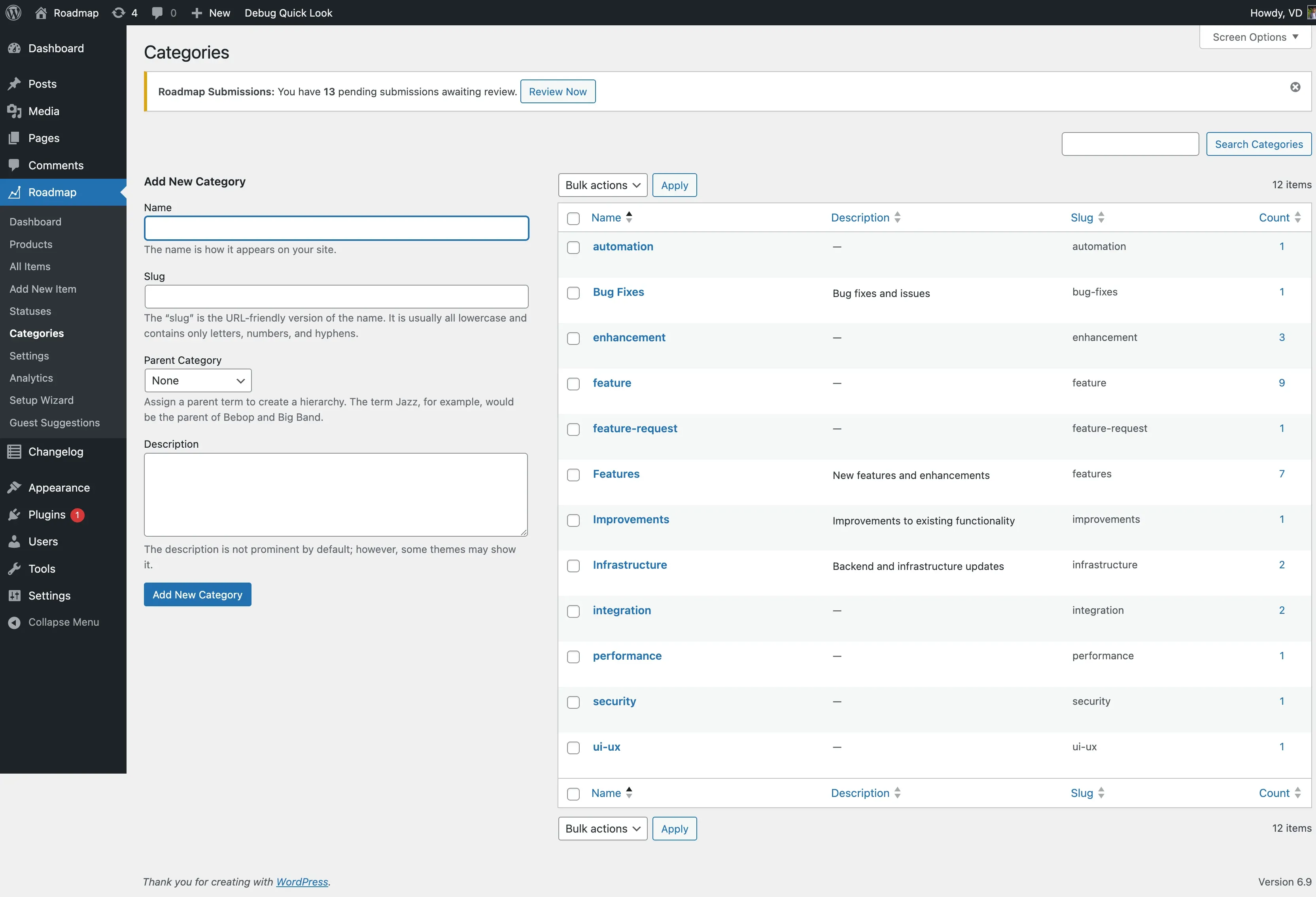
Go to Roadmap > Categories. Categories are hierarchical, so you can nest a category under a parent (for example, “Mobile” under “Platform”).
Add a category: enter a Name (for example, “Integrations”), an optional Slug, an optional Parent, and an optional Description, then click Add New Category.
An item can belong to more than one category.
Using statuses and categories in the shortcode
Section titled “Using statuses and categories in the shortcode”[roadmap status="in-progress"][roadmap category="integrations"]Each attribute takes exactly one slug. See the shortcode reference for the full attribute list, including how to combine filters.