

Changelog
Document your releases and keep users informed about what shipped, separately from the roadmap itself.
Creating an entry
Section titled “Creating an entry”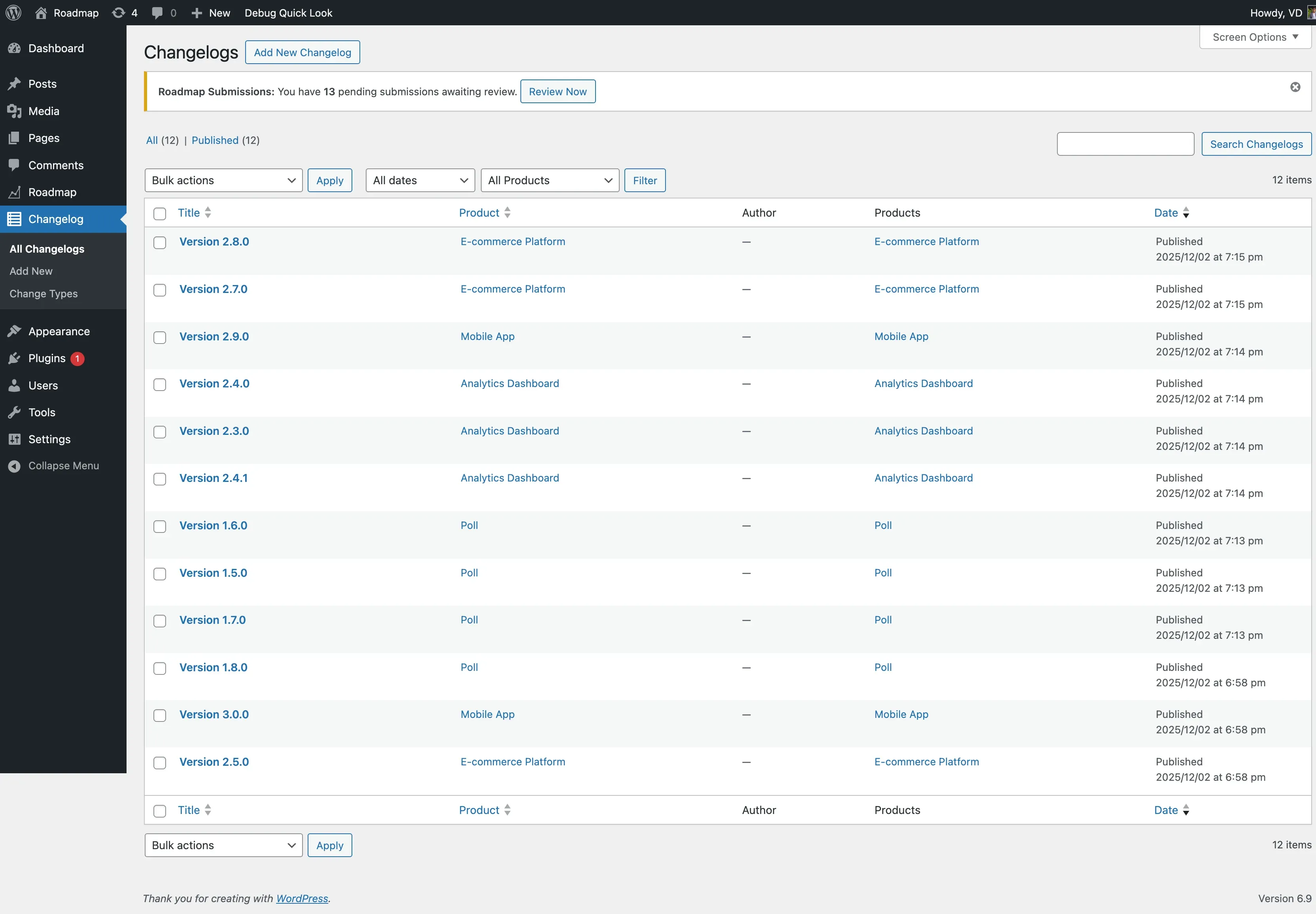
- Go to Roadmap > Changelog > Add New.
- Enter a Title (typically the release name, e.g. “Version 2.1.0”).
- Write the release notes in the content editor.
- Fill in the release fields in the sidebar:
| Field | Purpose |
|---|---|
| Version | The version number (e.g. “2.1.0”). |
| Release Date | When this version shipped. |
| Release Type | Major, Minor, or Patch. |
- Optionally assign a Product (relevant once you’re on Pro and managing more than one product).
- Click Publish.
Change types
Section titled “Change types”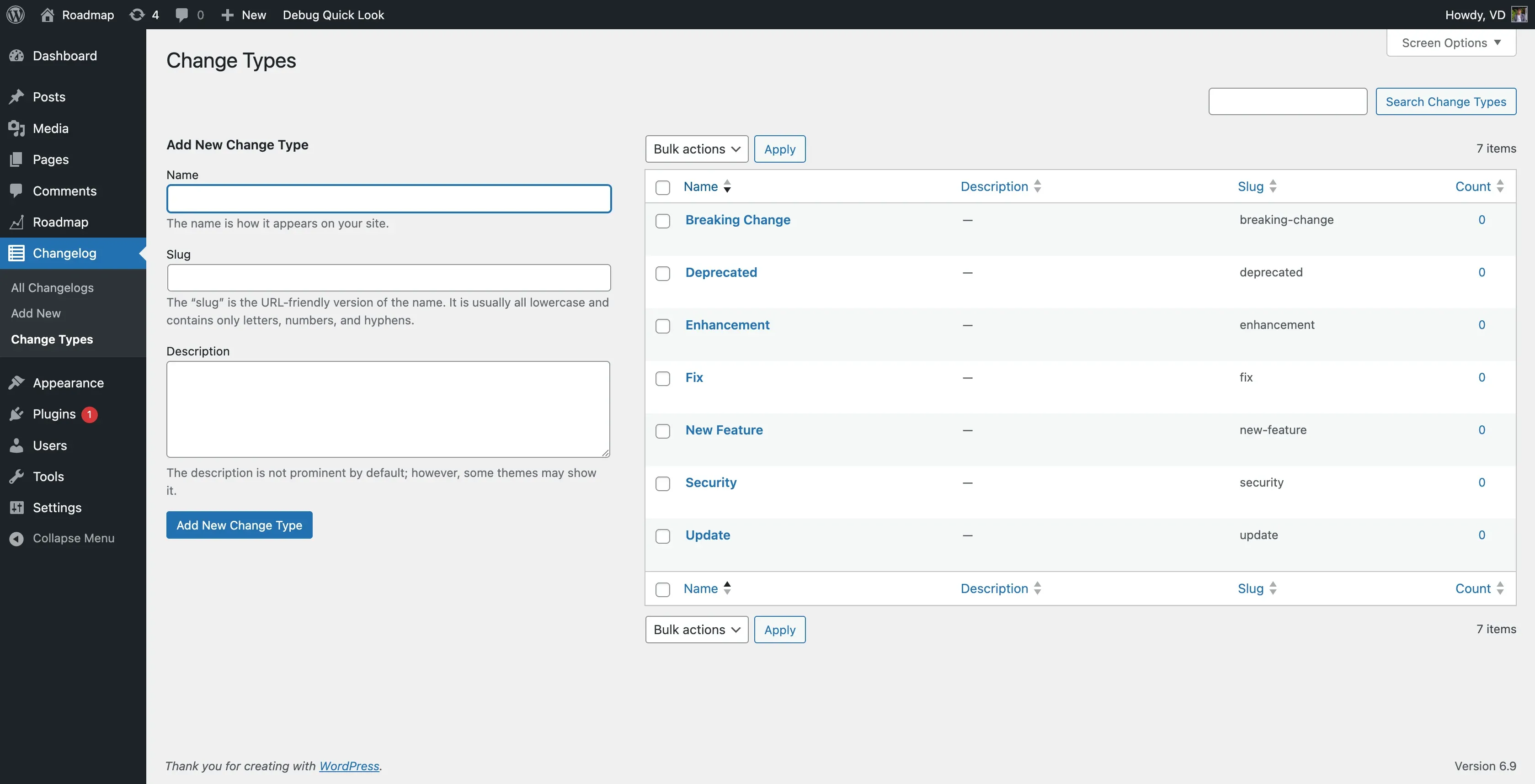
Categorize individual changes within an entry using these built-in types:
| Type | Typical use |
|---|---|
| New Feature | Something added |
| Enhancement | An improvement to existing behavior |
| Fix | A bug fix |
| Update | A general change or dependency bump |
| Deprecated | Something being phased out |
| Security | A security-related fix |
| Breaking Change | Requires action from the customer on upgrade |
Manage type colors at Roadmap > Settings > Changelog Types - each type has an editable color swatch.
Displaying your changelog
Section titled “Displaying your changelog”[roadmap_changelog]| Attribute | Options | Default |
|---|---|---|
product |
a product slug | (empty) shows your default product on Free |
id |
a single entry’s post ID | (empty) |
limit |
number of entries | 10 |
show_date |
true / false |
true |
collapsible |
true / false |
false |
class |
extra CSS class | (empty) |
Entries are always ordered by release date, newest first; entries with no release date set are still included.
[roadmap_changelog limit="5" collapsible="true"]Archive and single pages
Section titled “Archive and single pages”Visit yoursite.com/changelog/ to see every entry, or yoursite.com/changelog/product-slug/version-2-1-0/ for a single entry’s own page.
The changelog shortcode, single entry page, and archive all adopt your active theme’s accent color and follow your theme’s own light/dark toggle, the same as the rest of the plugin. If your theme ships a roadmap/changelog-frontend.css override, the changelog uses it automatically (also filterable with roadmap_changelog_enqueue_frontend_css).
Best practices
Section titled “Best practices”- Publish the changelog entry when the release actually goes live.
- Keep version numbers consistent with your product’s own versioning.
- Write for the people using your product, not for other developers - explain the benefit, not just the mechanism.
- Mention any breaking changes prominently, and near the top of the entry.
Next steps
Section titled “Next steps”| Goal | Guide |
|---|---|
| Manage change type colors | Notifications and Changelog Types |
| See what Pro adds for changelogs | Multi-Product and Pro Features |