

What Pro Adds
Eventonomy overviewFree + ProGet Eventonomy →
What Eventonomy Pro Adds
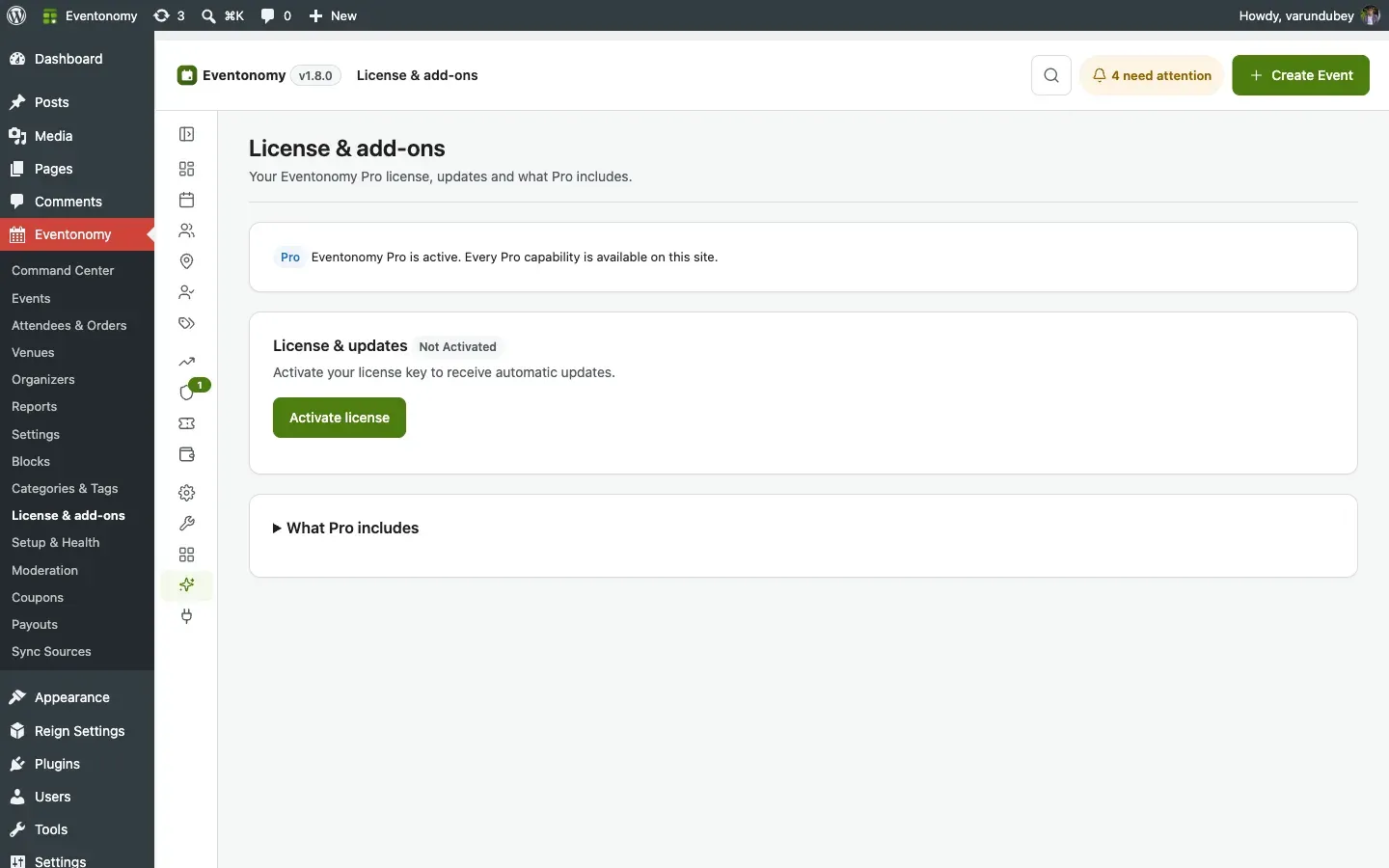
Section titled “What Eventonomy Pro Adds”Pro - Every feature marked Pro in the tables below needs Eventonomy Pro 1.9.0 alongside Eventonomy 1.9.0. Update both together.
Eventonomy Free is a complete event management platform. Eventonomy Pro comes in two halves, and most of it is for every organizer, including free community events:
- Community & Growth - calendar sync, door check-in for any event, discovery + following, BuddyPress community tabs, maps, week/day views, richer notifications, and analytics.
- Commerce - paid ticketing, gateways, coupons, tiered pricing, refunds, and organizer payouts, for when you sell tickets.
If you never sell a ticket, Pro still earns its place: the community and growth tools work on your free events.
What You Will Learn
Section titled “What You Will Learn”- Every capability that Pro adds, organized by category
- Which blocks are Pro-only
- How Free and Pro relate to each other technically
Feature Comparison
Section titled “Feature Comparison”Import & Sync
Section titled “Import & Sync”| Feature | Free | Pro |
|---|---|---|
| One-time import from another WordPress events plugin | Yes | Yes |
| CSV / iCalendar file import | Yes | Yes |
| Live calendar sync: connect a source that re-imports on a schedule | No | Yes |
| Members connect their own calendar/account from the frontend dashboard | No | Yes |
| Sync from any public iCalendar URL (Google Calendar, Outlook, …) | No | Yes |
| Direct Eventbrite connection (paste a private token; admin or member) | No | Yes |
The Free plugin migrates events once from another plugin or a file. Pro adds live sync: a member (or the site owner) connects a public iCalendar URL (or an Eventbrite account with its private token), and its events keep importing automatically. Meetup is planned for a future release. See Calendar Sync.
Commerce
Section titled “Commerce”| Feature | Free | Pro |
|---|---|---|
| Free tickets ($0) | Yes | Yes |
| Donation pledges (no charge) | Yes | Yes |
| Donation collection (charged) | No | Yes |
| Paid ticket checkout | No | Yes |
| Stripe gateway (0% fee) | No | Yes |
| PayPal gateway | No | Yes |
| Pay through your site’s own checkout (WooCommerce) | No | Yes |
| Taxes (one rate, or a rate per event or venue through a developer filter) | No | Yes |
| Booking fees | No | Yes |
| Coupon codes (site-wide, or limited to one event or one ticket type) | No | Yes |
| Refunds paid back through Stripe, PayPal or WooCommerce | No | Yes |
| Platform fee & organizer payouts (organizers can request a payout) | No | Yes |
Good to know when you set up commerce:
- Donations skip the booking fee and tax by default. Tax & Fees has Also charge the fee on donations and Also tax donations switches. Developers can use the
evnm_pro_donation_tax_feefilter. See Tax, Fees & Coupons. - Tax per event or venue is a developer hook. There is no per-event tax field. Developers return a rate from the
evnm_pro_tax_ratefilter, and the checkout preview, the charge and the order all use it. - Refund requests. Ticket holders can ask to cancel from My tickets, and the organizer approves or declines. See Refunds & Cancellations.
- Paid-event waitlists. When a paid seat frees up, everyone on the waitlist gets the Seat open for the waitlist email, and the first to finish checkout gets the seat. You can edit it under Email templates.
- Payment methods. With WooCommerce, the card for it shows Ready only when a WooCommerce payment method is switched on. Other gateways then show Replaced by WooCommerce or Not offered: finish setup. See Payment Gateways.
Calendar Views
Section titled “Calendar Views”| Feature | Free | Pro |
|---|---|---|
| Grid view | Yes | Yes |
| List view | Yes | Yes |
| Month calendar view | Yes | Yes |
| Upcoming view | Yes | Yes |
| Week hour-grid view | No | Yes |
| Day hour-grid view | No | Yes |
| Feature | Free | Pro |
|---|---|---|
| Venue name and address display | Yes | Yes |
| City-based search/filtering | Yes | Yes |
| Geocoding (address → lat/lng) | No | Yes |
| Map on single-event page | Yes (when the event has coordinates, e.g. imported) | Yes (coordinates auto-geocoded) |
| Events map view (all events on map) | No | Yes |
| Nominatim / Mapbox / Google Maps | No | Yes |
Attendee Tools
Section titled “Attendee Tools”| Feature | Free | Pro |
|---|---|---|
| RSVPs (going/maybe/no/waitlist) | Yes | Yes |
| Guest RSVPs with magic link | Yes | Yes |
| Custom registration questions | Yes | Yes |
| QR ticket codes (scan to check in) | No | Yes |
| Door check-in scanner (QR + manual) | No | Yes |
Door check-in works for free events too. You do not need to sell tickets to use it: every RSVP gets a scannable QR, so a free meetup, workshop, or conference can check members in at the door with the same scanner.
Notifications
Section titled “Notifications”| Feature | Free | Pro |
|---|---|---|
| Email confirmations and admin alerts | Yes | Yes |
| Custom email templates | No | Yes |
| Event reminder emails (1 day + 1 hour before start) | Yes | Yes |
| Custom reminder timing (one lead time you choose) | No | Yes |
| SMS notifications (Twilio) | No | Yes |
| Phone number field on RSVP/checkout | No | Yes |
Discovery & Analytics
Section titled “Discovery & Analytics”| Feature | Free | Pro |
|---|---|---|
| Member event dashboard | Yes | Yes |
| Organizer analytics block | No | Yes |
| Discovery feed (personalized) | No | Yes |
| Follow organizer | No | Yes |
| Conversion tracking (GA4 + Meta Pixel) | No | Yes |
Community (BuddyPress)
Section titled “Community (BuddyPress)”Available when BuddyPress is active. See BuddyPress Community.
| Feature | Free | Pro |
|---|---|---|
| Group Events tab (List + Calendar + Create) | No | Yes |
| Member profile Events tab (Organizing / Going / Interested / Maybe) | No | Yes |
| Activity-stream posts (created events, Going RSVPs) | No | Yes |
| Bell notification to the organizer on a Going RSVP | No | Yes |
| Community settings card (master + per-pillar toggles) | No | Yes |
Blocks
Section titled “Blocks”| Block | Free | Pro |
|---|---|---|
| eventonomy/calendar | Yes | Yes |
| eventonomy/event-editor | Yes | Yes |
| eventonomy/events-list | Yes | Yes |
| eventonomy/manage-attendees | Yes | Yes |
| eventonomy/my-events | Yes | Yes |
| eventonomy/rsvp | Yes | Yes |
| eventonomy/search-filter | Yes | Yes |
| eventonomy/single-event | Yes | Yes |
| eventonomy/upcoming | Yes | Yes |
| eventonomy-pro/checkin | No | Yes |
| eventonomy-pro/day-view | No | Yes |
| eventonomy-pro/discovery-feed | No | Yes |
| eventonomy-pro/follow-button | No | Yes |
| eventonomy-pro/map-view | No | Yes |
| eventonomy-pro/member-events | No | Yes |
| eventonomy-pro/organizer-analytics | No | Yes |
| eventonomy-pro/photo-grid | No | Yes |
| eventonomy-pro/week-view | No | Yes |
The Member Events block lists the events of the member whose BuddyPress profile it sits on. On any other page, such as a plain “Member Events” page, it lists the signed-in visitor’s own events, and guests see a sign-in prompt.
Pro ships nine blocks. Note the eventonomy-pro/ prefix - Pro’s blocks are namespaced separately from Free’s eventonomy/ blocks.
Four of the nine only appear in the inserter once the thing they depend on is switched on, so a fresh Pro install shows five until you enable them:
| Block | Appears when |
|---|---|
| eventonomy-pro/discovery-feed | Settings → Features → Discovery is on |
| eventonomy-pro/map-view | Settings → Connections → Maps & geocoding is on |
| eventonomy-pro/organizer-analytics | Settings → Features → Analytics is on |
| eventonomy-pro/member-events | BuddyPress is active and the BuddyPress integration is enabled |
These gates are deliberate: a map with no geocoded coordinates has nothing to plot, and an analytics block on a site with analytics switched off would publish numbers the owner asked you not to show. Turning the feature back on restores the block immediately; nothing you already placed on a page is lost.
The eventonomy/checkout block was retired in favor of a single checkout surface: paid-ticket checkout (ticket stepper, coupon apply, and the itemized total summary) now lives in Free’s eventonomy/rsvp block, so there is only one place to buy a ticket.
For the platform-fee ledger and organizer payouts, see Earnings & Payouts.
How Free and Pro Relate
Section titled “How Free and Pro Relate”Pro is a separate plugin that extends Free. Both must be active at the same time; Pro cannot run standalone.
Pro connects to Free only through documented public seams: evnm_* hooks, Eventonomy\Contracts\* interfaces, and the service container. Pro never imports Free’s concrete classes. This means your own add-ons have exactly the same extension power that Pro has.
What’s Next?
Section titled “What’s Next?”Activate your Pro license key.