

Projects & Tasks
Projects and tasks are the core of Kanbanomy.
Projects
Section titled “Projects”A project is a container for tasks, milestones, a team, and its own front-end page.
- Statuses - Pending (member-submitted projects awaiting approval), Approved, Rejected, In Progress, Completed and Archived. A project you create yourself (on the Hub, in wp-admin, from a template, by CSV or through the REST API) starts In Progress. Projects sent through a request form start Pending and wait for approval.
- Color coding - each project carries a color for quick recognition across lists, the calendar, and the Gantt chart.
- Progress - calculated automatically from completed vs. total tasks.
- Visibility - members only (default), private, or public. Members-only and private projects are never served to anonymous visitors and never indexed. Visibility is enforced on every read - tasks, milestones, the dashboard, and the calendar all respect it.
- Front-end page - every project is reachable at
/projects/{slug}/with tabs for Overview, Tasks, Board, Gantt, Calendar, Milestones, Activity, and Team (subject to which features are enabled).
Create projects from Kanbanomy to All Projects to Add New, from the front-end Hub, or via a submission form.
Milestones
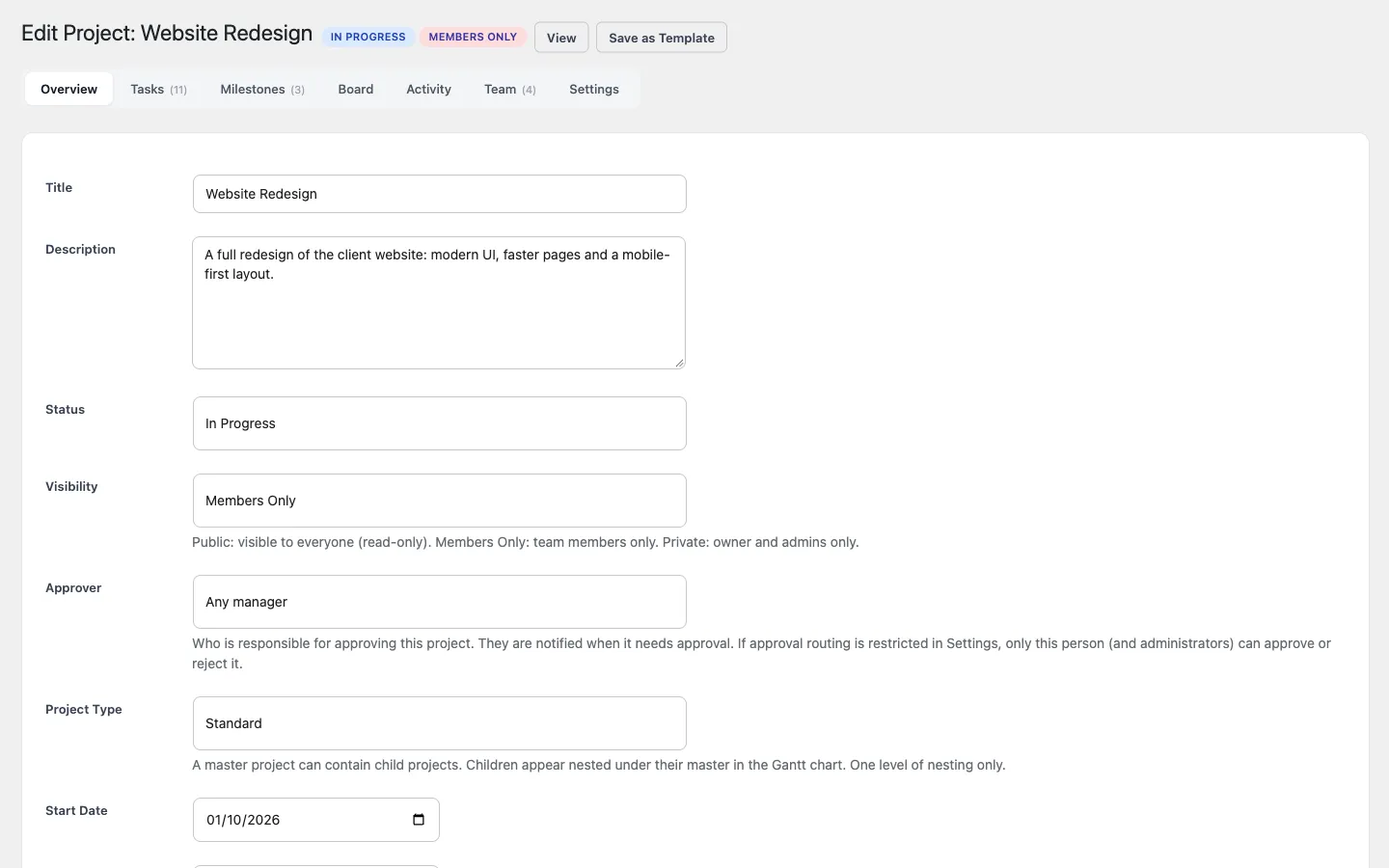
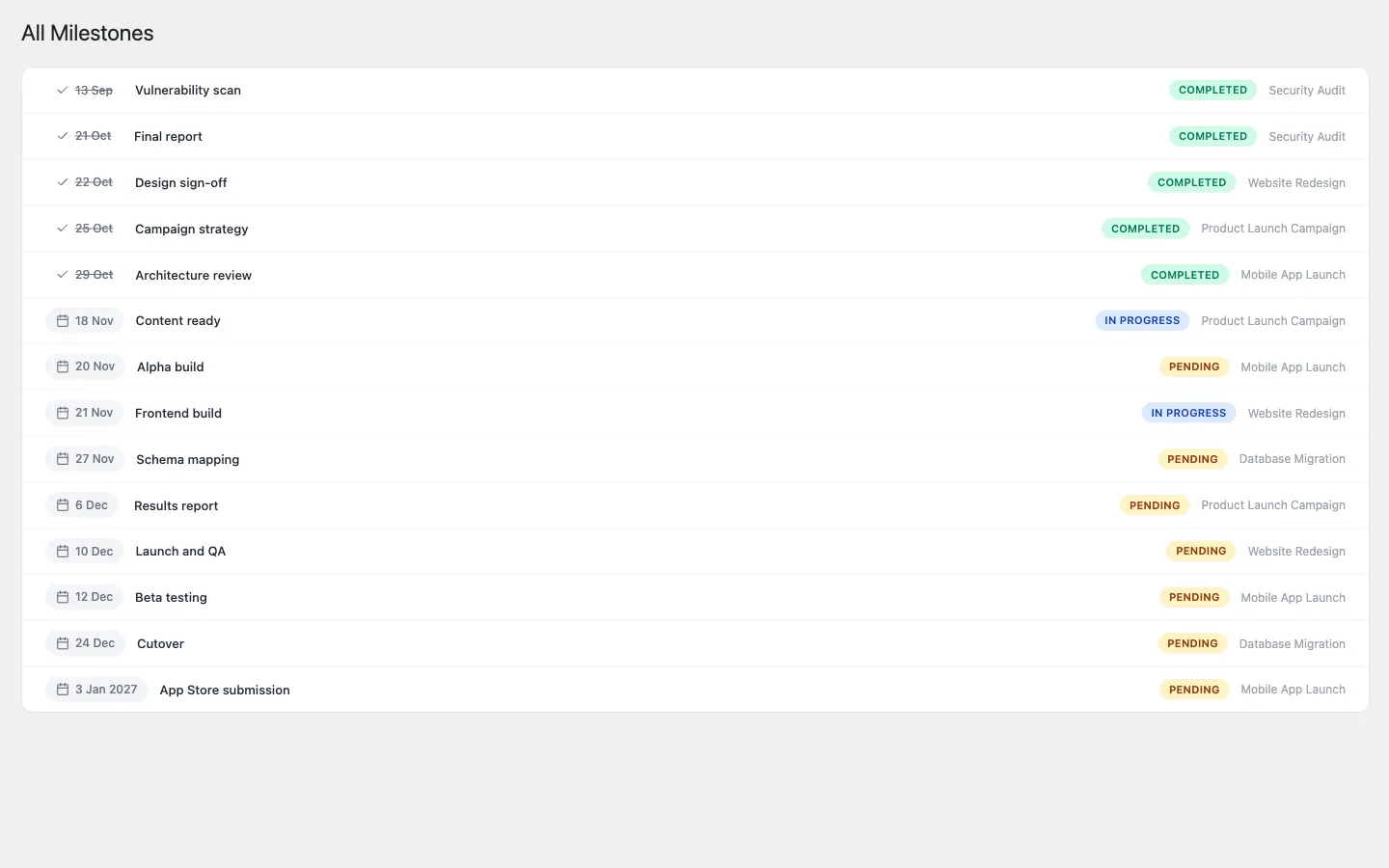
Section titled “Milestones”Milestones are dated checkpoints within a project. They appear on the Gantt chart, the calendar, and the dashboard’s Upcoming milestones panel, and can send reminders a configurable number of days before they are due (default one day; see Notifications).
Tasks are the unit of work. Each task supports:
- Priority - Low, Medium, High, Urgent.
- Assignees - one or more project members. On sites with large user bases, the assignee picker searches only project members, so it stays fast.
- Watchers - project members who follow a task without owning it. They get the same comment and status notifications as assignees, but the task never shows in their My Tasks or in workload.
- Start and due dates and a status (To Do, In Progress, Done, plus any custom Board columns). The start date must be on or before the due date and sets where the task’s Gantt bar begins; a task with only a due date gets a bar of at least three days ending on it.
- Checklists - lightweight to-do items inside a task.
- Subtasks - full child tasks with their own status and assignees.
- Dependencies - used to draw arrows on the Gantt chart.
- Labels - colored tags, managed under Kanbanomy to Labels, for cross-cutting categorization.
- Time tracking - a timer that keeps running between pages, manual entries, billable hours and a project Time card. See Track time.
- Recurrence - a task can regenerate on a daily, weekly, or monthly schedule until an optional end date.
- Custom fields - per-project fields defined by the site owner (see Custom Fields & Webhooks).
- Attachments - private files (see File Attachments).
Add tasks with quick add on any list, column or calendar day. Click any task, anywhere (board, list, Hub, calendar, Gantt, search, a notification or an email link), and the same task panel opens beside the page; every field saves on its own. The panel’s link (?task=41) can be shared, and wp-admin opens the same panel.
Task list layouts (front end)
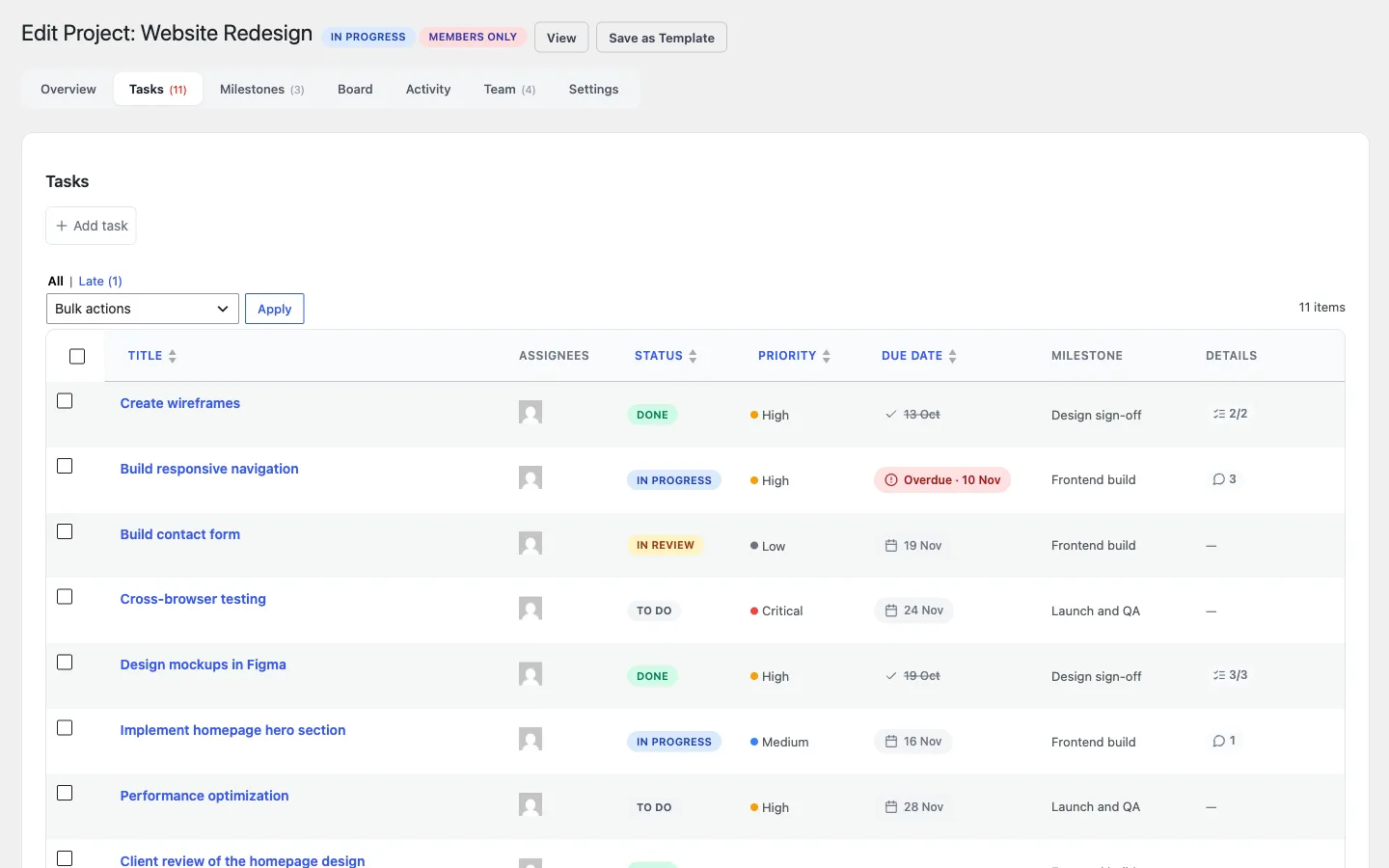
Section titled “Task list layouts (front end)”The front-end task list block offers two layouts:
- Cards - the default, roomy layout.
- Table - sortable columns (Title, Status, Assignees, Priority, Due, Labels) that fall back to stacked cards on phones.
You can also save a filter as a Saved view and reapply it in one click.
Templates
Section titled “Templates”Save a project’s structure (its tasks, milestones, and Board columns) as a template from Kanbanomy to Templates, then spin up new projects from it in one step.