

Approvals & Forms
Kanbanomy includes an intake-and-approval pipeline: let people submit project requests through a form, review everything pending in one inbox, and route approvals to the right person.
Submission forms
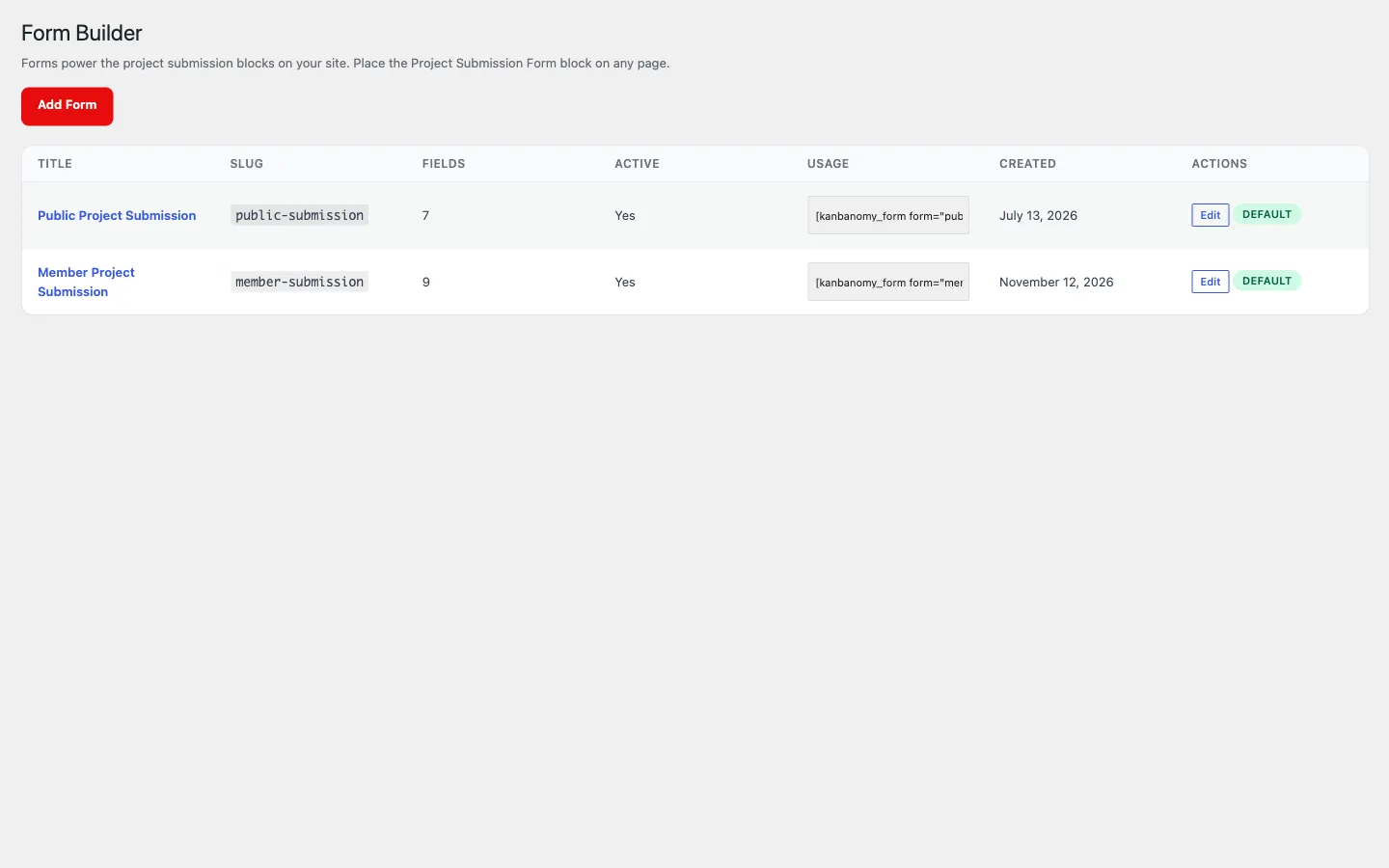
Section titled “Submission forms”Build intake forms under Kanbanomy to Forms. A form maps its fields onto a new project, so a submission becomes a pending project awaiting review.
- Define fields, map them to project data, and place the form anywhere with a shortcode or the Project Form block.
- Guest submissions are off by default and closed to anonymous posting unless you explicitly enable them. When enabled, a rate limiter and honeypot protect against spam.
- Every install keeps a default
public-submissionform so intake works out of the box once you publish a form page.
The Approvals inbox
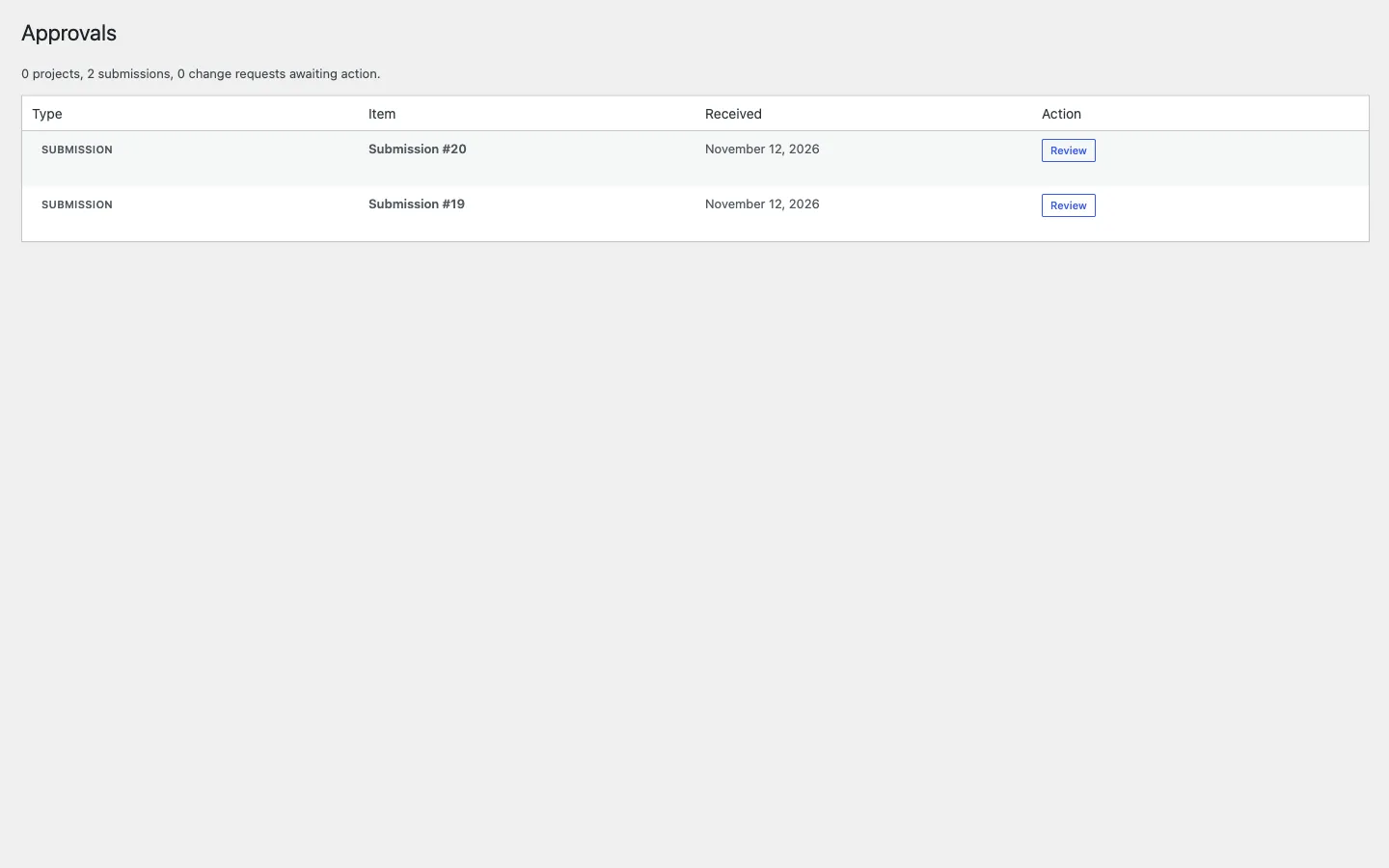
Section titled “The Approvals inbox”Kanbanomy to Approvals is one queue for everything waiting on you:
- Pending projects (member-created or form submissions) - approve or reject inline.
- Submissions - review and convert to projects. When you approve a request from someone with an account, they join the new project as a viewer, so they can open it, find it in search and follow its progress, but not edit tasks. A guest who sent the form without an account gets the approval email only.
- Change requests - Gantt reschedule requests from members.
The menu shows a live count badge, and the queue is scoped to what you are allowed to approve.
Approval routing
Section titled “Approval routing”By default any manager can approve any pending work. If you want tighter control:
- Turn on Settings to General to Restrict approval to the designated approver.
- Set an Approver on each project’s Overview tab.
With routing on, only the project’s designated approver (and site administrators) can approve it. Assigning an approver notifies them automatically. If no approver is set, any manager can still approve, so nothing gets stuck.
Change requests
Section titled “Change requests”On the Gantt chart, members cannot drag bars directly. Instead they raise a change request proposing a new schedule, which a manager approves or rejects from the Approvals inbox. This keeps the timeline under managerial control while still letting the team flag needed changes.