

Incoming Payment Webhook Log
Learnomy overviewFree + ProGet Learnomy →
The Payment Log page is a log of every inbound webhook delivery Learnomy received from Stripe or PayPal. It shows whether each delivery was handled successfully, rejected, or produced an error. The log is a read-only record: a failed event is recovered by resending it from the Stripe or PayPal dashboard.
Overview
Section titled “Overview”Learnomy records every inbound webhook before processing it. This log is the primary debugging tool for payment and subscription issues. Go to LMS Settings > Payment Log in the admin sidebar.
Viewing the Event Log
Section titled “Viewing the Event Log”-
Go to LMS Settings > Payment Log in the admin sidebar.
-
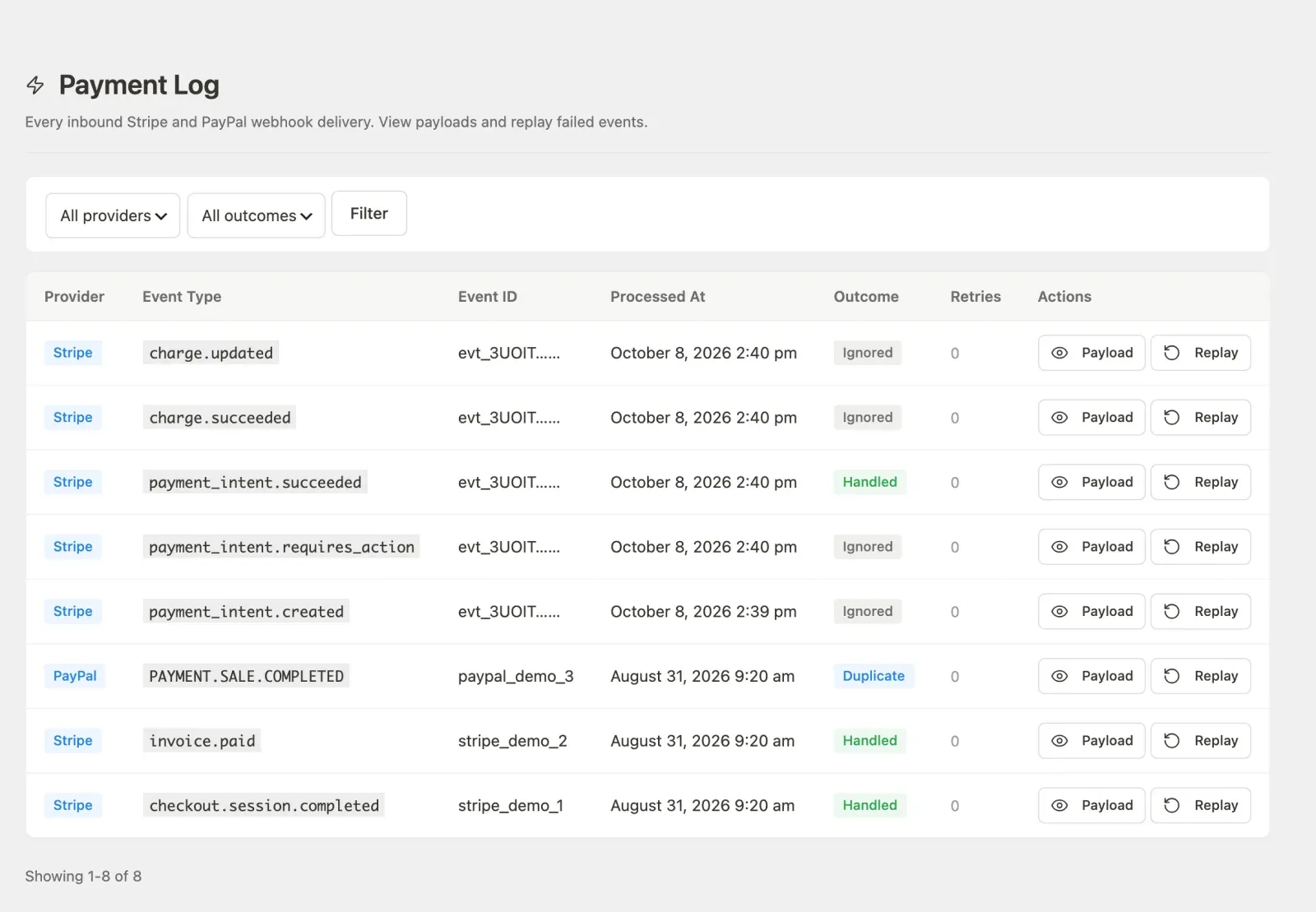
The page header confirms you are on the Payment Log screen.

-
The table shows the most recent 50 events. Use the pagination controls at the bottom to move between pages.
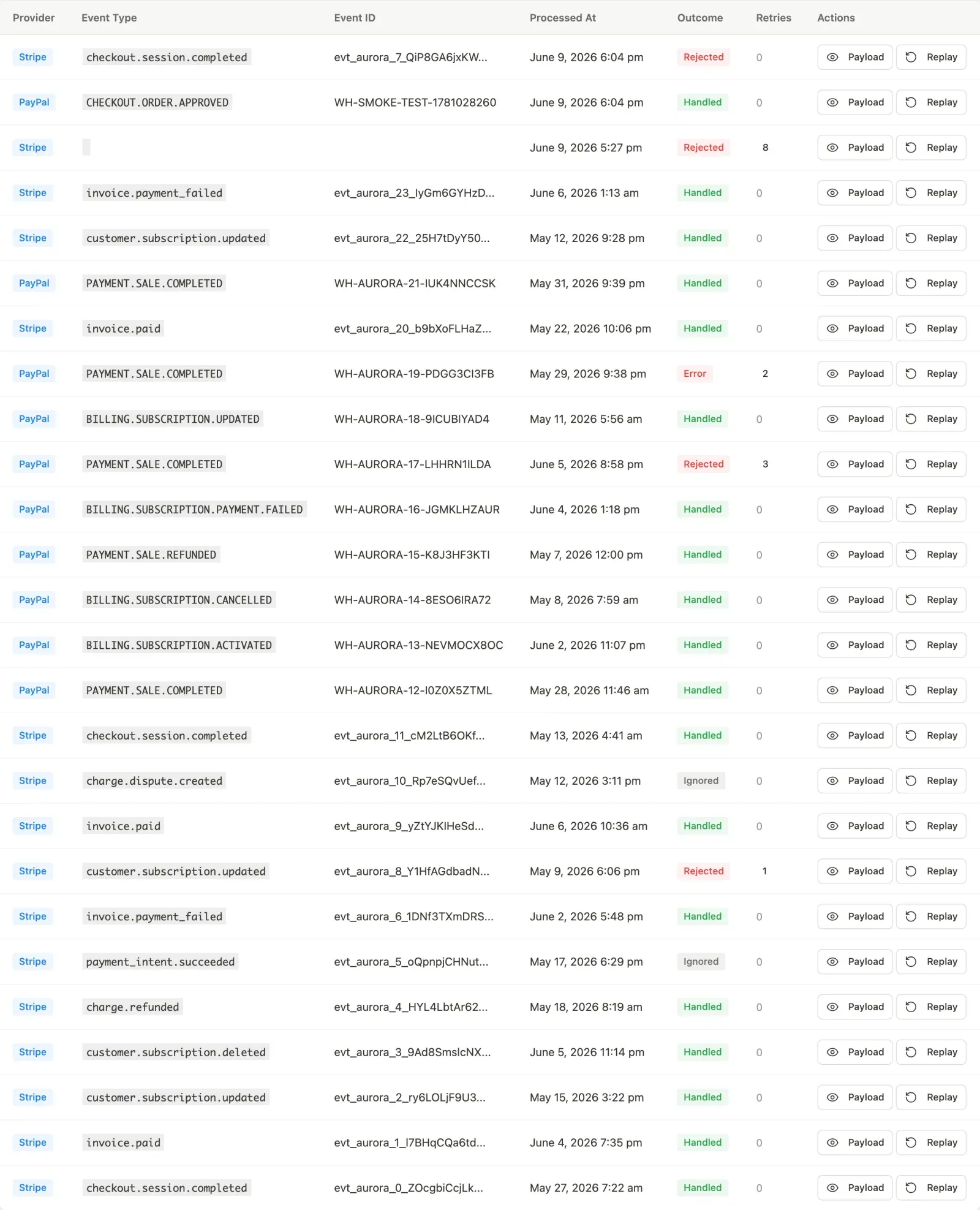
Column What it shows Provider Stripe, PayPal or Incoming sales badge Event Type The raw event type slug from the provider (e.g. checkout.session.completed)Reference For Stripe and PayPal, the provider’s event ID, truncated to 24 characters (hover to see the full ID). For incoming sales, the external_refthe sender sent and the course it was for.Processed At Date and time the event was received Outcome The result of processing (see below). Incoming sales also show the HTTP status and error code returned to the sender. Retries How many times the provider redelivered this event Actions Payload button, plus a resend pointer on Rejected and Error rows
Filtering Events
Section titled “Filtering Events”Use the filter bar above the table to narrow the list by provider or outcome, or to search.

- Provider: Show only Stripe events, only PayPal events, only incoming sales, or all.
- Outcome: Filter to a specific result: Handled, Duplicate, Rejected, Error, or Pending.
- Search: Find an event by its ID, or an incoming sale by its
external_ref(your order id), the buyer’s email, the email’s domain, or another value in its logged request such as the course id. The log keeps only a masked email (v***@example.com), so a full address finds every sale with the same first letter and domain; the order and course columns tell them apart.
Click Filter to apply the selections. Click Clear to remove active filters and return to the full list.
Outcome Values
Section titled “Outcome Values”| Outcome | Meaning |
|---|---|
| Handled | The event was processed successfully. Enrollment, subscription, or transaction records were created or updated as expected. |
| Duplicate | The event ID had already been processed. Learnomy uses a unique constraint on (provider, event_id) to guarantee idempotency, so this outcome is normal when a provider resends. |
| Rejected | The signature verification failed, the event type is not handled, or the payload was malformed. No data was changed. |
| Error | Processing started but an exception occurred. The enrollment, transaction, or subscription record may be incomplete. Fix the cause, then resend the event from the provider dashboard. |
| Pending | The event was logged but processing has not started yet. This is a transient state. |
Viewing a Payload
Section titled “Viewing a Payload”-
Find the event in the table.
-
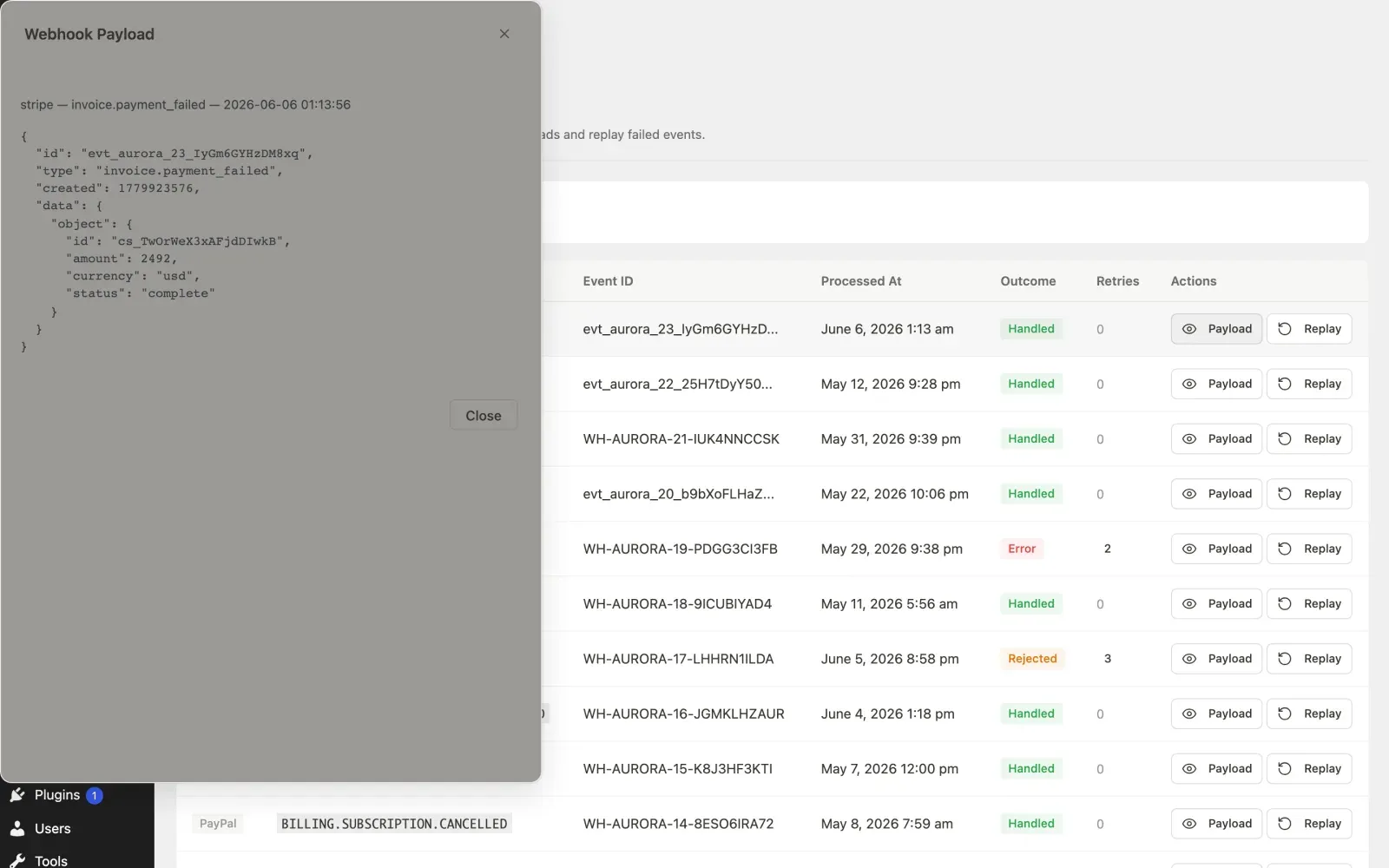
Click Payload in the Actions column.
-
A modal opens showing the raw JSON payload from the provider.
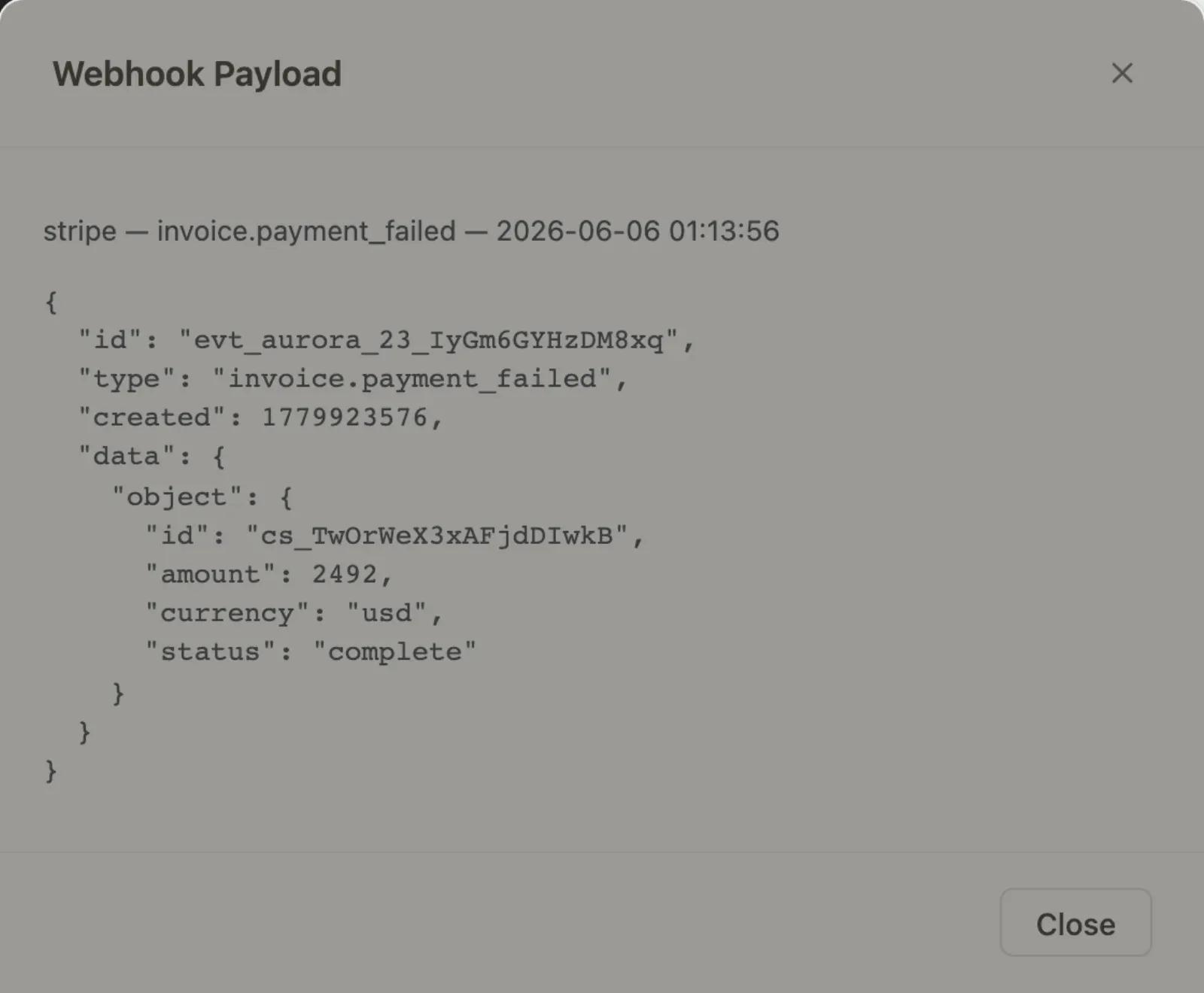
The modal also shows any error message if the outcome was Error. Press Escape or click the close button or the backdrop to dismiss it.
Resending a Failed Event
Section titled “Resending a Failed Event”A Rejected or Error row is not final. When the provider delivers the same event again, Learnomy reopens that row and processes it.
- Fix the cause first. A Rejected row usually means the signing secret (Stripe) or webhook ID (PayPal) in LMS Settings > Payments does not match the provider’s.
- Resend the event from the provider:
- Stripe: click Resend from Stripe in the Actions column. It opens the event in your Stripe dashboard (test or live, matching the event), where Resend delivers it again with a fresh signature.
- PayPal: open your PayPal developer dashboard, find the event under the webhook’s events, and resend it.
- Reload the Payment Log. The row’s outcome updates and Retries goes up by one.
Learnomy has no Replay button of its own. A copy of a stored payload cannot carry a fresh provider signature, so it could never pass verification, and a Handled event is never reprocessed.
- Learnomy logs the raw payload before calling any processing logic. Even events with Rejected or Error outcomes have their full payload stored, so you can inspect exactly what the provider sent.
- The table is paginated at 50 rows per page. On high-volume sites, use the filters to narrow to Error outcomes before browsing.
- Duplicate outcomes are expected and healthy when a provider’s retry schedule fires after you have already processed an event. No action is needed.
- If you see a large volume of Rejected events, verify that the webhook signing secret in Settings > Payments matches the one shown in your Stripe or PayPal dashboard. A mismatch causes every delivery to fail signature verification.