

Helpfulness Rating
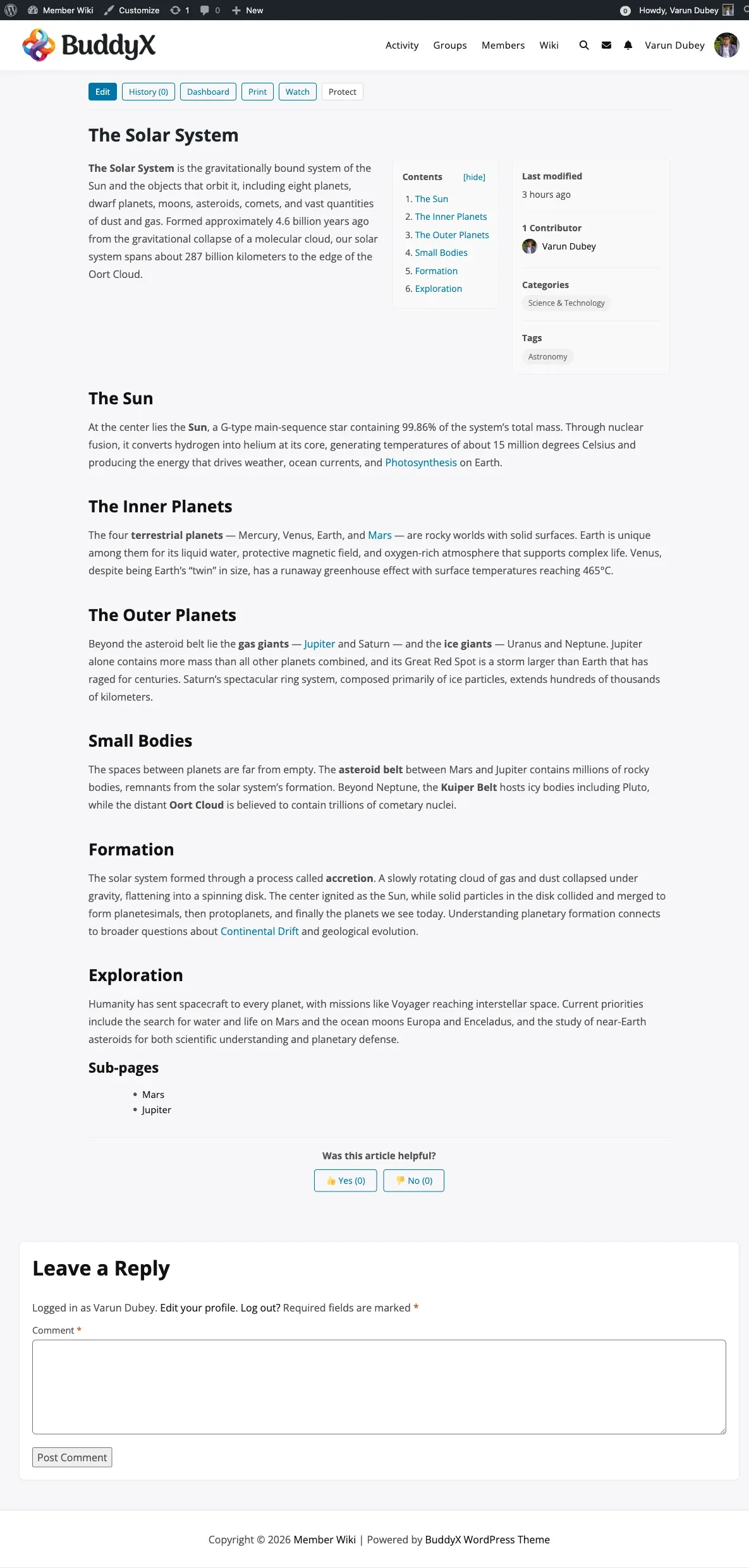
The Helpfulness Rating widget asks readers whether a wiki page was helpful. It appears at the bottom of every published wiki page and shows how many members answered Yes and No. The dashboard’s Most Helpful sort uses these counts.
How It Works
Section titled “How It Works”Each published wiki page shows:
Was this article helpful? Yes (12) No (3)
- Members vote. A logged-in member clicks Yes or No. The count updates straight away.
- One answer per member. The answer is stored with the member’s account, so voting again from another browser or device does not count twice.
- Members can change their answer. After voting they see “Thanks for your feedback!” and a Change my answer link. Choosing the other option moves their vote; choosing the same one changes nothing.
- Guests see the question with a “Log in to vote” link. Guest votes are not counted, so the totals cannot be pushed up by repeated anonymous clicks.
Counts collected before members’ answers were stored (plugin versions before 1.2.0) are kept.
| Stored as | Description |
|---|---|
Post meta _wbmw_helpful_yes |
Total “Yes” answers for the page |
Post meta _wbmw_helpful_no |
Total “No” answers for the page |
User meta _wbmw_helpful_{page_id} |
One member’s answer for one page (yes or no) |
Deleting a page removes its members’ answers. Uninstalling the plugin removes all of them.
Enabling or Disabling the Widget
Section titled “Enabling or Disabling the Widget”- Go to WB Plugins > Member Wiki > Display
- Find the Helpfulness Rating section
- Tick or untick Enable Helpfulness Rating
- Click Save Settings
When disabled, the widget is hidden from all wiki pages. Existing votes are kept.
Viewing Helpfulness Data
Section titled “Viewing Helpfulness Data”Counts are shown publicly on each page, and Most Helpful on the dashboard lists pages by them. There is no separate report; you can read the counts in code:
// Yes/No counts for a page$yes = (int) get_post_meta( $page_id, '_wbmw_helpful_yes', true );$no  = (int) get_post_meta( $page_id, '_wbmw_helpful_no', true );
// Share of Yes answers$total = $yes + $no;$ratio = $total > 0 ? round( ( $yes / $total ) * 100 ) : 0;
Find the pages with the most “No” answers, which are good candidates for improvement:
$pages = get_posts( array( 'post_type' => 'wiki_page', 'posts_per_page' => 10, 'meta_key' => '_wbmw_helpful_no', 'orderby' => 'meta_value_num', 'order' => 'DESC',) );Resetting Votes
Section titled “Resetting Votes”To reset a page’s counts and let members answer again:
delete_post_meta( $page_id, '_wbmw_helpful_yes' );delete_post_meta( $page_id, '_wbmw_helpful_no' );delete_metadata( 'user', 0, '_wbmw_helpful_' . $page_id, '', true );Frequently Asked Questions
Section titled “Frequently Asked Questions”Can members change their vote? Yes. After voting, Change my answer shows the Yes/No buttons again, with their current answer highlighted.
Why can’t guests vote? A guest has no account to remember the answer, so the only limit would be a browser cookie, which anyone can clear. Members-only voting keeps the counts, and the Most Helpful order, trustworthy.
Can I change the widget’s look or wording?
The widget is part of the single page template, templates/wiki-page.php. Copy that file to your-theme/wb-member-wiki/wiki-page.php to change it.