

Poll Creation and Voting Issues
Solutions to common problems with creating polls and voting. If your issue is not listed here, contact support with your WordPress version, BuddyPress version, WB Polls version, and steps to reproduce.
Poll Creation Issues
Section titled “Poll Creation Issues”Poll icon missing from activity composer
Section titled “Poll icon missing from activity composer”The poll icon does not appear in the activity stream composer toolbar.
Solutions:
- Confirm BuddyPress is active. Activity polls need it, and the Activity Polls tab is hidden without it
- Check Poll Creation Restrictions in WB Plugins > WB Polls > Activity Polls. If it is By User Role, your role must be selected; if By Member Type, your member type must be selected
- Log in as an administrator, who can always create polls, to compare
- Clear your browser cache and refresh the page
Cannot create standalone polls
Section titled “Cannot create standalone polls”The Poll Dashboard shows an error, no Create Poll button, or does not display the form.
Solutions:
- Verify the correct page is assigned as Dashboard Page in WB Plugins > WB Polls > Polls Settings. There is no separate Create Poll page
- Check that your user role is listed in “Who Can Create Polls”
- Ensure you are logged in to your account
- Clear any caching plugin data and refresh
Poll stuck on Pending status
Section titled “Poll stuck on Pending status”A newly created poll is not visible to the public.
Solutions:
- Check if New Poll Status is set to Pending Review in Polls Settings
- Ask a site administrator to approve the poll from the WordPress admin area
- If you are an administrator, find the poll under WB Polls > WB Polls and publish it manually
Voting Issues
Section titled “Voting Issues”Cannot vote on a poll
Section titled “Cannot vote on a poll”The vote button does not respond or is not visible.
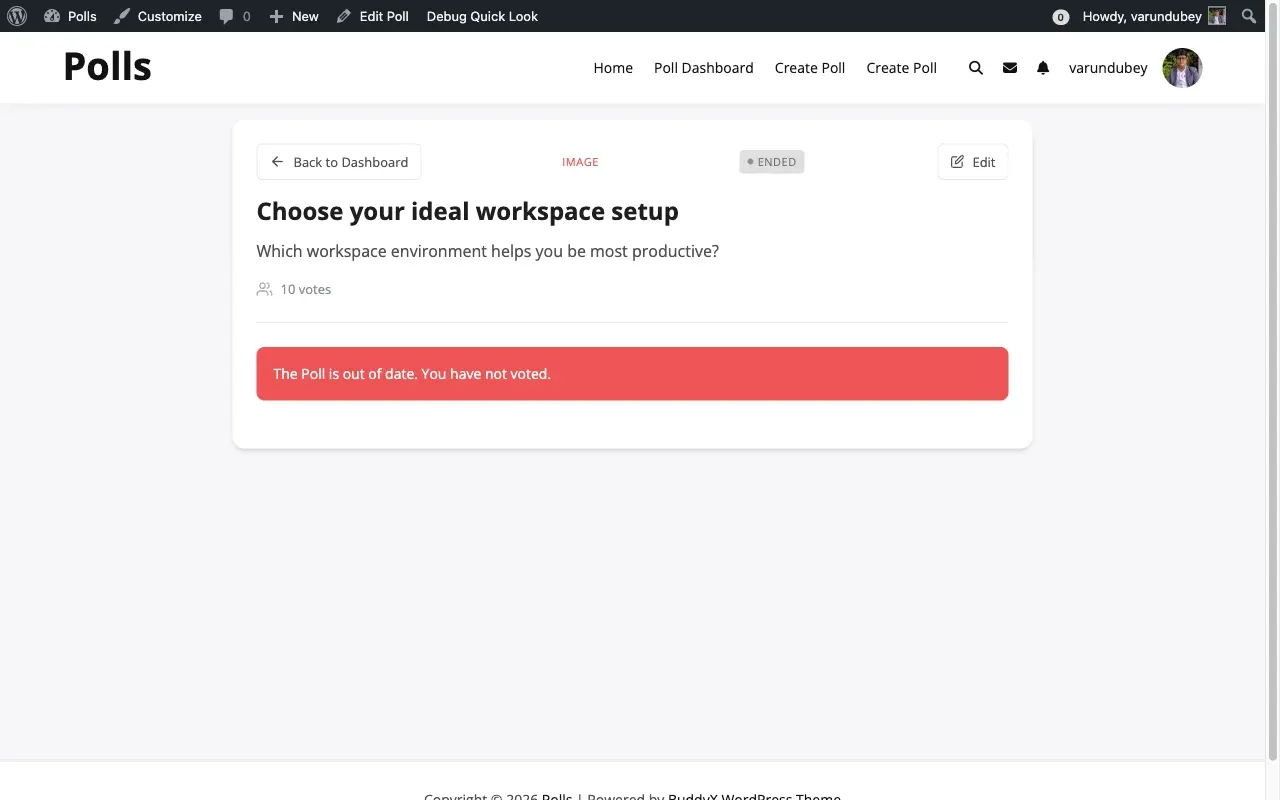
Solutions:
- Check if the poll has expired by looking for an “Expired” or “Ended” badge
- Verify you have not already voted (re-voting may be disabled)
- Ensure you are logged in if the poll requires authentication
- Check if your role is listed under Who Can Vote in Polls Settings, or in that poll’s own Who Can Vote list. Guests need Guest selected
- Clear your browser cache and try again
Vote not registering
Section titled “Vote not registering”Clicking the vote button produces no response.
Solutions:
- Open the browser console (F12) and check for JavaScript errors
- Check that the REST API is reachable on your site. WB Polls votes through REST requests, not admin-ajax
- Temporarily disable other plugins to check for conflicts
- Ensure jQuery is loading properly on the page
Cannot change a vote
Section titled “Cannot change a vote”You have already voted but want to select a different option.
Solutions:
- For an activity poll, check that Allow revoting is on in the Activity Polls settings. For a standalone poll, check Votes Per User in the poll editor
- If re-voting is disabled, this behavior is intentional
- Contact the poll creator or a site administrator to reset your vote