Managing Reports
Every report members submit is collected in one place: the Moderation menu in wp-admin. This is where admins and moderators review reported content and act on it.
The Moderation queue
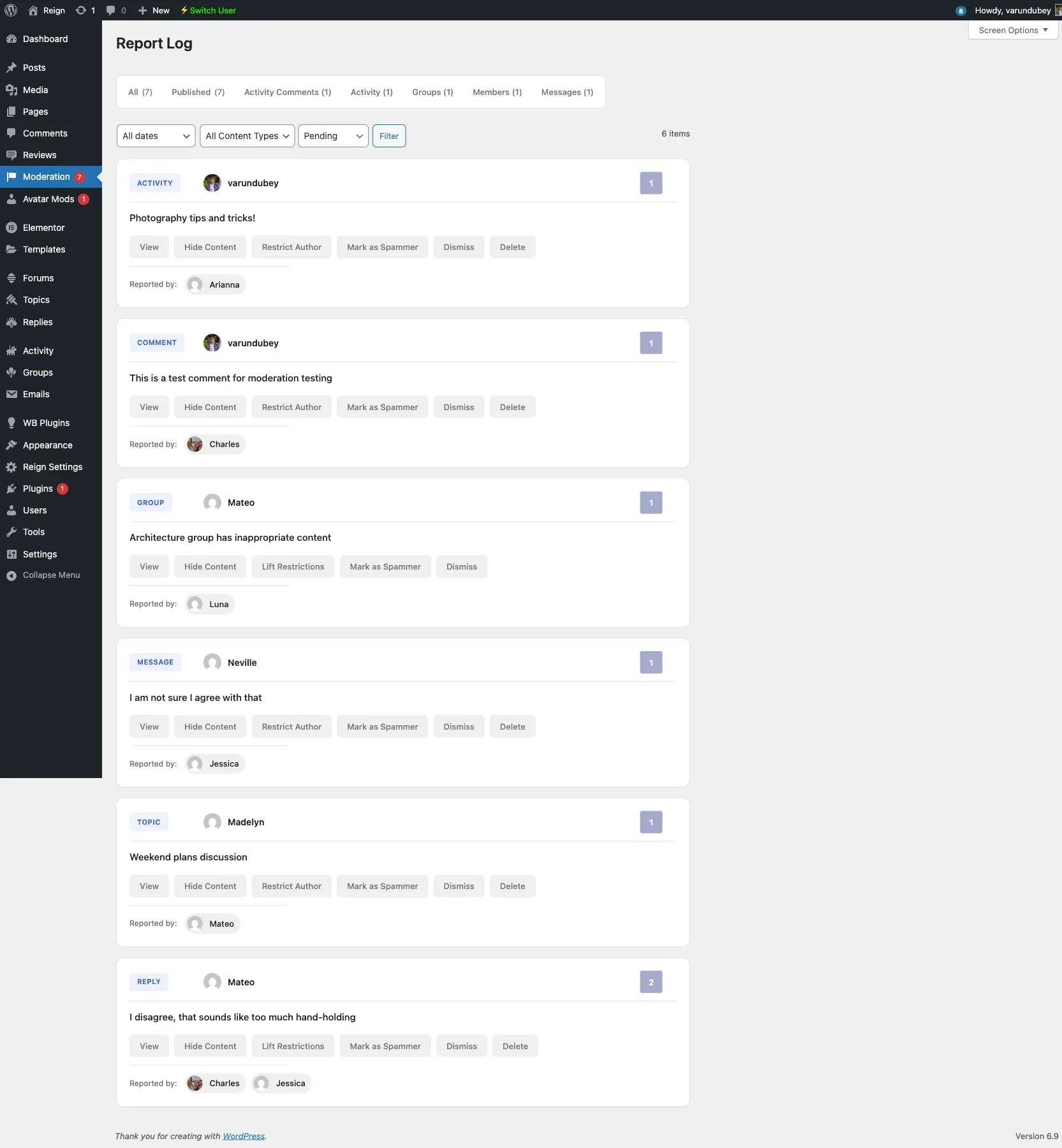
Section titled “The Moderation queue”Open Moderation in the wp-admin sidebar to reach the Report Log. Each entry lists:
- The reported content and its type (activity, comment, member, group, message, topic, or reply).
- The content author.
- The reporter or reporters, and the total report count.
- The reason chosen when flagging.
- The date of the report.
The list has views for All and each content type, and can be filtered by status, so you can work through one kind of entry at a time.
Actions
Section titled “Actions”- Original - Open the reported content in its original location.
- Hide Content - Remove the content from members while you decide.
- Restrict Author - Limit the author’s activity.
- Lock Account - Lock the author’s account. Locked accounts are flagged in Users → All Users.
- Clean up or delete the report to restore the content and clear its flags, or remove the reported item.
Frontend moderation for moderators
Section titled “Frontend moderation for moderators”Trusted members who hold the Community Moderator role can work through entries from the front end via a Moderation tab on their BuddyPress profile, without entering wp-admin. See Moderator role for setup.
Report reasons
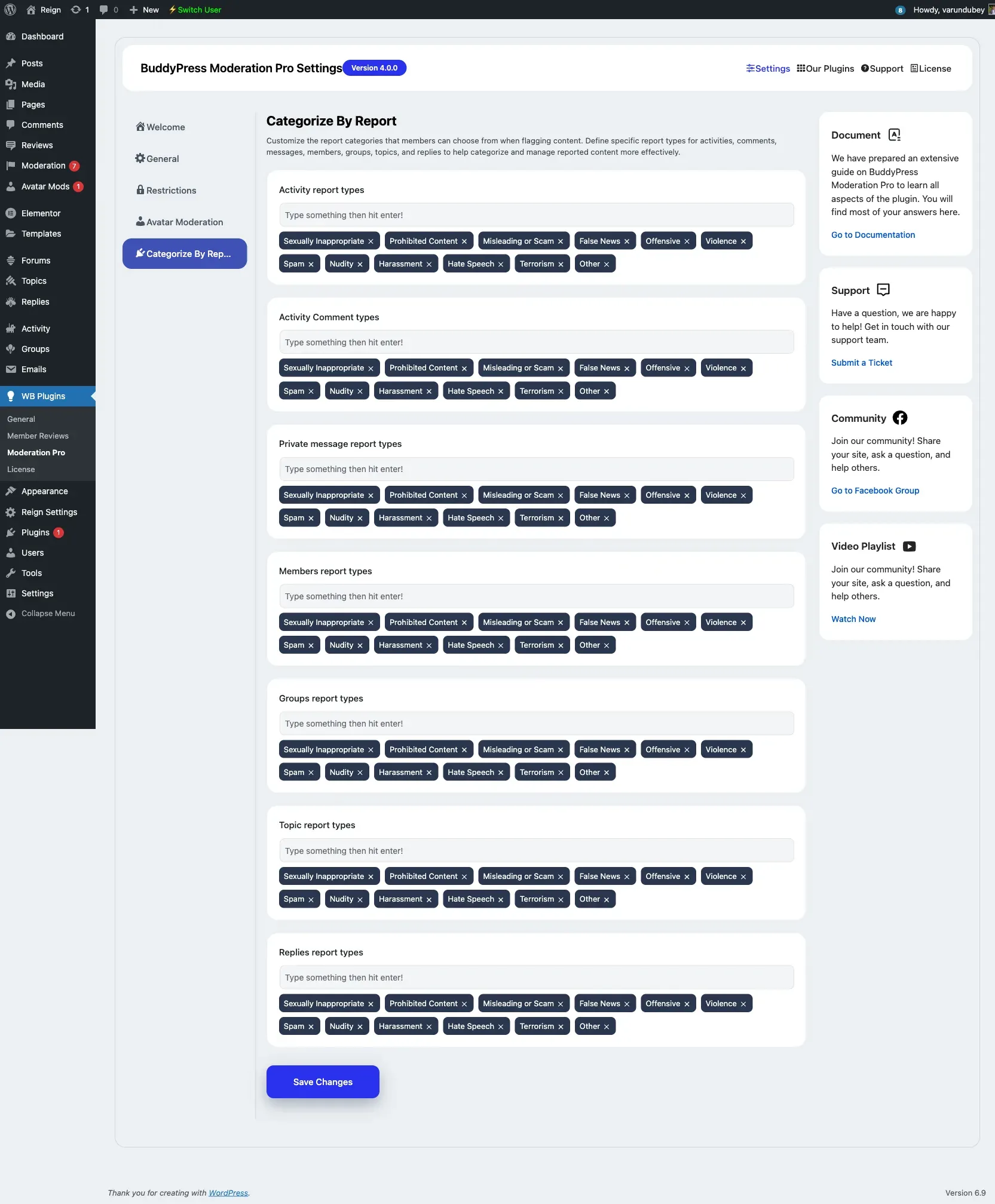
Section titled “Report reasons”The reasons members can choose are defined per content type under Categorize By Report. Edit them to match your community guidelines.