

Milestone Actions
MediaShield overviewFree + ProGet MediaShield →
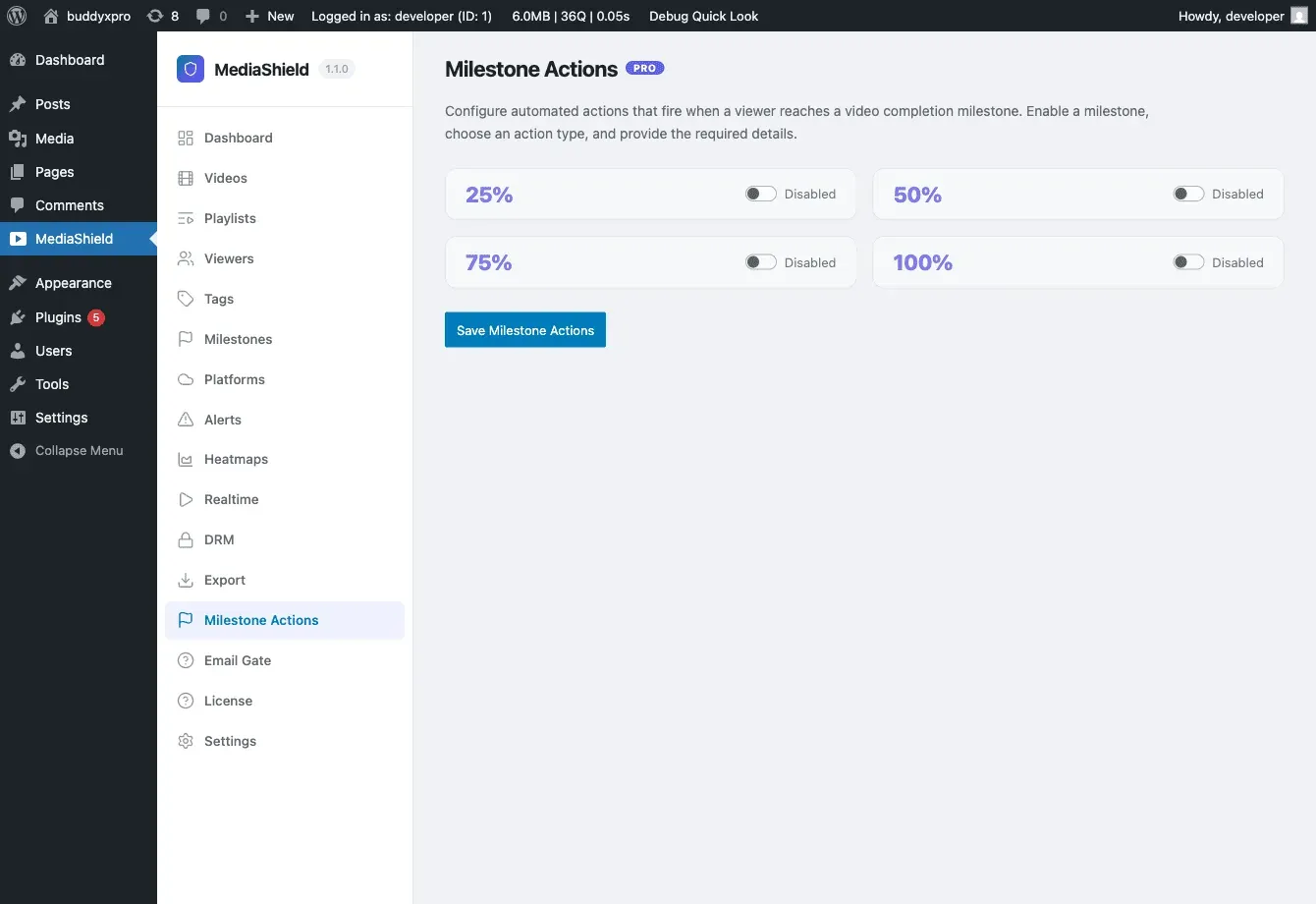
Milestone Actions let you trigger automated responses when a viewer reaches a completion percentage in a video. The free plugin tracks milestones (25, 50, 75, 100%) and fires a hook at each one. MediaShield Pro adds configurable actions that fire automatically when those hooks trigger.
Milestones fire once per viewer per video, permanently - rewatching does not fire them again - and only for logged-in viewers. Guest viewing never triggers a milestone action.
Available Actions
Section titled “Available Actions”| Action | What it does |
|---|---|
| Fire Webhook | POST a JSON payload to a URL of your choice. Payload: event, user_id, video_id, percentage, session_id, timestamp, site_url |
| Send Email | Send a notification email. The recipient is either your site admin address or the viewer - you choose which, not an arbitrary address |
| Tag User | Record the completion against the viewer’s WordPress user profile as a hidden field (ms_completed_{video_id}_{percentage}) holding the timestamp |
A note on “Tag User”: it does not assign a WordPress role, a WordPress term, or a tag in an external CRM. It writes a user meta field that other plugins or your own code can read. If you want a CRM tag, use the webhook action and let your CRM or automation tool apply the tag.
Configuring Milestone Actions
Section titled “Configuring Milestone Actions”- Go to MediaShield > Milestone Actions in the admin.
- You get one card per milestone: 25%, 50%, 75%, 100%. Turn on the ones you want.
- Choose the action type for that milestone (Tag User, Send Email, or Fire Webhook).
- Fill in the details - for email, a recipient (Admin or User), subject, and body; for a webhook, the URL.
- Save.
Each milestone carries one action. Actions apply to every video - there is no per-video scoping in 1.3.0. If you need a different outcome for one course or one video, use a webhook and branch on video_id at the receiving end.
Email subject and body accept the placeholders {user_name}, {video_title}, {percentage}, and {user_email}. An email action with an empty subject or body is skipped silently, so fill in both.
Testing Actions
Section titled “Testing Actions”Use Test Fire on a milestone card to run its action once against your own admin account. Test emails are prefixed [TEST], and test webhooks carry "test": true plus an X-MediaShield-Event-Type: test header so your receiver can filter them out. The result reports back in the admin - the recipient address for an email, the HTTP status for a webhook - so you can confirm delivery before real viewers trigger anything.
Use Cases
Section titled “Use Cases”- Fire a Zapier or Make webhook at 100% completion to enroll the viewer in a follow-up sequence.
- Email the site admin when a viewer completes a key video.
- Record engagement on the user profile at 50% with the tag action, then read that field from your own code or a CRM sync plugin.
LMS and Milestone Actions
Section titled “LMS and Milestone Actions”When a video is linked to an LMS lesson, LMS auto-completion and milestone actions both respond to the same milestone event. They are independent - both can fire at the same milestone, and turning one off does not affect the other.