

Setup Wizard
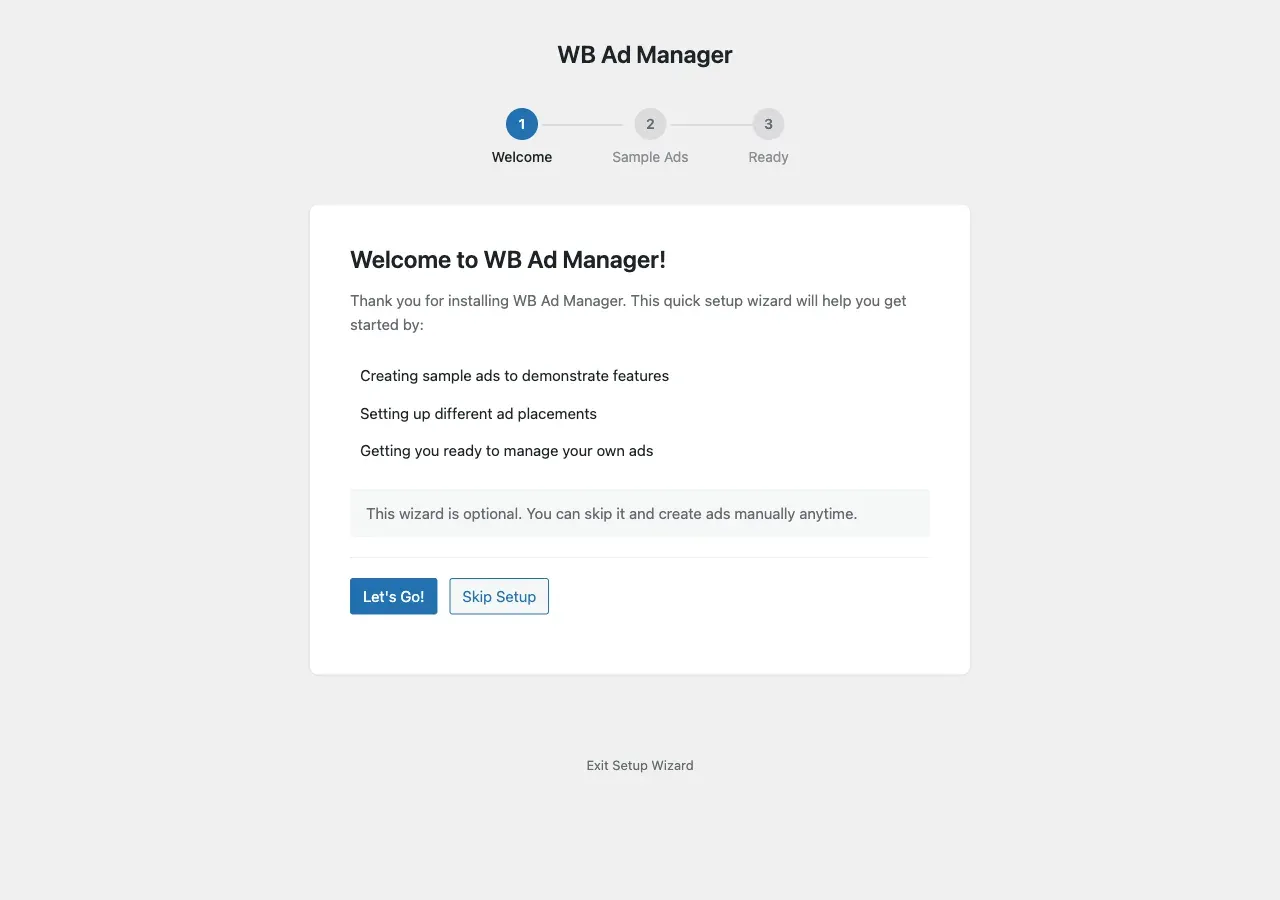
The Setup Wizard runs the first time you activate WB Ad Manager and gets you to a working demo in about a minute. You can re-open it any time from Dashboard -> WB Ad Manager Setup.
What it does
Section titled “What it does”The wizard walks a short first-run flow and can seed sample ads so you can see placements and rotation working immediately, before you create your own ads.
Removing the sample data
Section titled “Removing the sample data”Everything the wizard creates is tagged as demo data. To remove it later, use the one-click Demo Data cleanup in the admin - it deletes only the rows the wizard seeded (matched against the demo-data flag), leaving your own ads untouched.
Skipping the wizard
Section titled “Skipping the wizard”If you would rather start from scratch, close the wizard and go straight to WB Ad Manager -> Ads -> Add New. See Quick Setup.