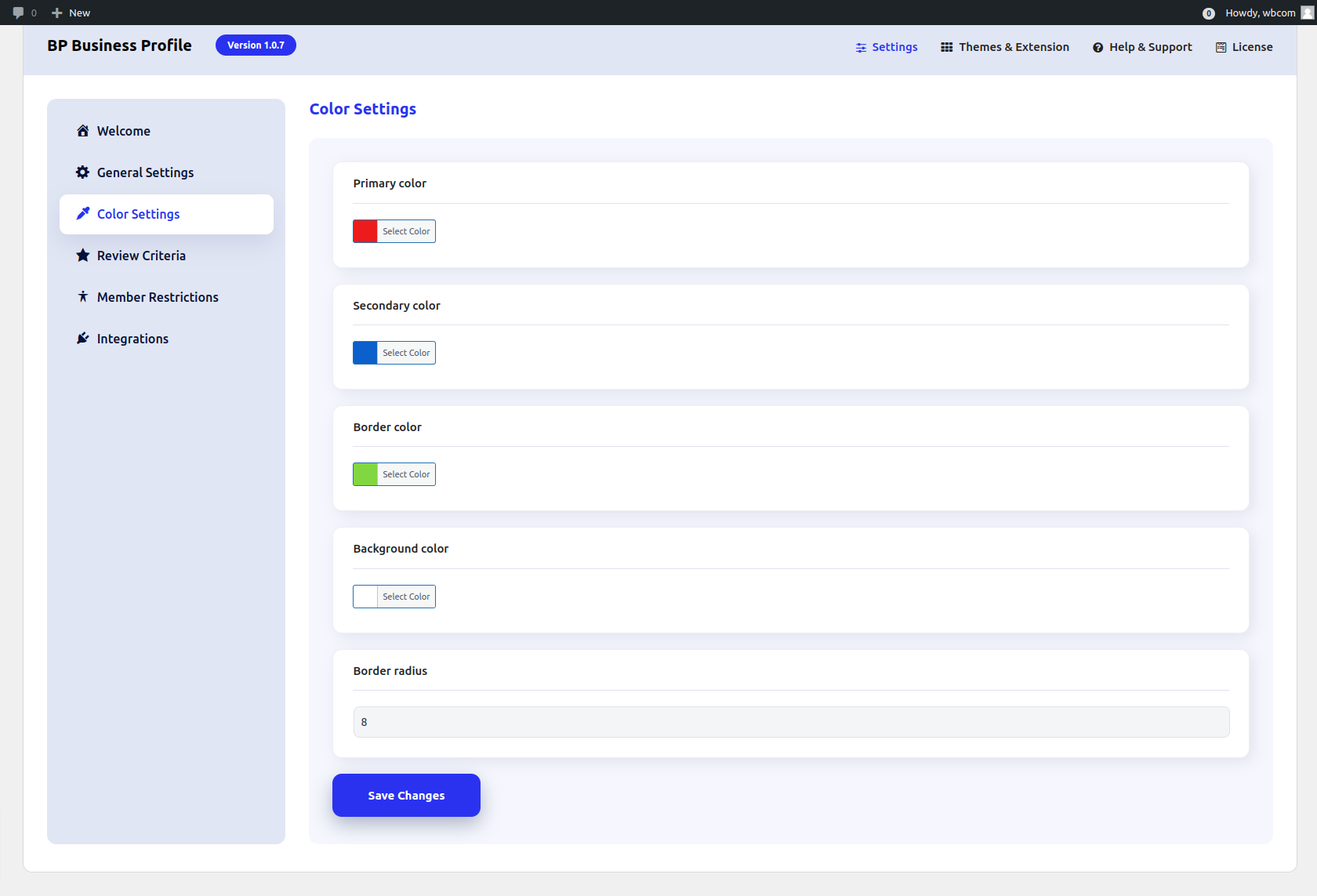
Configure Color Settings for Business Profile

Get Started

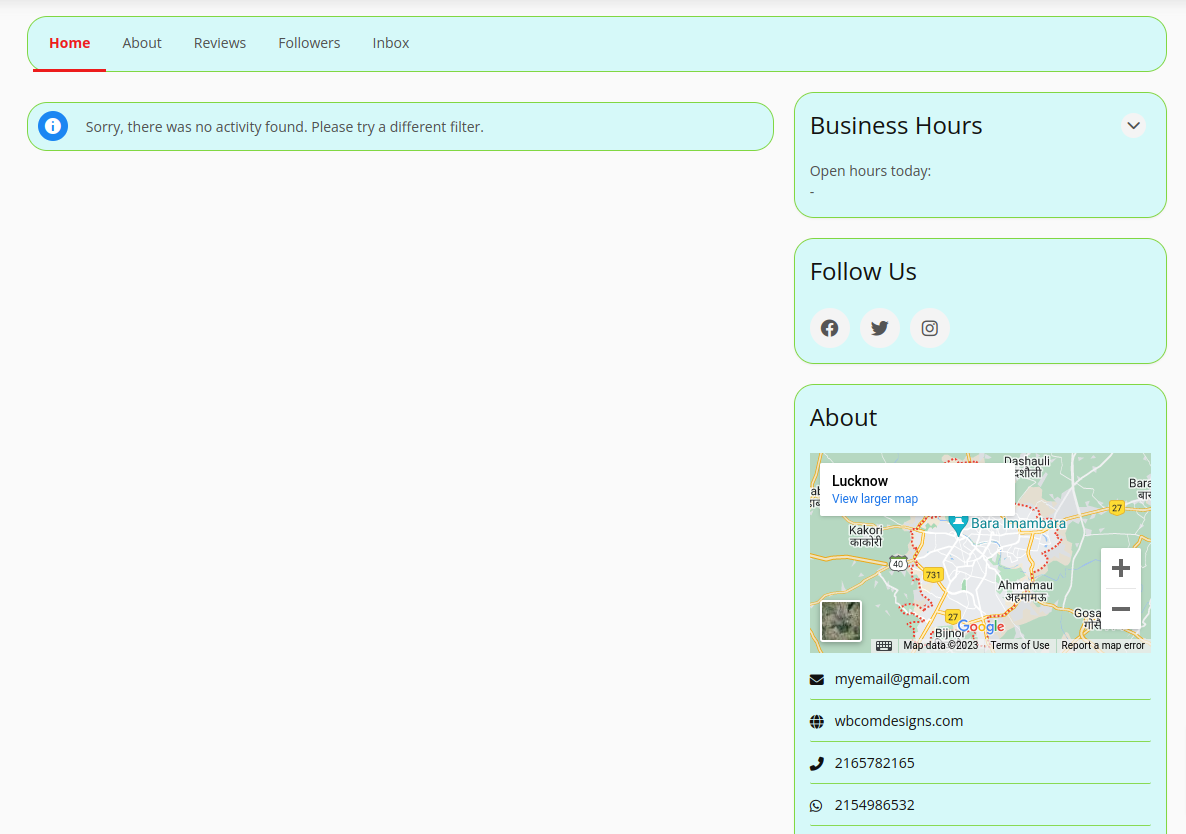
To customize the color options for Business Profile elements, go to WB Plugin >> Business Profile >> Color Setting. From here, you can adjust the appearance of various components, such as button colors, text styles, and background elements, to match your site’s branding.


Frontend View

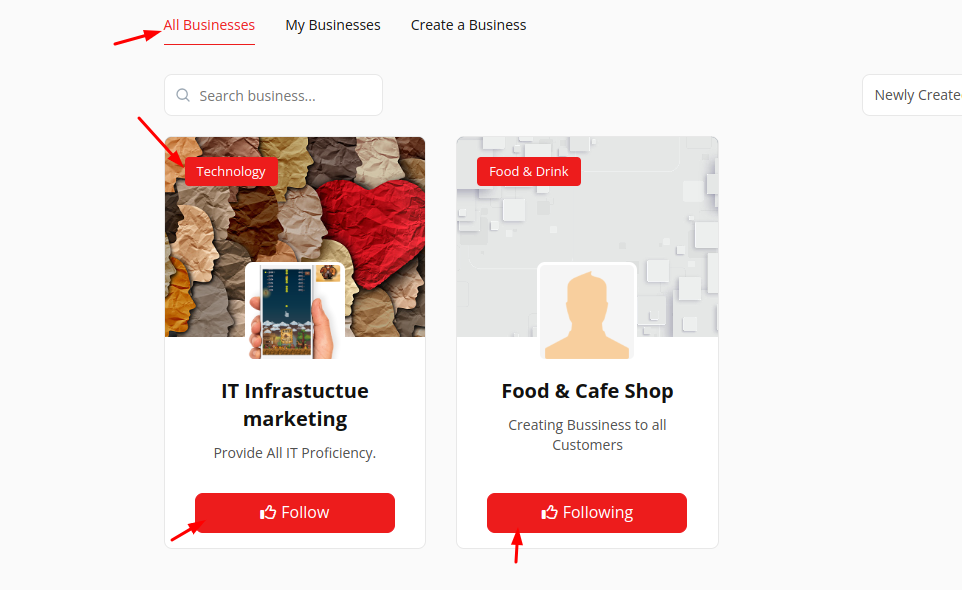
Primary Color

It will change the color of the menu and all button colors.
 

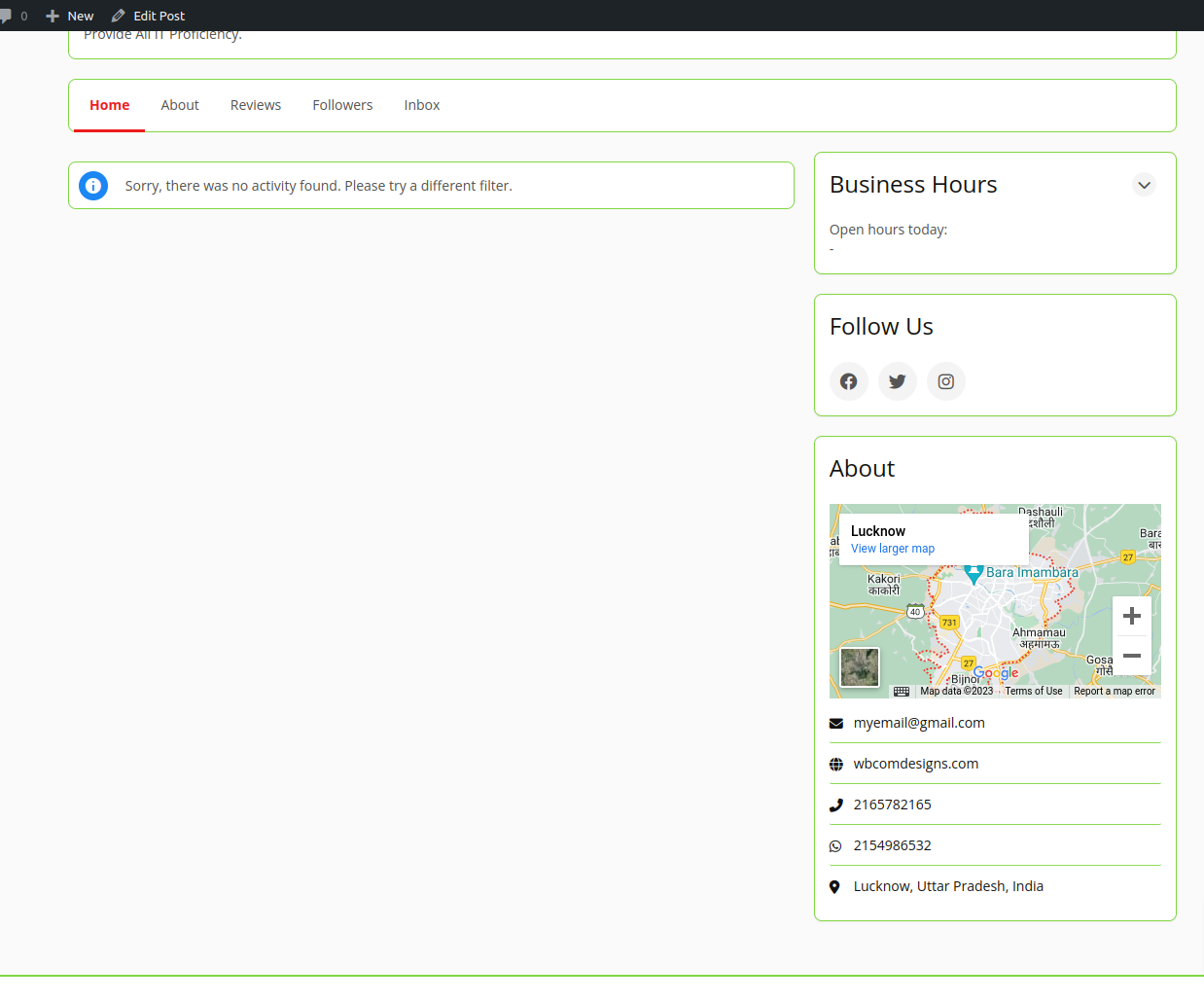
Border Color

It Changes the outlines of business profiles.
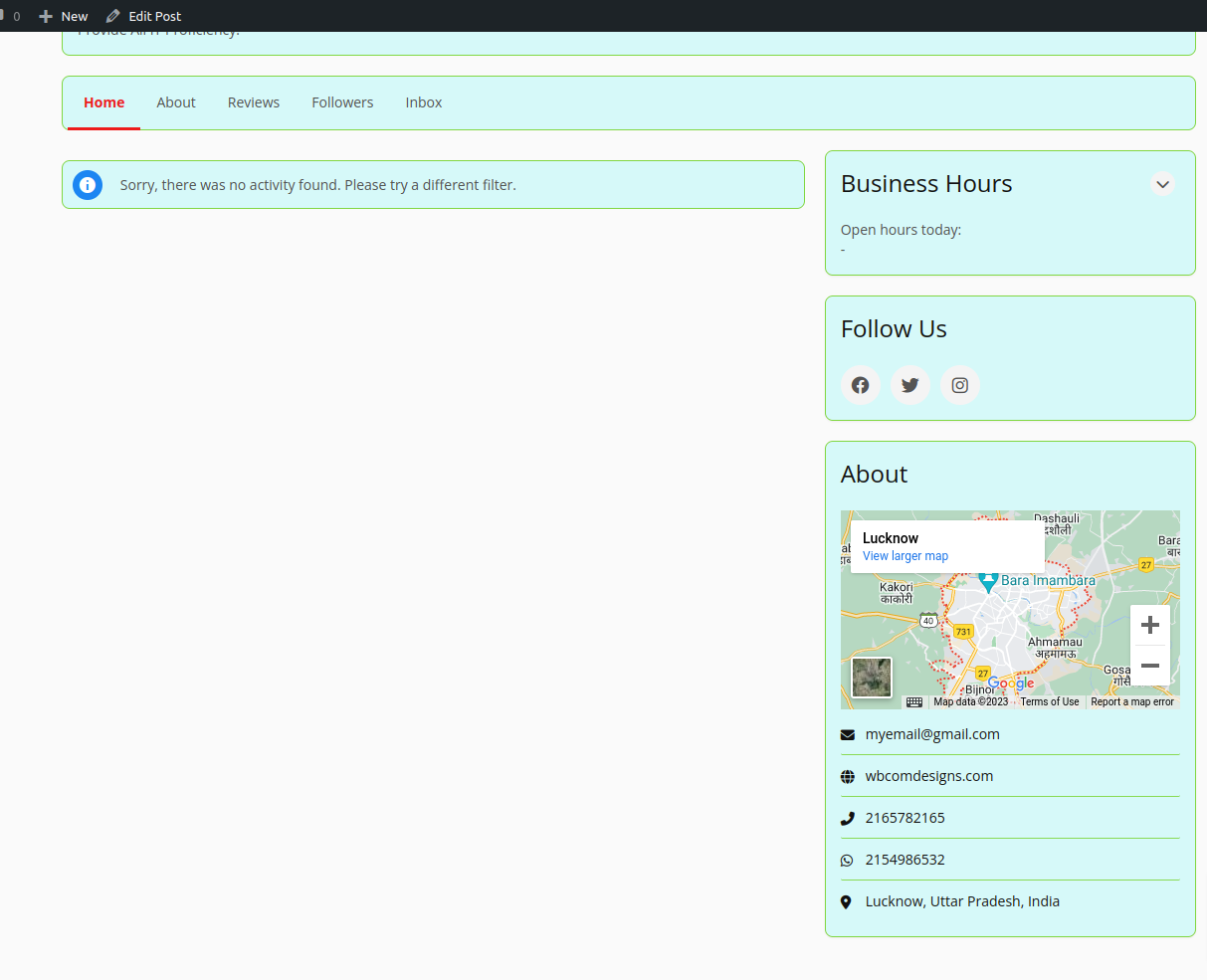
Background Color

It fills the business profile with the background color.
 

Border Radius

Border radius of the profile can be changed according to the user requirements.
 

Last updated: May 1, 2025