If you want to integrate the shop feature on your business page, Install and activate the WooCommerce plugin.
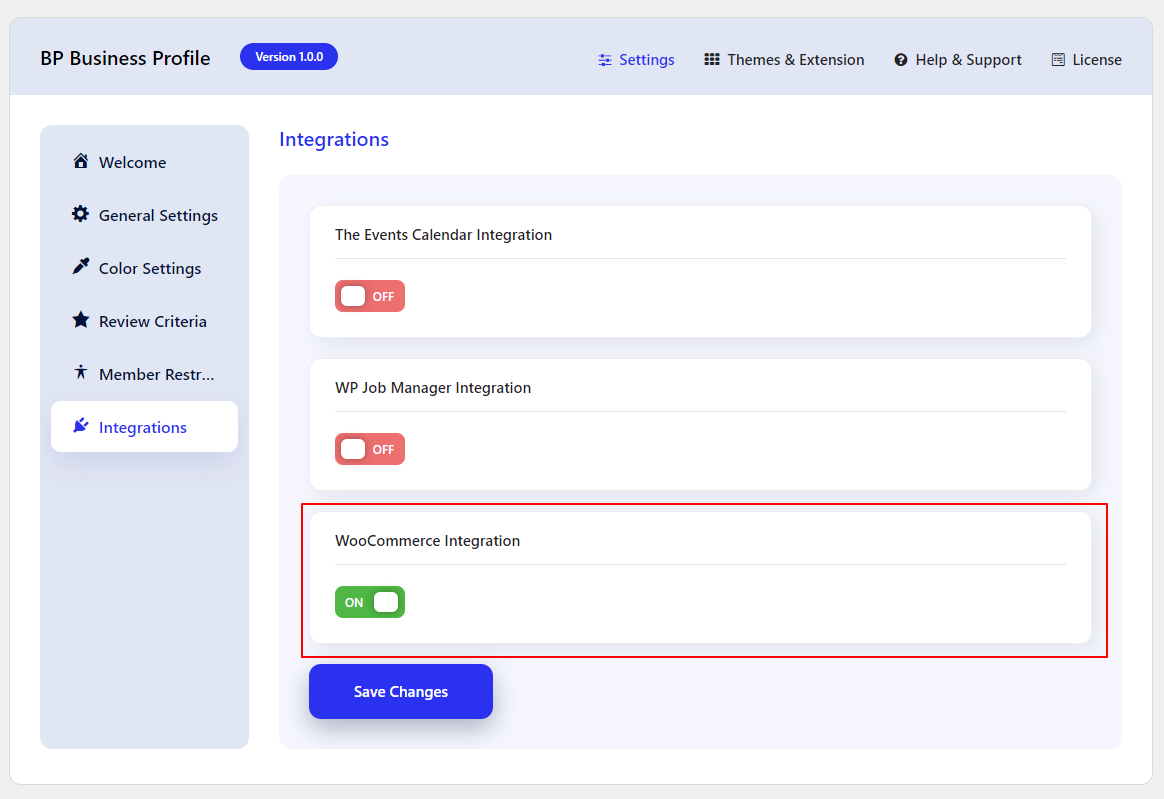
Then navigate to WB Plugins > BP Business Page > Integration, and enable the setting WooCommerce Integration.
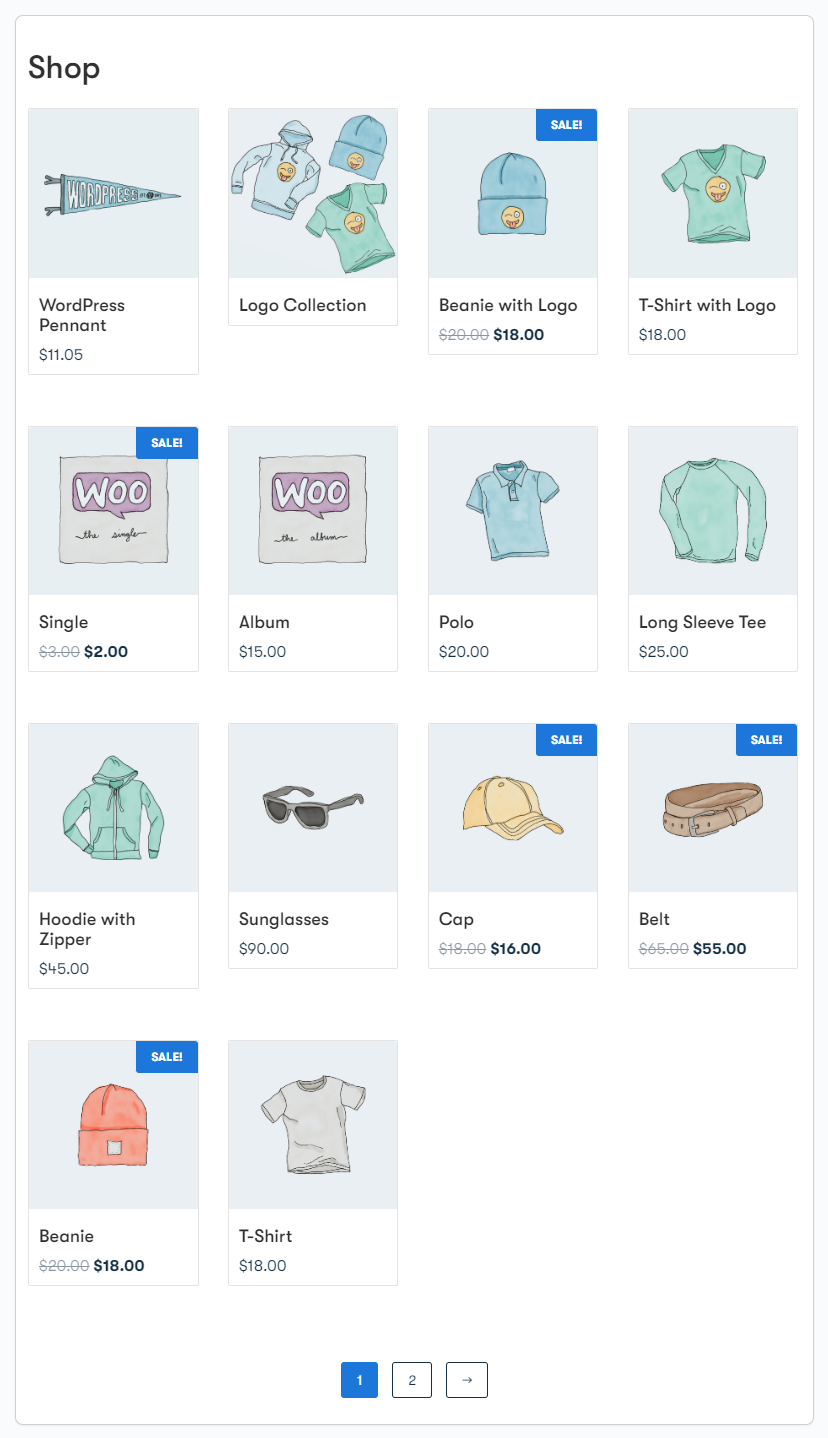
Once this option is enabled, You’ll get a shop tab on your business page.
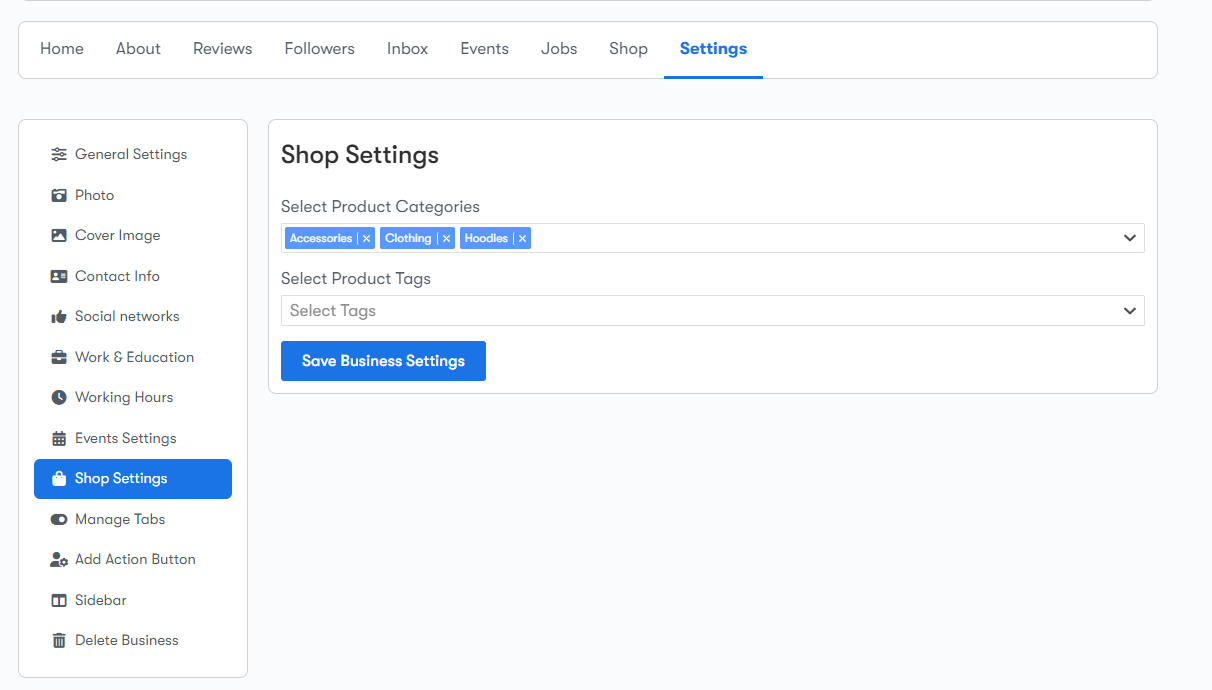
If you want to show the products f a particular category or tab, Go to your Business Page > Settings > Shop Setting, and Select the categories and tags.