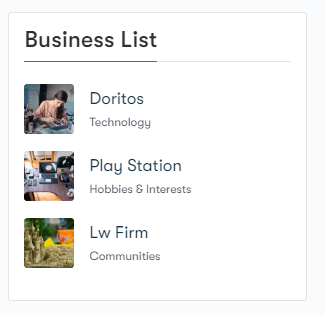
BP Business profile provides 5 different widgets to make your Business Page more appealing:
- Business Page Info
- Business hours
- Business Team
- Follow Us
- Business Page listing
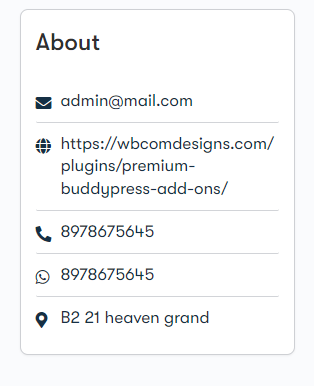
Business Page Info
“Business info” typically refers to the essential and relevant information about a business that customers or clients might need to know. This information helps individuals understand what a business does, where it’s located, how to contact it, and when it’s operational.
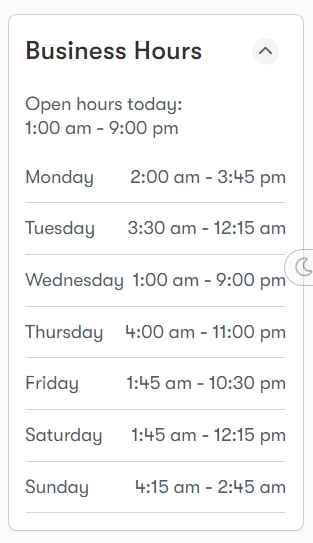
Business hours
A business page’s operating hours refer to the specific times and days during which the business is open and available to provide services to customers. This information helps customers know when they can visit, call, or interact with the business for their needs.
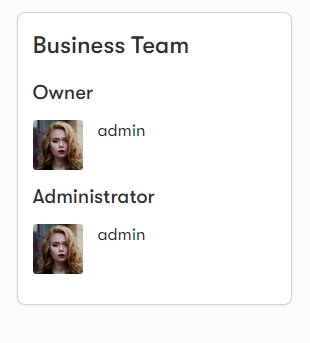
Business Team
“Business info” typically refers to the essential and relevant information about a business that customers or clients might need to know. This information helps individuals understand what a business does, where it’s located, how to contact it, and when it’s operational.
Follow Us
On this widget, you can find social media widgets that allow visitors to follow the business’s social media profiles directly from the website.
Business Page listing
This widget displays a list of various business pages, often on your website. This widget could help visitors discover and navigate through different businesses that are associated with a certain category or topic.