

Does BuddyNext Replace BuddyPress?
BuddyNext overviewFree + ProGet BuddyNext →
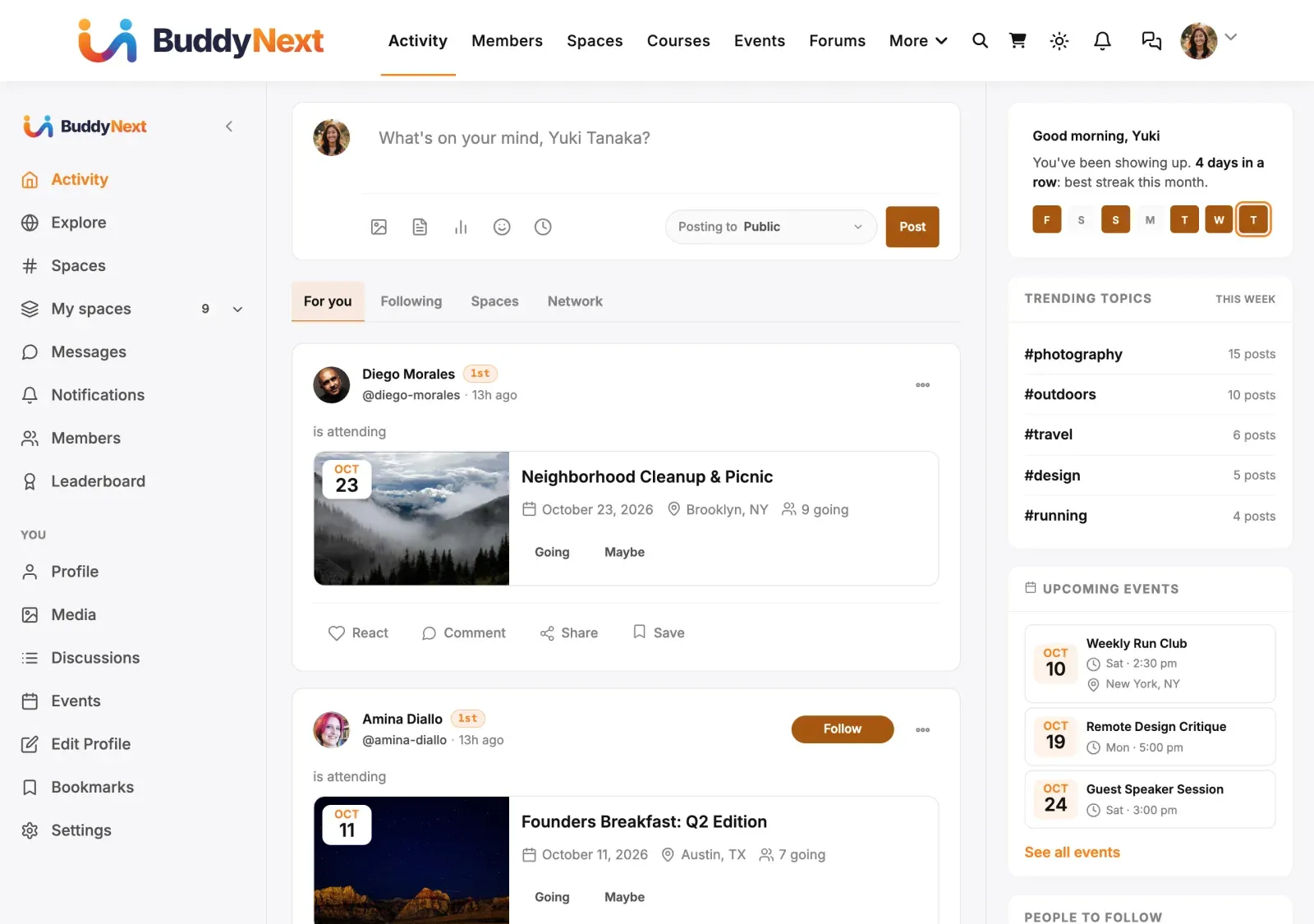
Short answer: yes, BuddyNext can replace BuddyPress, and it does not need BuddyPress to run. BuddyNext is a complete, standalone community platform for WordPress. You install it, activate it, and you have an activity feed, communities, member profiles, messaging, and moderation - with no other community plugin required underneath it.
If you are coming from BuddyPress or BuddyBoss and wondering whether you keep them, layer them, or switch, this page helps you decide.
The plain version
Section titled “The plain version”- BuddyNext is its own platform. It is not an add-on for BuddyPress and it is not a BuddyPress theme. It is a full community engine in its own right.
- You do not need BuddyPress or BuddyBoss installed. BuddyNext provides its own feed, communities, profiles, directory, notifications, and moderation. There is nothing from BuddyPress that BuddyNext relies on to work.
- It is built for people leaving BuddyPress or BuddyBoss who want a modern, fast, owned community without the weight and complexity that came before.
Can BuddyNext and BuddyPress run at the same time?
Section titled “Can BuddyNext and BuddyPress run at the same time?”No. Running BuddyNext alongside BuddyPress or BuddyBoss is not supported. Treat BuddyPress and BuddyBoss as the place you are moving from, not something to keep next to BuddyNext.
BuddyNext keeps all of its information in its own storage and does not read from or write to BuddyPress, so activating one does not change the other’s data. But two community systems means two activity feeds, two member directories, two sets of profile pages, and two messaging inboxes. That is confusing for members, double the work for you, and it is a setup we do not test or help with. Pick BuddyNext and commit to it.
The move itself needs no overlap. The BuddyNext Importer reads your old BuddyPress or BuddyBoss data straight from the database and writes it into BuddyNext. Rehearse it on a staging copy, then do it on the live site and retire the old plugin. See Moving Your Existing Members and Content.
Where your data lives
Section titled “Where your data lives”BuddyNext stores its communities, posts, profiles, and member relationships in its own place, separate from BuddyPress. This is good news in two ways:
- Switching on BuddyNext does not touch your existing BuddyPress content. Your BuddyPress data stays exactly where it is.
- BuddyNext is self-contained. Everything it shows your members is its own, so it stays fast and predictable, and nothing breaks if you later remove an old community plugin.
One thing to know up front: because the two systems keep separate storage, BuddyNext does not automatically read your old BuddyPress groups, profile data, friendships, or activity history. Your WordPress member accounts carry over (BuddyNext works on top of standard WordPress users), but BuddyPress-specific community content does not appear inside BuddyNext on its own - the separate BuddyNext Importer plugin moves it. See Moving Your Existing Members and Content for exactly what the BuddyNext Importer carries over and what it does not.
Helping you decide
Section titled “Helping you decide”| Your situation | What we suggest |
|---|---|
| You are starting a brand-new community | Install BuddyNext on its own. You do not need BuddyPress or BuddyBoss at all. |
| You run BuddyPress today and want to modernize | Plan a switch to BuddyNext as your single community platform. Use the BuddyNext Importer to bring your data across, rehearse on a staging copy first, then retire the old plugin. |
| You run BuddyBoss and are evaluating alternatives | Review the BuddyBoss Feature Comparison page to see where each capability lives in BuddyNext, then plan the move. |
| You want to keep both long-term | Not supported. Move to BuddyNext and retire BuddyPress or BuddyBoss. |
Good to know
Section titled “Good to know”- BuddyNext is a genuine replacement, not a companion. BuddyPress and BuddyBoss are a migration source only. Running them alongside BuddyNext is not supported.
- The free plugin is a complete community on its own. It is not a trial, and it does not depend on any other community plugin to function.
- Some BuddyNext features are extended by optional companion plugins (messaging, forums, gamification, jobs). These are separate from BuddyPress and are the BuddyNext way of adding those capabilities. Install only the ones you need.
- Your WordPress users are safe either way. BuddyNext builds on standard WordPress accounts, so your members and their logins are unaffected by the switch.
What’s next
Section titled “What’s next”- See the Concept Glossary to translate the BuddyPress and BuddyBoss terms you already know into BuddyNext terms.
- See the BuddyBoss Feature Comparison for a capability-by-capability breakdown.
- See Moving Your Existing Members and Content for how to run the importer, what carries over, and the clean-start alternative.