

Feature Groups and Tiers
BuddyNext overviewFree + ProGet BuddyNext →
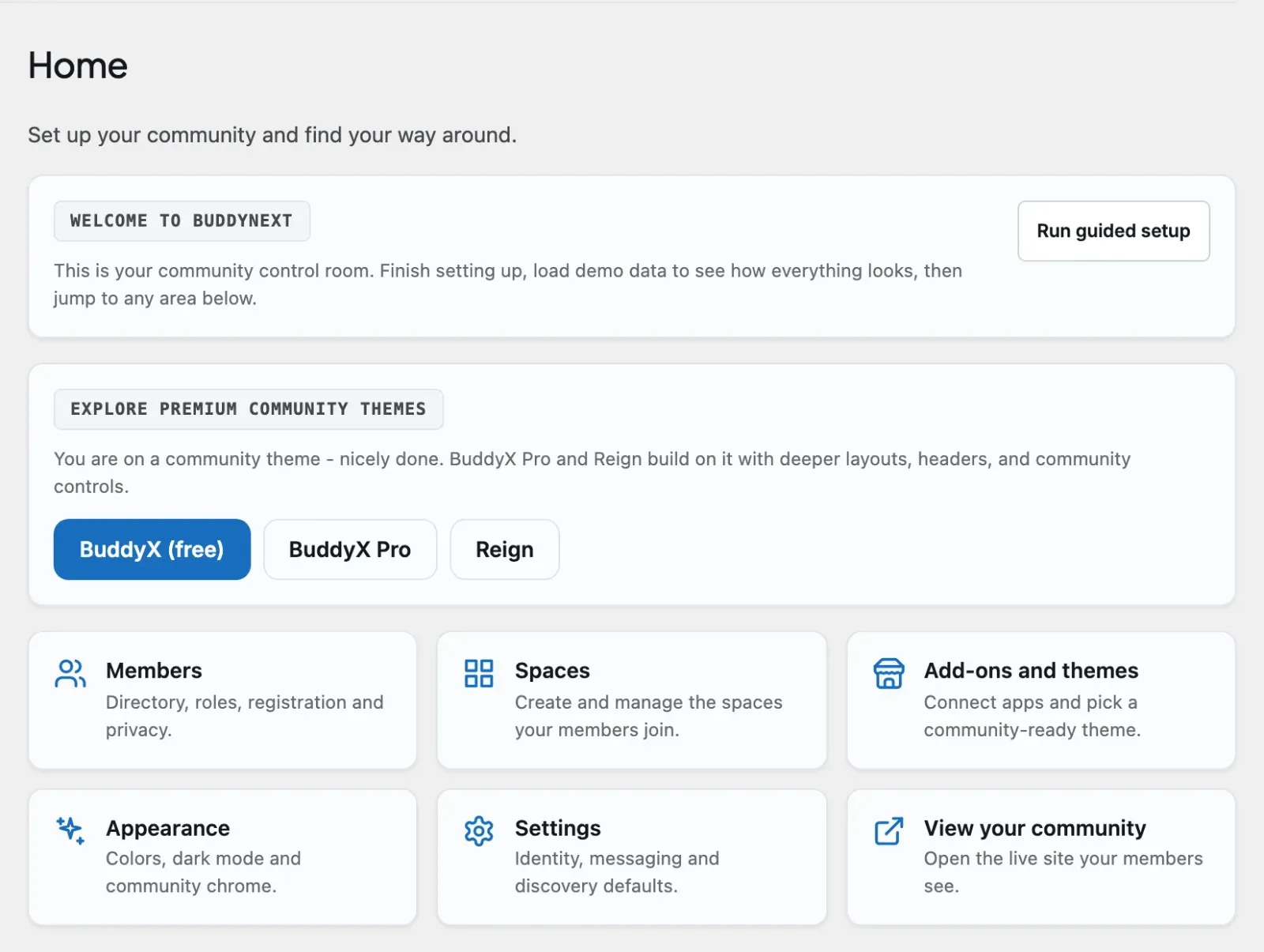
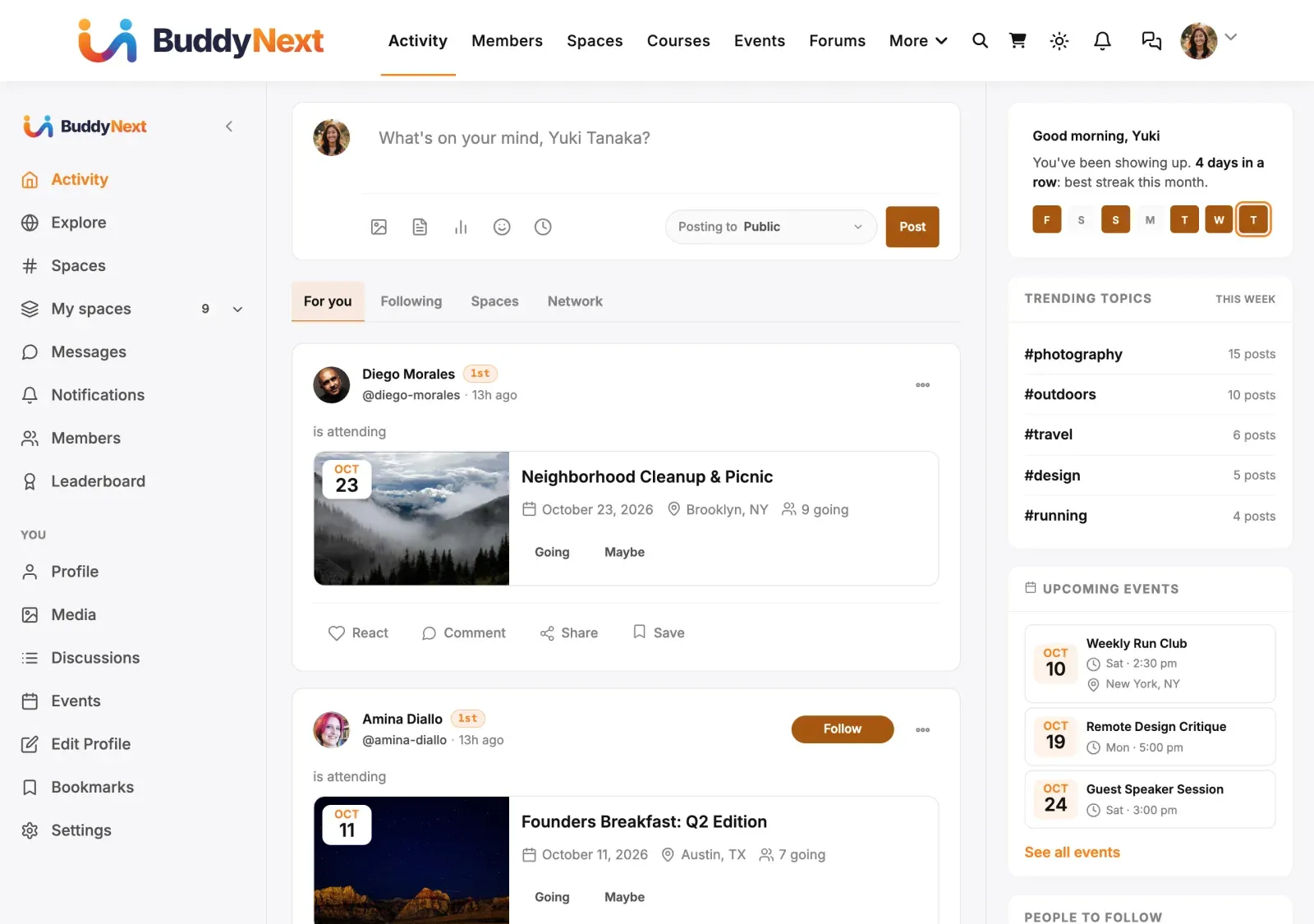
BuddyNext is plug-and-play: every Layer 2 feature is a self-contained module that the site owner can turn on or off, and a developer can override by filter. This page documents the tier system that governs which features are active, the Free feature catalogue, the Pro entries that join it, and their tiers, and how toggling a feature removes its routes, templates, options, and admin pages together.
The source of truth is BuddyNext\Core\FeatureRegistry (includes/Core/FeatureRegistry.php), resolved through the features container key.
The three tiers
Section titled “The three tiers”| Tier | Default state | Can the owner disable it? | How it resolves |
|---|---|---|---|
mandatory |
On | No - no toggle, no disable filter | is_enabled() returns true immediately. |
default_on |
On | Yes (Settings -> Features) | Tier default true, overridable by the stored option, then by a per-feature filter. |
opt_in |
Off | Yes - owner must enable it | Tier default false, then the stored option / filter can turn it on. |
FeatureRegistry::is_enabled( $slug ) resolves in this order (first match wins):
- Unknown slug ->
false. - Mandatory tier -> always
true. - Any unmet dependency in
depends_on-> forcedfalse. - An absent partner plugin -> forced
false(presence_met()). No catalogued feature has an external dependency today, so this returnstruefor every slug; it is the seam a future partner-wrapping feature uses. - A feature with a
state_fromcallback reports that callback’s state and stops here (today onlymessages, whose switch lives in WPMediaVerse). - Tier default (
default_on= true,opt_in= false), overridden by the storedbuddynext_featuresoption if the owner set it. - The per-feature filter
buddynext_feature_{slug}returns the final boolean.
// Programmatic overrides (the filter wins over the stored option).add_filter( 'buddynext_feature_sidebar', '__return_false' );   // force-disableadd_filter( 'buddynext_feature_webhooks', '__return_true' );   // force-enable
// Resolve a feature's state in code.if ( buddynext_service( 'features' )->is_enabled( 'hashtags' ) ) {    // hashtag indexing is active}
Mandatory features cannot be persisted off: clean_state() drops them from any saved toggle map. Dependencies cascade - hashtags, reactions, comments, and announcements all depend on feed, and verification depends on auth, so disabling a dependency forces its dependents off too.
The feature groups
Section titled “The feature groups”Free’s registry catalogs 22 features, organized into display groups (core, community, integrations) for the Settings -> Features UI. Tiers below are read straight from FeatureRegistry::catalog(). Pro adds 13 more entries through the buddynext_features filter; they are listed in the next section.
| Feature slug | Tier | Display group | Depends on | What it covers |
|---|---|---|---|---|
feed |
mandatory | core | - | Posts, comments, reactions, polls, shares - the heart of the community. |
profile |
mandatory | core | - | Per-member profile pages (cover, avatar, bio, custom fields). |
social_graph |
mandatory | core | - | Follows, connections, blocks - the relationships layer. |
notifications |
mandatory | core | - | In-app notifications for follows, reactions, comments, mentions, moderation. |
auth |
mandatory | core | - | Custom login + registration pages and the email-verification handshake. |
search |
mandatory | core | - | Unified FULLTEXT index across posts, users, spaces, hashtags. |
moderation |
mandatory | core | - | Reports, strikes, suspensions, appeals - the integrity layer. |
spaces |
mandatory | community | - | Topic-scoped sub-communities with their own posts, members, settings. Always on: member, profile and URL paths resolve spaces, so it cannot be toggled off. |
hashtags |
default_on | community | feed | Extract #tags, build trending lists, per-tag feeds. |
reactions |
default_on | community | feed | Emoji reactions on posts and comments. |
comments |
default_on | community | feed | Threaded comments on posts. |
sidebar |
default_on | community | - | Right-column hub widgets (trending, suggested people, your spaces). |
onboarding |
default_on | community | - | Multi-step welcome flow for new members. |
verification |
default_on | community | auth | Send a verification link on registration; gate actions on verified status. |
announcements |
default_on | community | feed | Pin an announcement to the top of every member’s feed. |
bookmarks |
default_on | community | - | Let members save posts to a private Bookmarks list. |
polls |
default_on | community | feed | Attach a poll to a post and vote in the feed. |
shares |
default_on | community | feed | Re-share another member’s post into your own feed. |
messages |
default_on | community | - | Direct messages, run by WPMediaVerse. Its state is read from WPMediaVerse (state_from), not stored by BuddyNext. |
pwa |
default_on | community | - | Installable app: manifest and service worker. |
scheduled-posts |
default_on | community | feed | Compose a post now and publish it at a chosen time. A Free feature. |
webhooks |
opt_in | integrations | - | Outbound signed HTTPS POSTs to external endpoints on community events. |
Pro entries
Section titled “Pro entries”Pro merges these into the same catalogue (buddynext-pro Core\ProFeatures and Membership\MembershipPages::add_feature), so each Pro capability has exactly one switch in Settings -> Features. Self-contained capabilities ship default_on; ones that need an external server or credential ship opt_in.
| Feature slug | Tier | Display group |
|---|---|---|
monetization |
opt_in | monetization |
white-label |
default_on | branding |
member-labels |
default_on | members |
broadcast |
default_on | campaigns |
drip |
default_on | campaigns |
mod-rules |
default_on | moderation |
bulk-mod |
default_on | moderation |
custom-reactions |
default_on | engagement |
analytics |
default_on | intelligence |
realtime |
opt_in | delivery |
push |
opt_in | delivery |
ai |
opt_in | intelligence |
ai-moderation |
opt_in | moderation |
None of the Pro entries declares depends_on.
Note: The registry groups features for the admin UI; a feature is not a 1:1 owner of a route prefix, template folder or option. Trust the registry for tiers and the source for the route, template and option inventory.
What a feature group binds
Section titled “What a feature group binds”Each feature group ties together four kinds of surface. Examples:
- Routes - REST endpoints under
buddynext/v1.feedowns/feed/home,/feed/exploreand/feed/announcements/{id}/dismiss, among others;spacesandwebhooksown their own route groups. Note:REST/Routerregisters its controllers unconditionally; onlywebhooksis wrapped in anis_enabled()check. A toggleable feature is disabled at the UI + hub layer (nav hidden, hub route redirected - see below), not by unregistering its REST controller, so its endpoints still answer for a direct API caller. Enforce a disabled feature’s access rule in the controller’s permission callback, never by assuming the route is absent. - Templates - the hub templates and partials the feature renders.
spaces,profileandsidebareach have their own template folders. A disabled feature’s templates are never reached because the route or theContainer::has()guard short-circuits first. - Options - the settings the feature persists. Examples:
spaces->buddynext_space_creation_role,buddynext_space_max_sub_spaces,buddynext_notif_default_space_join;reactions->buddynext_enabled_reactions;hashtags->buddynext_banned_hashtags;comments->buddynext_notif_default_comment;webhooks->buddynext_webhook_secret. - Admin pages - the dedicated wp-admin screens.
spacesregisters one (buddynext-spaces); the other features expose their settings inside the shared BuddyNext settings tabs rather than a standalone page.
The wiring lives in Plugin::register_services() and Plugin::init(). A feature binds its services only when the registry reports it enabled, and its listener is wired only when the binding exists:
// In register_services(): bind the Service + Cache only when enabled.if ( $features->is_enabled( 'sidebar' ) ) {    $container->bind( 'sidebar_cache', fn() => new \BuddyNext\Sidebar\WidgetCache() );    $container->bind( 'sidebar_widgets', fn( $c ) =>        new \BuddyNext\Sidebar\WidgetService( $c->get( 'sidebar_cache' ) ) );}
// In init(): wire the listener only when the binding exists.if ( $container->has( 'sidebar_widgets' ) ) {    ( new \BuddyNext\Sidebar\WidgetListener( $container->get( 'sidebar_cache' ) ) )->register();}
How toggling a feature removes its UI and REST surface
Section titled “How toggling a feature removes its UI and REST surface”Turning a toggleable feature off removes it from the member’s path - the nav links and the hub route - so a member never lands on a half-disabled page. BuddyNext enforces this at these points:
- Service + listener may not bind. A feature whose Service/Cache is registered behind an
is_enabled()guard inregister_services()(e.g.sidebar,webhooks) leaves its container keys unregistered when off, so nothing downstream resolves them. Not every feature is wired this way - many controllers are plain and always constructed. - REST controllers mostly register unconditionally.
REST/Router::register_routes()constructs every controller regardless of feature state; onlywebhooksis gated byis_enabled('webhooks'). So a disabled feature’s endpoints usually still respond to a direct API caller - the toggle is a UI/hub control, not a route kill-switch. A route that must be closed when its feature is off enforces that in its own permission callback. - Hub routes redirect.
PageRouter::dispatch_hub_template()re-checks the registry for the toggleable hubs and bounces visitors away from a disabled surface. For example, when a toggleable hub is off, its/hub/path redirects to the activity hub; the same guard protectsonboarding, thehashtagsper-tag feed, and (viaMessagesData::entry_enabled()) thewpmediaverse-backed messages hub. (spacesis mandatory, so it is never in this set.)
Templates that optionally use a feature follow the plug-and-play degradation pattern - check Container::has(), and fall back to an empty result when the feature is absent:
$widgets = function_exists( 'buddynext_service' )    && \BuddyNext\Core\Container::instance()->has( 'sidebar_widgets' )        ? buddynext_service( 'sidebar_widgets' )        : null;
$trending = ( null !== $widgets ) ? $widgets->trending_hashtags( 5 ) : array();
The minimal-mode contract is the floor: with every default_on and opt_in feature disabled, Core plus the mandatory features must still deliver a working community - login/register, posts, direct follow, basic notifications, and search. If disabling a feature breaks any of those, that feature was misplaced in Layer 2 and belongs in Core.
Extending the catalog
Section titled “Extending the catalog”Third-party plugins register their own features under the same contract via the buddynext_features filter. Each entry uses the registry’s shape (slug, tier, group, depends_on, and a translatable label/description supplied at the same time), after which it participates in the Settings -> Features UI, the buddynext_feature_{slug} override filter, and the same enable/disable resolution as the built-in features.
- The Pro plugin (
BuddyNextPro) layers its own modules on top of these free features - Membership, AI, Realtime, Push, Analytics, White-label, and enhancements to Reactions/Feed/Moderation/Members/Profile/Search. Each Pro capability that can be switched off registers one entry in the shared catalogue through thebuddynext_featuresfilter (see Pro entries above), so the owner finds every switch in Settings -> Features; the modules themselves boot atplugins_loaded:20and extend Free through the documented hooks and container rebinding. - Read tiers from
FeatureRegistry::catalog()- it is the only inventory, and it includes any entry added through thebuddynext_featuresfilter. Read it on a running site withbuddynext_service( 'features' )->catalog().