

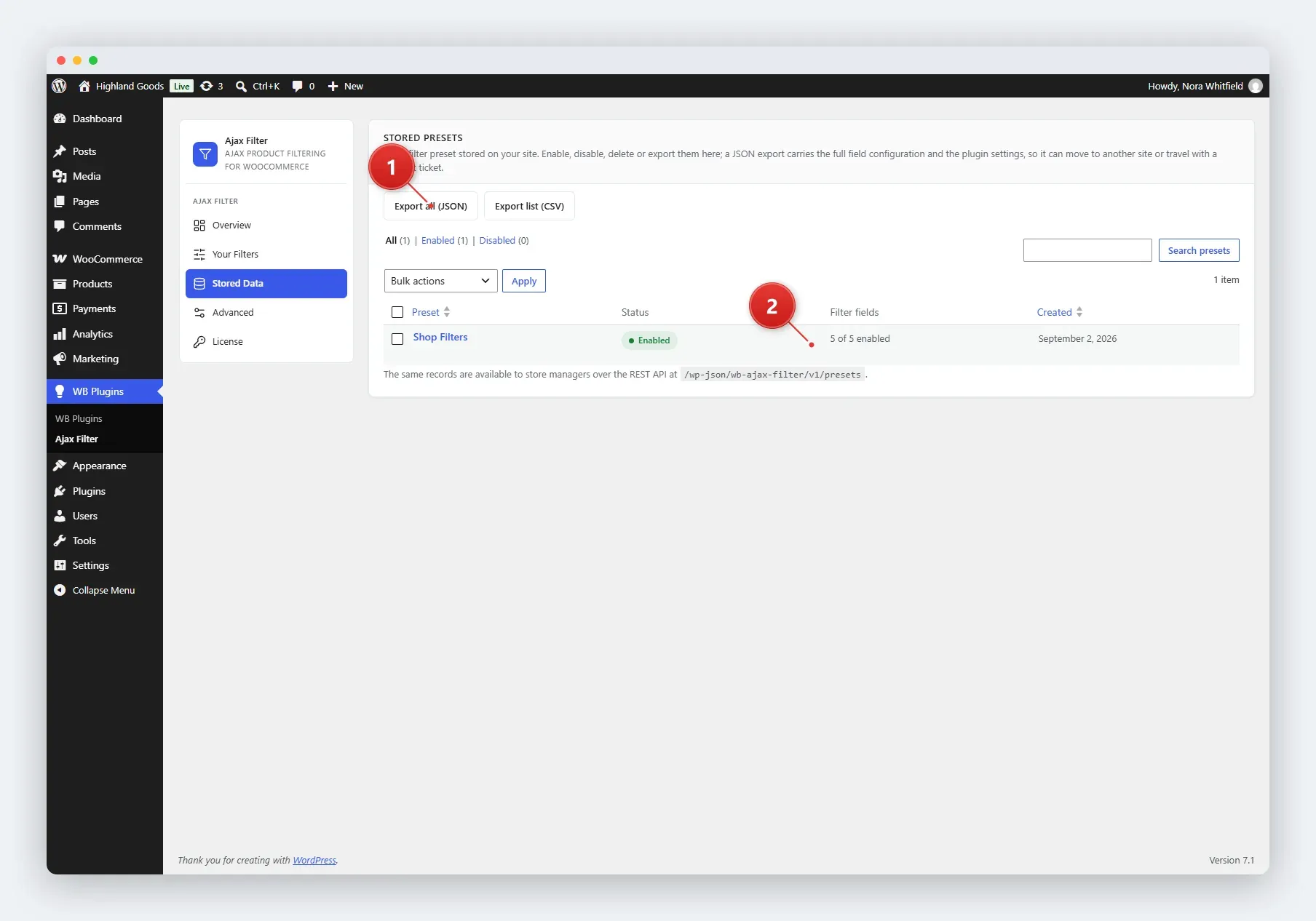
The Stored Data tab gives you a browsable, searchable, and exportable list of every preset the plugin stores. It is the place to moderate presets in bulk and to produce a support or migration snapshot.
Access Stored Data
Section titled “Access Stored Data”Go to WB Plugins → Ajax Filter → Stored Data.
What You See
Section titled “What You See”- Preset table - one row per preset, with its status, field count, and dates.
- Status views - filter the list by All, Enabled, or Disabled.
- Search - find presets by title.
- Sortable columns - sort by title or date.
Bulk Actions
Section titled “Bulk Actions”Select one or more presets and pick an action from the bulk dropdown:
- Enable - activate the selected presets.
- Disable - deactivate the selected presets.
- Delete - permanently remove the selected presets. This cannot be undone.
Bulk actions are handled server-side with nonce verification and a manage_woocommerce capability check before anything changes.
Export
Section titled “Export”Two export formats are available from the buttons above the table:
- JSON - a complete snapshot: every preset including its full field configuration, plus all four option groups (filtering behaviour, search behaviour, search scope, and appearance). Drop this into a support ticket or use it for migrating stores.
- CSV - a flat, spreadsheet-friendly view of the same preset data.
Both exports are generated on demand and served as file downloads.
Related Pages
Section titled “Related Pages”- Managing Presets - per-preset actions.
- REST API - the same data, programmatically.