

Star reviews and lesson reading mode
Reign LifterLMS Addon overviewPremiumGet Reign LifterLMS Addon →
Also called: course reviews, star ratings, rate a course, review form, reading mode, focus mode, distraction free lesson, lesson page
What this does
Section titled “What this does”Star ratings let students rate a course from 1 to 5 stars when they review it. Reading mode puts a lesson in one readable column, with no site header or footer.
- Open Reign Settings > Integrations, then Configure on the LifterLMS tile.
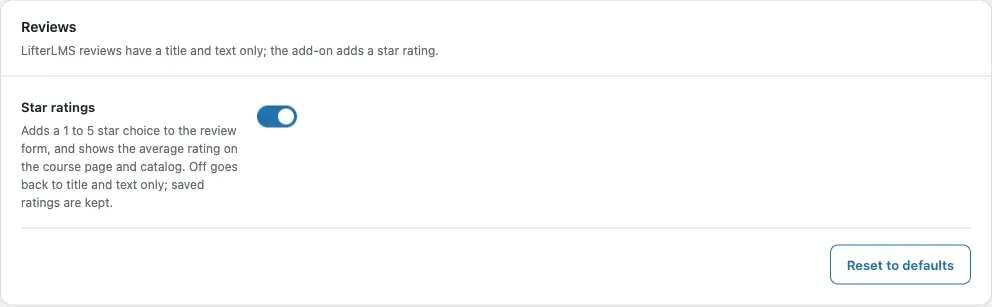
- In the Reviews card, switch Star ratings on or off. It is On by default.
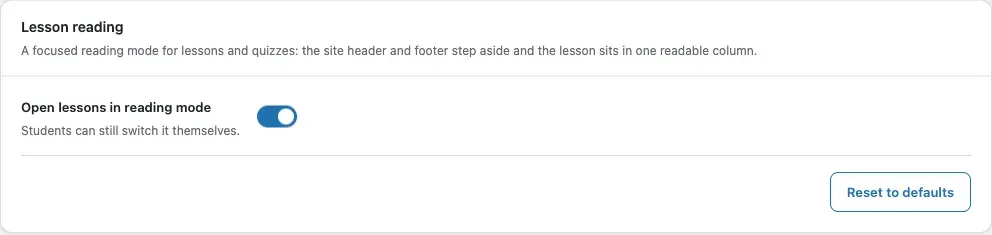
- In the Lesson reading card, switch Open lessons in reading mode on or off. It is On by default.
- Click Save changes.
You’ll know it worked when
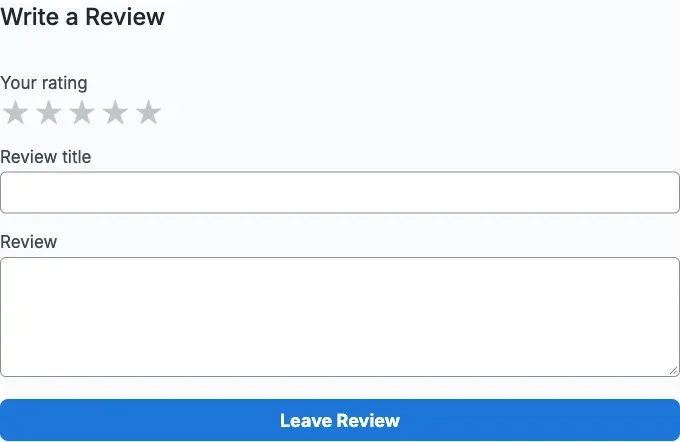
Section titled “You’ll know it worked when”With Star ratings on, the review form on a course page has a star choice.
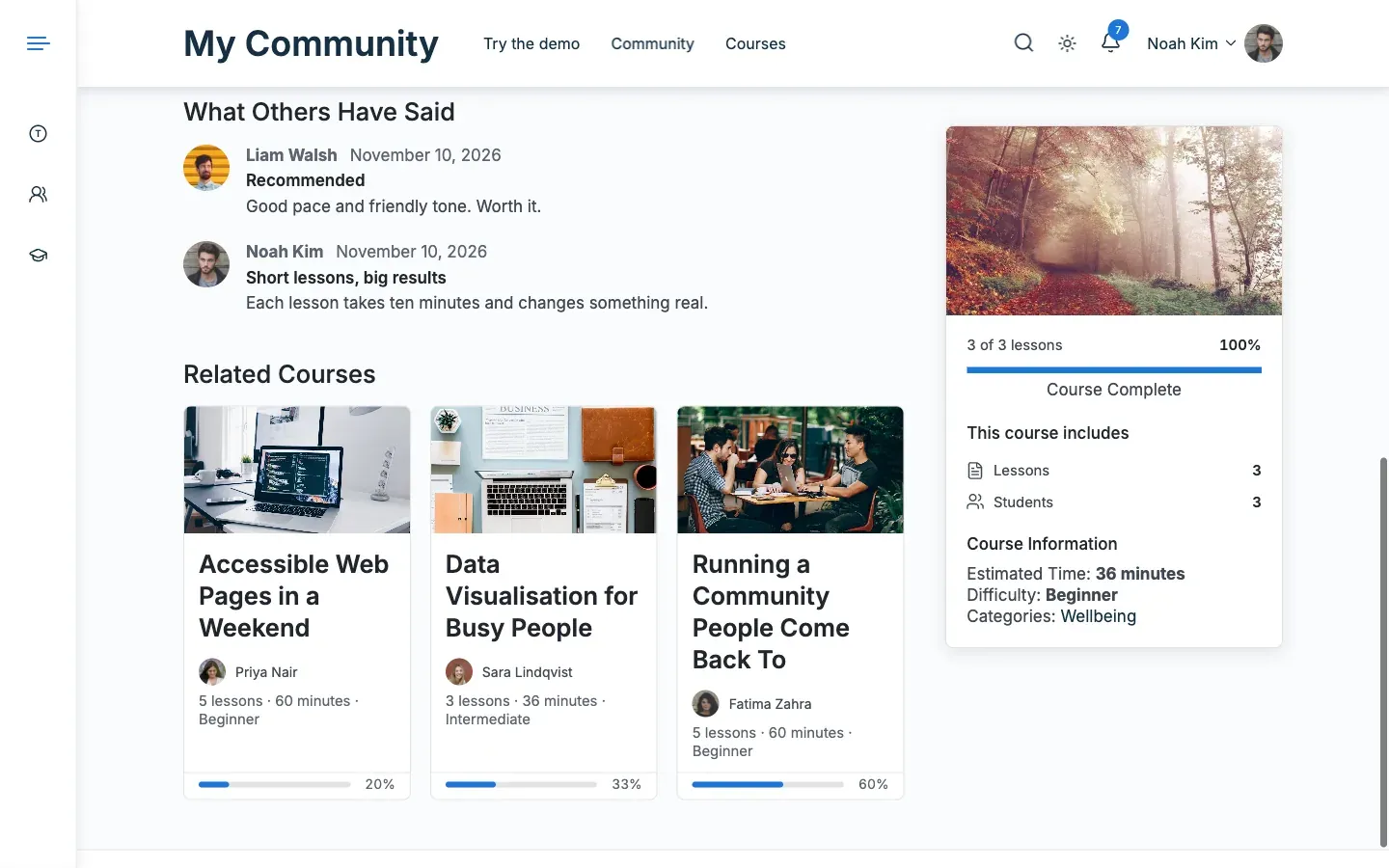
The reviews section shows the list, the paging and the average rating.
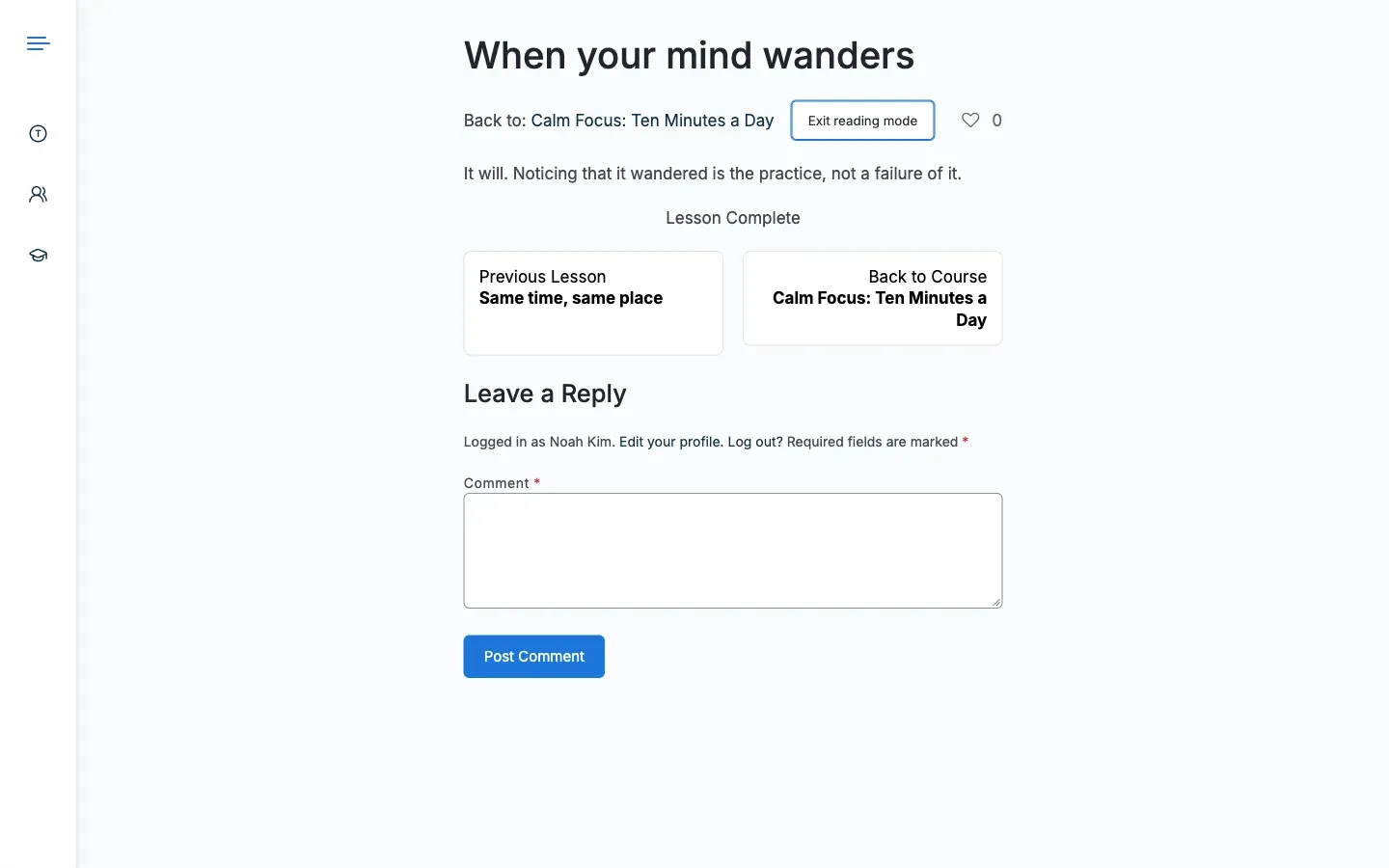
With reading mode on, a lesson opens in one readable column.
Good to know
Section titled “Good to know”What do star ratings change?
Section titled “What do star ratings change?”LifterLMS reviews have a title and text. With Star ratings on, the add-on draws the reviews section of the Reign course page: the list, the paging and the form with stars. The rating also shows in the course header and on the Detail card. Saved ratings are kept when you switch the option off.
Who can write a review?
Section titled “Who can write a review?”LifterLMS decides, and you set the rule on each course. The add-on asks LifterLMS and does not copy the rule. Whether reviews are on, whether they show, and how many appear per page also come from each course. The limit is 50 and the default is 10.
What if a student sends a review twice?
Section titled “What if a student sends a review twice?”A review sent twice in a row, such as a double click, is stored once. When a course allows one review per student, a second review is refused and removed. After sending, the student sees a notice. It says thanks, or what is missing (a rating or text), or that reviewing is not allowed.
What does reading mode do?
Section titled “What does reading mode do?”Reading mode hides the site header and footer and puts the lesson in one readable column. It works on lessons and quizzes. Students switch it themselves, and the browser remembers their choice. Open lessons in reading mode only sets how a lesson opens before a student has chosen. The switch stays for students.
What does the add-on change in Focus Mode?
Section titled “What does the add-on change in Focus Mode?”LifterLMS Focus Mode keeps working as LifterLMS ships it. On a lesson or quiz that uses it, the add-on adds four small things. They have no setting.
- The header says “2 of 6 lessons”. That is the lessons done out of the lessons in the sidebar. The percentage stays in the progress bar and shows as a tooltip on the count.
- On a quiz, the sidebar marks the lesson the quiz belongs to as the current one.
- The favourite button for the lesson sits beside the lesson title.
- On phones the lesson list becomes a panel above the lesson. A Lessons button opens it.
These need JavaScript. Without it, Focus Mode shows a percentage in the header and the list under the lesson.
For developers
Section titled “For developers”- Stars are stored in the review post meta
course_rating. Earlier versions used the same key, so existing ratings stay. - A student’s reading mode choice is kept in the local storage key
rllmsReader. - To remove reading mode entirely, return
falsefrom thereign_llms_reader_enabledfilter.