

Install the LifterLMS add-on
Reign LifterLMS Addon overviewPremiumGet Reign LifterLMS Addon →
Also called: Reign LifterLMS Add-on, LifterLMS theme add-on, course site add-on, online course plugin, LMS add-on, install course layout.
What this does
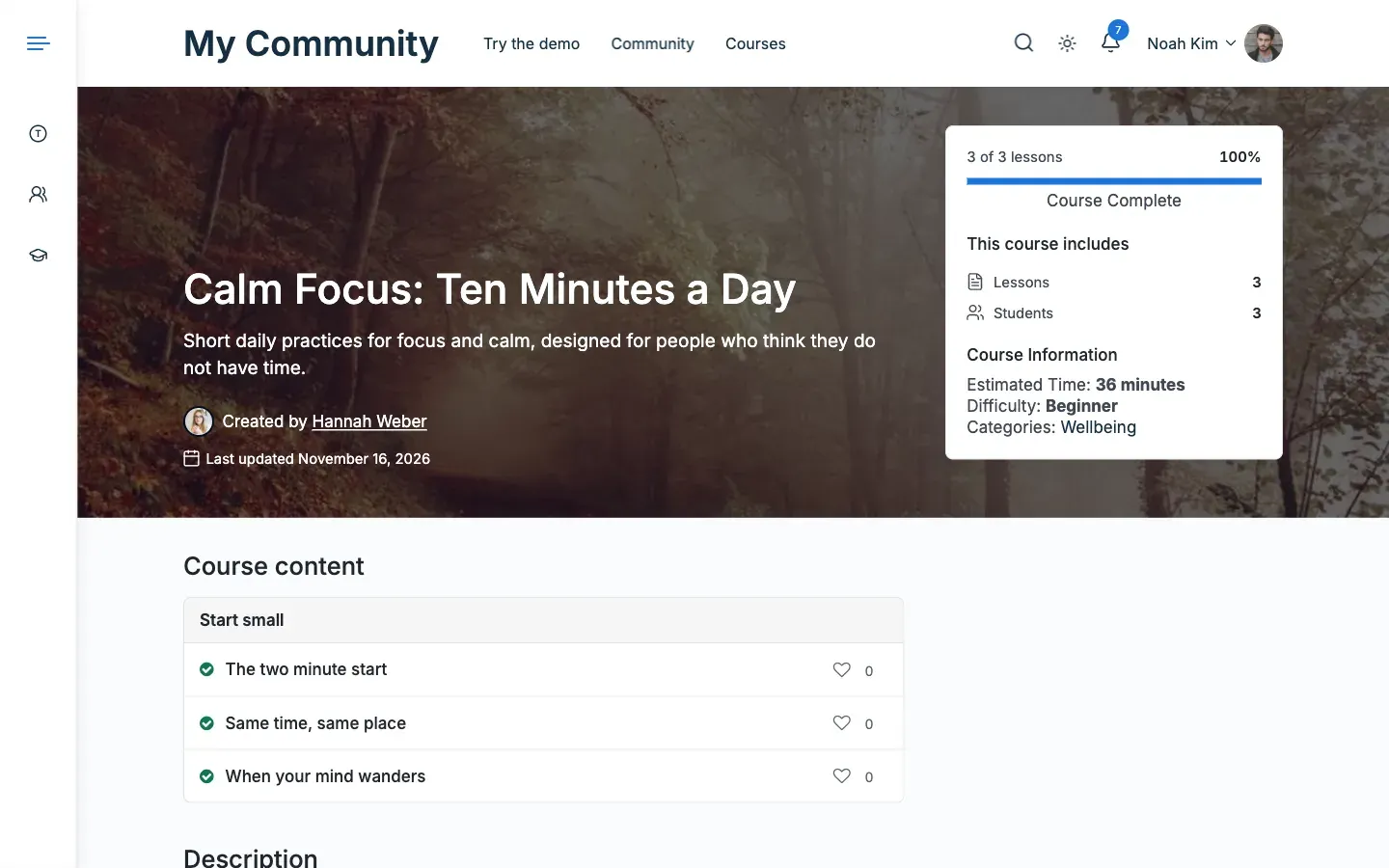
Section titled “What this does”Reign LifterLMS Add-on makes your LifterLMS courses look right in the Reign theme. It adds a Spotlight course page, a Detail card for the course catalog, related courses and star ratings on reviews. It also adds icons in the student dashboard menu, a reading mode for lessons, and links to BuddyPress, BuddyBoss and PeepSo.
Before you start
Section titled “Before you start”The add-on is sold separately from the Reign theme. You can buy it here. The theme itself is in the Reign documentation.
You need all of these:
- Reign theme 8.1.0 or newer.
- LifterLMS 7.5.2 or newer.
- WordPress 6.5 or newer.
- PHP 8.1 to 8.5.
If one is missing, the add-on pauses and shows a notice. Your settings are kept.
New to LifterLMS, or no courses yet? Follow Set up LifterLMS for Reign first or alongside this page.
- Update the Reign theme to 8.1.0 or newer.
- Upload and activate Reign LifterLMS Add-on under Plugins.
- Open Reign Settings > License.
- Paste your licence key in the Reign LifterLMS Addon row and click Activate. You need the key to get updates.
- Open Reign Settings > Integrations, then Configure on the LifterLMS tile. Every option already works with its default, so you can leave this screen alone.
You’ll know it worked when
Section titled “You’ll know it worked when”- The LifterLMS screen opens under Reign Settings > Integrations.
- The Reign LifterLMS Addon row under Reign Settings > License says Active.
- Your course catalog shows the Reign course cards.
Good to know
Section titled “Good to know”What does the add-on do, and what do Reign and LifterLMS still do?
Section titled “What does the add-on do, and what do Reign and LifterLMS still do?”Reign draws the course page, the curriculum, the enrol card and the pricing table. LifterLMS draws the student dashboard, quizzes and certificates. The add-on adds only what neither one provides.
What if I see “Reign LifterLMS Add-on is paused”?
Section titled “What if I see “Reign LifterLMS Add-on is paused”?”Something it needs is missing. The notice lists one step for each missing item. One example is “Install and activate LifterLMS 7.5.2.” The add-on loads nothing else until you fix it. The notice shows on every admin screen to users who can activate plugins. See Notices and messages.
I updated from version 2.6.0. Do I enter my licence key again?
Section titled “I updated from version 2.6.0. Do I enter my licence key again?”No. A key you saved in the old add-on moves to Reign Settings > License on your next dashboard visit. See Update from version 2.6.0.
What do I read next?
Section titled “What do I read next?”Read Set up LifterLMS for Reign, then the settings pages.