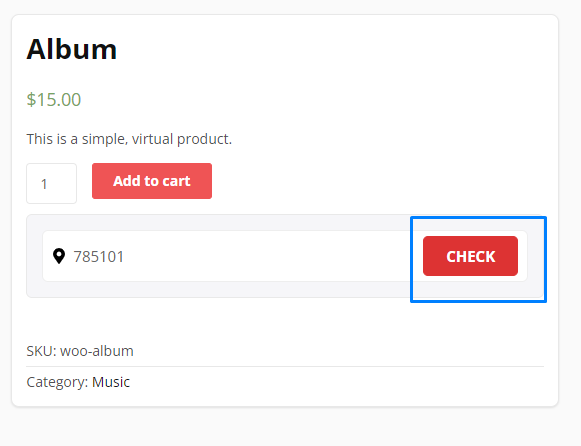
Navigate to the shop page and click on any product in which you want to check that shipping is available or not in a particular postal code. Now here you will find the “Check button” to check the availability of the product. Fill in your area pin code and click on the button.
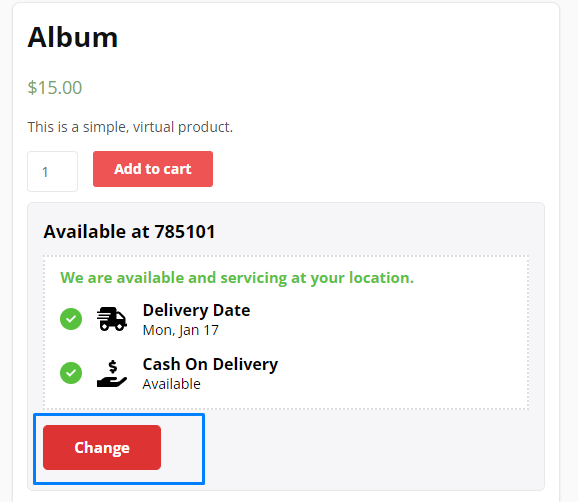
Now it will display the message if the product is available or not in a particular Pincode. It will also display the delivery date so that
customers can know the timeline of their available orders before placing the order.
It also displays that cash on delivery is available or not at a particular Pincode.