
Yes, you can enable or disable the Cash on Delivery option for a particular Pincode. While adding Pincode, you will get the option “ Cash on Delivery”. Enable this option for displaying the cash on delivery on the product page.
If you already added the Pincode and want to enable the COD option, then navigate to the Pincode list tab and choose the particular Pincode and then click on the EDIT button to enable the COD option.

However if the delivery date is set for the Pincode and still it’s not showing while checking the shipping, Please ensure that “cash on delivery is enabled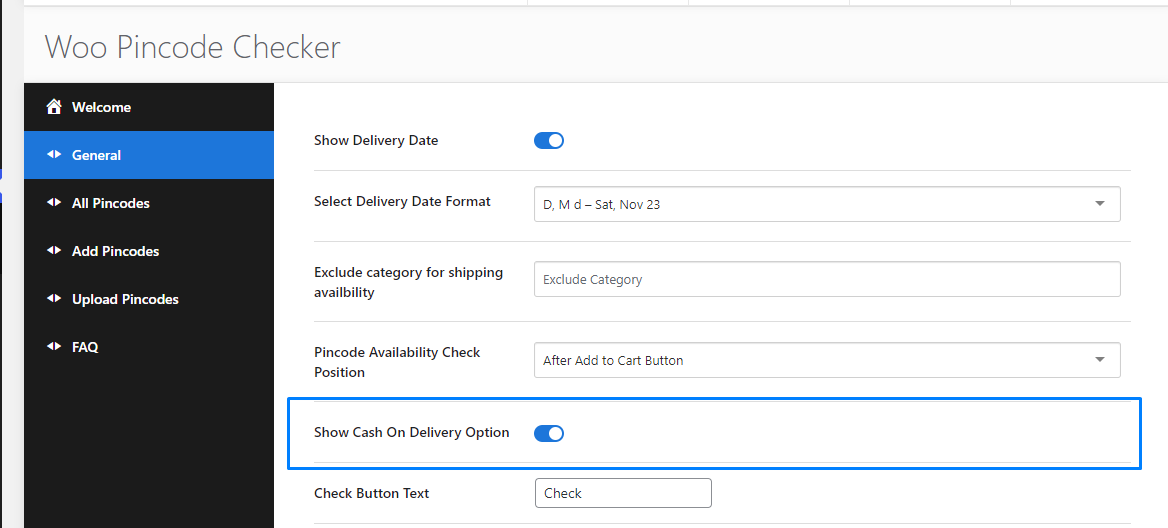 in general settings.