Skip to content
Wbcom Designs Docs

Wbcom Designs Docs

Menu

Close
  • Home
  • Changelog
  • Roadmap
  • Home
  • Changelog
  • Roadmap

Reign WP Job Manager Addon

  • Intro (2)
    • Introduction
    • Features
  • Installation (3)
    • System Requirement
    • Installation
    • Installing Demo Content
  • License (2)
    • Add License
    • Upgrade License
  • User Guide for Reign WP Job manager Addon (3)
    • Features Overview - Reign WP Job Manager Addon
    • Frequently Asked Questions - End Users
    • Getting Started with Reign WP Job Manager Addon
  • Developer's Guide for Reign WP Job Manager Addon (3)
    • API Reference - Reign WP Job Manager Addon
    • Developer FAQ - Reign WP Job Manager Addon
    • Hook Usage Guide Reign - WP Job Manager Addon
  • Backend Settings (5)
    • Map Settings
    • Single Resume Layout
    • Resume listing Layout
    • Single job Layout
    • Job Listing layout
  • Customizer Settings (1)
    • Resume Archive Page Customization
  • Sidebars (1)
    • Sidebars provided by Reign WP Job Manager Addon
  • Shortcodes (3)
    • Job Listing Sortcode - Reign WP Job Manager Addon
    • Resume Listing Shortcodes- Reign WP Job Manager Addon
    • Search Filter- Reign WP Job Manager Addon

Single job Layout

Get Started

Reign WP job manager addon provides 3 different layouts to display candidate resumes.

You can choose any of them to display on the front end.

Follow the below steps to change the layout of a single resume.

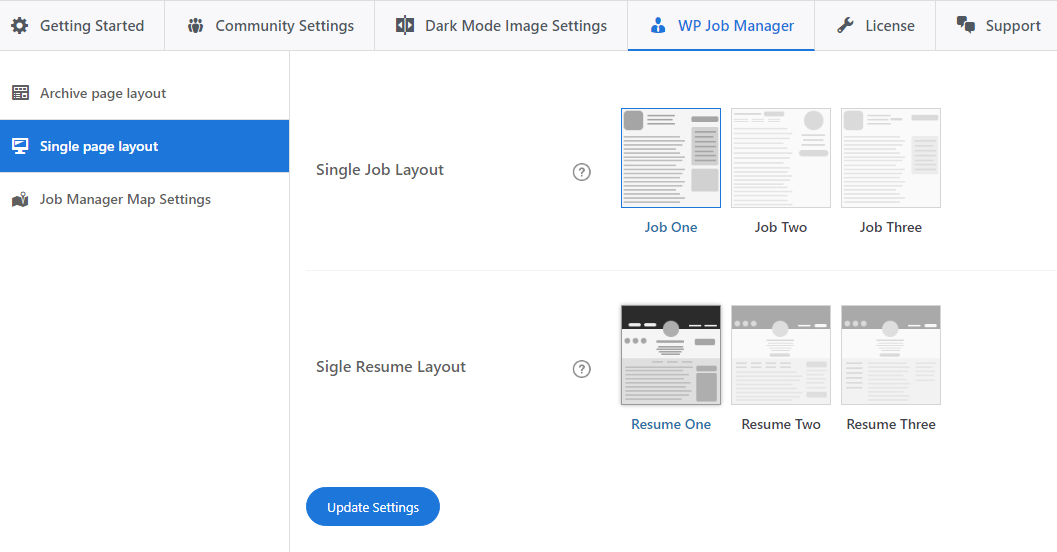
  1. Navigate to Dashboard >> Reign settings >> Wp Job Manager >> single page layout >> Single job layout
  2. Select the Layout
  3. Save the changes.

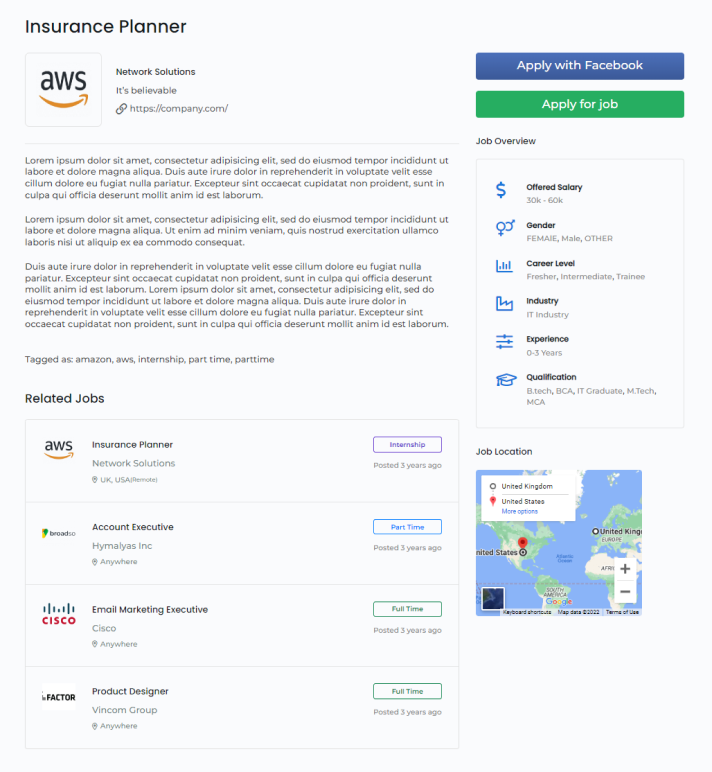
Layout One

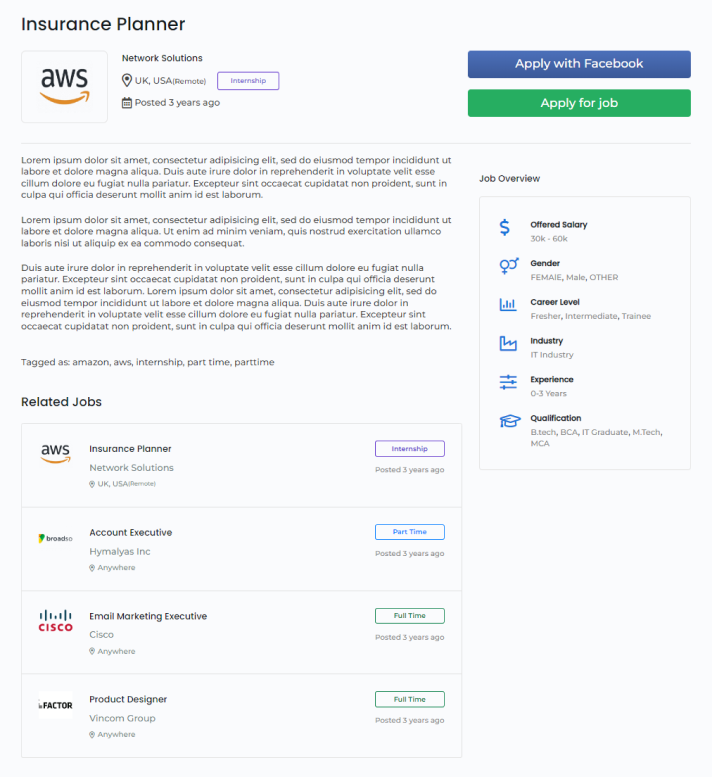
Layout Two
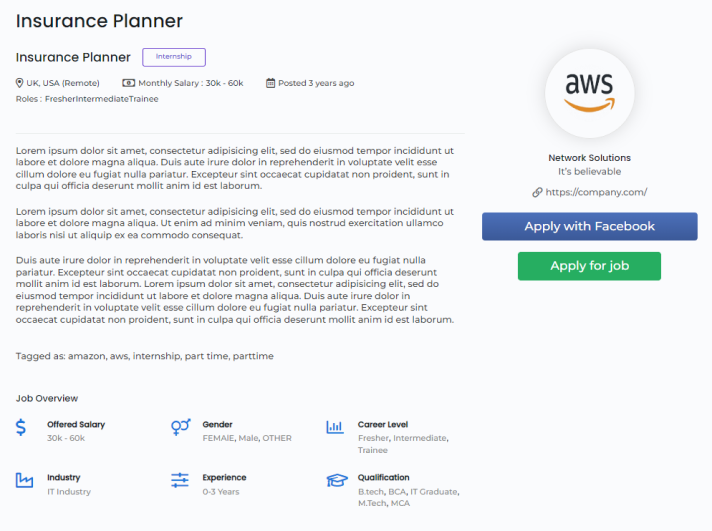
Layout Three

Last updated: June 19, 2024
Previous Resume listing Layout
Next Job Listing layout
Copyright © 2026 Wbcom Designs
Privacy Policy