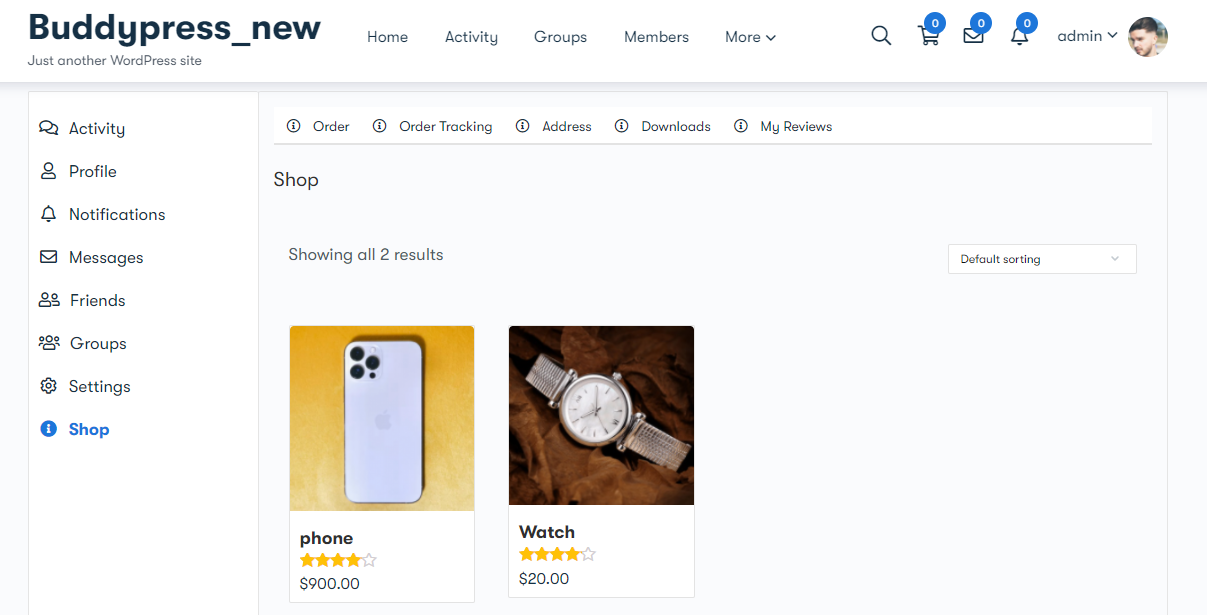
This plugin provides you with a Shop tab to be visible on the front-end at the member’s profile.
Shop tab: Shop tab displays all the list of products on the profile page so that users can buy the product from their profile itself. This tab provides the four subtabs:
- Downloads
- Addresses
- My reviews

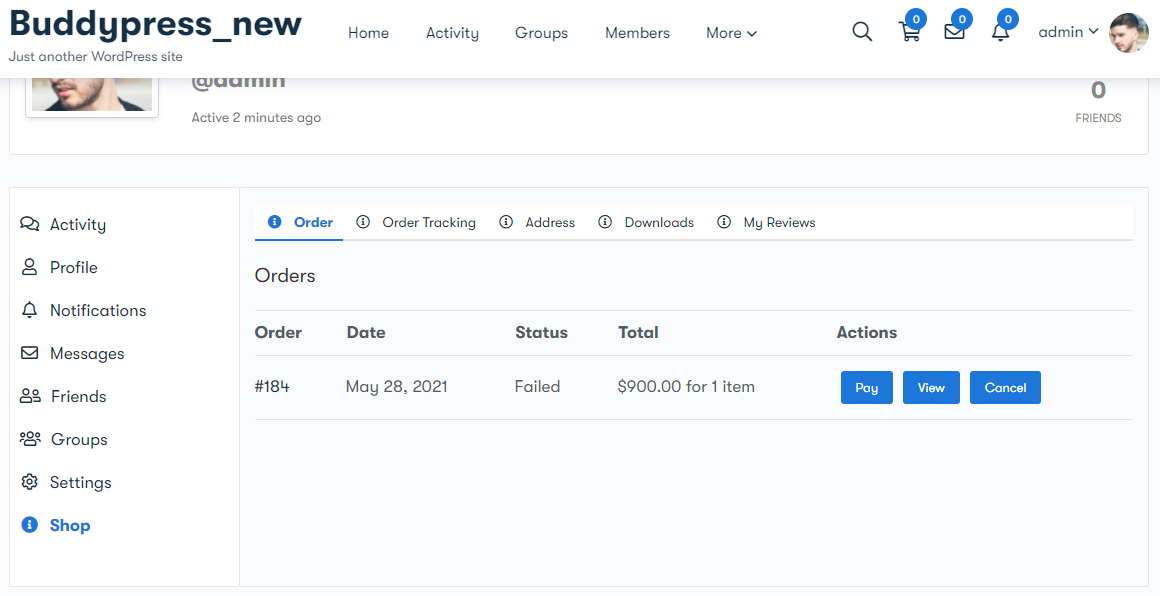
- Orders Subtab: This tab display all the orders with the order ID, order date, order status, and the total amount.
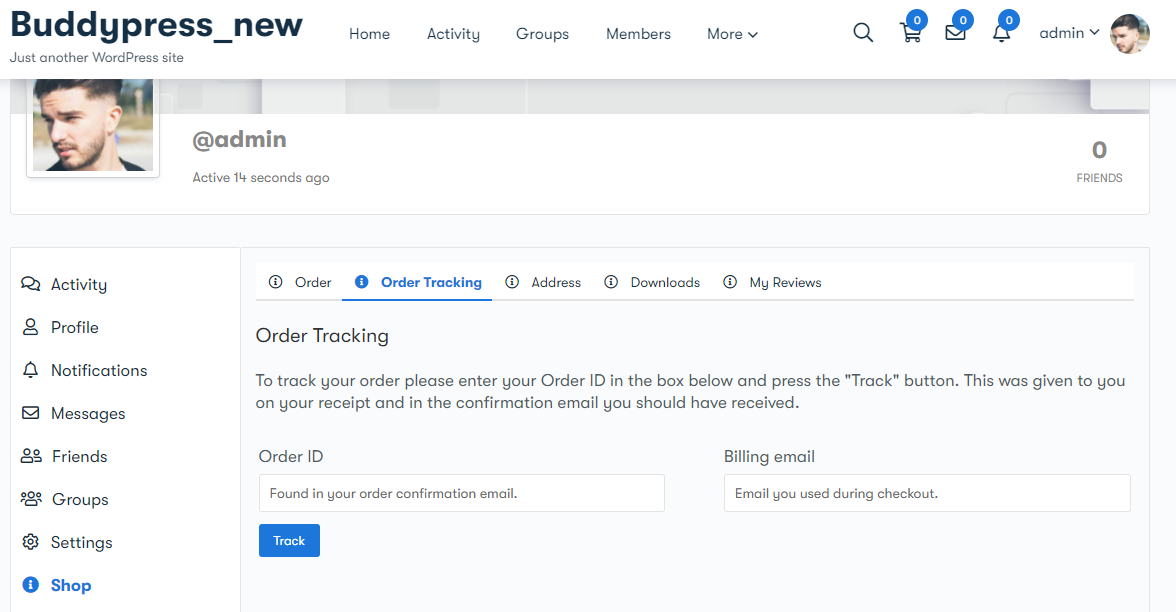
2. Orders Tracking Subtab: Users can track their order by filling the order ID and billing email.
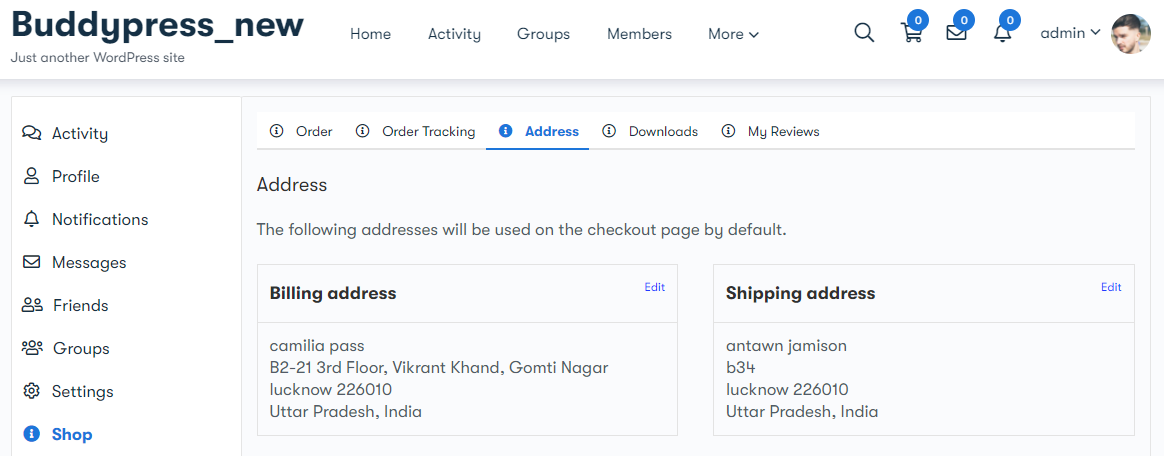
3. Address Subtab: This tab displays the billing address and shipping address. Users can also add and edit them.
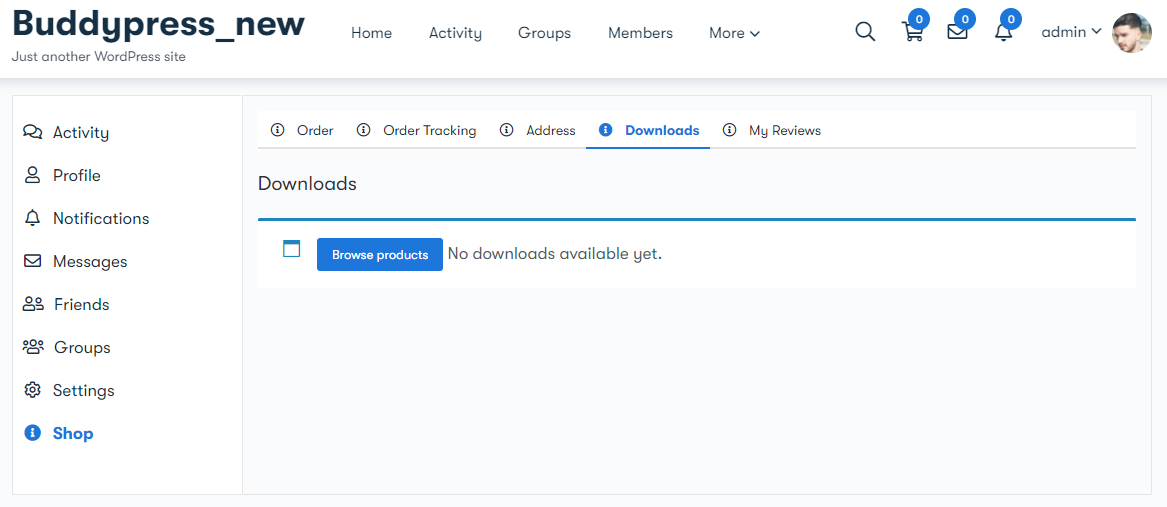
4. Downloads Subtab: This tab displays all the downloads. Users can also browse the product from here.
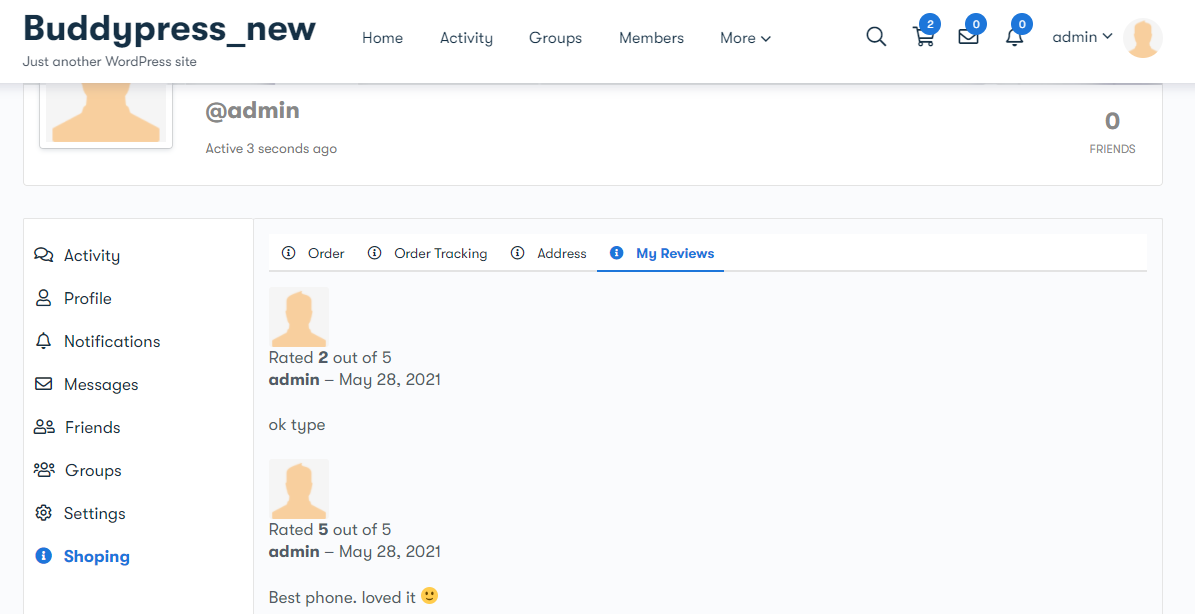
5. My Reviews Subtab: This tab display all the reviews given by the user. My reviews tab is sync with the
product reviews tab. So whenever the user will submit the review, it will display on this tab.