

What BuddyPress Contact Me Does
BuddyPress Contact Me adds a private “Contact” tab to every member profile. Visitors and other members can send a message without ever seeing the recipient’s email address. The recipient gets a BuddyPress notification, an email through the standard BuddyPress email template, or both. It is your choice.
Who it is for
Section titled “Who it is for”- Community sites that want members to be reachable without exposing email addresses.
- Membership and directory sites where guests need to contact listed members.
- Mentor, coach, and consultant communities where inbound contact has to flow through a structured form, not a public email link.
What you get out of the box
Section titled “What you get out of the box”- A “Contact” tab on every member profile that accepts contact.
- A built-in inbox at
/contact/inbox/on the member’s own profile, with an “Unread” filter and an unread badge in the nav. - Email notification to the recipient using the official BuddyPress email template, so there is no custom templating to maintain.
- BuddyPress notification-bell entries for in-site notifications.
- Role-based access control: pick which roles can send messages and which roles can receive them.
- Per-member opt-out via BuddyPress Settings, so every member keeps the final say.
- A math captcha and a built-in spam heuristic for logged-out submissions.
- A
[buddypress-contact-me]shortcode for embedding the form on any page. - An admin-bar shortcut: “Contact” appears under My Account so members can reach their inbox in one click.
Sensible defaults
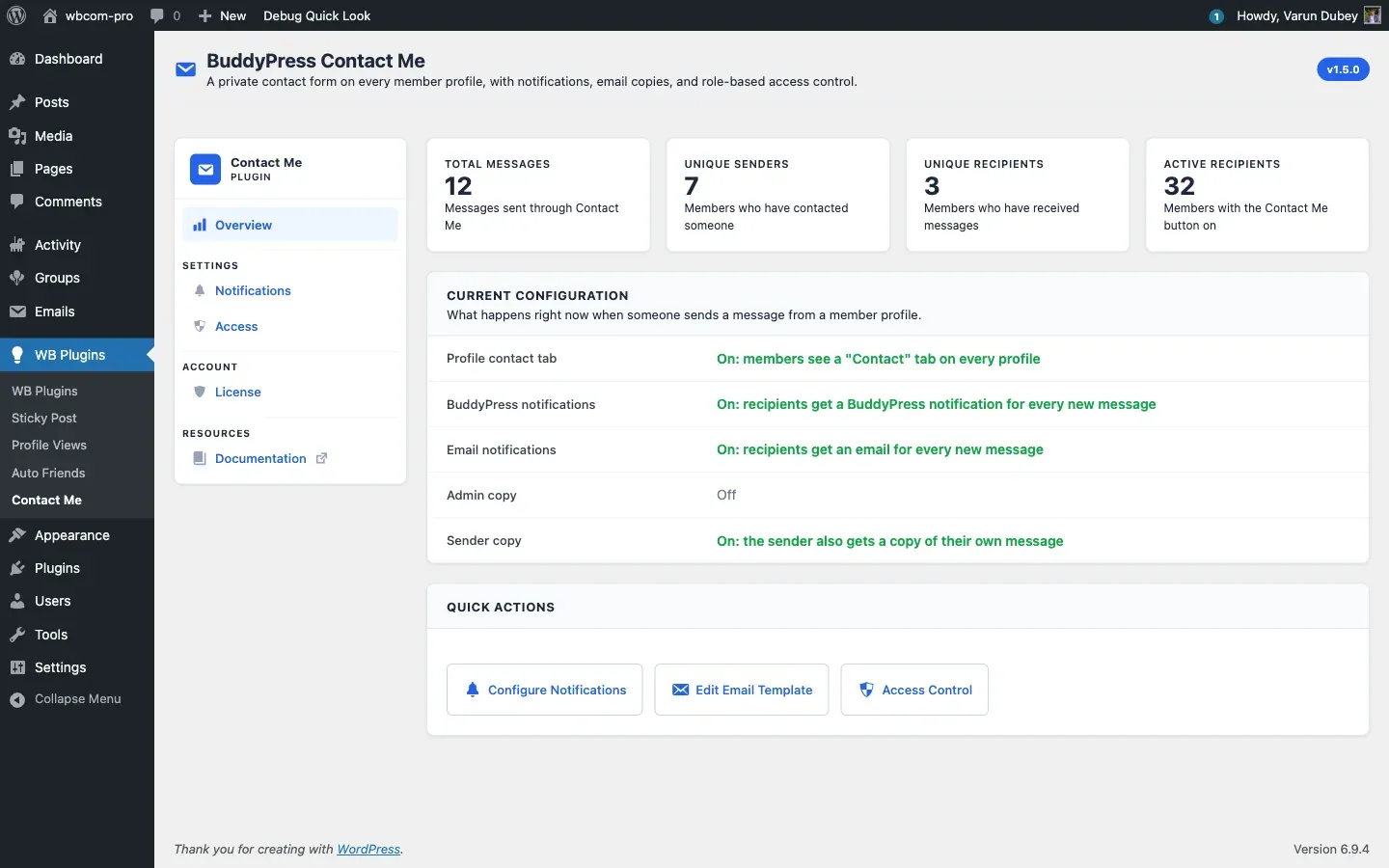
Section titled “Sensible defaults”On activation the plugin turns the profile Contact tab, BuddyPress notifications, email notifications, and the sender-copy receipt on, and leaves the admin-copy off. Guest contact is enabled by default too, because the “Visitors (not logged in)” group is pre-selected in the “Who can send messages” list. You can change any of this from the Access and Notifications tabs.
What it does not do
Section titled “What it does not do”- Two-way messaging. A recipient replies through email or BuddyPress private messages, not through this plugin’s inbox.
- Threading or attachments. Messages are single-shot and text only.
- External user-store integrations. The plugin reads BuddyPress (or BuddyBoss Platform) user data only.
Compatibility
Section titled “Compatibility”- WordPress 6.0 and above (tested up to 6.9).
- PHP 7.4 and above (tested on 8.4).
- BuddyPress and BuddyBoss Platform.
- BuddyX, BuddyX Pro, Reign, and BuddyBoss themes, including their dark-mode variants.
What’s next
Section titled “What’s next”The next page covers installing and activating the plugin. After that the Features docs explain the user-facing behaviour, the Settings docs walk through the four admin tabs (Overview, Notifications, Access, License), and the Developer Guide documents the REST routes and hooks.