

Wishlist hearts (Favourite products)
Reign WC Vendors Addon overviewPremiumGet Reign WC Vendors Addon →
Also called: wishlist, favourites, favorites, heart button, save for later, saved products, like button.
For signed-in customers.
What this does
Section titled “What this does”A heart button sits on every product. A customer taps it to save the product, and taps it again to remove it. Saved products appear on a Favourites page in My Account. Guests see no heart and no login prompt.
On a product card, the heart sits in the image corner, below the Sale badge when there is one. In right-to-left languages it sits on the other side. On the product page it sits beside the price.
Before you start
Section titled “Before you start”The feature is on by default. To check it, open Reign Settings > Integrations, then Configure on the WC Vendors tile and look at the Favourite products switch in the Favourites card.
-
Sign in as a customer and open a product or the shop page.
-
Select the heart on a product. It is now saved.
-
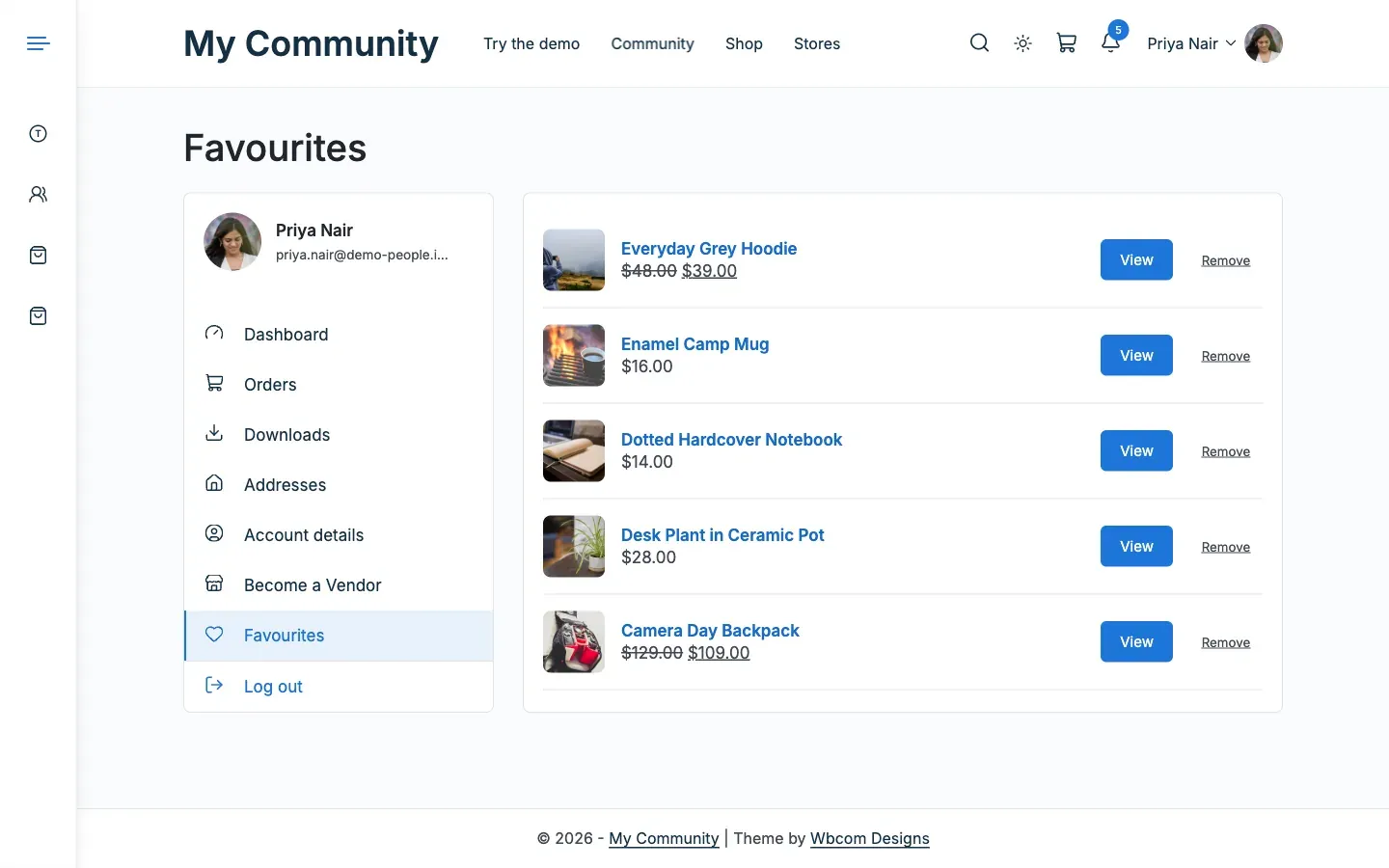
Open My Account > Favourites. The page lists your saved products, 12 to a page, with a Remove button on each.
-
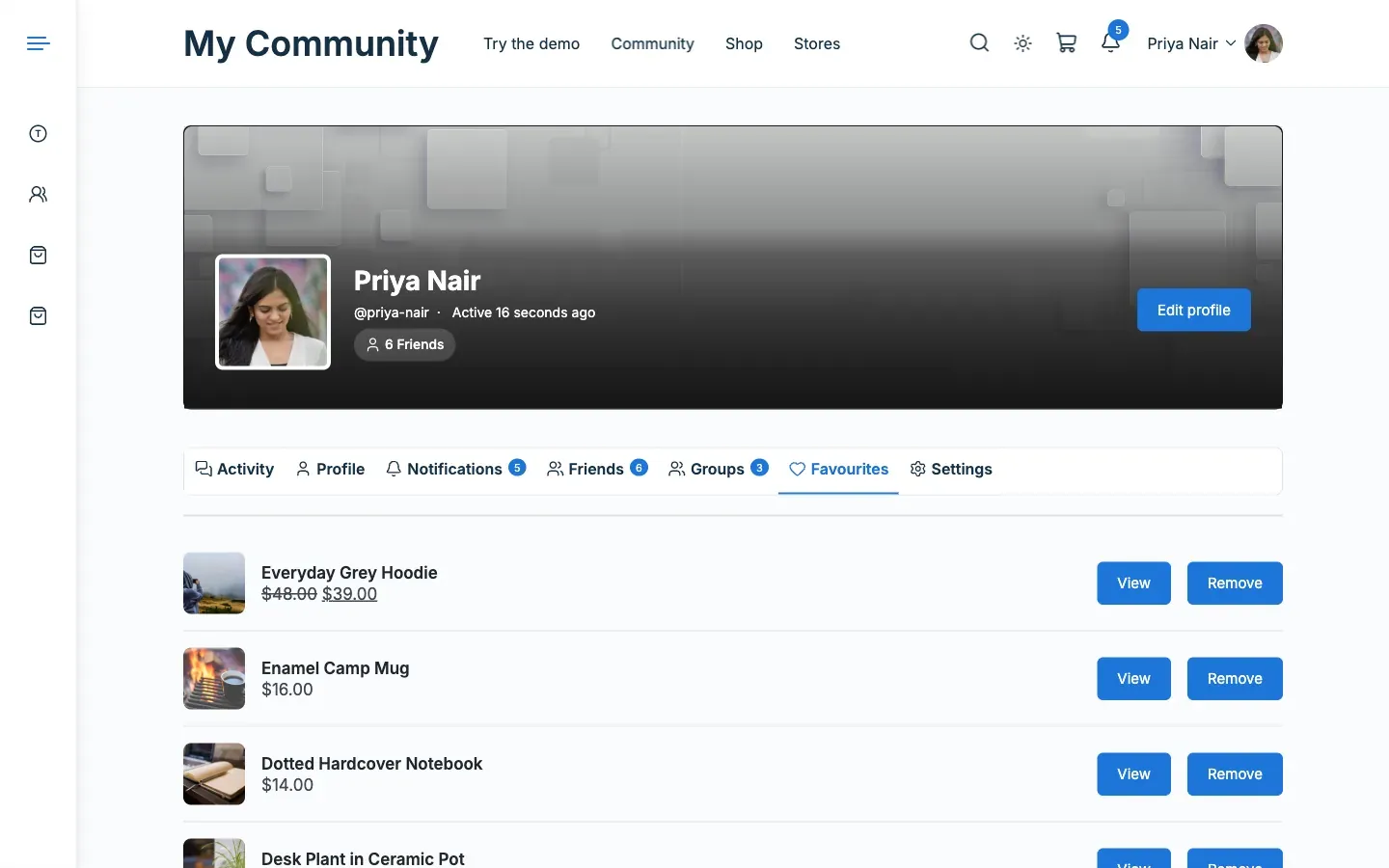
On a BuddyPress or BuddyBoss site, open your own profile and select the Favourites tab. Other members do not see this tab.
You’ll know it worked when
Section titled “You’ll know it worked when”The saved product is listed on the Favourites page. If you remove it, it leaves the list at once.
Good to know
Section titled “Good to know”Why do guests see no heart?
Section titled “Why do guests see no heart?”Favourites belong to a member account. Guests are not asked to sign in, so the heart is not shown to them.
What happens when I remove a product?
Section titled “What happens when I remove a product?”It leaves the list at once and a screen reader announces it. Focus moves to the next Remove button. Removing the last product on a later page returns you to the previous page. Removing the last one shows the empty message.
How many products can a member save?
Section titled “How many products can a member save?”Up to 200. Favourites are saved on the member’s account, so they survive a change of multivendor plugin.
How do I turn favourites off?
Section titled “How do I turn favourites off?”Switch off Favourite products under Reign Settings > Integrations, then Configure on the WC Vendors tile. The heart, the My Account page and the profile tab all go away together.
For developers
Section titled “For developers”- The heart is never inside the product link.
- Change the 200 product limit with the
reign_mv_favourites_capfilter.