

Courses tab on profiles (Member profiles)
Also called: my courses, learner profile, courses tab, course progress, activity feed, achievements, BuddyPress profile, BuddyBoss profile
What this does
Section titled “What this does”Each member profile gets a Courses tab. Course milestones can also post to the activity feed. This needs BuddyPress or BuddyBoss.
Before you start
Section titled “Before you start”BuddyPress or BuddyBoss must be active. The Member profiles card shows in the Sensei LMS settings only then.
-
Go to Reign Settings > Integrations, then Configure on the Sensei LMS tile.
-
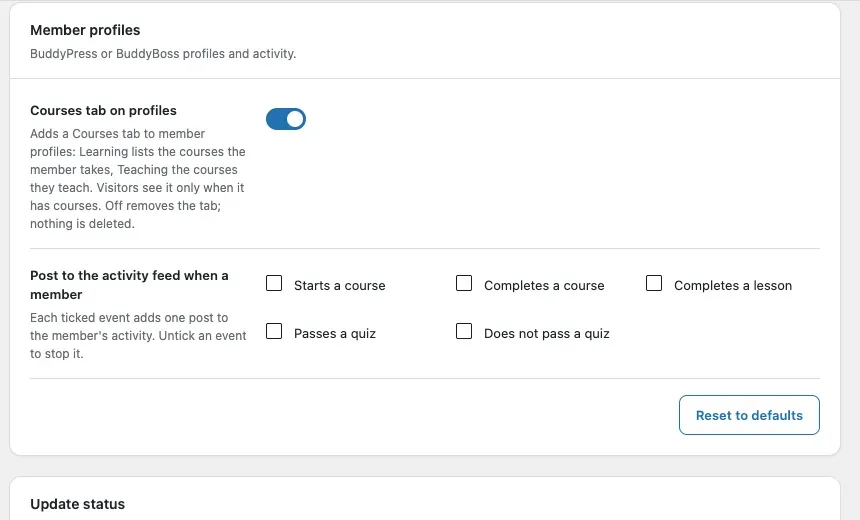
Find the Member profiles card.
-
Switch Courses tab on profiles on or off. The default is On.
-
Under Post to the activity feed when a member, tick the events you want. The choices are Starts a course, Completes a course, Completes a lesson, Passes a quiz and Does not pass a quiz.
-
Click Save changes.
New sites start with Starts a course, Completes a course and Passes a quiz ticked. Sites updated from 1.9.0 start with none.
You’ll know it worked when
Section titled “You’ll know it worked when”Member profiles show a Courses tab. Each ticked event adds a post to the member’s activity, such as “Sara Lopez completed Brand Voice Basics”.
Good to know
Section titled “Good to know”What is on the Courses tab?
Section titled “What is on the Courses tab?”Two sub-tabs, the same as every Reign LMS add-on.
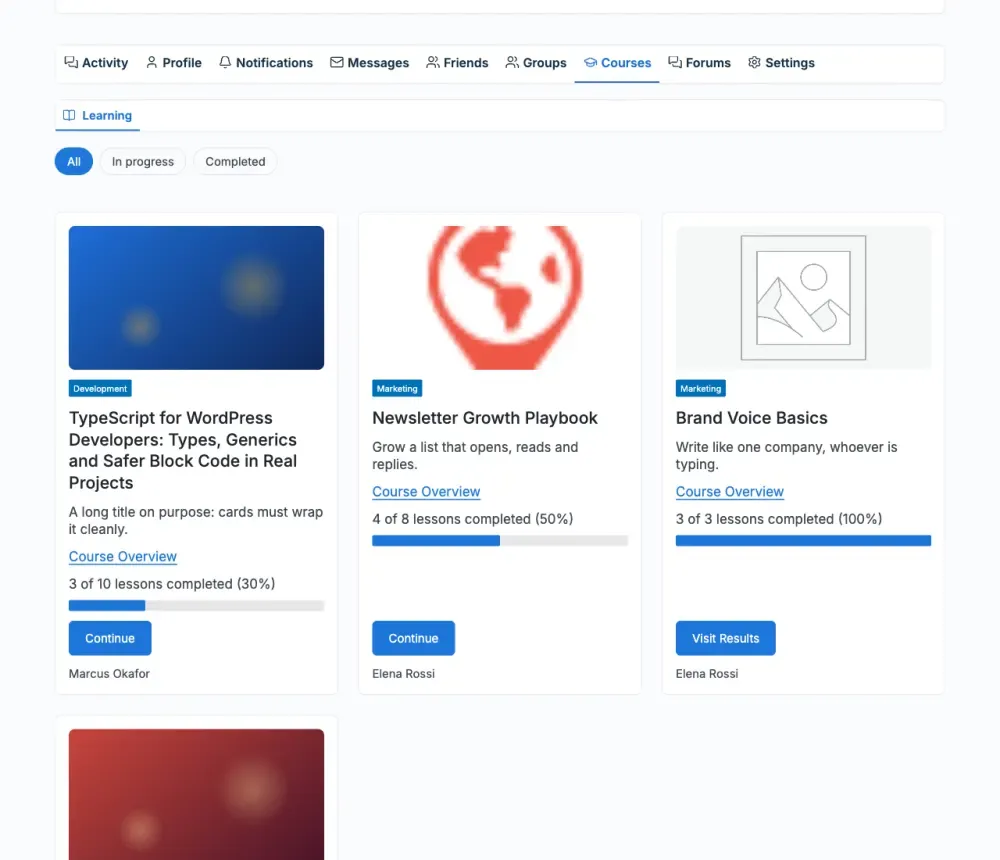
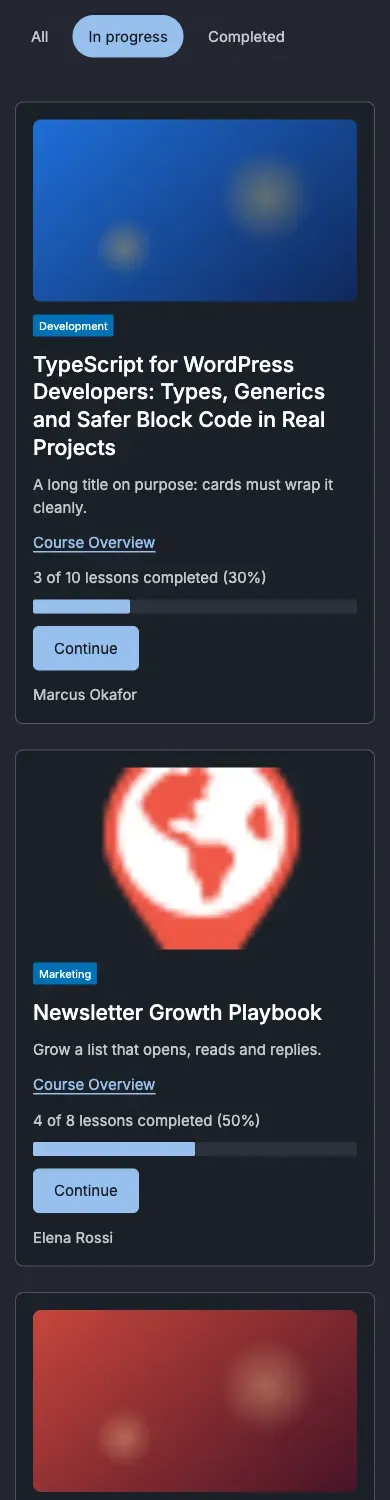
- Learning lists the published courses the member takes. On their own profile, the member sees progress and can filter by All, In progress and Completed.
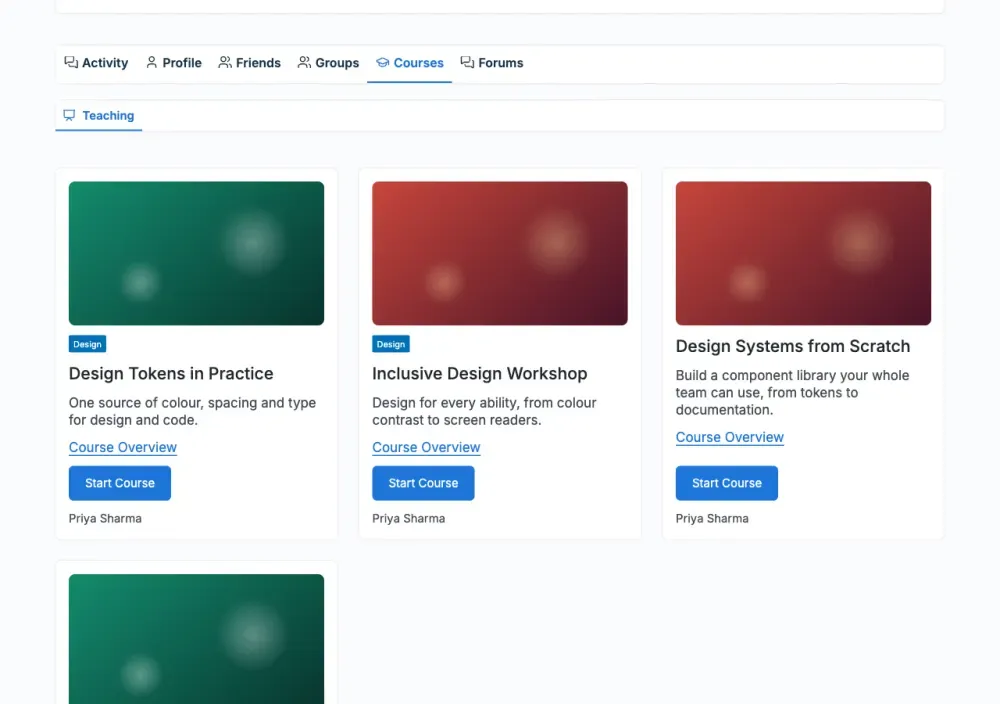
- Teaching lists the published courses the member wrote. It shows only when there are some.
Which tab opens first?
Section titled “Which tab opens first?”Learning. An instructor who takes no course sees Teaching first.
Who can see progress?
Section titled “Who can see progress?”Only the member. On someone else’s profile the cards have no progress bar. Sensei’s bar would show the viewer’s own progress.
Why do I see no tab on another member’s profile?
Section titled “Why do I see no tab on another member’s profile?”Visitors and other members see the tab only when the member learns or teaches a course. This way an empty tab is never a dead link.
What does a member with no courses see?
Section titled “What does a member with no courses see?”Their own tab says “You have not started a course yet.” with a Browse courses link to your course list.
How do the cards look?
Section titled “How do the cards look?”They are the same cards as your course list, so they follow your Course cards settings. Each page holds twelve cards, with the Course List’s own page links.
What counts as a passed quiz?
Section titled “What counts as a passed quiz?”A quiz is passed when the grade reaches its pass mark.
Can members hide these posts?
Section titled “Can members hide these posts?”Yes. The events appear in the activity filter, so members can show or hide them.
Why did my activity posts stop after the update?
Section titled “Why did my activity posts stop after the update?”Version 1.9.0 posted course activity only inside groups linked to a course, hidden from the sitewide feed. Version 2.0.0 has no group linking. Its posts go to member profiles and the sitewide feed. A site updated from 1.9.0 therefore starts with no events until you tick them here. Reset to defaults ticks the milestone events.
What happens if I turn the tab off?
Section titled “What happens if I turn the tab off?”The tab goes away. Nothing is deleted.