

Course list cards (Course cards)
Also called: course list, course grid, course archive, course catalog, course tiles, course thumbnails, all courses page, course block
What this does
Section titled “What this does”It sets how each course looks in your course list. The list is the Sensei Course List block and the course archive page. You choose a list or a grid, and what each card shows.
-
Go to Reign Settings > Integrations, then Configure on the Sensei LMS tile.
-
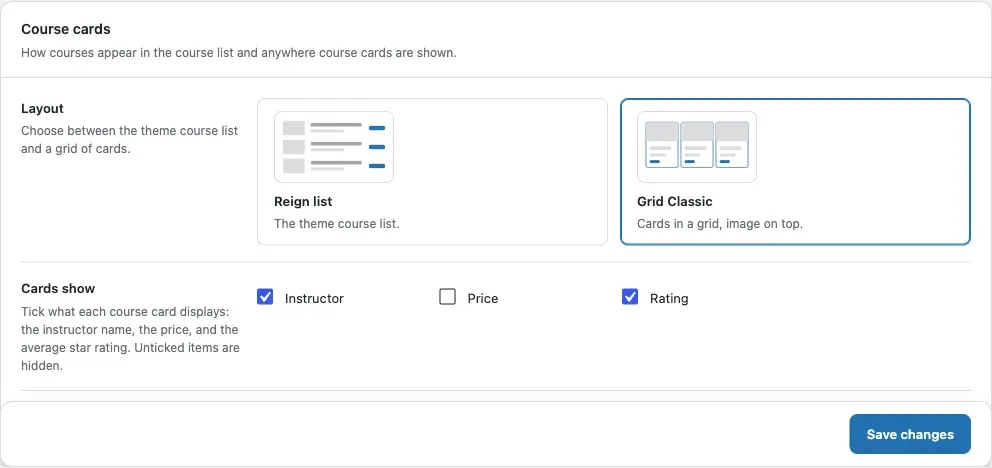
Find the Course cards card.
-
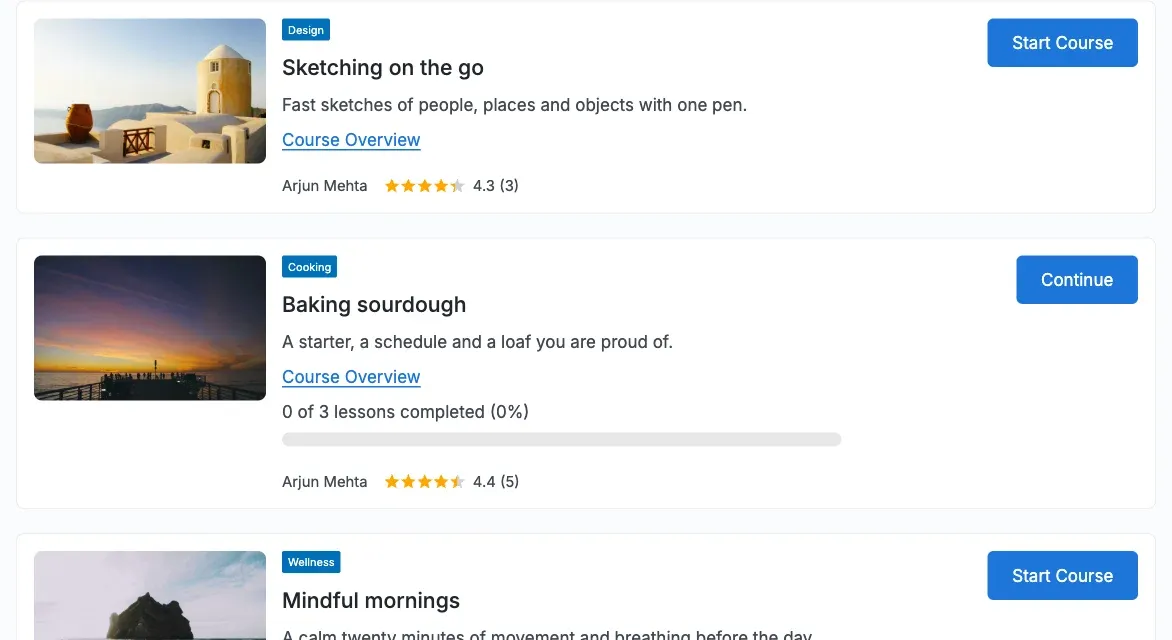
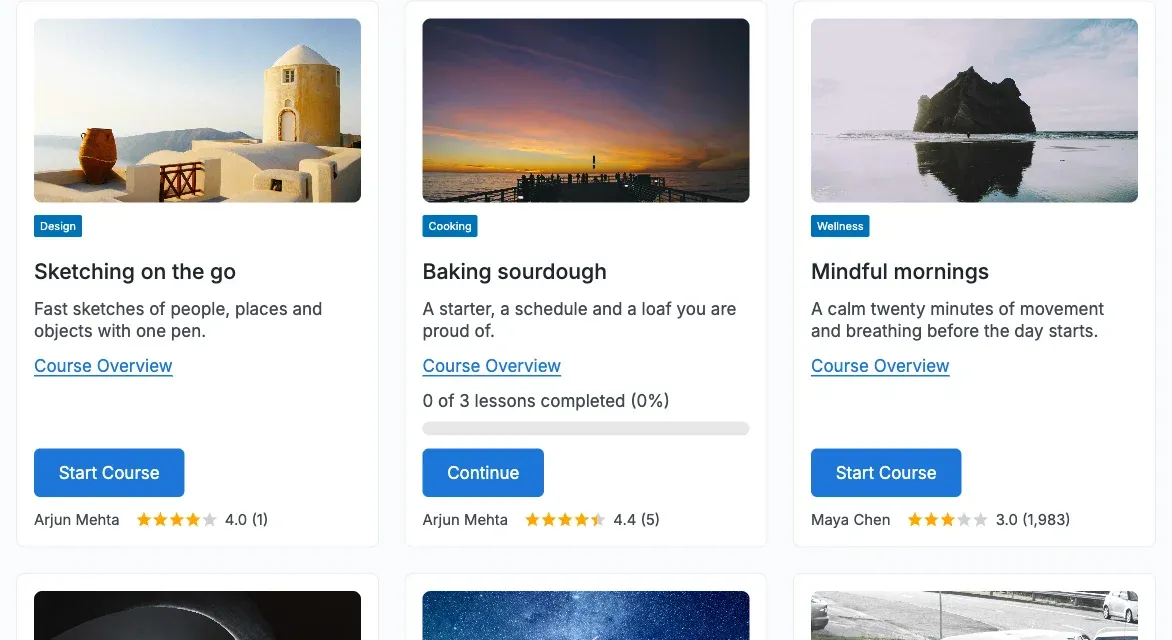
Under Layout, pick Reign list or Grid Classic. The default is Reign list.
- Reign list is the theme’s own course list.
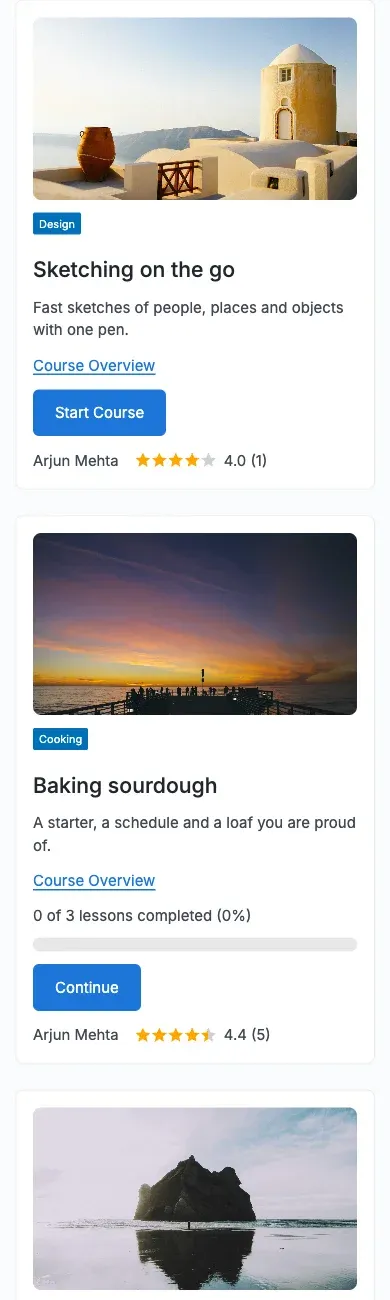
- Grid Classic shows cards with the image on top.
The Reign layout looks like this:
The Grid Classic layout looks like this:
-
Under Cards show, tick what each card displays: Instructor, Price and Rating. The default is Instructor and Rating.
-
Click Save changes.
You’ll know it worked when
Section titled “You’ll know it worked when”Your course list uses the layout you picked. Each card shows only the items you ticked. In dark mode the cards follow the theme colours.
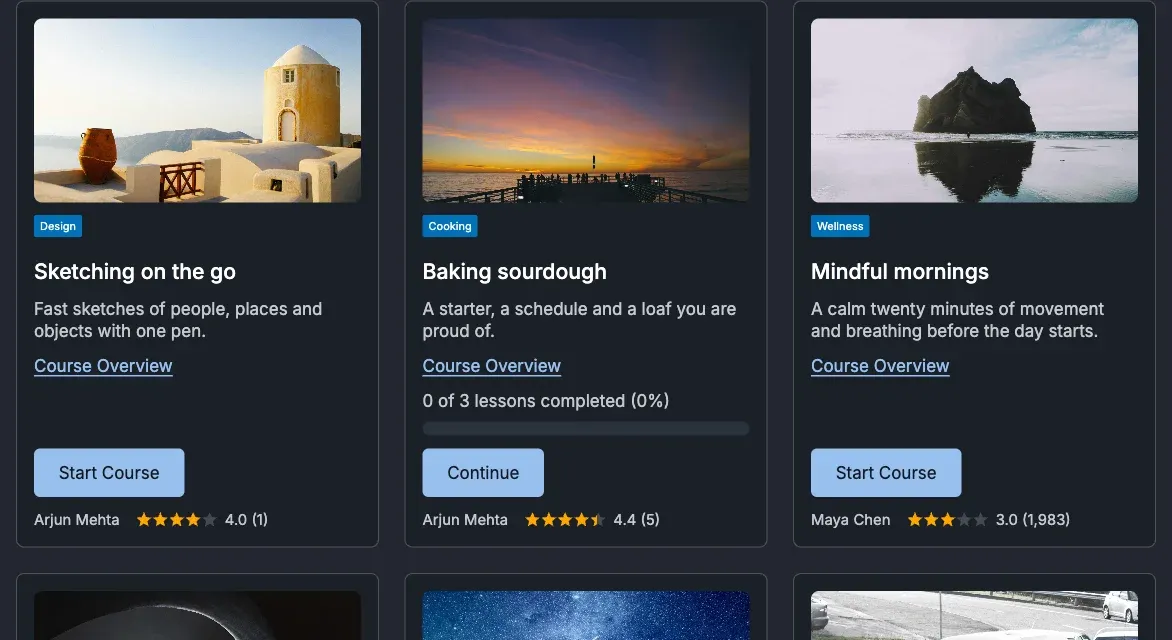
On a phone the grid becomes one column.
Good to know
Section titled “Good to know”Why can I not see a Price option?
Section titled “Why can I not see a Price option?”The Price option appears only when Sensei Pro sells courses through WooCommerce, with WooCommerce active. Sensei LMS alone has no course price. The card shows the price of the first purchasable WooCommerce product linked to the course. A free course shows no price.
Why is the star rating missing on my cards?
Section titled “Why is the star rating missing on my cards?”The Rating item stays hidden while course reviews are off. Turn them on in Course reviews.
Whose name shows as the instructor?
Section titled “Whose name shows as the instructor?”The display name of the course author.
What if a course has no image?
Section titled “What if a course has no image?”The card shows a placeholder picture. In Grid Classic it uses your Default cover image if you set one. See Course page.
Is a long course list slow?
Section titled “Is a long course list slow?”No. The ratings for every card on a page are fetched in one query.
For developers
Section titled “For developers”- The add-on adds its layout to the Sensei Course List block. In Grid Classic the block gets the class
reign-sn-grid. - Change the price HTML with the
reign_sn_card_pricefilter.