

Choose what members see (Settings)
Reign GeoDirectory Addon overviewPremiumGet Reign GeoDirectory Addon →
Also called: Places tab settings, listing feed posts, directory notifications, turn off favourite posts, hide Places tab, list or grid layout, reset settings.
What this does
Section titled “What this does”These switches decide what the add-on shows on member profiles, in the activity feed and in notifications. You find them in one place: Reign Settings > Integrations, then Configure on the GeoDirectory tile.
The screen has up to three cards and an Update status card. A card appears only when it applies to your site. Your saved values are kept while a card is hidden.
Before you start
Section titled “Before you start”- GeoDirectory must be active. If it is not, the screen asks you to activate it.
- BuddyPress, BuddyBoss or PeepSo must be active. If none is, the screen says “Nothing to set up yet”.
-
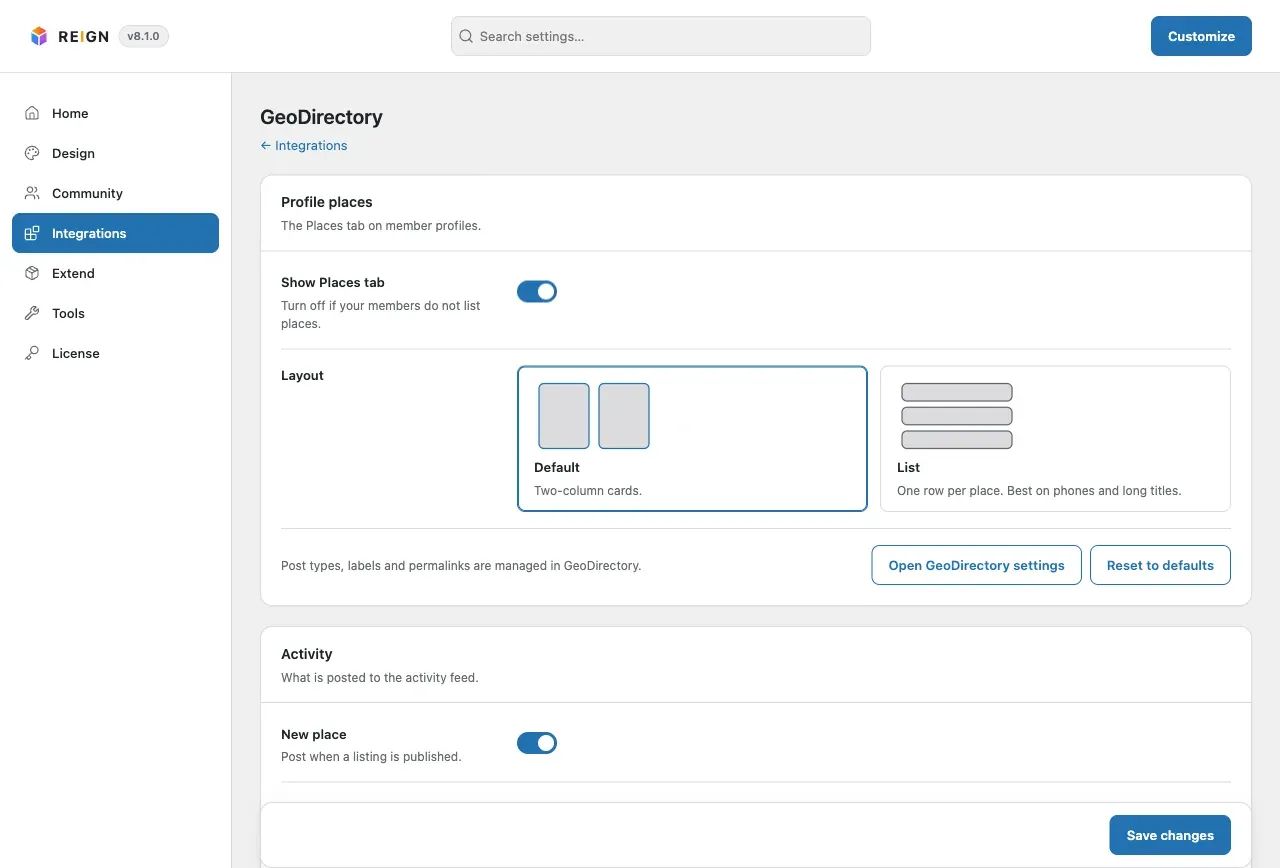
Open Reign Settings > Integrations, then Configure on the GeoDirectory tile.
-
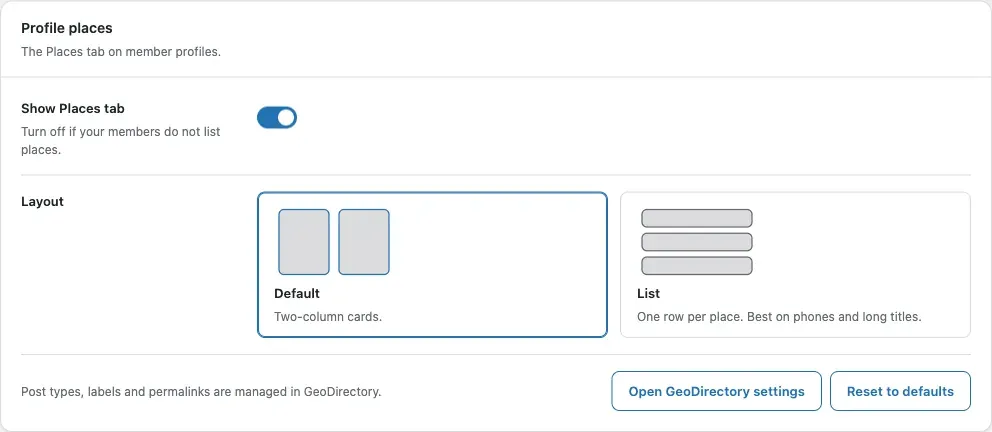
In the Profile places card, choose whether to show the Places tab and which layout to use.
-
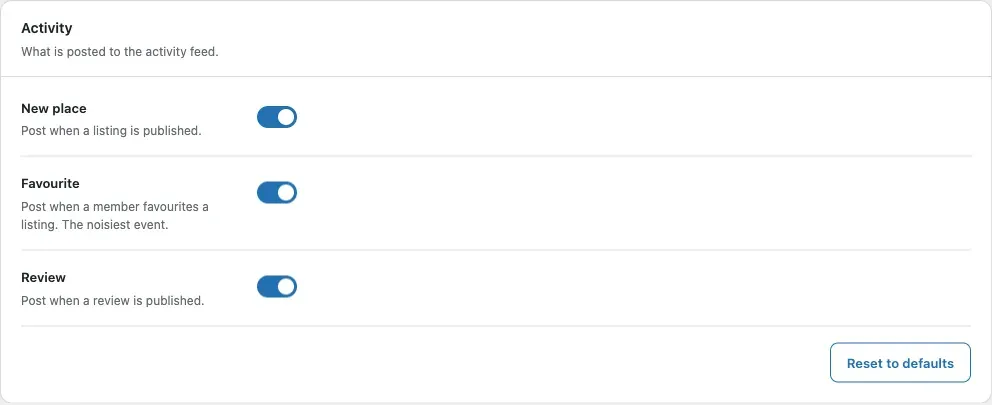
In the Activity card, choose which events post to the activity feed.
-
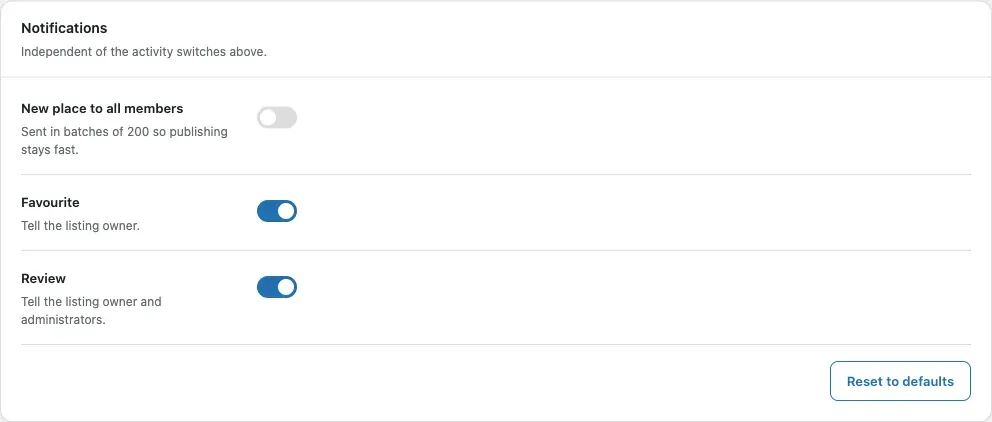
In the Notifications card, choose who gets a notice.
-
Click Save changes at the bottom. This saves every card.
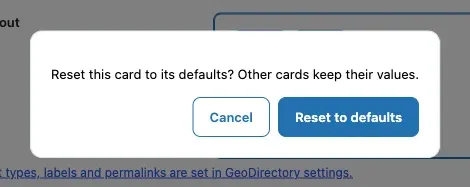
To undo one card, click its Reset to defaults button and confirm. The other cards stay as they are.
You’ll know it worked when
Section titled “You’ll know it worked when”You see “Settings saved.” at the top. The profile, the feed and the notifications then follow your choices.
Good to know
Section titled “Good to know”What does the Profile places card do?
Section titled “What does the Profile places card do?”It shows when BuddyPress, BuddyBoss or PeepSo is active.
| Field | Default | What it does |
|---|---|---|
| Show Places tab | On | Turn off if your members do not list places. |
| Layout | Default | Default shows two-column cards. List shows one row per place and suits phones and long titles. |
Listing types, labels and addresses are set in GeoDirectory, not here. The card has an Open GeoDirectory settings button that takes you there.
What does the Activity card do?
Section titled “What does the Activity card do?”It shows on BuddyPress or BuddyBoss when the Activity component is on, and always on PeepSo.
| Field | Default | What it does |
|---|---|---|
| New place | On | Post when a listing is published. |
| Favourite | On | Post when a member favourites a listing. This is the noisiest event. |
| Review | On | Post when a review is published. |
Can PeepSo members turn feed posts off themselves?
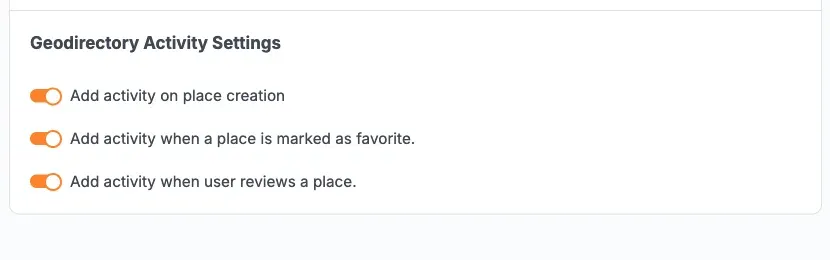
Section titled “Can PeepSo members turn feed posts off themselves?”Yes. A member opens their profile, then About > Preferences, and finds the group “Geodirectory Activity Settings”. It has the same three choices.
A member sees a choice only while the site switch is on. Their choice changes feed posts only, never notices.
What does the Notifications card do?
Section titled “What does the Notifications card do?”It shows on BuddyPress or BuddyBoss when the Notifications component is on, and always on PeepSo. These switches are separate from the activity switches.
| Field | Default | What it does |
|---|---|---|
| New place to all members | Off | Tells every member about a new listing. Sent in batches of 200 so publishing stays fast. The author is skipped. |
| Favourite | On | Tells the listing owner. |
| Review | On | Tells the listing owner and administrators. |
Why is “New place to all members” off?
Section titled “Why is “New place to all members” off?”It writes one notification per member for every new listing. On a large site that adds up fast. A site updating from 2.4 keeps the choice it had.
When does a notice not go out?
Section titled “When does a notice not go out?”- A member’s own favourite or review does not notify them.
- Replies to a review and reviews by guests make no notice.
- A listing is announced once, and only when it is public (published, no password).
- A review notifies once, even if it is held and approved again.
- A member’s favourite of a listing notifies its owner once.
What is the Update status card?
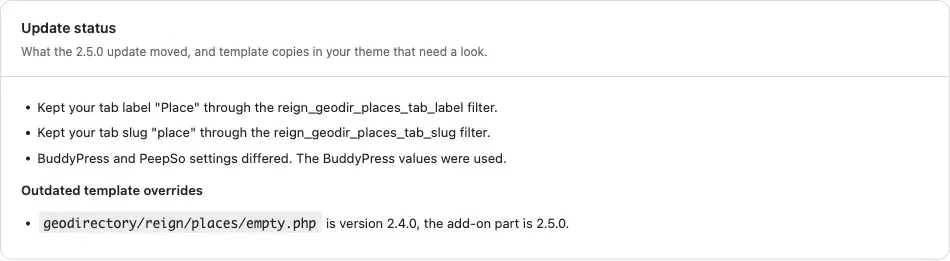
Section titled “What is the Update status card?”It appears only when there is something to say. It lists what the update from 2.4.0 moved. See Updating from 2.4.0. It also names any template copy in your theme that is older than the add-on’s own part. See Templates and hooks.
For developers
Section titled “For developers”- The
reign_geodir_default_settingsfilter receives the array of defaults before any saved value is applied. - Saved settings are never deleted, including when the add-on is deactivated, paused or uninstalled.