

Show listings on member profiles (Overview)
Reign GeoDirectory Addon overviewPremiumGet Reign GeoDirectory Addon →
Also called: directory add-on, listings on profiles, member places tab, business listings tab, my listings, directory activity feed, GeoDirectory community add-on.
What this does
Section titled “What this does”Reign GeoDirectory Addon links your GeoDirectory directory to your community. Each member profile gets a Places tab with that member’s listings. When someone adds, favourites or reviews a listing, the add-on posts it in the activity feed and sends a notice.
It is a paid add-on, sold apart from the Reign theme. Buy it here. Updates need your licence key in Reign Settings > License. The theme has its own Reign documentation.
It suits owners who run a directory with GeoDirectory and a BuddyPress, BuddyBoss or PeepSo community on Reign.
Before you start
Section titled “Before you start”You need all of these.
- Reign 8.1.0 or newer, active.
- GeoDirectory, active, with at least one listing type.
- One community plugin: BuddyPress, BuddyBoss Platform or PeepSo.
- PHP 8.1 to 8.5.
If one is missing, the add-on pauses and shows a notice. Your settings are kept. New to GeoDirectory? Follow Set up your directory for Reign first, so the tab has listings to show.
-
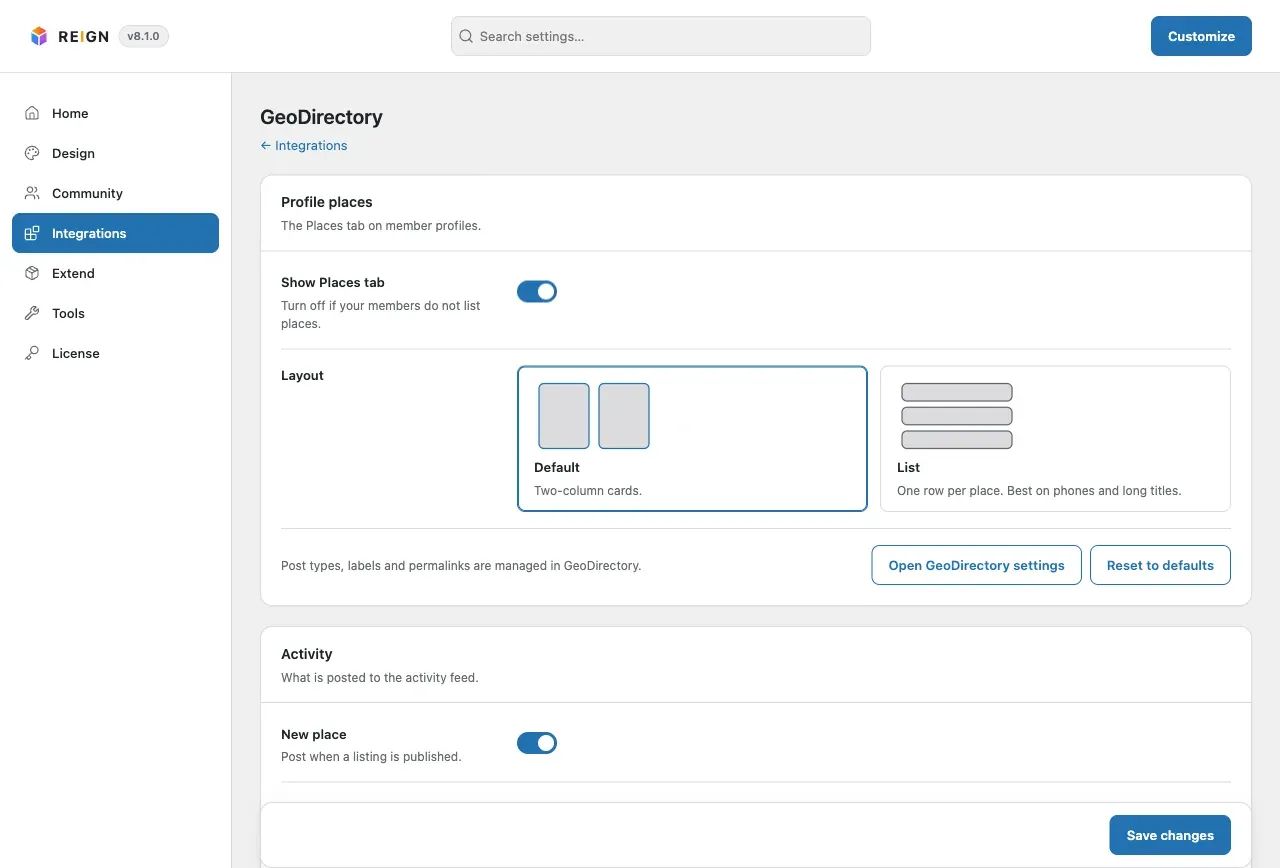
Open Reign Settings > Integrations, then Configure on the GeoDirectory tile.
-
In the Profile places card, check that Show Places tab is on.
-
Pick a Layout: Default or List. Read Settings for every switch.
-
Click Save changes.
-
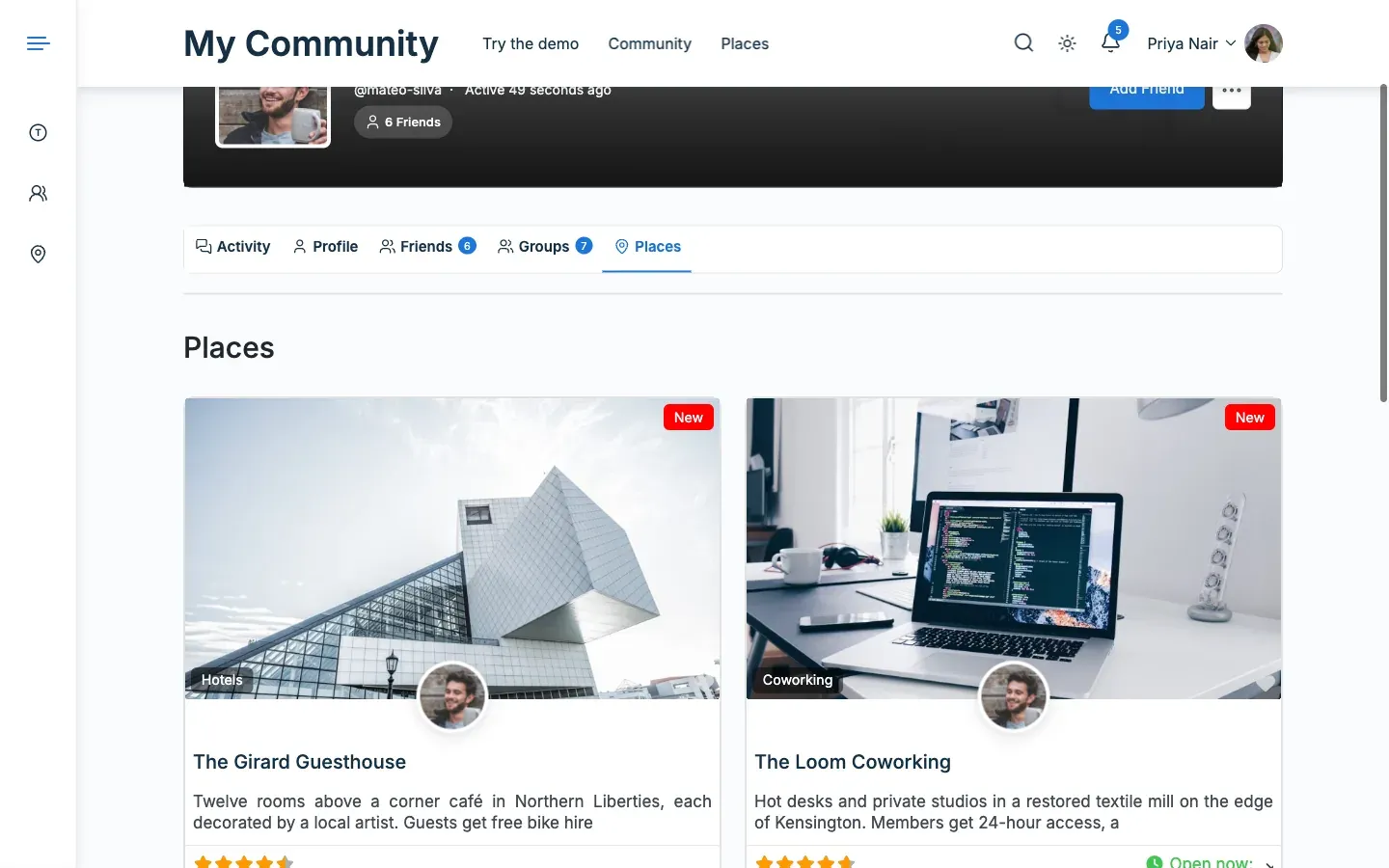
Open a member’s profile and click the Places tab. This is the Default layout.
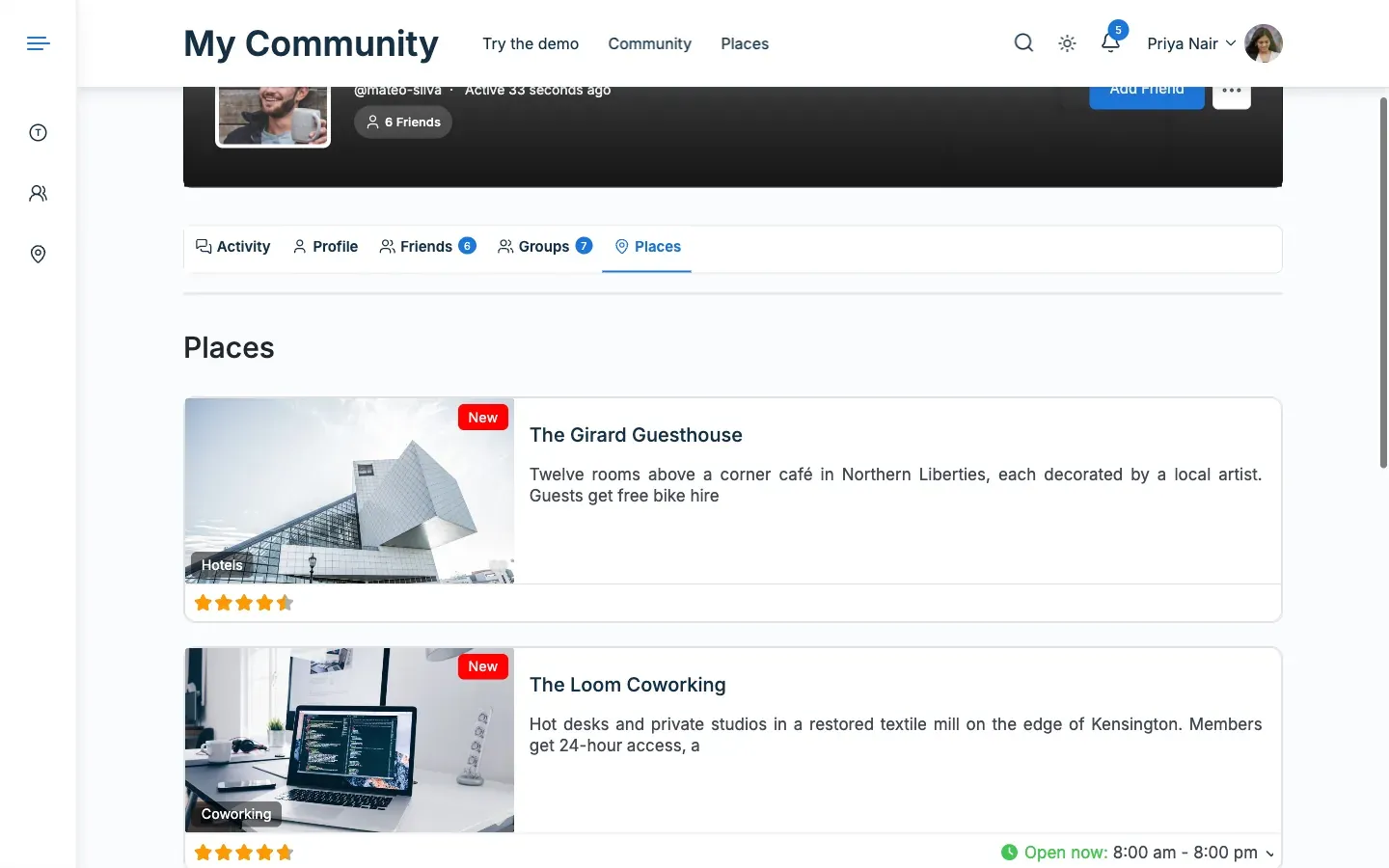
The List layout shows one row per place.
You’ll know it worked when
Section titled “You’ll know it worked when”- The member profile shows a Places tab with that member’s published listings.
- The activity stream shows a post after someone adds, favourites or reviews a listing.
- The listing owner sees a notice for a favourite or a review.
Everything is on by default, except the notice to all members about a new listing.
Good to know
Section titled “Good to know”What does a member with no listings see?
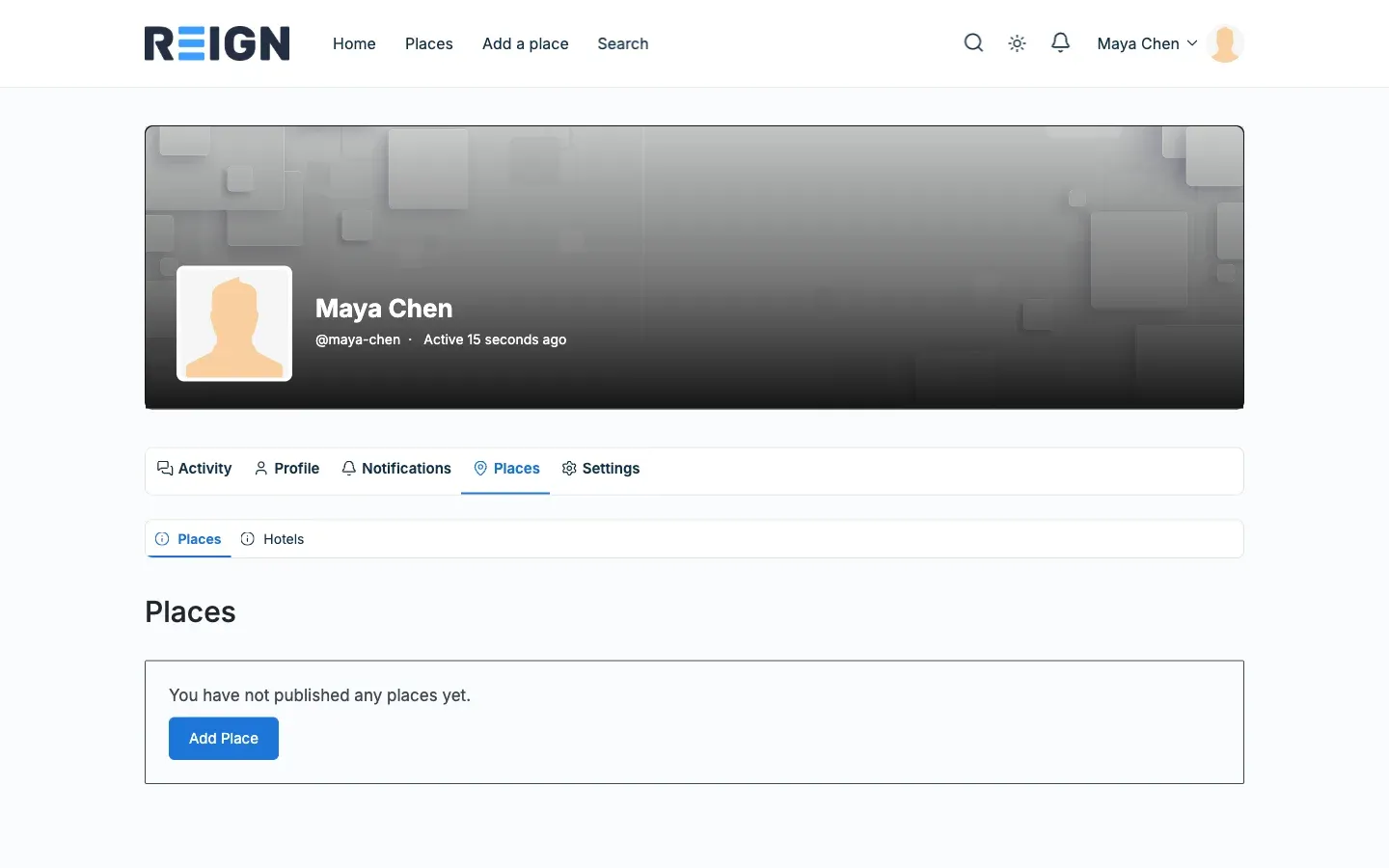
Section titled “What does a member with no listings see?”They see a message and an add button. The button shows on their own profile only.
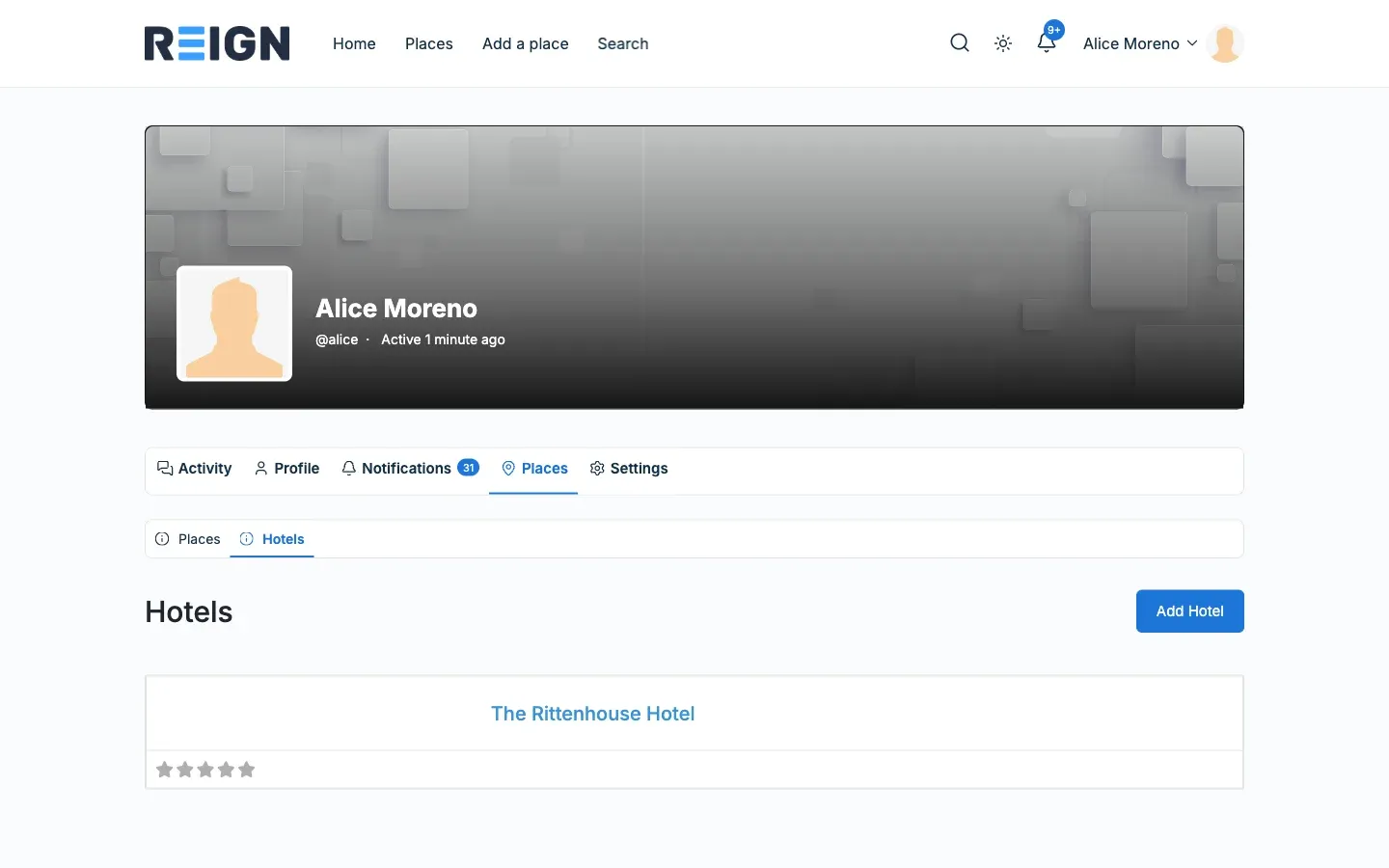
What if my directory has more than one listing type?
Section titled “What if my directory has more than one listing type?”On BuddyPress and BuddyBoss the tab gets a sub-menu with one item per type, such as Hotels. On PeepSo you switch types in the tab itself.
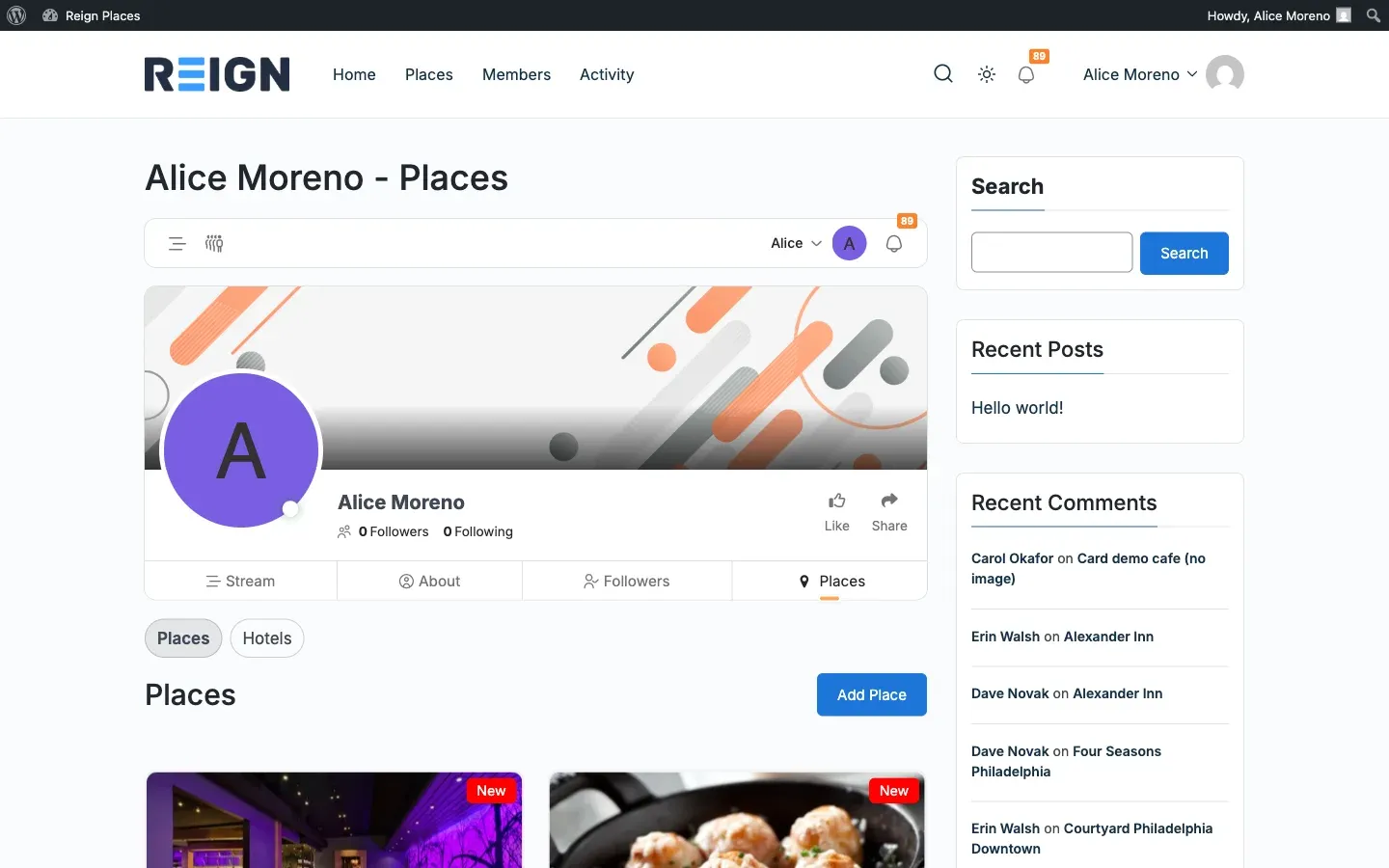
Where is the tab on PeepSo?
Section titled “Where is the tab on PeepSo?”It sits in the profile menu.
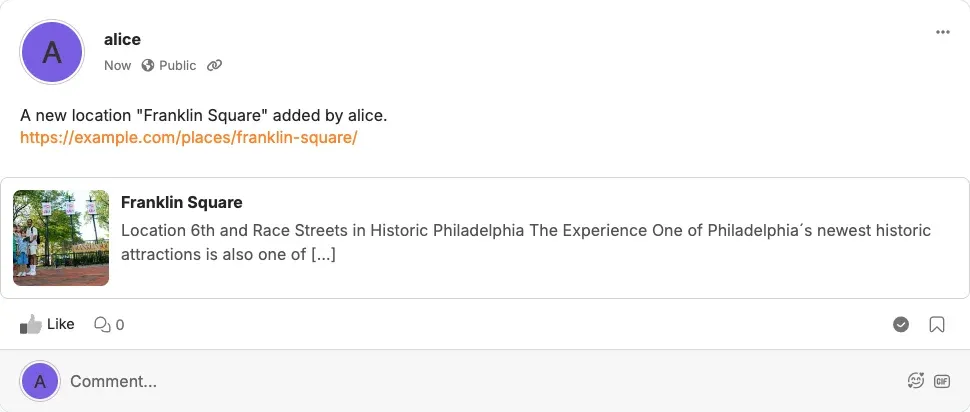
What does a feed post look like?
Section titled “What does a feed post look like?”On PeepSo the post shows the listing as a card under the sentence. It follows the theme in light and dark mode.
Each PeepSo member can also turn the three feed posts off for themselves under Preferences.
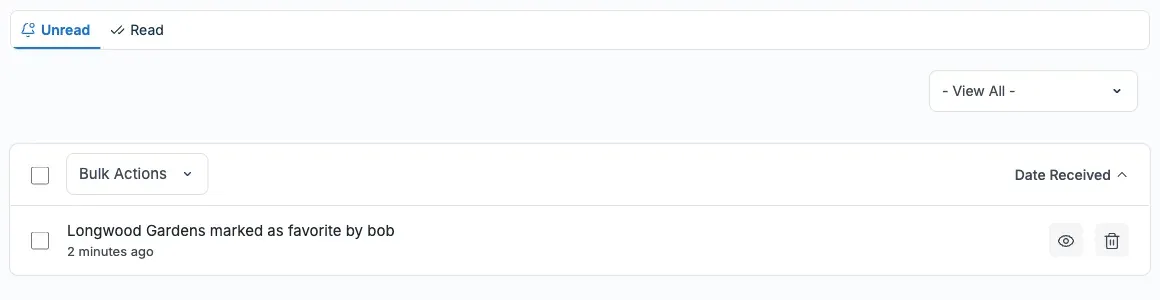
Where does an owner see a favourite or review notice?
Section titled “Where does an owner see a favourite or review notice?”In their notifications. This example is from BuddyPress. BuddyBoss and PeepSo use their own notification list.
I am updating from 2.4.0. What changes?
Section titled “I am updating from 2.4.0. What changes?”Your settings carry over. See Updating from 2.4.0.
For developers
Section titled “For developers”- On BuddyPress and BuddyBoss the sub-menu address looks like
/members/alice/places/my-gd-hotel/. The tab address itself shows the first type. - On PeepSo the types switch with the
?pt=query argument. - Templates and hooks are in Templates and hooks.