

Favourite products (Wishlist heart)
Also called: favourites, wishlist, heart button, save for later, saved products, like a product, favorites
What this does
Section titled “What this does”A heart shows on product cards and on the product page. Select it to save the product. Select it again to remove it. Guests do not see the heart.
- Log in as a customer and open a product.
- Select the heart on the product card or the product page.
- Open My Account and go to Favourite products. This page sits just before Log out.
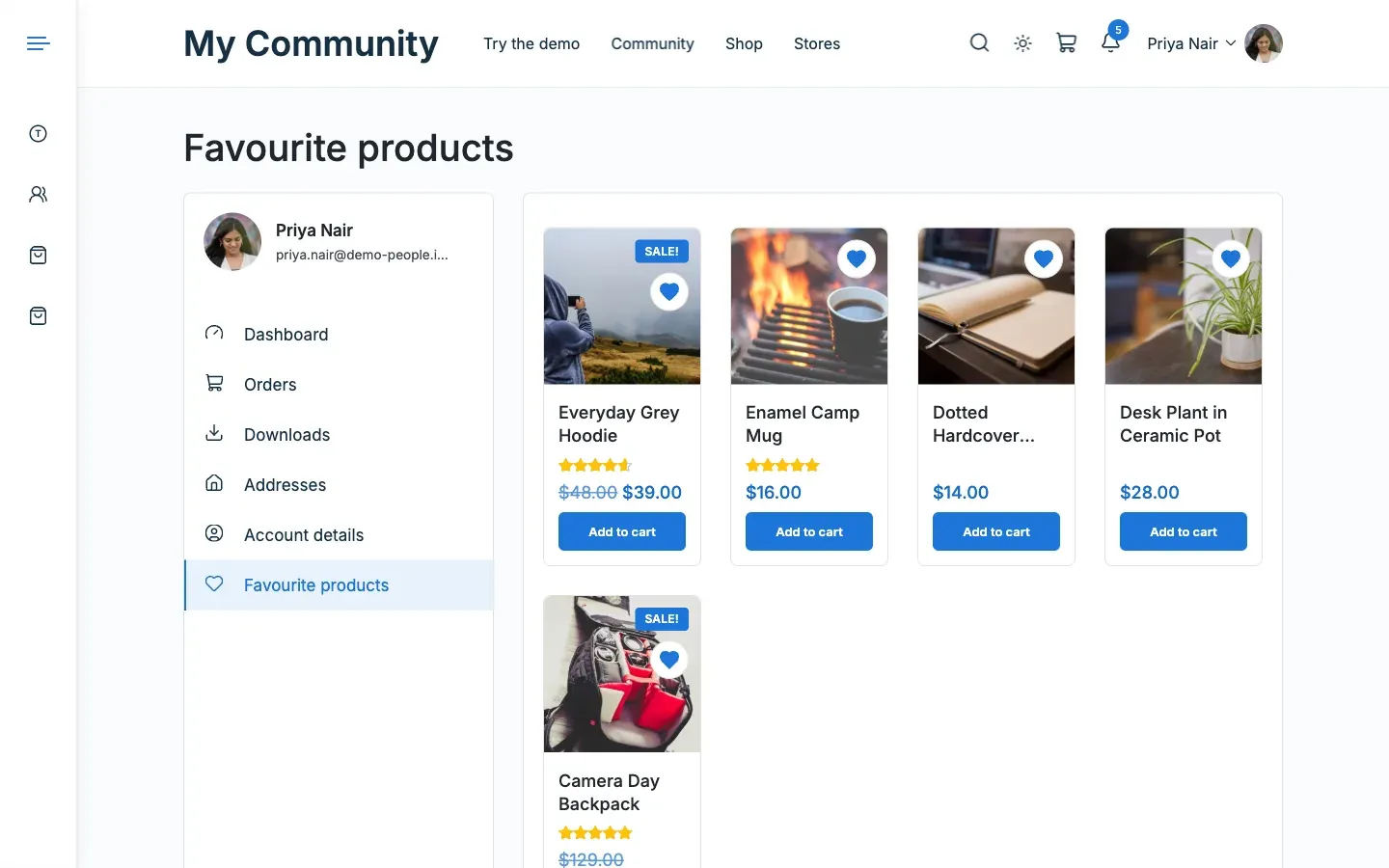
To remove a product, select its heart again. It leaves the list at once.
You’ll know it worked when
Section titled “You’ll know it worked when”The saved products show as normal shop cards, with paging. An empty list shows a Continue shopping button.
Good to know
Section titled “Good to know”How many products can a member save?
Section titled “How many products can a member save?”Up to 200.
Can guests save favourites?
Section titled “Can guests save favourites?”No. The heart needs a logged-in member, so the list follows them across devices.
What if I change my marketplace plugin?
Section titled “What if I change my marketplace plugin?”Favourites live in the member’s profile data. They stay with the member.
How do I turn it off?
Section titled “How do I turn it off?”Go to Reign Settings > Integrations, then Configure on the Dokan tile, then the Community card and switch off Favourite products. The My Account page, the hearts and the profile tab all go together.
For developers
Section titled “For developers”Change the limit with the reign_mv_favourites_cap filter.