

Pin Scopes - Sitewide, Personal, and Group
BuddyPress Sticky Post overviewPremiumGet BuddyPress Sticky Post →
The plugin supports three independent pin scopes. Each one maps to a different stream, a different audience, and a different set of allowed pinners. A pin in one scope never leaks into another.
Sitewide pins
Section titled “Sitewide pins”Stream: the main /activity/ directory.
Pinner: users with bp_moderate (typically site administrators).
Audience: everyone who visits the activity directory.
Use these for community-wide announcements, rule reminders, event launches. Stored as type = administrator with component = activity and group_id = 0.
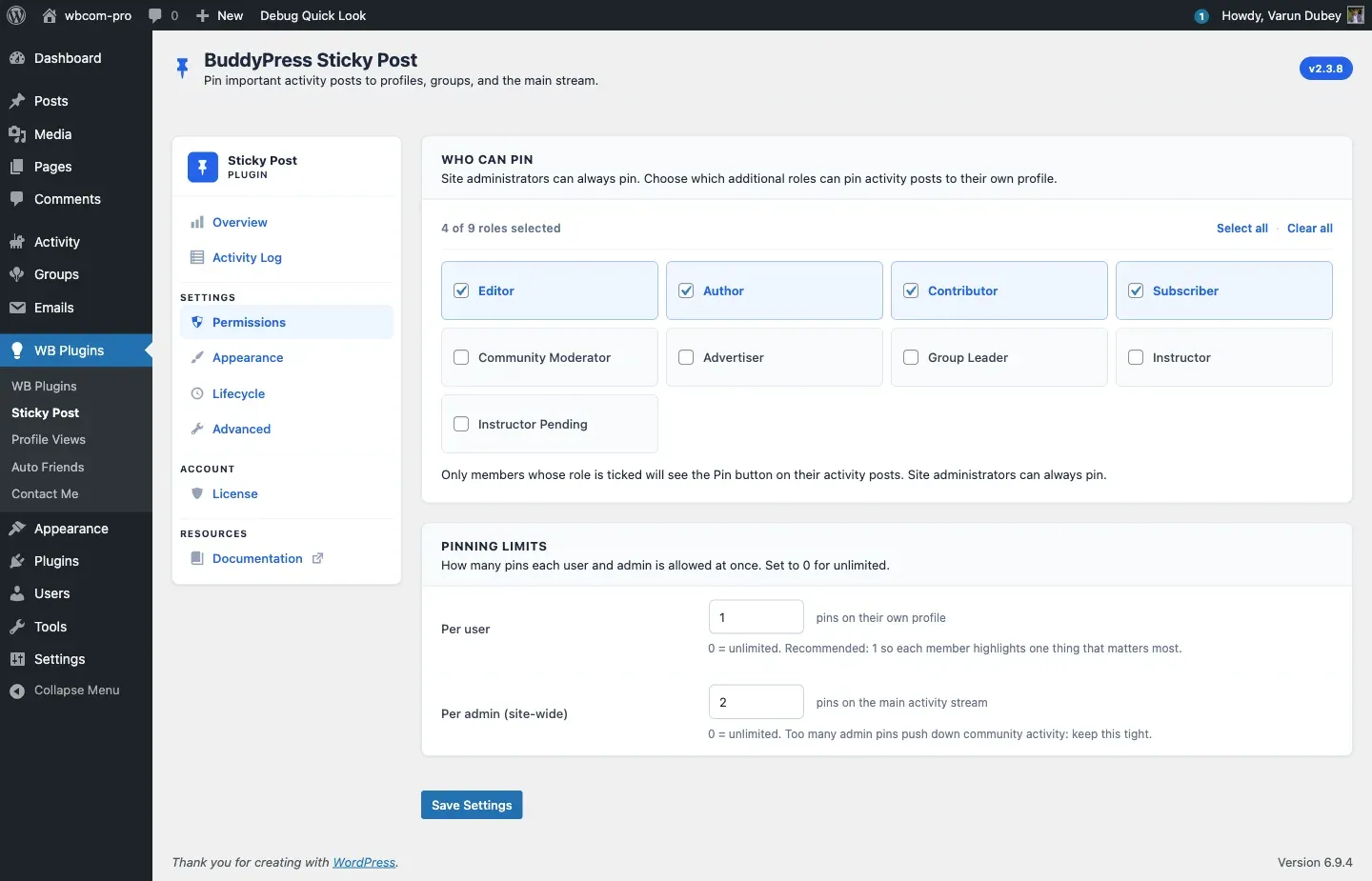
A sitewide pin is the highest-volume placement in your community - keep the per-admin cap (Permissions → Pinning Limits → Per admin) tight: 2 to 3 is plenty.
Personal pins
Section titled “Personal pins”Stream: the activity tab on a member’s profile (e.g. /members/jane/activity/).
Pinner: the profile owner, if their role is ticked under Permissions → Who Can Pin.
Audience: anyone visiting that profile.
Members use personal pins to feature their best content - a portfolio post, a personal milestone, an introduction. Stored as type = user with the user_id field set to the profile owner.
Important behavior:
- A user can only pin their own activities to their profile: status updates and their own blog posts (from the site blog or BuddyPress Member Blog).
- When the stream is filtered to one type, such as Posts, only pins of that type stay at the top.
- Personal pins are scoped to the profile they were pinned on. They do not appear on the sitewide stream.
- A site administrator’s pin on a non-group post is always a sitewide pin, whichever page they click Pin on. It shows at the top of
/activity/, not on the member’s profile.
Group pins
Section titled “Group pins”Stream: a group’s activity feed (e.g. /groups/announcements/activity/).
Pinner: depends on the Group Pin Authority radio (Permissions → Group Pin Authority). Default is creator + admins + moderators.
Audience: members of that group (or the public if the group is public).
Use these for group rules, weekly threads, or important discussions inside a single group. Stored as component = groups with group_id set to the group ID.
The four group-pin scopes:
group_pin_scope setting |
Allowed group-side pinners |
|---|---|
creator |
Only the user who created the group |
admin |
Creator + group admins |
mod (default - historical behavior) |
Creator + admins + mods |
all |
Every confirmed group member |
Site administrators (bp_moderate) always pass regardless of the setting.
Group admins and moderators bypass the per-user pin limit when pinning inside their own group - the limit only applies to personal-profile pins. Site admins always bypass it.
Where the Pinned badge shows
Section titled “Where the Pinned badge shows”An activity shows the Pinned badge, sits at the top, and offers Unpin only in the stream where it is pinned:
- A sitewide pin: on
/activity/only. On the author’s profile it shows as a normal post. - A group pin: in that group only. On the author’s profile and on
/activity/it shows as a normal post. - A personal pin: on that member’s profile only.
Where a post is pinned in another stream, it shows no Pin or Unpin button. Manage the pin from the stream where it shows.
Decision matrix
Section titled “Decision matrix”| You are on | Your role | Pin button creates |
|---|---|---|
/activity/ |
Site admin | Sitewide pin (admin) |
/activity/ |
Member with permission | Not allowed - admins only |
/members/me/activity/ |
Profile owner with permission | Personal pin |
/members/jane/activity/ |
Site admin | Sitewide pin (shows on /activity/) |
/groups/x/activity/ |
Site admin | Group pin |
/groups/x/activity/ |
Group creator / admin / mod (per scope setting) | Group pin |
/groups/x/activity/ |
Group member, scope = all |
Group pin |
/groups/x/activity/ |
Group member, scope ≠ all |
Not allowed |
Related
Section titled “Related”- Permissions Tab - pick which roles can pin to their own profile.
- Pin Activities - the click-flow on the frontend.
- Pin Quotas - caps per scope.