

Favourite products and Store tabs on profiles (Member profile tabs)
Also called: profile tabs, member profile, favourites tab, vendor shop tab, store tab, seller profile, BuddyPress tabs, BuddyBoss profile.
What this does
Section titled “What this does”The add-on adds two tabs to member profiles. Both list products as WooCommerce cards, 12 per page.
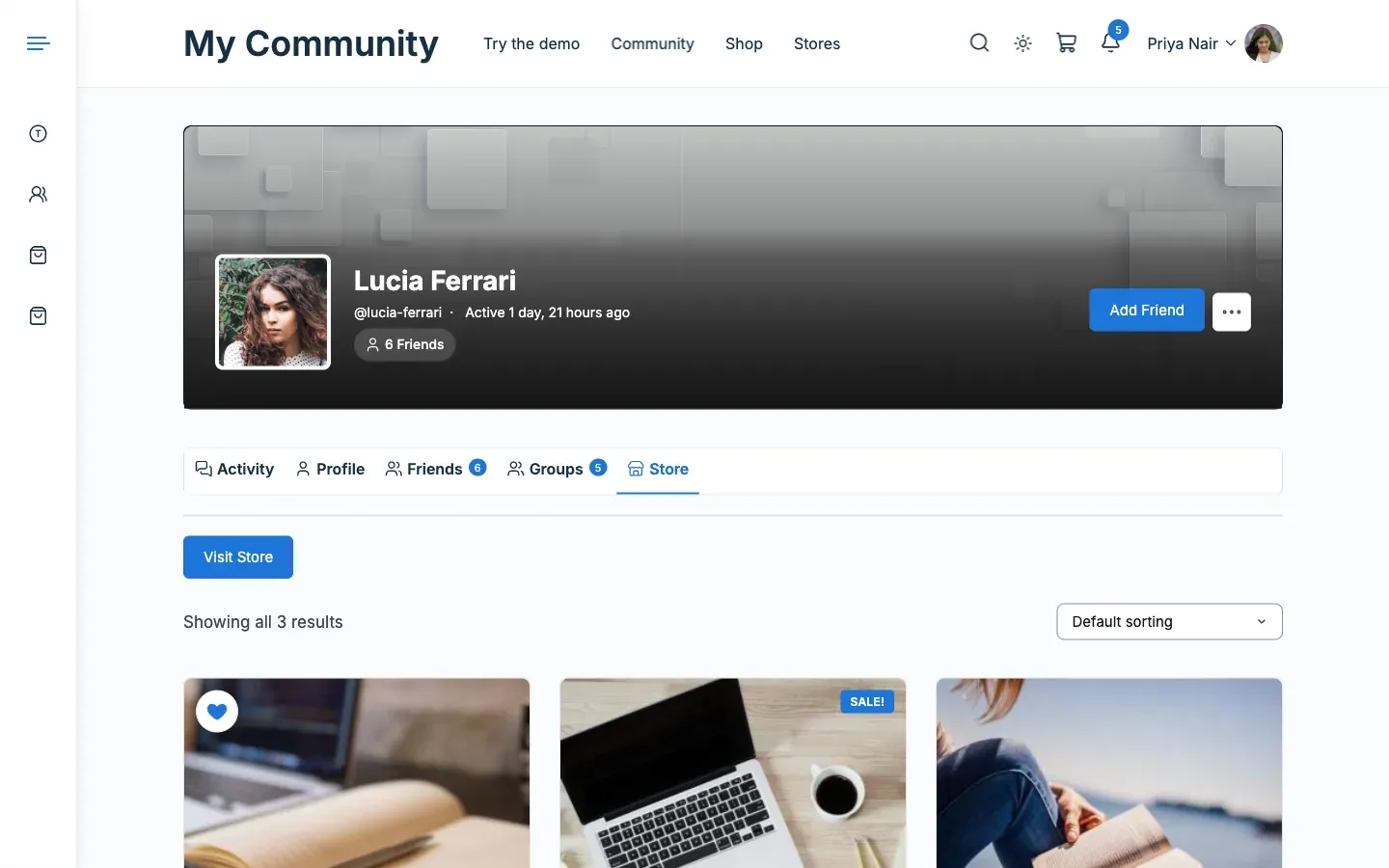
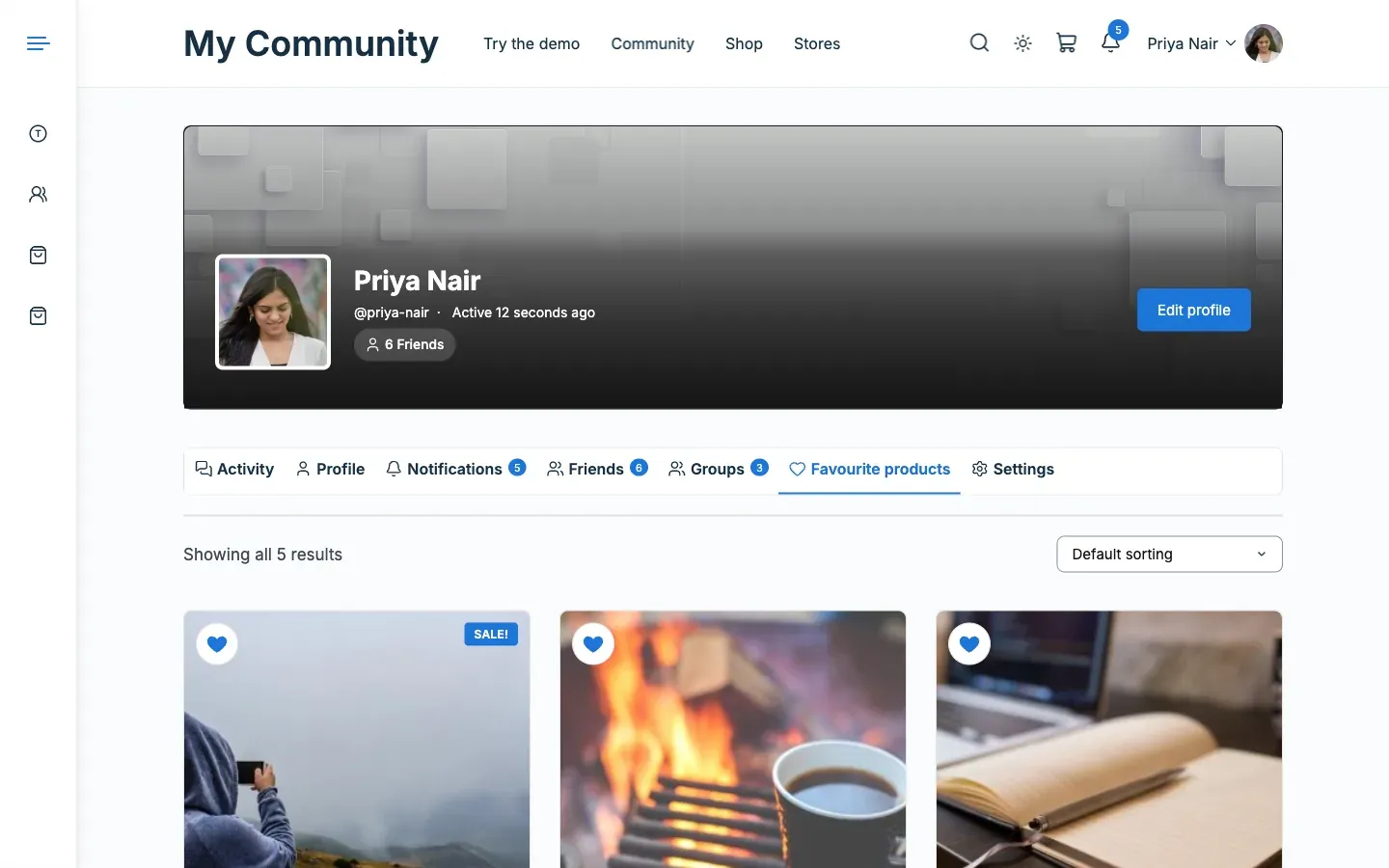
- Favourite products: shows on a member’s own profile only. It turns on with the favourite hearts.
- Store: shows on a vendor’s profile. It lists the vendor’s products and has a Visit Store button. It takes the place of the Store tab WCFM adds, so a profile never shows two.
Before you start
Section titled “Before you start”You need BuddyPress or BuddyBoss with member profiles on.
- Go to Reign Settings > Integrations, then Configure on the WCFM Marketplace tile.
- In the Member profiles card, switch Store tab on vendor profiles on or off.
- In the Favourite products card, switch Favourite hearts on or off. This also controls the Favourite products tab.
- Press Save changes.
You’ll know it worked when
Section titled “You’ll know it worked when”A vendor’s profile shows a Store tab, and your own profile shows Favourite products.
Good to know
Section titled “Good to know”What does an empty tab say?
Section titled “What does an empty tab say?”It shows a short notice instead of a blank page.
- An empty favourites list says “No favourite products yet. Tap the heart on a product to save it here”.
- A vendor with no products sees “You have not published any products yet”.
- Visitors see “
has not published any products yet”.
How do I get WCFM’s own Store tab back?
Section titled “How do I get WCFM’s own Store tab back?”Switch off Store tab on vendor profiles. WCFM’s tab returns.
For developers
Section titled “For developers”- The tab slugs are
favouriteandstore. Rename the tabs withreign_wcfm_favourite_tab_nameandreign_wcfm_store_tab_name. - Filter
reign_wcfm_profile_products_per_pagechanges the 12 per page.