Display Options

Get Started

These options are helpful to manage the display timing of stories on the front end.
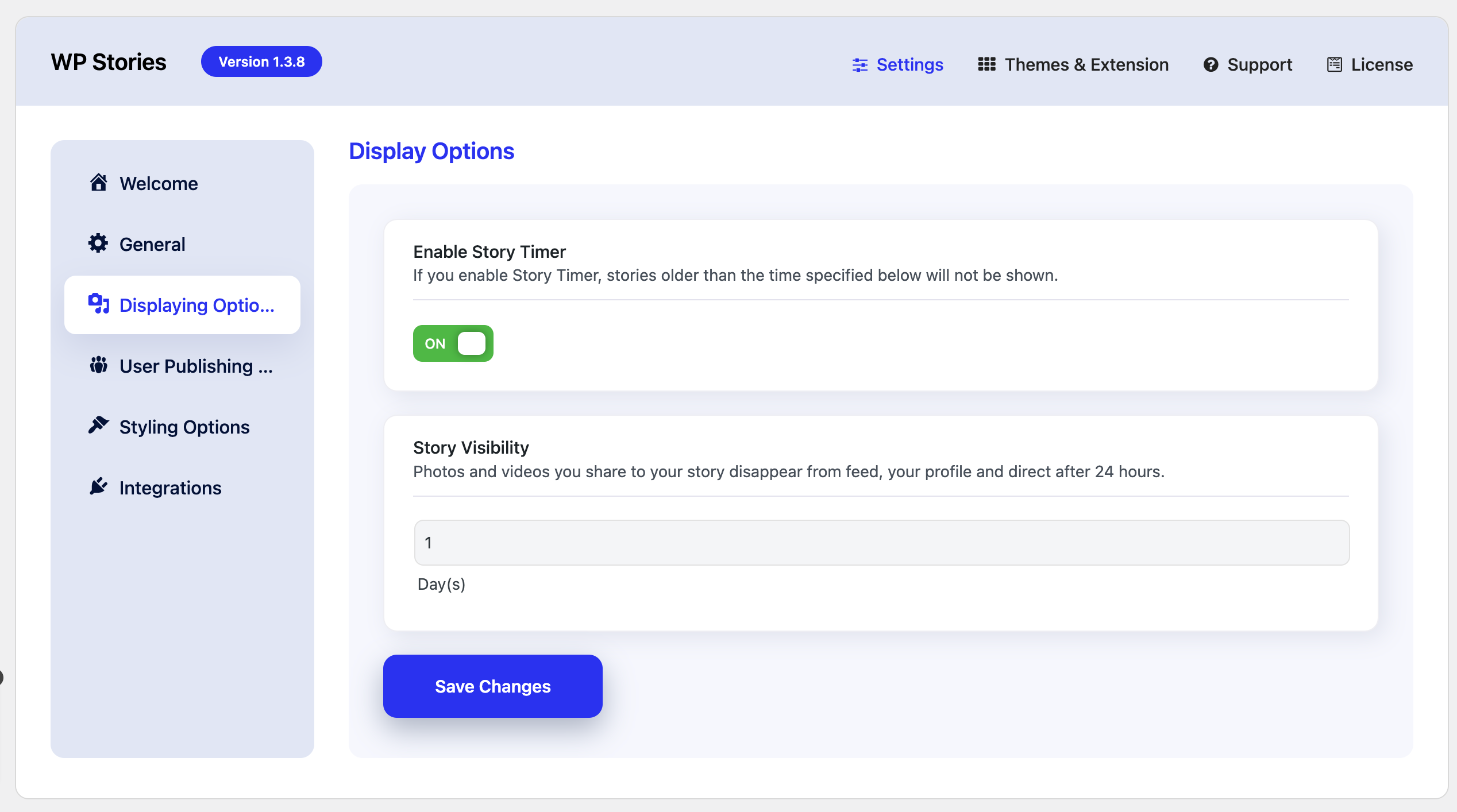
Enable Story Timer

When enabled, this setting ensures that stories older than the specified time limit will no longer be visible.

    • For example, if you set the timer to 1 day, stories posted more than 24 hours ago will automatically be hidden or removed from view.

Story Visibility

  • This defines the lifespan of stories shared by users:
    • Photos and videos shared as stories will disappear from all locations (feed, profile, and direct messages) after 24 hours by default.
    • This mirrors common story features found on platforms like Instagram, maintaining a temporary, time-limited content format.
  • Adjustable Time:
    You can configure the exact number of day(s) you want stories to stay visible using the provided input field. For example:

    • Setting it to 1 day keeps the stories visible for 24 hours.
    • Increasing it to 2 days will keep them for 48 hours.

Stories and Associated Attachment Deletion

  1. Stories Deletion:
    • Default Behavior:
      Stories are automatically deleted from the system 7 days after being posted.
      This helps manage storage and keeps the content fresh.
  2. Delete Associated Stories Attachment:
    • What it does:
      When enabled, any media files (e.g., photos, videos) attached to the stories will also be deleted along with the stories after 7 days.

      • This prevents unused attachments from taking up unnecessary space on the server.


Last updated: November 21, 2024