
Woo Sell Services has support for WooCommerce Product addons.
You can sell addon services with this plugin. For this feature, you need to install and activate Woo Product addon for woocommerce.
Create Addon Service
Follow the below steps to create an addon Service:
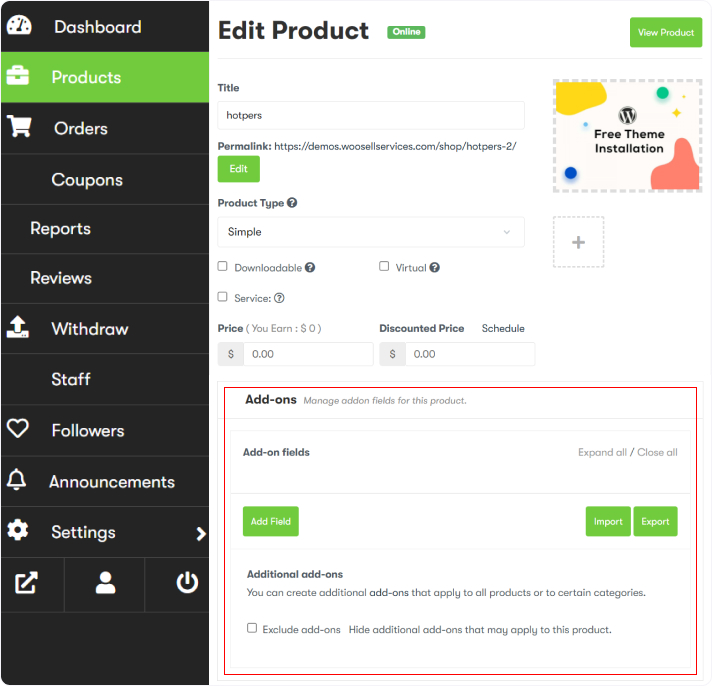
- Head towards WordPress Dashboard > Products > Add New.
- Fill in the service name and description.
- Scroll down to the Product Data section, and check the service checkbox.
- As soon as you check the box, a new section named the Requirement box will be opened.
- In this section, you can add service-related requirements or questions that he wants to be answered by the customer.
- Again come to the Product data section. Here, you’ll see a tab “Add-ons” click this and Create addons for your service. Click here to know how to create product addons.