Skip to content
Wbcom Designs Docs

Wbcom Designs Docs

Menu

Close
  • Home
  • Release notes
  • Home
  • Release notes

Reign Dokan Addon

  • Intro (1)
    • Reign Dokan Introduction
  • Installation (2)
    • System Requirement
    • Plugin Installation
  • License (2)
    • Add License
    • Upgrade License
  • Backend Setting (5)
    • Mark Product as Favorite
    • Show product on Registered Vendor's BP Profile
    • Buddypress Activity on Product Review
    • BP Activity on Product Creation
    • Reign Dokan Settings
  • Widgets (2)
    • Reign Vendor Listing elementor widget setup?
    • How to set Widgets in reign-dokan-addon?
  • Customizer Settings (3)
    • Product Page Settings
    • Product Page Customization
    • Set The Location of Store Header
  • FAq'S (6)
    • How to create single store using elementor?
    • Setup Header with product search
    • Single cart icon
    • Filters for StoreMate Dokan
    • Available Shortcodes for StoreMate Dokan
    • Which template files are overridden with Dokan add-on plugin?

Mark Product as Favorite

Get Started

Reign Dokan Addon provides a feature to mark the products as favorites which will work seamlessly with BuddyPress and BuddyBoss.

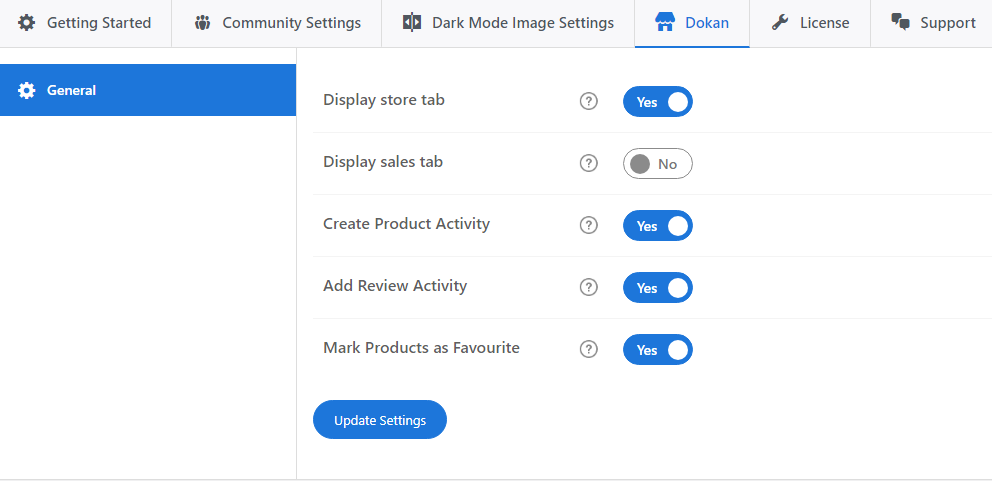
To enable this feature, you have to navigate :

Reign Settings >> Dokan >> Mark product as Favorite

Enable the setting; Now, site users will be able to mark products as favorites from the shop page or from the single product page.
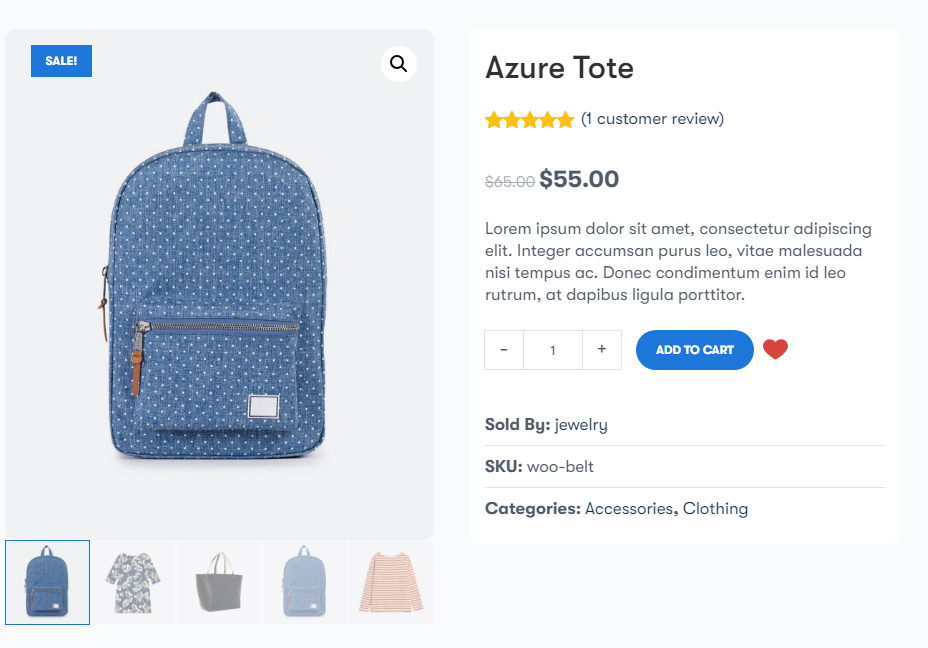
 

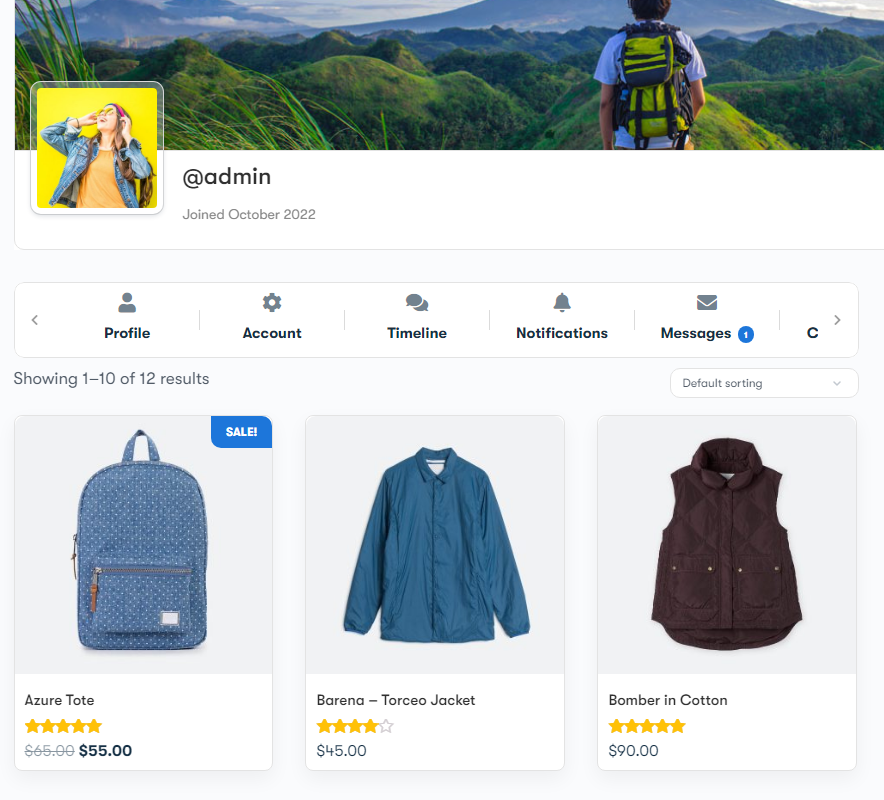
Users can access their favorite product from their BuddyPress profile under the Favorite tab.
Last updated: February 5, 2025
Next Show product on Registered Vendor's BP Profile
Copyright © 2026 Wbcom Designs
Privacy Policy