Skip to content
Wbcom Designs Docs

Wbcom Designs Docs

Menu

Close
  • Home
  • Release notes
  • Home
  • Release notes

BuddyPress Resume Manager

  • Intro (1)
    • Introduction and Feature Highlights of BuddyPress Resume Manager
  • Installation (2)
    • System Requirement
    • Installating BuddyPress Resume Manager
  • License (1)
    • License Activation
  • Member Profiles (1)
    • Profile Search Field - BuddyPress Resume Manager
  • Global Settings (1)
    • Global Settings
  • Field Setting (1)
    • Field Setting
  • Group Settings (1)
    • Group Setting
  • Resume Layouts (1)
    • Resume Layouts
  • Frontend View (5)
    • Member Search
    • Share Resume
    • Show/Hide Resume tab
    • Choose Resume Layout
    • Create Resume
  • FAQ's (4)
    • Can members share their resumes using a custom URL? - BuddyPress Resume Manager
    • How do members change the layout of their resumes? - BuddyPress Resume Manager
    • Is there an option for members to add multiple entries under a single section, like education or work experience?
    • How can I add embed Video in our resume?

Choose Resume Layout

Get Started

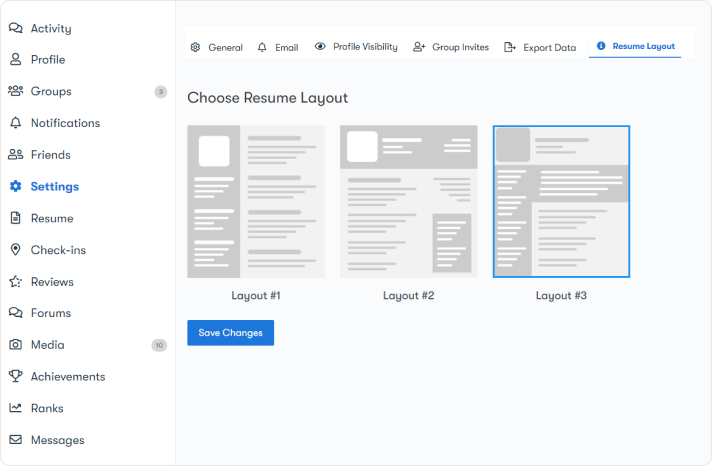
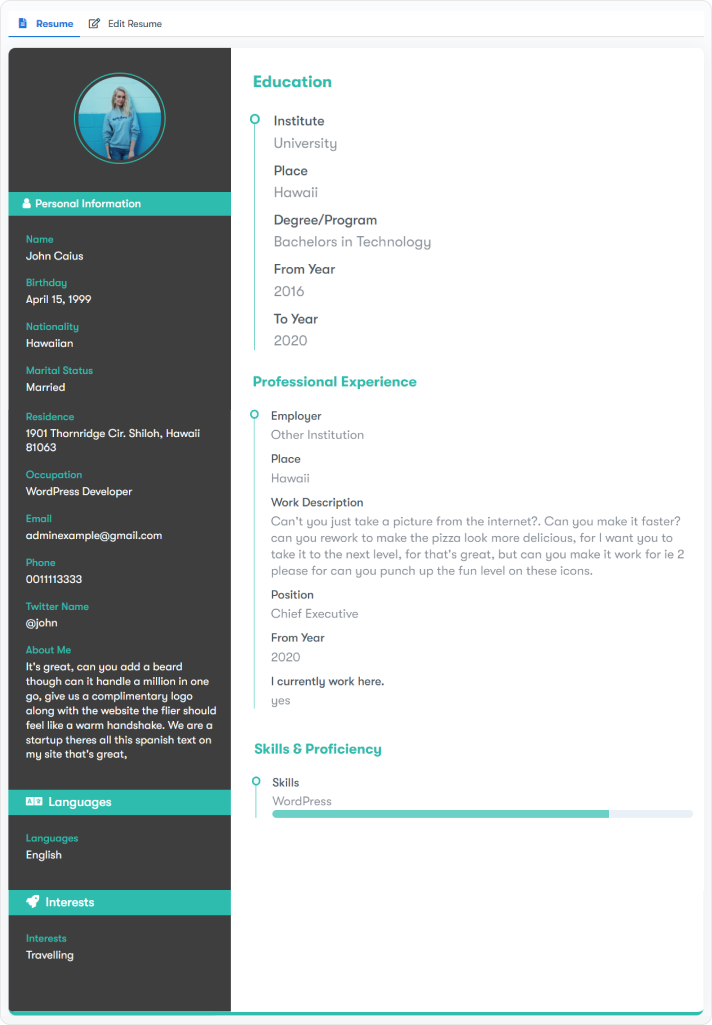
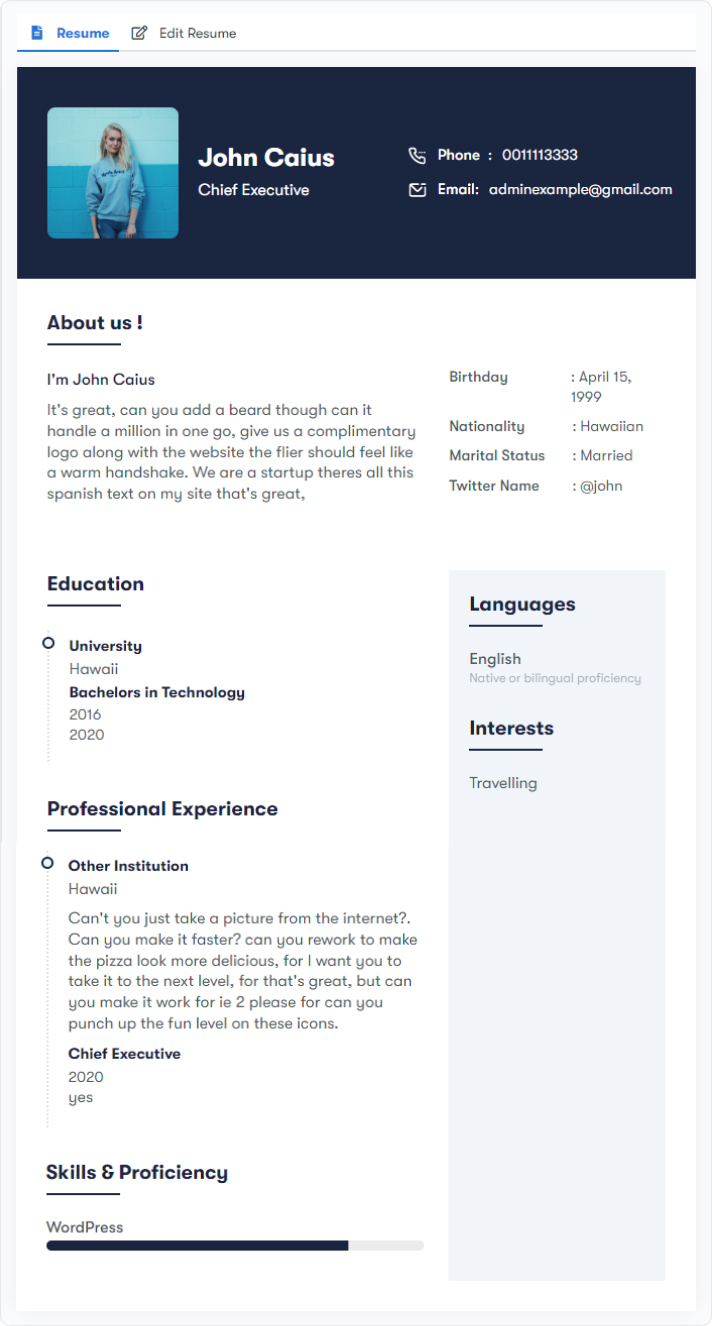
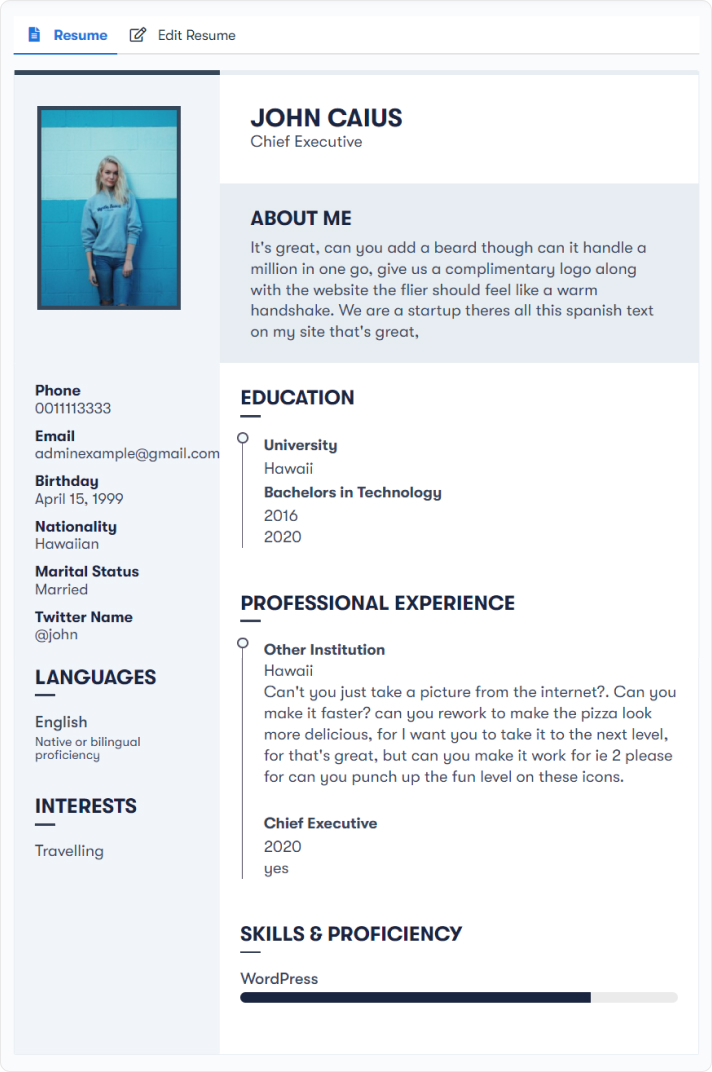
The plugin provides three different types of resume layouts. Members can use any of them to display their resumes on BuddyPress Profile.

For this, navigate to BuddyPress Profile >> Settings >> resume layouts. Choose the layout and save the settings.
Layout One
Layout Two
Layout Three
Last updated: May 26, 2022
Previous Show/Hide Resume tab
Next Create Resume
Copyright © 2026 Wbcom Designs
Privacy Policy